
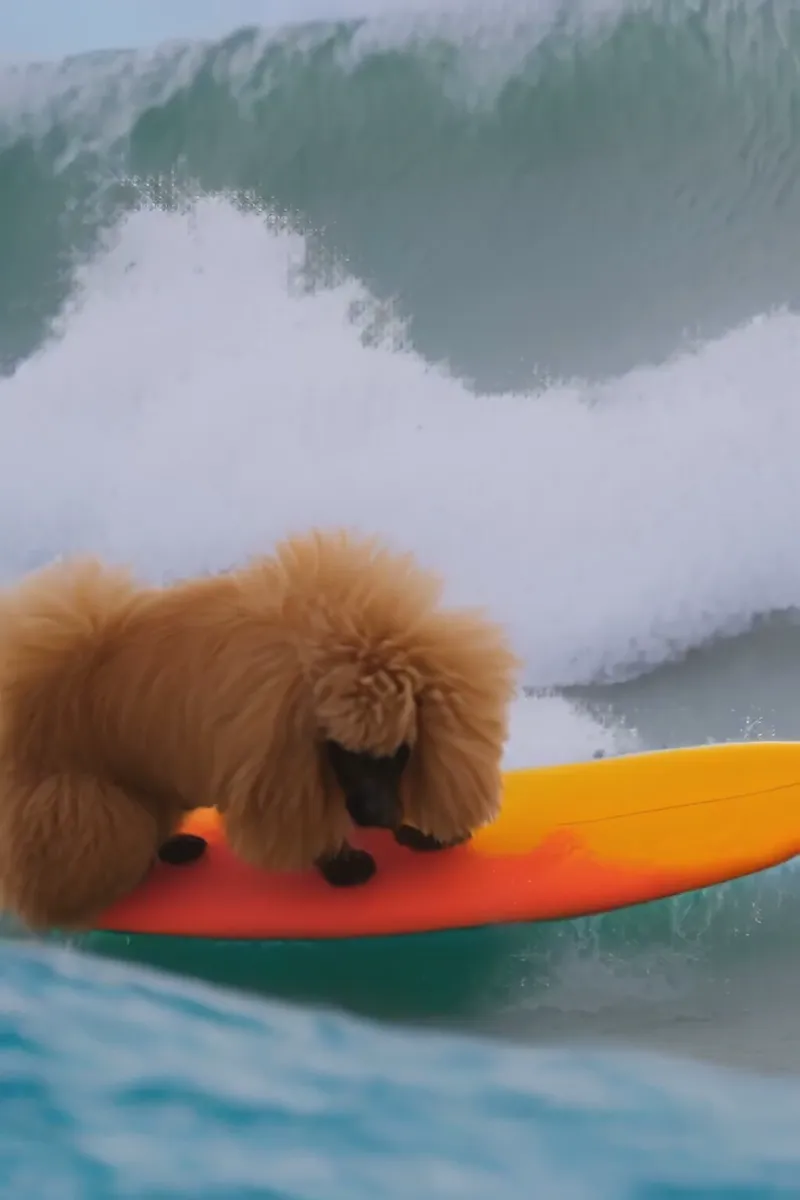
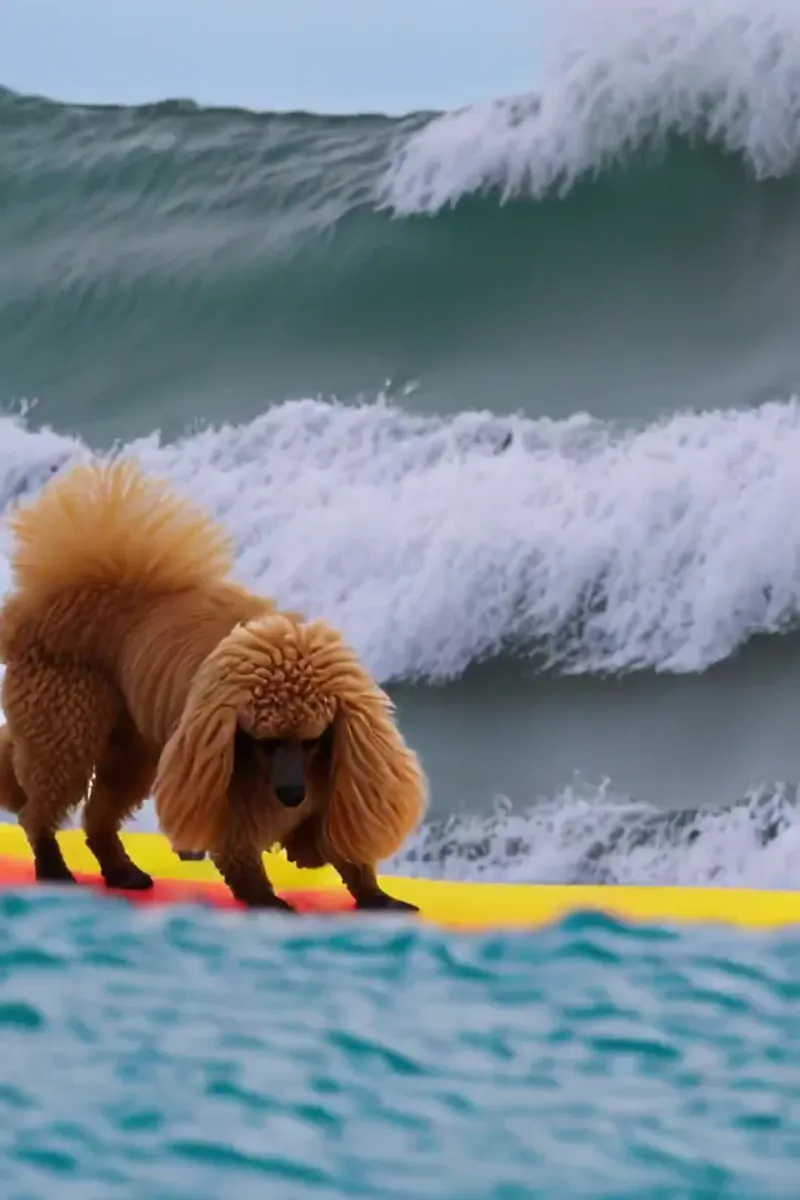
Text2Video TD: Operator for AI-Generated Videos
Hey friends!
I am super excited to share Text2Video, a TouchDesigner operator designed to generate AI-generated videos using text prompts or input videos or images !
[ Project file includes a in-network GUI for easy control as well as the prompts used to create these videos !! AVAILABLE ON DISCORD - or if thats not your thing, shoot me a message on here or instagram and I can share a link for Patreons. ]
[Nvidia / CUDA cards are required as far as I know.]
This operator extends the functionality of the API in the Text2Video extension for Automatic1111, providing an easy-to-use interface within Touchdesigner.
By using Text2Video, you can generate short videos based on text prompts, adjust video parameters, and have full control over the video generation process.
Some of the key features that the TD tool adds to the automatic1111 extension are:
Browse past video outputs / settings quickly and easily
Track settings with a settings_vid.txt file created for each generation
One click to upscale the current display video to remove watermarks/increase resolution
Built-in Touchdesigner extension for Python-based control and further customization
To get started with Text2Video, you'll need Automatic1111 with the Text2Video extension installed, which can be found here: https://github.com/deforum-art/sd-webui-text2video. Automatic1111 Extension Features:
Generate videos based on text prompts and various parameters
Vid2vid mode - Generate video based on any input video from disk
Inpainting mode - Insert an image from disk at one or multiple points in the video generation
I have included a more detailed readme built into the op [ html readme ! ].
Check the About tab of the operator or dive inside to see it.
I appreciate your continued support, and look forward to seeing what you create !
I have been a little quiet on Patreon but the development has continued. More coming soon !!! :)
Comments (4)
Hi, How can I access the file?
I guess the part I can't seem to figure out how to do is to add an 'api flg'/ I already have automatic111 and SD locally installed and use in a regular way. I'm just not sure what this instruction means: "Start A1111 with api flag" Will also post this question in the discord.
Is there a a tutorial for connecting TD to automatic111? I have Stable diffusion/deforum/automatic111 running locally. I just don't know how to connect it into the TD patch?
I do know there's one on github: https://github.com/olegchomp/TDDiffusionAPI