🎓 D.I.Y.: Convert "Default Feet" overrides to "Resource Overrides" to remove "Modded" flags! -- [6/12] ⛔ QUEUE THE CAVEATS (MULTIPLE)!
📌 This is a followup to "Footsies" -- https://../posts/131168676
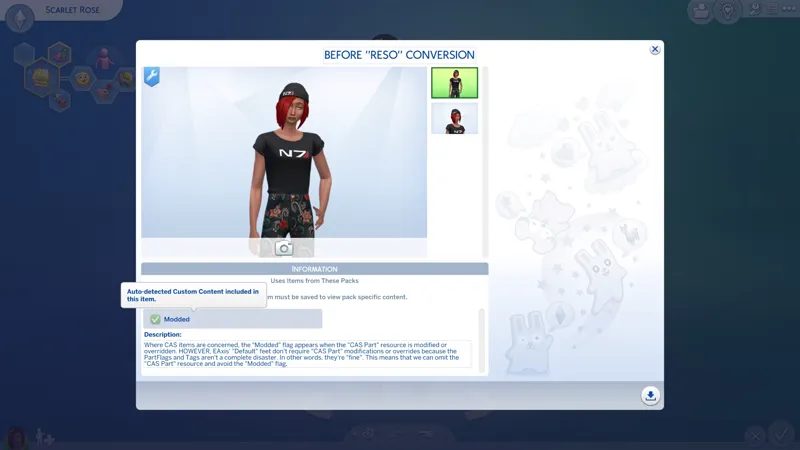
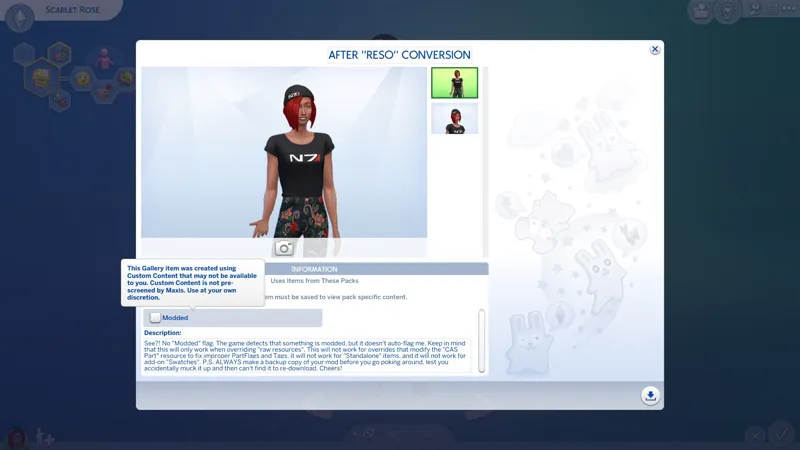
🦄 I despise unnecessary "Modded" flags.
⛔ Read the "caveat" entries.
☆ // ⋆ DISCLAIMER:
Bear in mind that I don't know or care about the majority of the features in The Sims 4, so there's the possibility that I missed verifying the "RESO" modification with something.
In fact, the only things I know of that this needs to be verified with is CAS and the pedicure feature in GP02 Spa Day.
P.S. ALWAYS make a backup copy of your mod before you go poking around, lest you accidentally muck it up and then can't find it to re-download.
☆ // ⋆ THIS IS VERY SIMPLE TO DO:
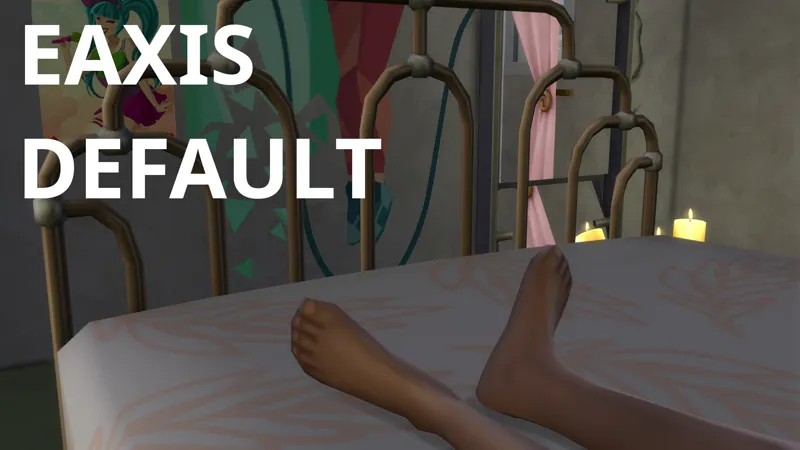
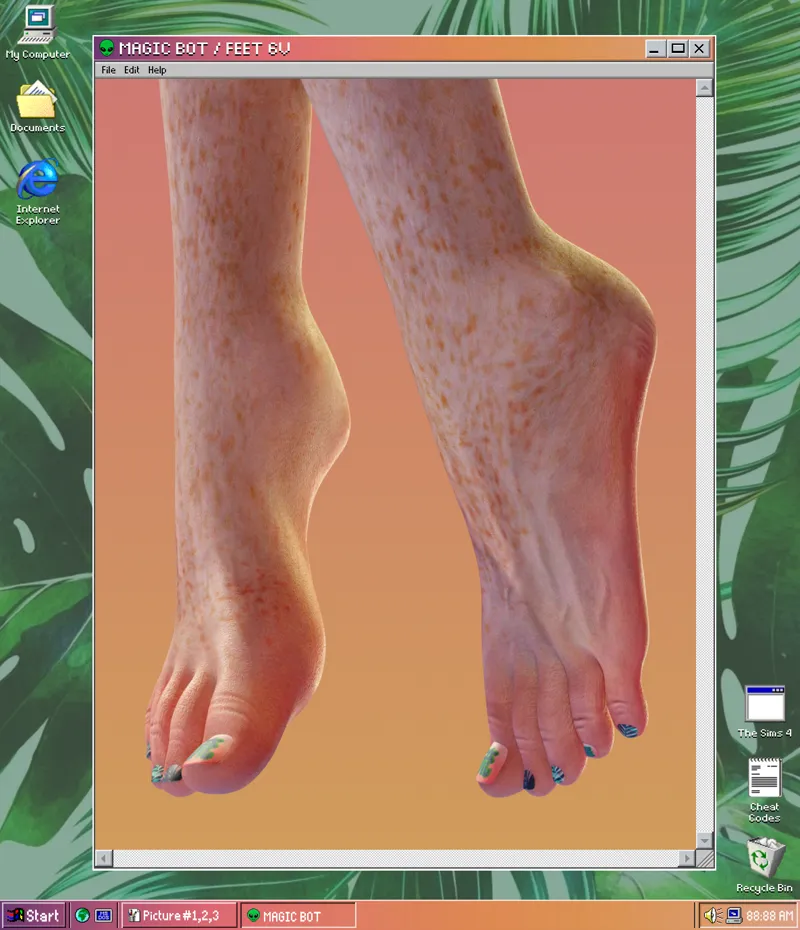
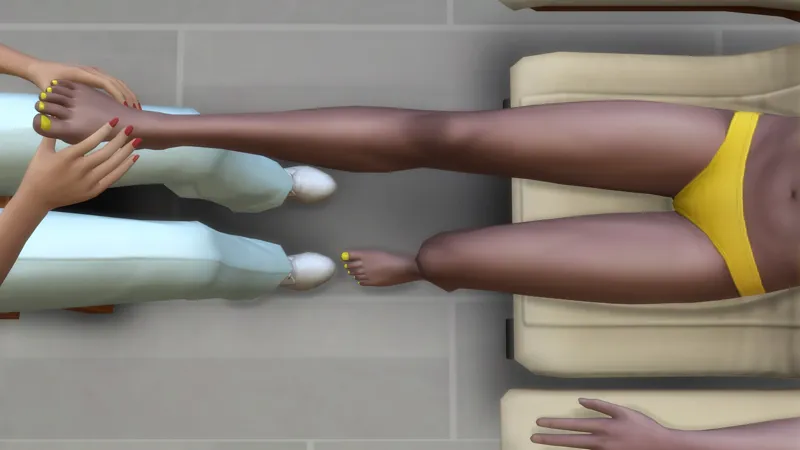
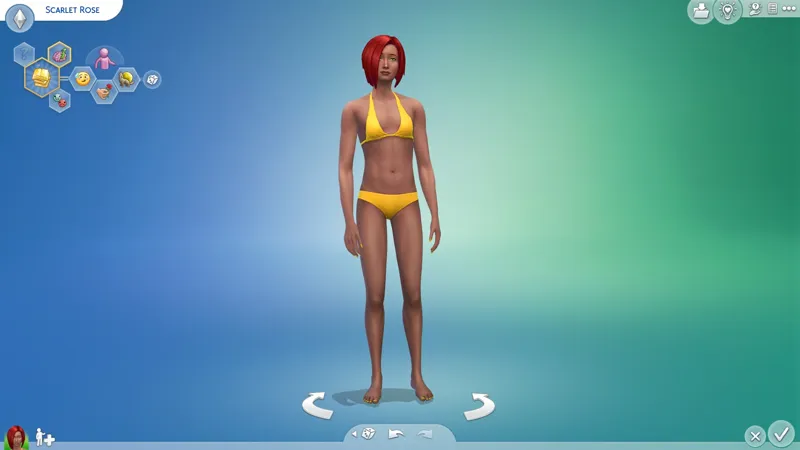
For my example, I'm using these "Default" feet:
🎀 MAGIC BOT v6 (13,808 Polygons) -- https://../posts/33702813
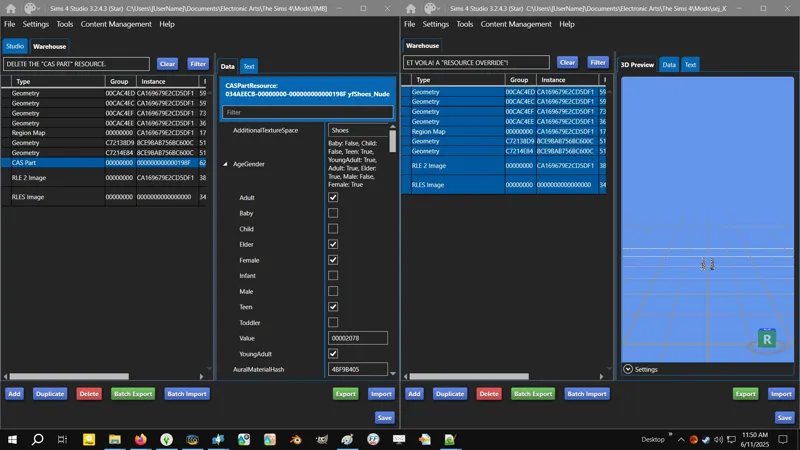
You've just gotta delete the "CAS Part" resource:
1️⃣ OPEN your PACKAGE with Sims 4 Studio.
2️⃣ NAVIGATE to the WAREHOUSE tab.
3️⃣ DELETE the "CAS Part" resource.
4️⃣ SAVE the PACKAGE.
5️⃣ VERIFY in CAS and Live Mode.
Super easy! Barley an inconvenience! 🌾
⛔ // ⋆ OF COURSE THERE'S A PROBLEM:
TL;DR: Don't "RESO" your "Default Feet"! EAxis' PartFlags and TAGS are actually not fine!
─
I was informed that without the "CAS Part" resource, Male sims are getting the Female feet, and the Female mesh for "MAGIC BOT v6" don't look good on Male feet.
This is a PartFlags and TAGS problem with EAxis' "CAS Part" resource that I missed when I said "they're fine". They're actually not "fine".
The problem is that EAxis' "CAS Part" is missing the necessary "Restrict Opposite Frame" flag. Most times when I mention unrestricting clothes in CAS by removing "Restrict Opposite" flags, I tack on a little "(but never bare feet)" after mentioning SHOES, and this is why - BARE FEET, TOENAILS, and FINGERNAILS, along with HAIR, etc. must always have the "Restrict Opposite Frame" flag.
So the next question should be, "If the PartFlags and TAGS on EAxis' feet aren't fine, and this is the result we're seeing with a Geometry "RESO", then does that mean that Male sims are generating with Female EAxis feet in unmodded games?!"
And the answer is yes! It's random, but yes!
We don't see the difference with EAxis' feet because EAxis' mesh appears to be unisex, or it could be due to the additional toenail mesh that are on these custom feet. I'd have to investigate further. It's 5 AM and I've been up all night.
<BLOWS RASPBERRY>
Until EAxis "realizes there's a problem" and fixes their PartFlags, you shouldn't "RESO" your "Default Feet" overrides unless you have a separate override that fixes the PartFlags and TAGS.
"Resource Overrides" are compatible with external overrides for "CAS Parts", like my (unreleased) "CAS Overrides" for the BASE GAME. Shameless plug! So yeah, my "Default Feet" are still "RESO'd" because I have my own "CAS Overrides"! 😹
"Resource Overrides" are supposed to be these fun little things, but no! Caveats! 😹
Yeah, there's something else...
⛔ // ⋆ "RESO" TOO STRONK FOR SIMRIPPER:
I don't get this one. Why you cramping my style, SimRipper?
If you SimRipper and your sim is wearing a "Resource Override", you'll likely end up with missing textures or missing meshes in your... SimRipper.
I dunno, bruh! An override is an override. SimRipper needs to get on my level. 😹
So, what does this new revelation mean for the future of my "CAS DeBloat™" project that's supposed to be strictly "Resource Overrides"?
<THROWS HANDS UP>
It's 5 AM and I've been up all night. I'll cross that bridge when I'm awake. 😹
P.S. This is only an issue with CAS "RESO". My other "RESO" projects like "RESO: Silencio" are fine. They carry the same project group name, but they're a different kind of override.
☆ // ⋆ TBC...