

DevTalk: Save System
Hey everyone!
Today, we want to briefly walk you through how the game's save system works and the logic behind it.
As in any visual novel, saving progress is essential. We provide two types of saves: automatic and manual.
Main Logic
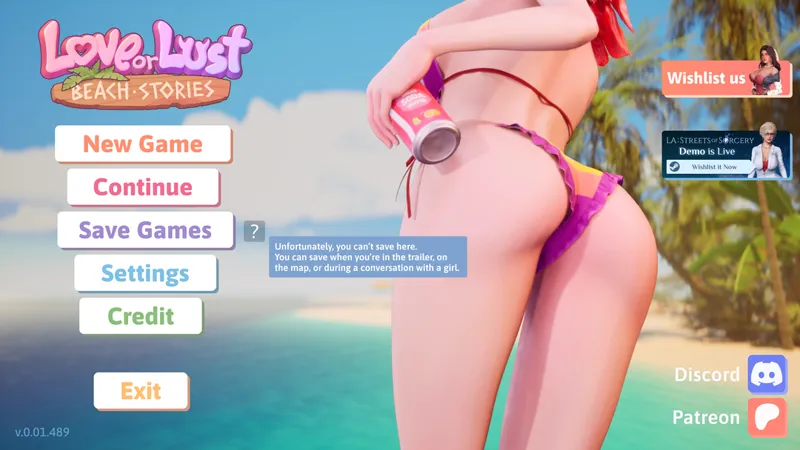
When you launch the game and see the main menu, the “Save Game” option is either hidden or inactive. Only “Load Game” is available at this stage.
During gameplay:
• “Load Game” is always available
• “Save Game” becomes active only when saving is allowed
If saving is not possible at a given moment, hovering over the “Save” button will show a tooltip explaining where saving is allowed.
Save & Load Menu
You can access saves through the in-game menu (via ESC).
To create a save:
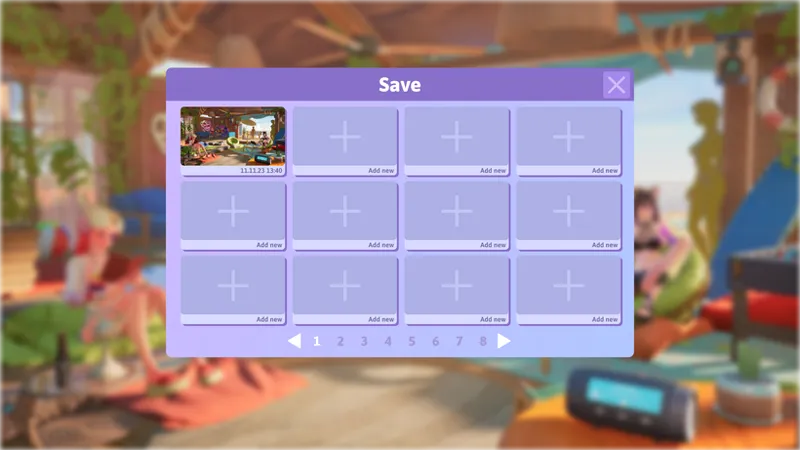
• Open the menu → go to Save
• Click on an empty slot
• A window will appear with a default name (editable)
• Confirm or cancel using the buttons
Additional actions:
• Delete a save → confirmation popup (Yes / No)
• Rename a save → edit window with confirm/cancel options
• Each save slot includes a preview thumbnail based on the current system
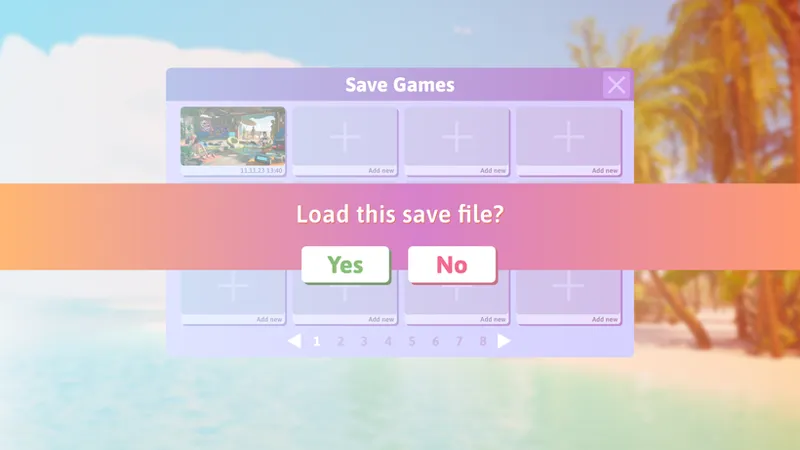
The Load menu works the same way, just with a different header.
Autosave
Autosave happens automatically at the start of each in-game day.
You’ll see a small on-screen notification when it triggers.
At the beginning of the game, we will also inform you about this feature.
• Autosaves always occupy the first slot
• Labeled as Autosave with a timestamp
You can interact with autosaves like any other save:
• Delete it → a new autosave will replace it later in the first slot
• Rename it → it becomes a manual save in a separate slot
Manual Saving
Manual saves are only available in specific situations.
Saving is NOT allowed during:
• Day/night transition animations
• Fade-in / fade-out moments
• When any UI window is open (tutorials, item popups, etc.)
• Phone usage (in any state)
• Mini-games
• Intimate scenes or related content
• Scene replay
• Character customization
Saving IS allowed:
• In the hub (main location)
• On the map selection screen
• During standard dialogue scenes (outside restricted situations)
That’s the current structure of our save system.
As always, we’d love to hear your thoughts. Does this feel intuitive for you?
Comments (2)
0.6 reset my lust and love counters and money. I opened the save and values are still there, but game shows zero for all of them. Did you change something in saved games and it now uses different variables?
How do you access those "additional actions"? Hover over and delete = nothing happens, mouse right = nothing happens. UI doesn't show any method.