

TV Cams - Initial Release
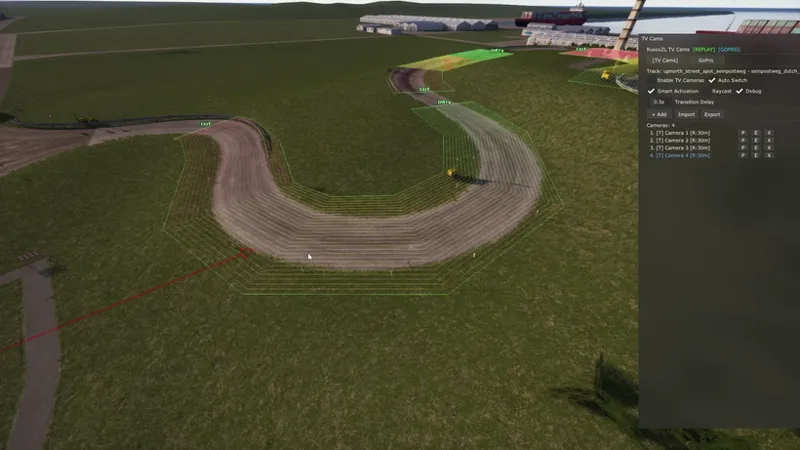
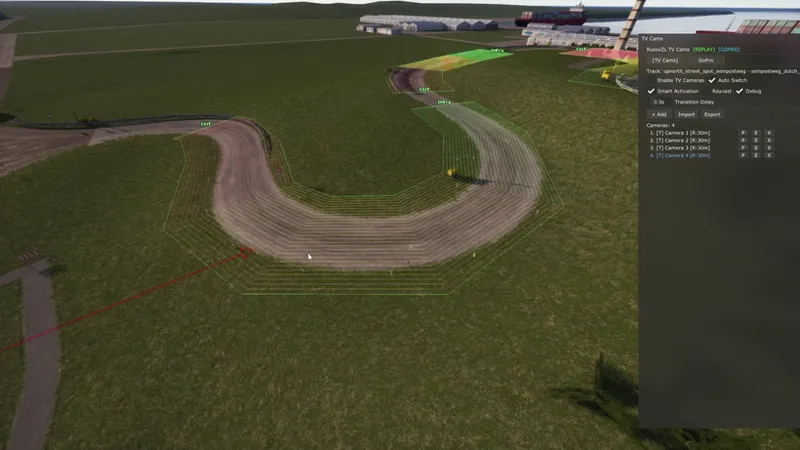
I created this camera app inspired by CamTool to make content creation easier. Everything is very intuitive as long as you understand the concepts of waypoints and keyframes.
Goal
Create TV-style cams in minutes, adjust FOV, and you’re ready to record.
How to use:
1. Create a waypoint path:
- Press F7 to position the camera where you want. This is the start point.
- Hold Shift and draw continuously along the track while holding it.
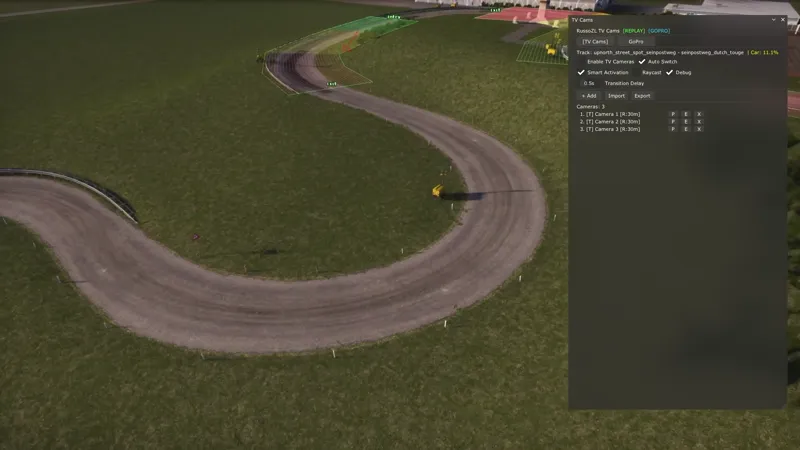
- When you finish, click "Finish" to see the path you drew. (Enable Debug to visualize the path.)
2. Enable and adjust TV cameras:
- Turn on "Enable TV Cameras" and drive the car over the zone you created.
- Select "Keyframe" to see the FOV at the car’s current position in real time.
- Adjust the FOV; hold Shift for finer adjustments.
3. GoPro mode:
- Inspired by HotVersion videos. When you leave the zone you created, the view automatically switches to an internal camera you previously positioned.
- You can enable or disable this mode.
Notes and troubleshooting
- To use F7, GoPro mode must be disabled.
- If something seems not to work, uncheck "Enable TV Cameras" and check it again.
- This is an early version. Report any bugs on Discord.
Comments (2)
This create a .csv file for track cams as well by chance? Looks way smoother than camtool
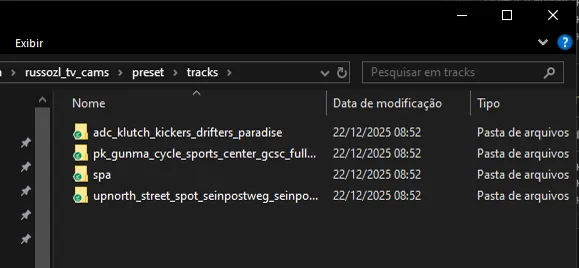
creates a separate .ini file for each track, which is only compatible with this app for now but I am looking for a way to implement it so that it is compatible with CSV and JSON, even compatible with Camtool files, making them editable in the future via TV Cam Tool.