
Are you experiencing interface issues in Buy and Build mode?
Hola, ¿cómo estás?
Some people reported issues with the Buy and Build mode interface, noting that it was broken or would freeze. This occurred with the August 6, 2026 update.
PC: 1.126.78.1020 / Mac: 1.126.78.1220.
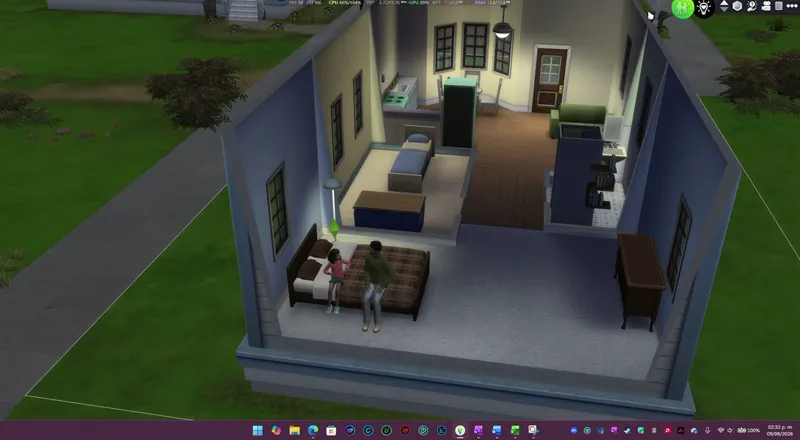
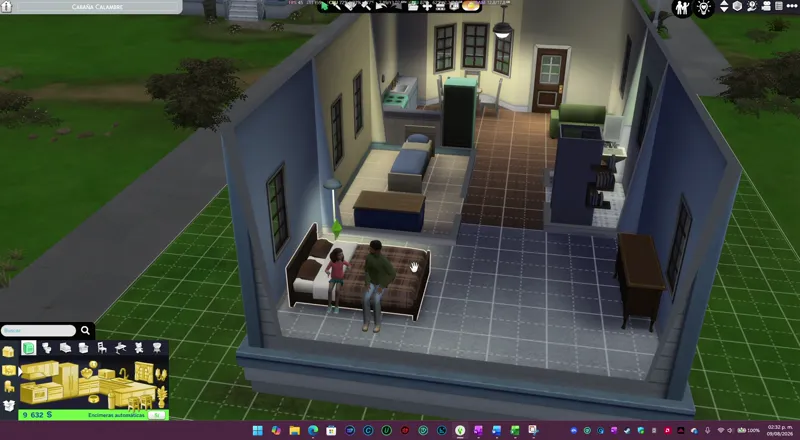
As you can see in the video, from my perspective, no such problem exists. So, what is causing it to happen?
To put it briefly: I HAVE NO IDEA WHAT IS CAUSING THAT BLOCK.
I can only offer hypotheses...
Hypothesis 1
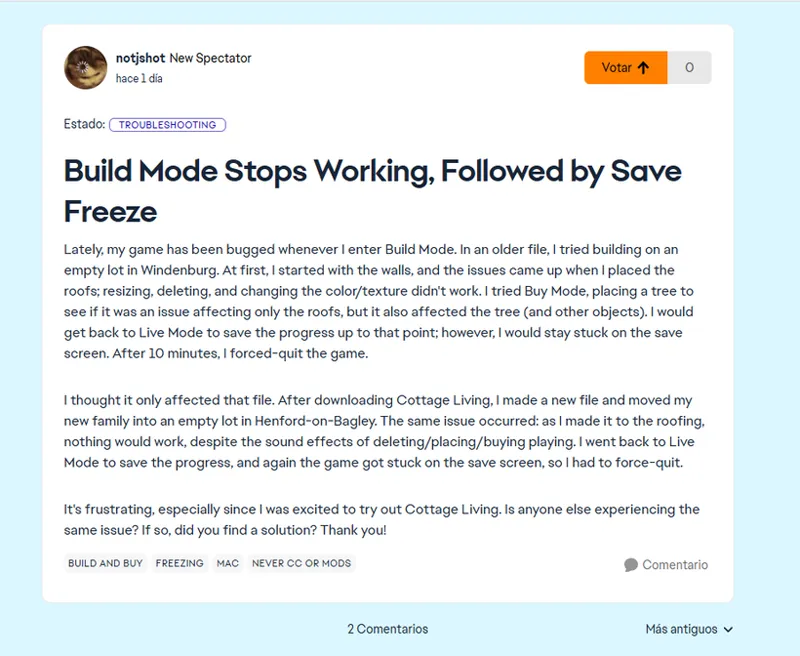
The closest thing I found on the EA bug report page was this, but the issue seems quite isolated. Also, it’s not something I’ve been able to replicate myself. Still, I’m leaving the tags here in case anyone wants to take a look.
Etiqueta:"build and buy" en "The Sims 4 Bug Reports" | EA Forums
Hypothesis 2
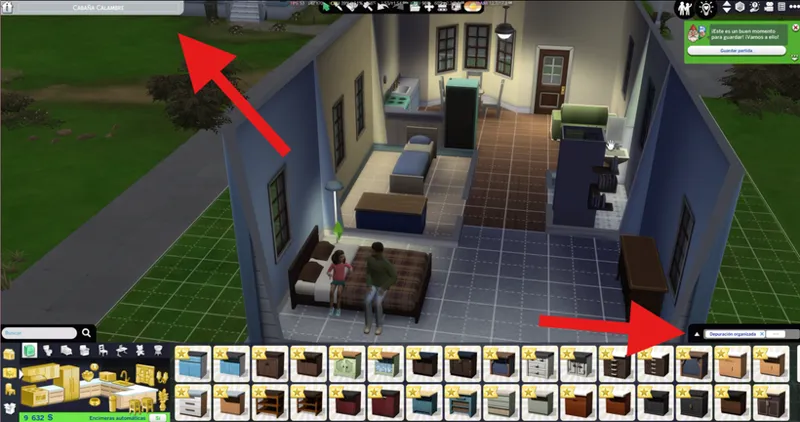
I doubt the interface is broken, since 85% of it consists of textures. The parts that are modified in the gfx files are these two: the filter and the lot information corner. That is the reason why there are two patches..
Better BuildBuy
Quick Save Button - BuildBuy
Apart from that, there are no other issues that cause a freeze; when these two fail, the screen appears blank or shows a looping animation, but it does not cause a freeze as such.
Hypothesis 3
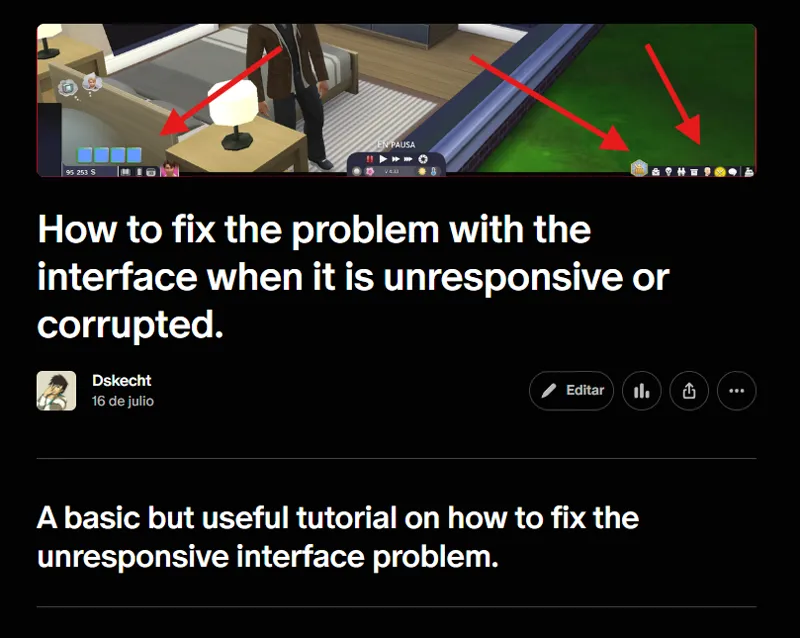
A blocking issue can occur when using UI Cheats Extension patches without having the mod itself installed, but a tutorial already exists to resolve these problems.
How to fix the problem with the interface when it is unresponsive or corrupted. | Dskecht en Patreon
In short, I don't know what is causing the problem, but it can't be my copy of The Sims 4, since—as shown in the video—everything is brand new. My computer crashed, and Windows had to be reinstalled from scratch. I lost all my Sims files, so I’m playing as if I were a new player, given that I didn't have a backup of those files.
I haven't been able to reproduce the issue either, so I can't fix something when I don't know the source. That’s why I offered hypotheses rather than theories; I’m simply not sure what is causing this problem for the minority of players affected by it.
Comments (1)
Hey so I am also experiencing this freeze but only when I’m in the toddler infants category or kids toys. I have no idea what happens the screen just completely freezes. It also did it consistently if I searched dollhouse