
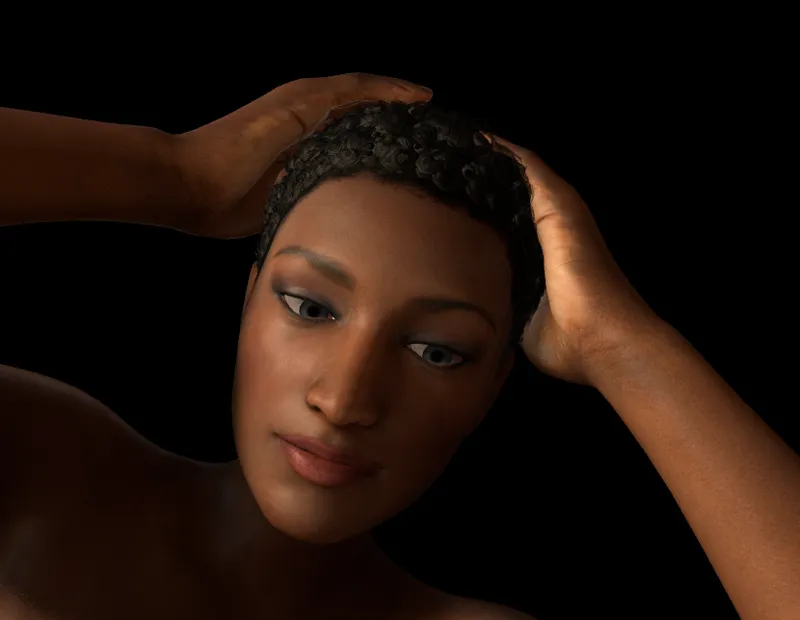
My Hair! (is fixed - Patch 1.2.1)
Patch 1.2.1 is available. Fixes following issues:
* Omri hair shader missing in build - was causing it to be stuck in space
* (Oculus Touch only) drag of sliders outside of UI and release was causing control to be deselected
* Anatomy tab should have been disabled in 1.2 since male anatomy is now controlled through regular joint UI interface
Download (to install find the Release1.2 directory where you installed VaM and select that in the update program as the install dir):
mega.nz link
Comments (38)
This is going to be a great program!
congrats on achieving 2000 patrons milestone!
woohoo!
Great work!
Is there an ETA on the next update?
by end-of-month is all I can promise. I was really hoping to get something out in next 24 hours, but I have some schedule conflicts that might prevent that
Add multiple Vive Tracker support and I'll double my donations :)
Tracker support is planned! <a href="https://trello.com/c/mInU2vjt" rel="nofollow noopener" target="_blank">https://trello.com/c/mInU2vjt</a>
I love it. Best adult VR app I have seen to date really hope 3 actors on screen will be possible soon thank you for working on this !!
Once I get some performance improvements (need some help from Unity themselves on some aspects) I will unlock to allow more characters.
In future updates, will there be morphs for face, hands ect? I would like to have diffirent hand articulations, like pinching, etc. This is like having POSER in VR...a dream come true!
There are a ton of face morphs already in release 1.2. Check the morph tab and change to the different categories to find them. For face there are multiple categories (face, head, lips, etc.). For hands, yes I want to provide more detailed control in a future release.
Sorry if this is a stupid question but how do I get multiple lights in creator mode? I know how to access the single light and change brightness etc. but not too sure how to clone it so That I can see in front and behind the model at the same time . Also is it possible to build a room instead of being in a black void? Thank you!
Open the UI. Click the edit button if you are not already in edit. Then you will see Add Atom area. In the dropdown select one of the light options, and click the add button. This is how you add other objects as well. In upcoming 1.3 release there are some more options for environments instead of starting void.
When in creater mode, how do I add another figure? Like if I wanted 2 girls?
Go into edit mode. Have UI open. Look around scene while touching A/X (Touch) or Thumbpad (Vive). You should see 2 person icons. Point at and select the 2nd one that is not active. Click the "on" toggle in the UI. Currently limited to 2 total characters. In future will open up to more.
Great job, easily the best adult VR experience so far. I have a question though, is there any way to disable the edge scrolling on the touch pad? I must not be seeing something in the options, but having the camera auto pan in all directions when I'm trying to simply select something or even use the teleport feature is a little jarring.
Do you only have 1 Vive controller on? There is issue with that: <a href="https://trello.com/c/m5IKxxW7" rel="nofollow noopener" target="_blank">https://trello.com/c/m5IKxxW7</a>
my game still wotm start says mono error
Weird bug: this happens with 1.2 as well. After unarchiving, running the game and entering the content key, I can't "click" on the Ready button. It doesn't do anything. I'm using an Oculus Rift with Touch controllers.
Use the 'VaM Config (Run This 1st Time)' shortcut to resolve this. Once you do this once, future launch should work from VaM.exe
Could you add more east Asian hair style (black), and more soft and white skin set? Eagerly looking forward to a creamy white skin. Thank you so much for the great work!
Asian models and hair coming in future release for sure! This month will also see a new dark hair style!
Thanks for fixing those two bugs. The drag of sliders one was really bothering me. I have a new one to report : I've noticed the shadows cast by the Omri hairstyle flicker a lot. I've seen it occur today, with a light source near the model's face (roughly 20-30 centimeters) and the shadow was cast on the ground, on the concrete-looking, grey floor.
I will take a look - thanks for report!
Two very minor "issues":<br>1) I think the version number should be shown in the welcome screen in VR (maybe just a tiny text). When I put on my Rift I usually start the game from within VR, but I can only be sure that I got the right version when I'm already in-game.<br>2) In the game it still says "Thank you for <b>you</b> support"<br>PS.: Did you put one of my models into your game? That's so awesome! Thank you!!
1. Good suggestion! 2. Thanks for typo catch! 3. What models are yours? Are you a DAZ3D vendor?
Not having a VR Headset is starting to suck more and more.
Nice, i thought it was just me.. :) thanks for the great work!
Unfortunately , pony tail hair needs this fix too.
Arg. Let me look. I use a slightly different shader for that one. I'm not sure how my shader export list got messed up.
+1 impressed by your fast update Meshed! Loving your work :)
Thanks Meshed, very fast correction ^^ For deslected UI with the Touch,i was going to report it but it's settled, nice job.On the other hand for the displacement,i would say that the "grab world" is well see,but I miss the teleportation mode, I would say it's not as fast as the current one.So if there is a possibility to put it back for 1.3, as an option, for those who want it, just clicked on a box to activate, if it is feasible I would be delighted ^^
I'll see if I can find a way to add back for Touch users. We are out of buttons and Touch has free move with thumbsticks so I thought it would not be missed. <a href="https://trello.com/c/19R6pgrv" rel="nofollow noopener" target="_blank">https://trello.com/c/19R6pgrv</a>
<i>* (Oculus Touch only) drag of sliders outside of UI and release was causing control to be deselected"</i><br>Thanks for the quick fix! This one bugged me the most.
Lightning fast fix! Thx!
Windows Defender complains about something dangerous in the patch. I boldly took the risk and it works.
Well windows defender can be dumb, as in this case. It is a simple patch program. Not sure what it is complaining about!