
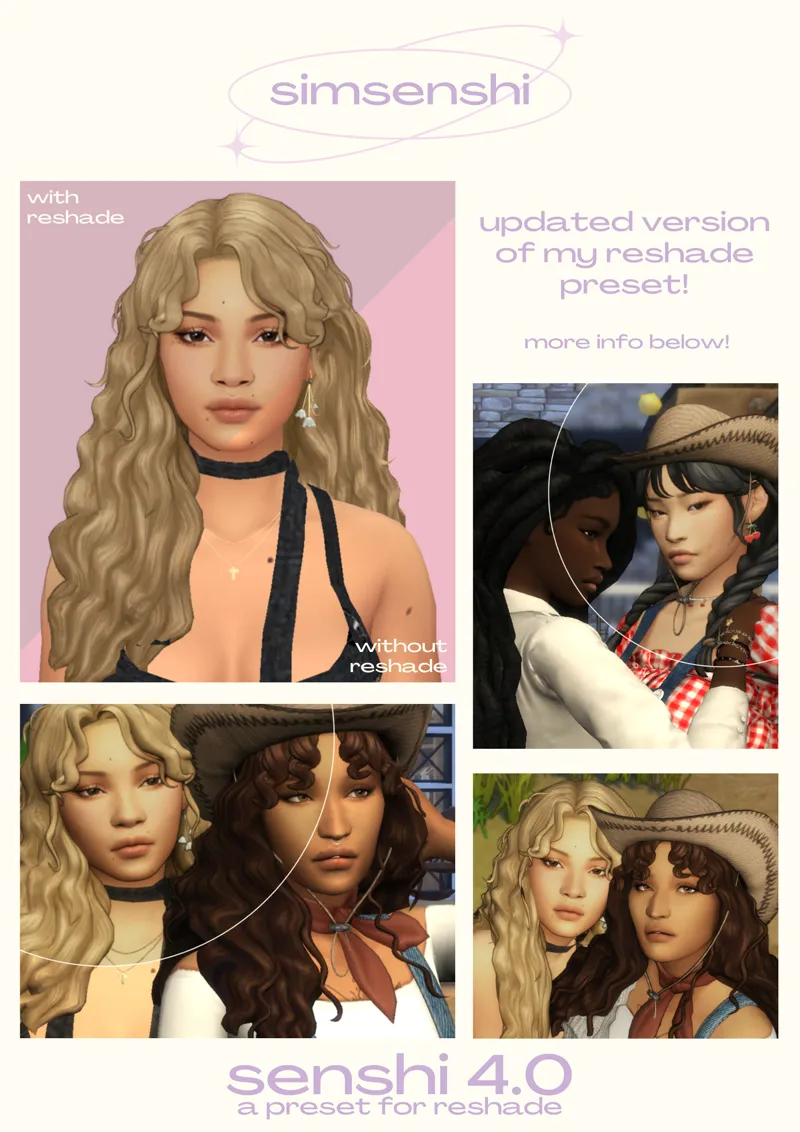
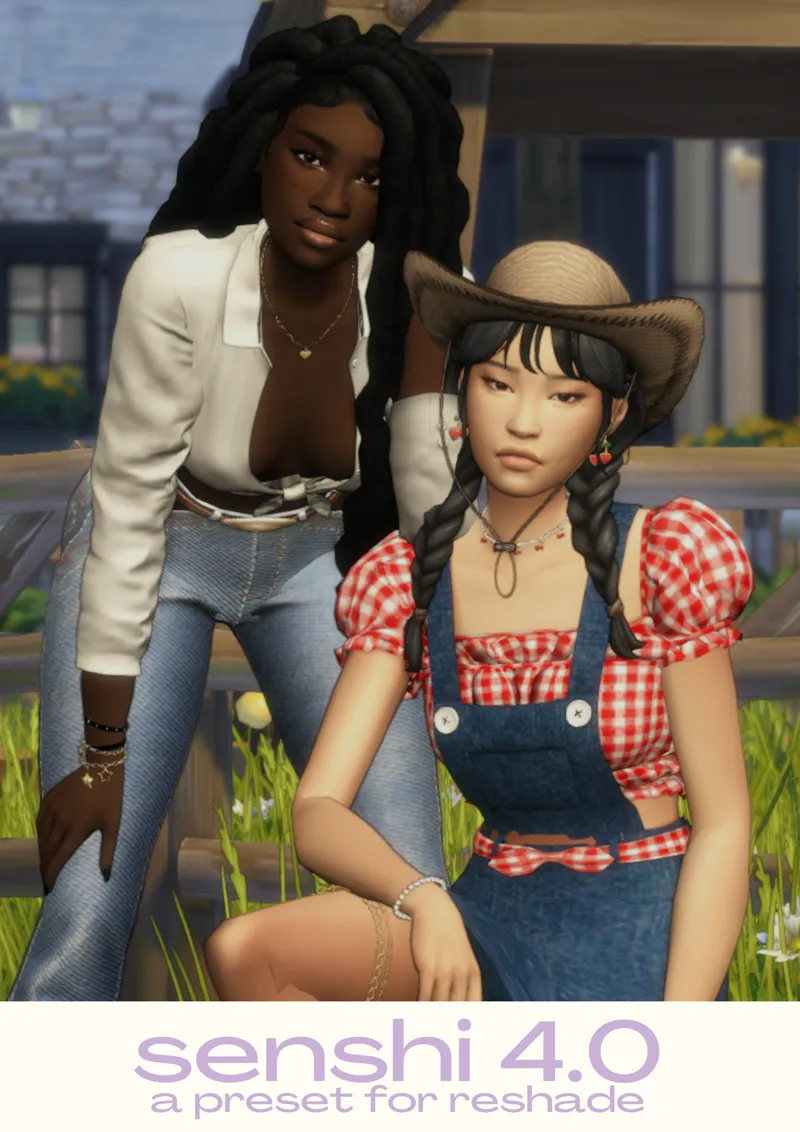
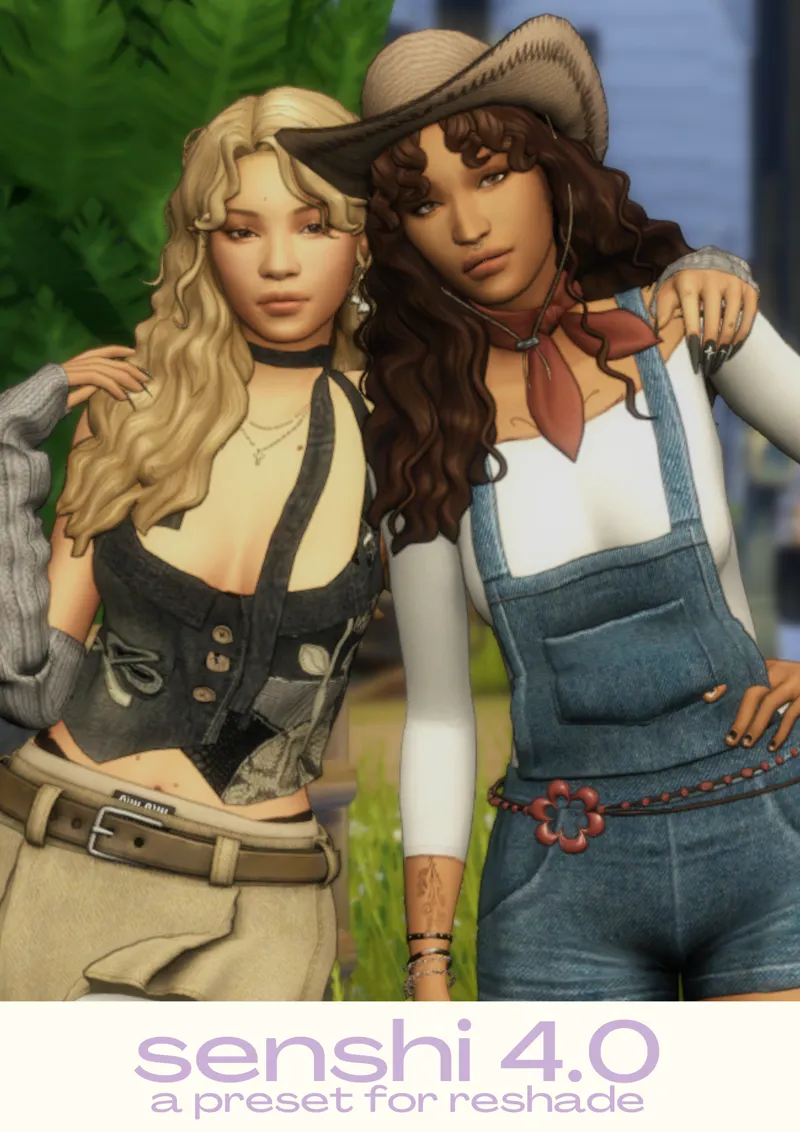
senshi reshade 4.0
Hi everyone! I'm back with another version of my reshade preset!
This is pretty much a super toned-down version of my previous presets, with only one version that should work perfectly in cas and in regular gameplay!
ALT DOWNLOAD/SFS
There are toggles to disable/enable certain effects:
- f9 disables comic/outline effect
- f10 disables mxao/shadows
- f11 enables adof/blur
(I only use adof when taking screenshots in game, it should automatically be off when the preset is launched; otherwise, it will blur your game and cause lag)
You can watch a tutorial on how to download this preset here!
(This was for my previous preset but it should work the exact same way)
FIXES FOR COMMON ISSUES WITH THE PRESET:
If the outline effect isn't working - make sure you have edge smoothing disabled in the sims graphics settings.
If the preset looks dark - make sure that the RESHADE_DEPTH_INPUT_IS_REVERSED is set to 0 in the global preprocessor defenitions on the reshade menu
If you have any questions please comment them down below and I'll try and awnser them asap for you! <3
(THIS FILE IS COMPLETELY SAFE, IT MAY TELL YOUR COMPUTER THAT IT COULD BE HARMFUL BUT IT'S NOT!)
Comments (17)
i have tried everything i can and i cant get this to work :( i checked all the boxes, switched between DX9 to DX11, placed the files in the right places and im not sure what exactly im doing wrong. before, the reshade said i did not download all the required files, then i thought i fixed that and now im having launch issues. any tips?
I think its a reshade thing, im having this problem with the new reshade update too.
can i used this in gshade?
How do i get the preset in the game? It just says it isnt working. Do i need to put it in a specific folder?
In my experience you have to place it into the bin of your sims 4 file. Not the other bin Specifically the bin in C:\Program Files (x86)\Steam\steamapps\common\The Sims 4\Game\Bin (If you used steam of course. It should be in whatever you used to install TS4) You can just drop it in there it doesn't go into a subfolder and it should show up in game If not then idk but hope this helps!
hi! know this a super super old post, but what shaders did you use for this? are they the same ones as the older versions?
where do you put the MXAO file
A bit late, but the tutorial linked in the description tells you exactly where to place it!
is anyone else having issues with the outline? It's literally just not showing up; I turned edge-smoothing off and that's the only tip I've been given of how to fix it! When I turn the comic effect on it looks almost like nothing has changed. What's happening?
Same here!! Did u figure it out???
can i ask what cc you used for the braids?
will this work if i just put it in my mods folder? ive never used a reshade before
no it won't, However there's pretty good youtube videos that show you how to install them in detail!
tysm this is exactly the kind of effect i wanted
uhm my file thing said it blocked it bc it could be harmful to my device...
its because its a .ini file its safe just select keep in the downloads
i love this so much