







Cam Companion
I have a lot of plans for this app, but I've already talked about them in a previous post.
The TLDR is that I want this to become a camera app but I got sidetracked trying to understand Depth of Field (DoF) and ended up implementing an alternative to CSP photo app.
So please understand that at this stage, this is the only thing that the app does: static screenshots.
That means it does not do over time accumulation screenshots to simulate motion blur/shutter speed, mostly because it would take too long with the current technique (current time multiplied by the number of frames needed), so I thought I would wait until I have a good real time DoF implementation to add that feature.
I'm not a photographer, nor did I know anything about photography prior to looking into this, and I'm not big on Assetto Corsa screenshot stuff either.
In fact when I started working on this app, it was because I was looking into the different techniques to achieve DoF in games, and this one, even if it's not suitable for real time applications, is quite accurate to real life cameras DoF.
Since I was struggling to know for sure what results were expected when playing around with a real time DoF implementation, I thought that working on something like this would give me good references that would help me make a good real time implementation later on.
And since I seldom take screenshots I never realized that this was what CSP photo app was doing. :D
However I kept working on it because the approach is a little bit different, and it offers some possibilities that the CSP photo app does not:
CSP uses these kind of parameters to control the bokeh (blur)
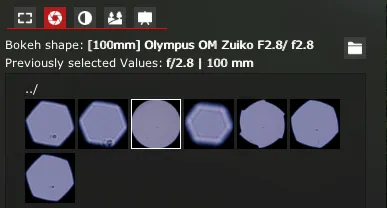
Cam Companion uses images: (those can be from real camera lenses (I included a set from MSADOF), but any image works)
For example here are some images of bokeh produced by a real lens:
But you could also use images like these:
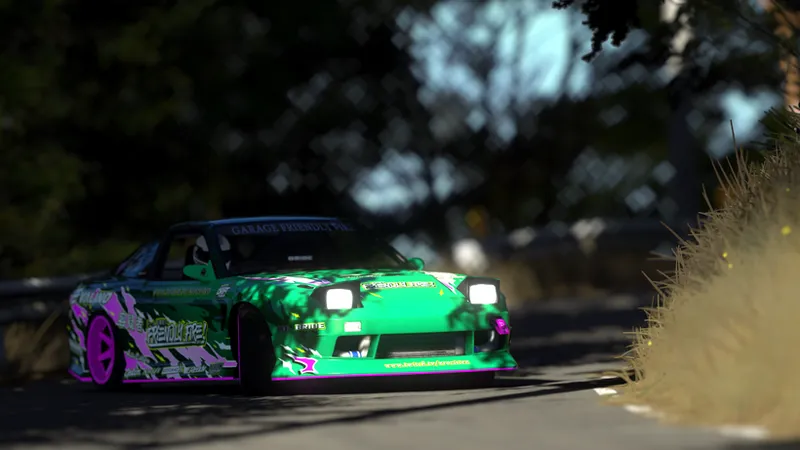
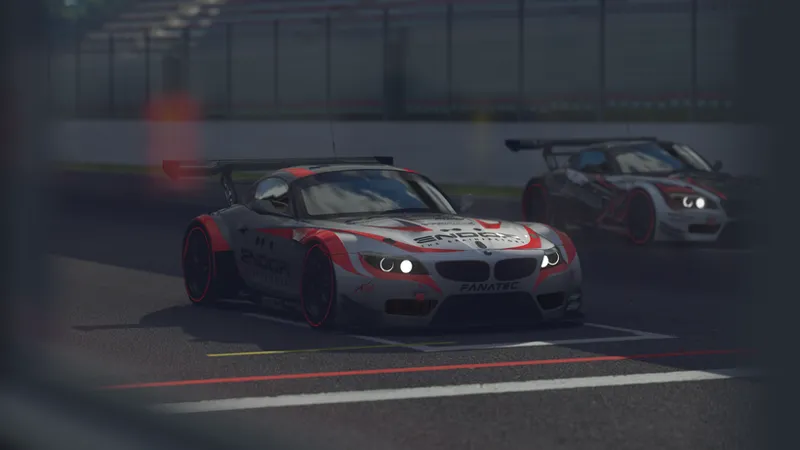
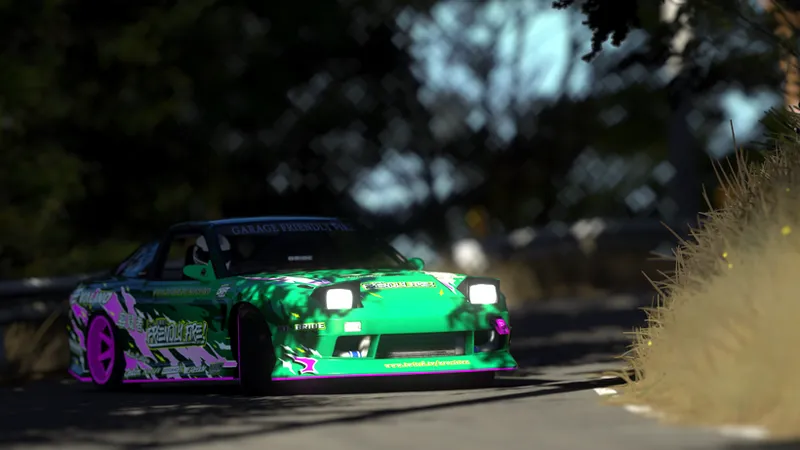
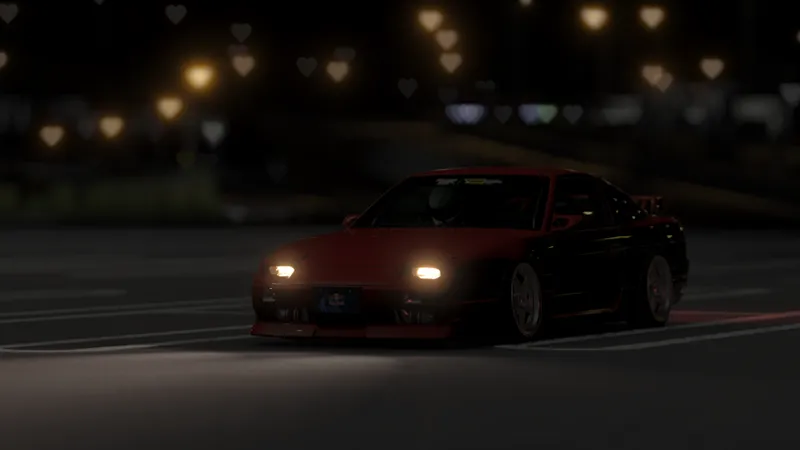
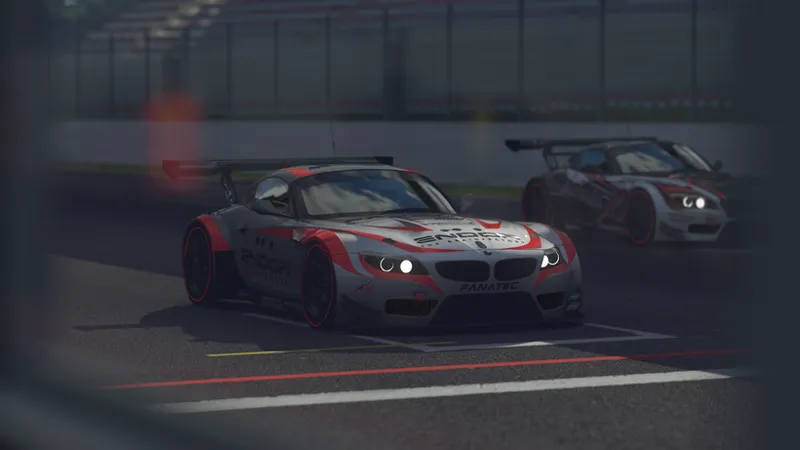
Here are some example of what screenshots might look like with those custom shapes:
Another difference is that the size of the blur is calculated using real camera settings, which for regular people probably makes it a bit harder to use at first, but I promise it's not that complicated. I added some tips regarding blur and settings in the manual that you can find in the app settings or on the pinned Patreon post for app downloads.
For the most part it should be a pretty self sufficient app. I tried to include all the scene tweak setting into it: headlights etc.
Those only apply when the app is open and reset when it's closed.
Overall I tried to make it quite intuitive to use: for example the quality of the shot is calculated automatically, so you don't really have to trial and error to get that bit right.
I could make a longer post, but I feel like that's most of what is needed to know about it, it was a bit of a long detour but I think it will be worth it, I've learned a lot about real time DoF techniques since then and I feel like I can make something good now, given some time.
On another note, I was planning to implement real time DoF first, but I think it's been way to long since I worked on Skin Companion so I'll be doing some updates to it first, the priority will be the ability to upload your own skins online so that other users can see your custom skins directly in game.
Support for extra Kn5 is still planned but will be a bit later.
The download can be found here.
I hope you enjoy the update, and if you do, please consider supporting my work here, as Patreon is my main source of income.🙏
Thank you very much and see you soon!