
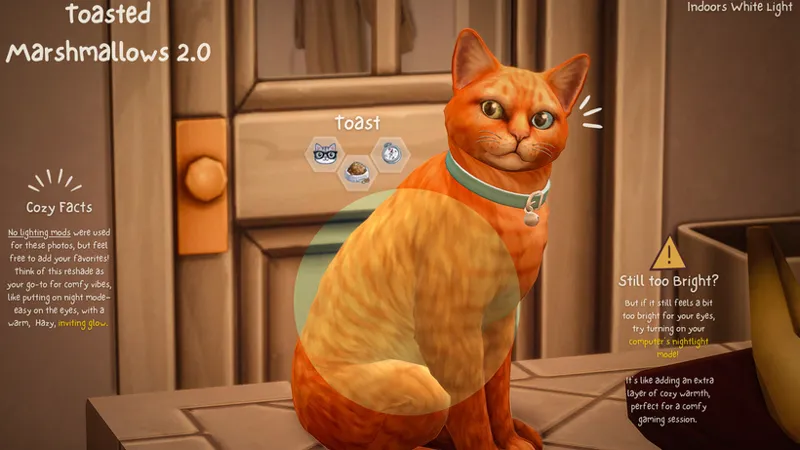
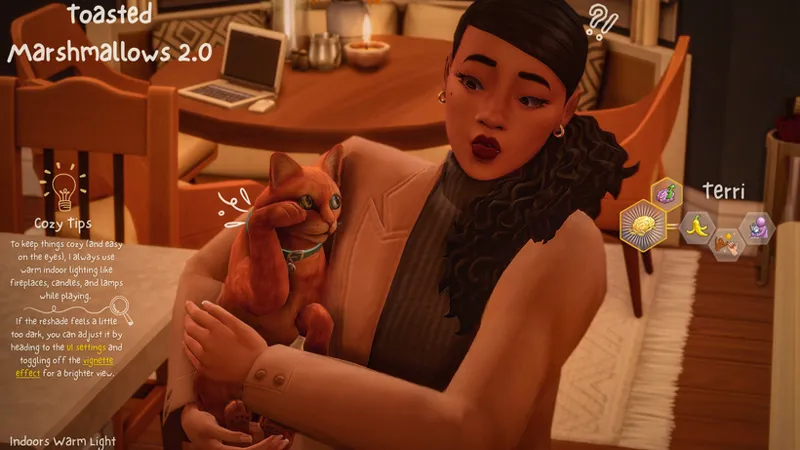
Toasted Marshmallows 2.0 🍂
🍂 Toasted Marshmallows 2.0 is a warm and cozy reshade designed with soft amber tones and muted autumnal hues for a night-mode-inspired vibe. Perfect for gameplay, it enhances the atmosphere without straining your eyes. While it works in CAS, it's especially suited for in-game settings, offering a comforting hazy look for all your fall gaming sessions. Cozy up and enjoy the warmth!
All screenshots were captured in Brindleton Bay using:
MXAO.FX & CinematicDOF (Shift + M)
FilmGrain (CTRL + F)
Vignette (CTRL + V) & ADOF (Shift + C)
Lighting Mod Recommendation:
I recommend trying out Sunblind, which enhances that soft, golden glow, perfect for indoor shots or autumn afternoons.
Note: Both ADOF (Cinematic DOF), Vignette, MXAO and FilmGrain will be off by default. You can easily toggle these on if needed. Hot Keys are listed above. ☝🏽
To toggle the Vignette effect on or off. Perfect for customizing the vibe to your liking! Or try using Even Better In-Game Lighting if you want things a bit brighter.
Installation & TOU
To install Toasted Marshmallows 2.0, navigate to The Sims 4 > Game > Bin and place the file there. Alternatively, right-click The Sims 4 in your files, choose "Open File Location," and drop the Reshade in.
🍂Terms of Use:
Do not claim this preset as your own.
This reshade is for personal use only. Please avoid making tweaks and sharing Toasted Marshmallows 2.0 as your own.
No reuploads.
Feel free to tag me in your pics or Videos—I'd love to see them! And I’m happy to help if you need it.
At Your Best,
Ashley aka Simbeautyguru
Comments (2)
Is it possible to install this on a Mac?? I'm having trouble finding the "bin" file location :(
Hello, 👋🏽✨️ from what I know, it's not possible to use Reshade with a Mac. I would suggest using the Sunblind lighting mod to achieve a similar look. It's not an exact match because this Reshade is darker.