
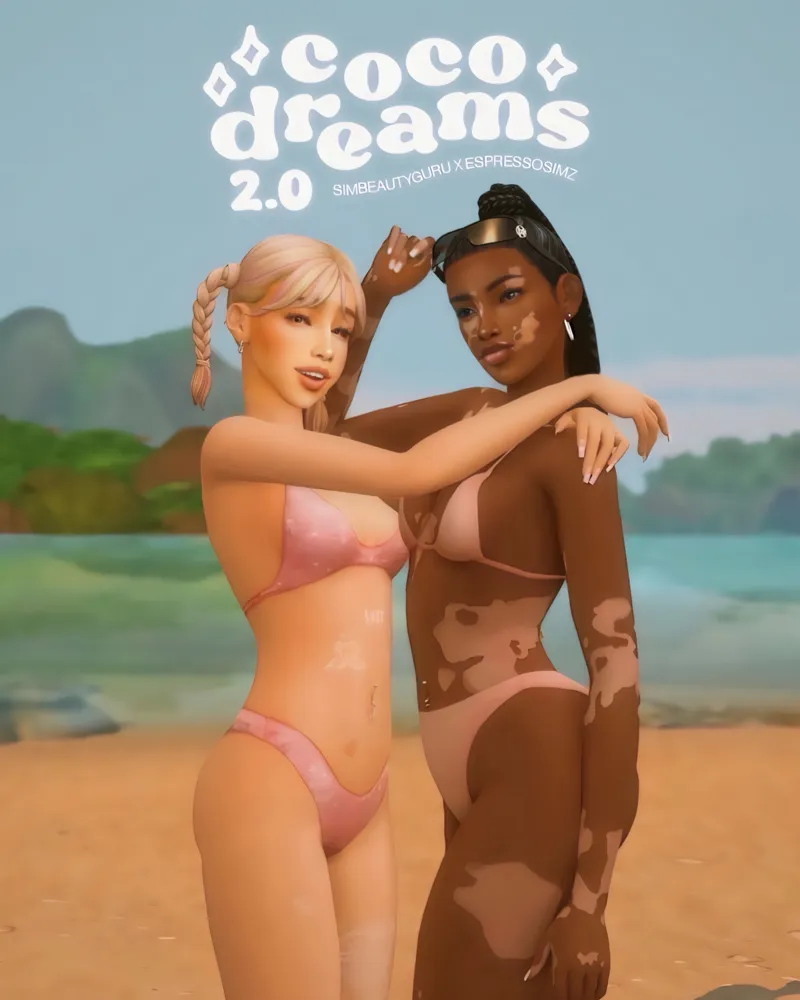
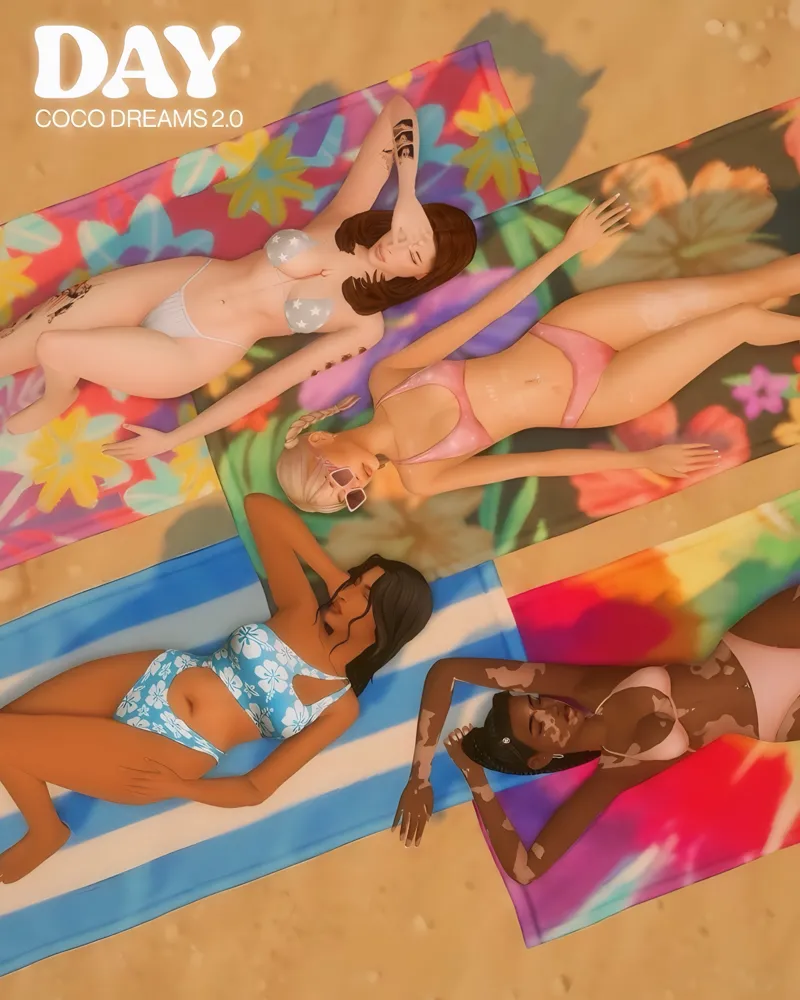
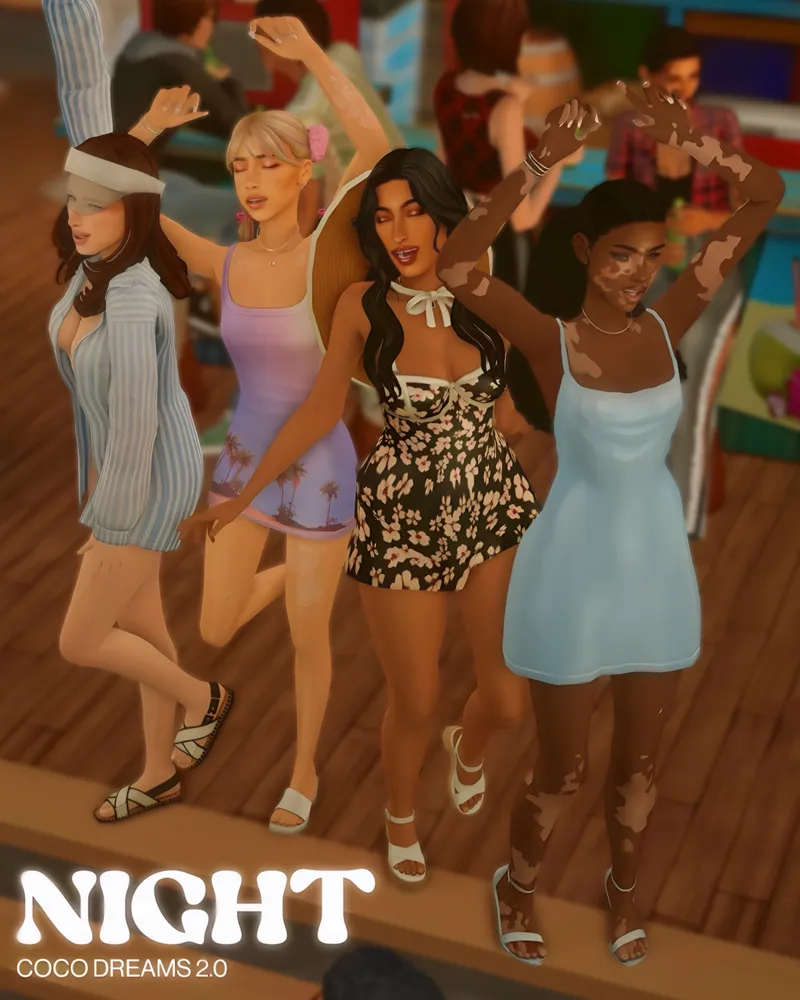
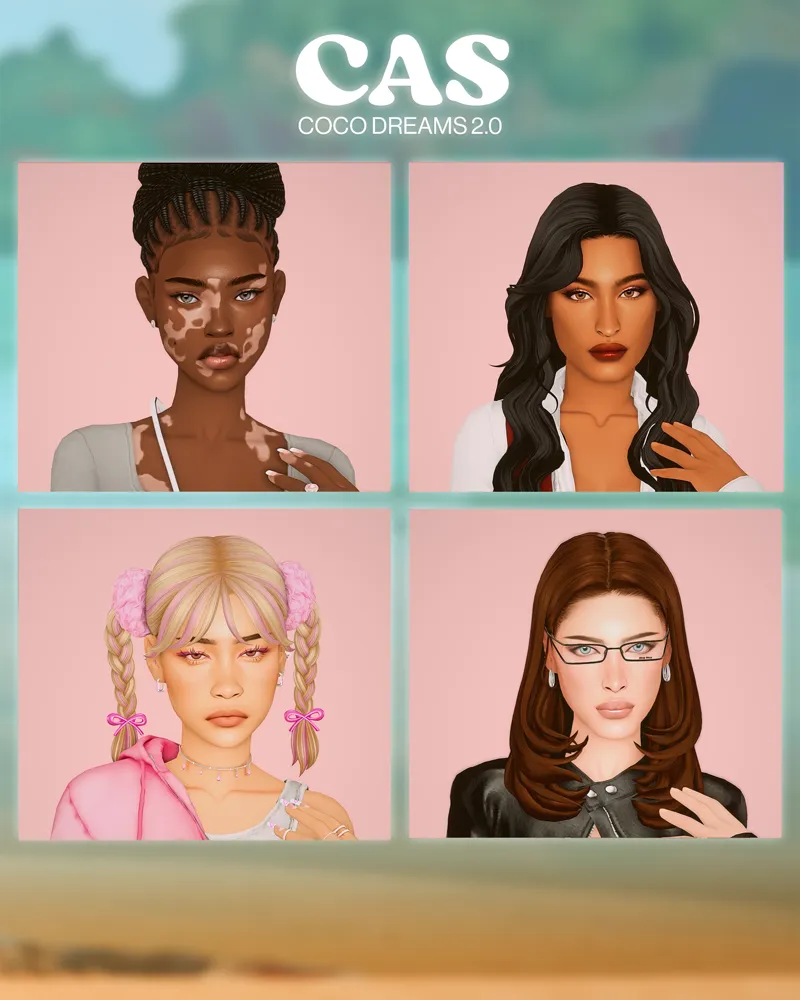
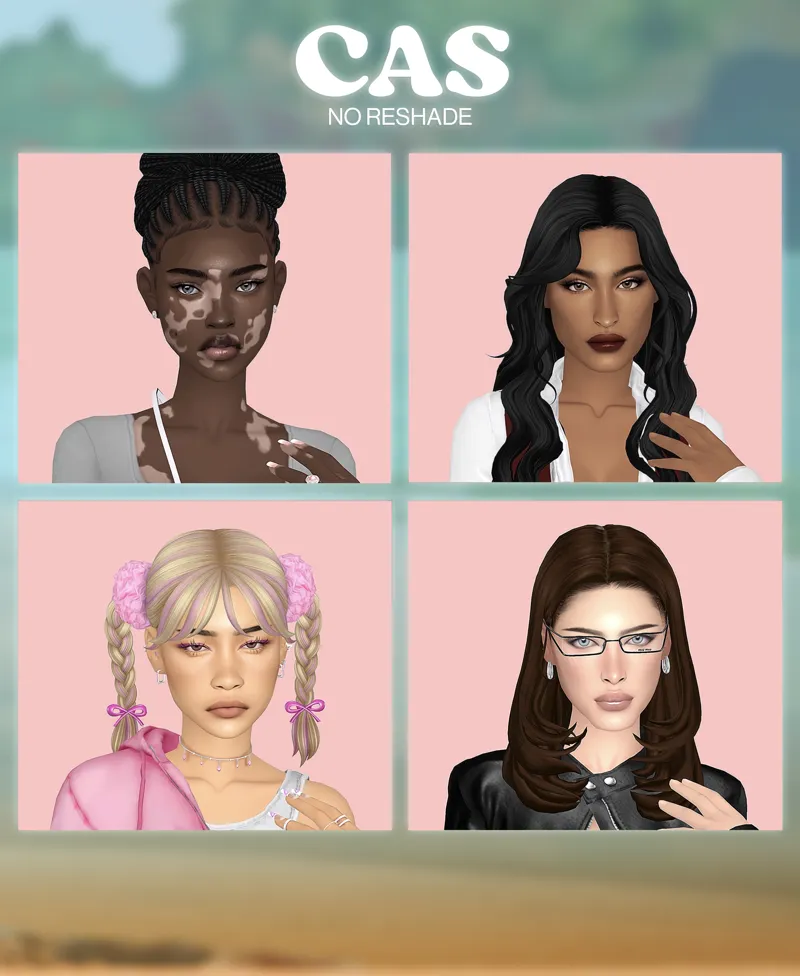

Coco Dreams 2.0 Reshade 🤎🌴
Hey Babies! 🥂
Guess what? Coco Dreams 2.0 just hit the scene, and it's causing more buzz than the latest drama in Del Sol Valley! 🔥 But before we dive into the deets, let's give a major shoutout to my girl Espressossimz—she's the genius behind those jaw-dropping pics, and she's slaying the game harder than my sims slay the runway! 📸 This reshade is a collab between yours truly and Espressossimz, and let me tell ya, she's not just talented—she's got more sass than Bella Goth at a karaoke night! (that was corny lmaoo) 💃
Make sure to give my girl a follow!! 🤎🤍
And a big thank you to Piixel.Sims, Kenthe_Simmers, SaraWhims, and OrchidWhims for their support too. Psss. Click their names to follow them on insta ☝🏽👀
Let's talk about the latest reshade—it's like a dreamy tropical cocktail with just the right amount of spice! 🍹
👀✨ Picture yourself sashaying down the streets of San Myshuno, catching the eye of that sultry Don Lothario with your mesmerizing glow. 💃🔥 And when you hit the beaches of Sulani, girl, it's like you've stepped right into a music video with those soft, pinky hues framing every sultry glance. 🌴✨ Plus, with effects like MartyMcflyDof and MatsoDof, your Sims' stories are about to get steamy! Get ready for some close-ups that'll make even Don blush! 💋
Depth of Field (DOF) Effects: For smoother gameplay, disable both Depth of Field (DOF) effects by pressing Y.
Gaussian Blur: For Gaussian Blur, hit 7 to turn it off
MXAO & Comic : MXAO & Comic can be disabled by clicking Caps Lock.
In my experience, gameplay feels more seamless with these features turned off! With that being said, you can turn off anything you desire.
Also, in the pics above Comic was turned off!
If you want to achieve the same effect as shown in the pictures, consider using these mods:
&
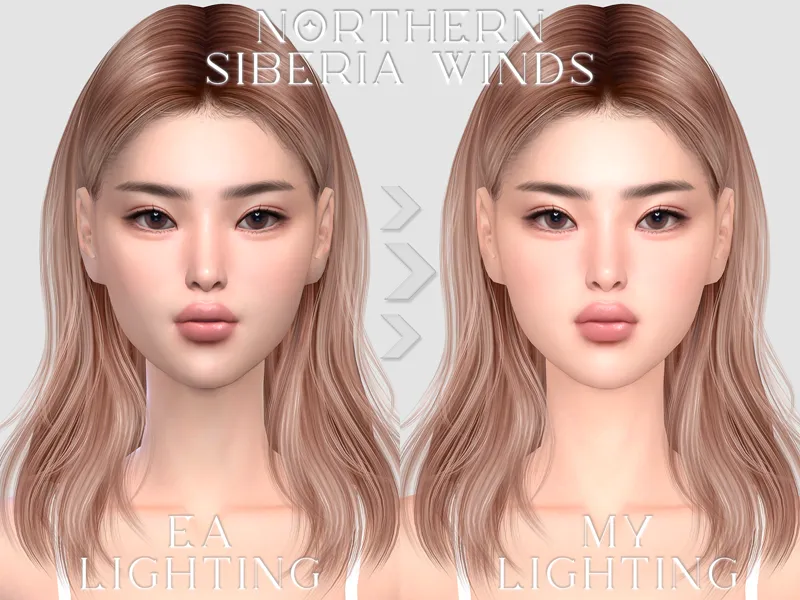
For CAS lighting, try Northernsiberiawinds Gentle Cas Lighting.
Experimenting with these mods can enhance the overall look and feel of your Sims' environment! 🌟
💌I just wanted to take a moment to shower heaps of gratitude upon all the fabulous curators who viewed Coco Dreams 2.0! Ya'll are amazing and I really appreciate you 🎉
And to all you awesome visitors and patrons who hopped on board the Coco Dreams train, thank you for your incredible support!
You're the sprinkles on my cupcake, seriously. Sending you all the virtual hugs, high-fives, and maybe even a secret stash of virtual cookies! 🍪🍪🍪
Keep being amazing! - Ashley & Mik
Click the Attachment! ⤵️
Comments (5)
This is gorgeous! Could I please know where I can get the blue swimsuit with the hibiscus flowers on it from? Thanks!
Hi, I actually didn't take the pictures for this Espressosims did so I'm not sure. Try Joilebean maybe... Sorry I can't help further.🤍
Hi I recently downloaded this reshade and i absolutely love this one. But quick question you said to turn off the Gaussian blur press 7 but it doesn’t show up in the menu when your setting it or taking of certain effects what do I do?
Hi, sorry for the delayed response! I haven’t been on my PC. The key is Numberpad 7—when I created this reshade, I was using a keyboard with a number pad. To fix it, right-click on Gaussian Blur and change it to the number 7 and you will be able to toggle it on and off. Hope this helps! 🤍
This gave me espresso vibes