
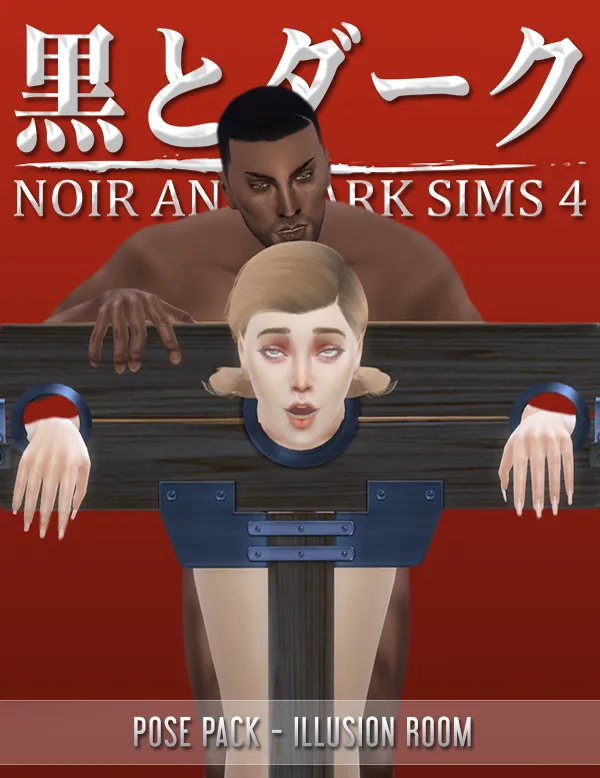
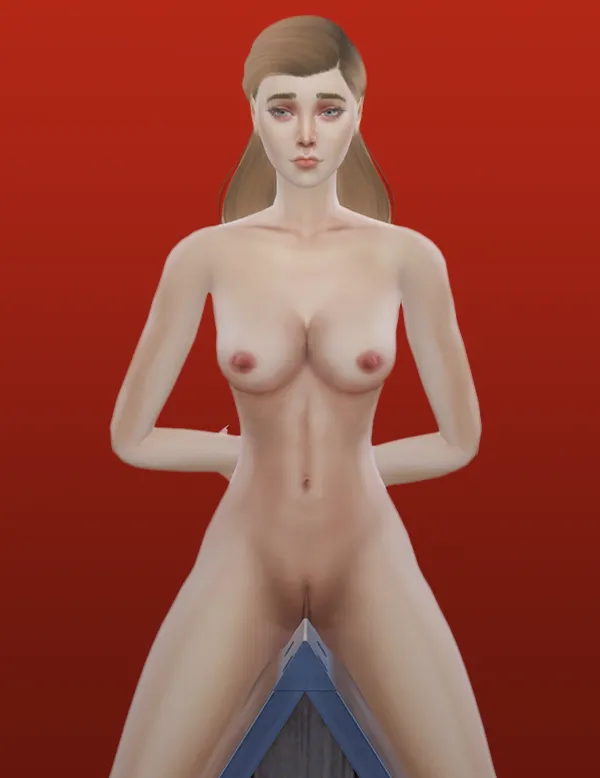
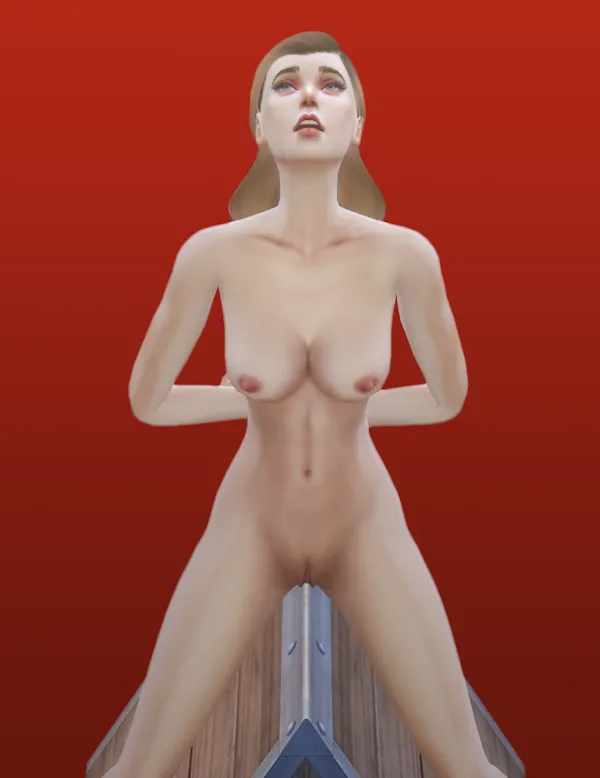
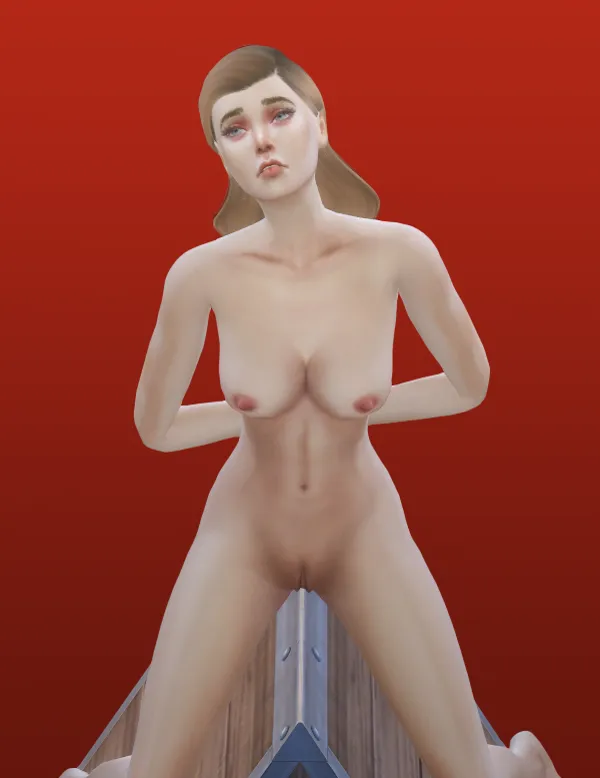
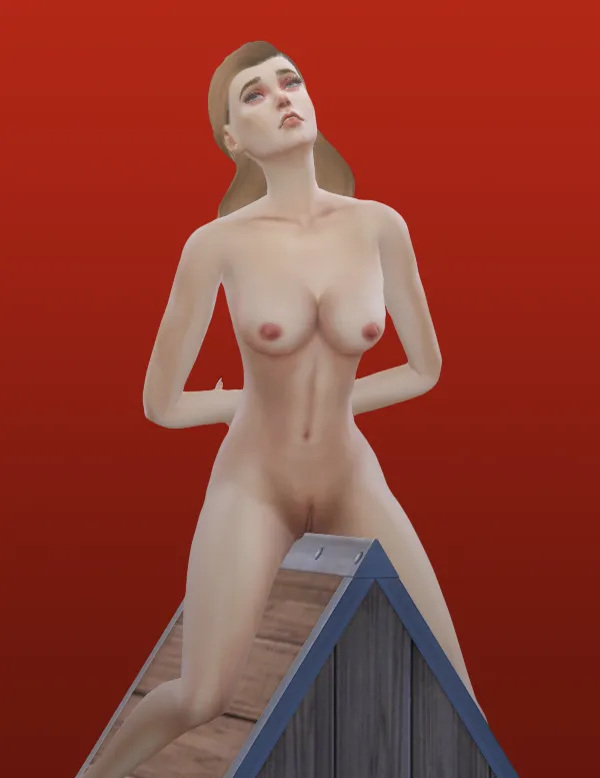
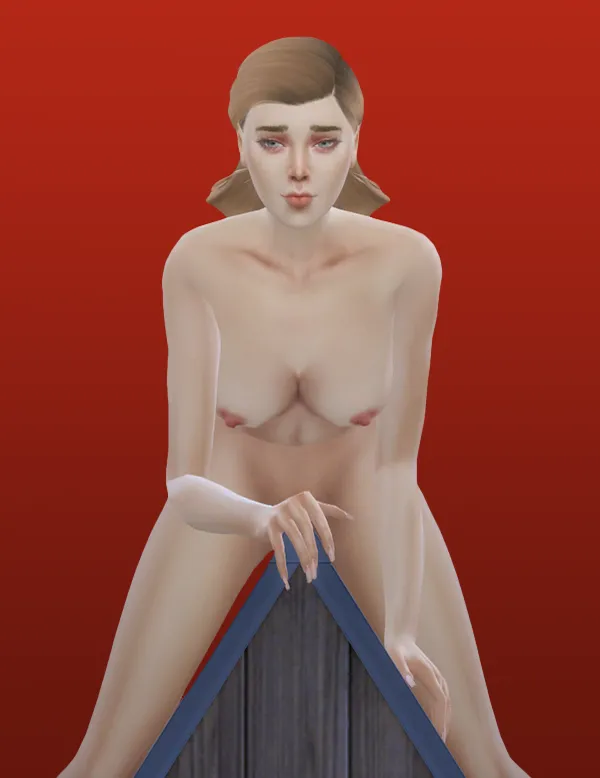
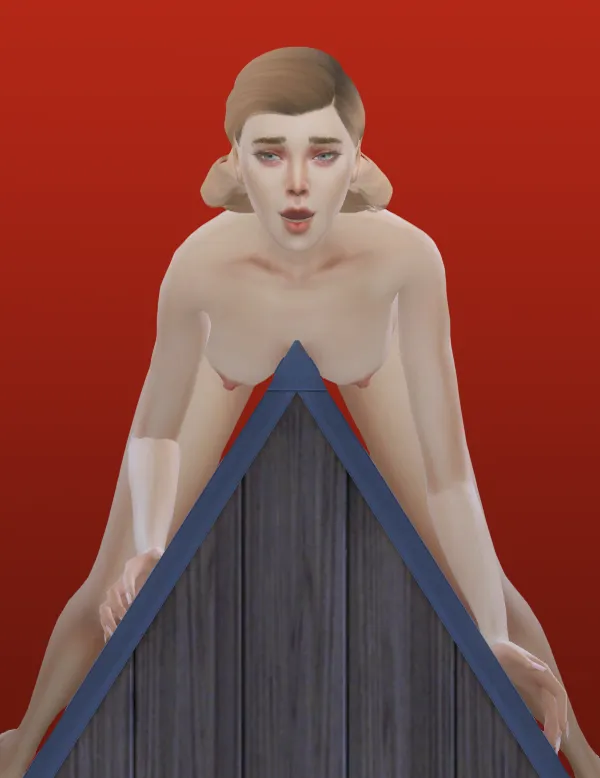
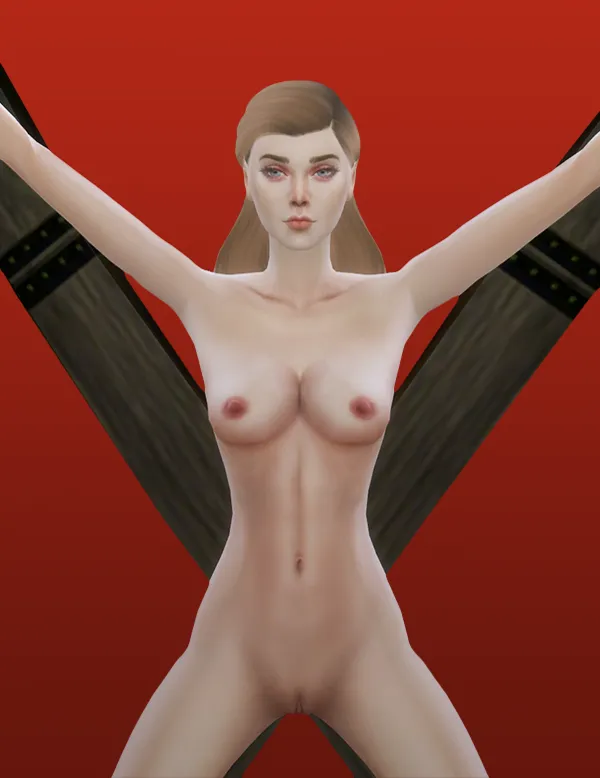
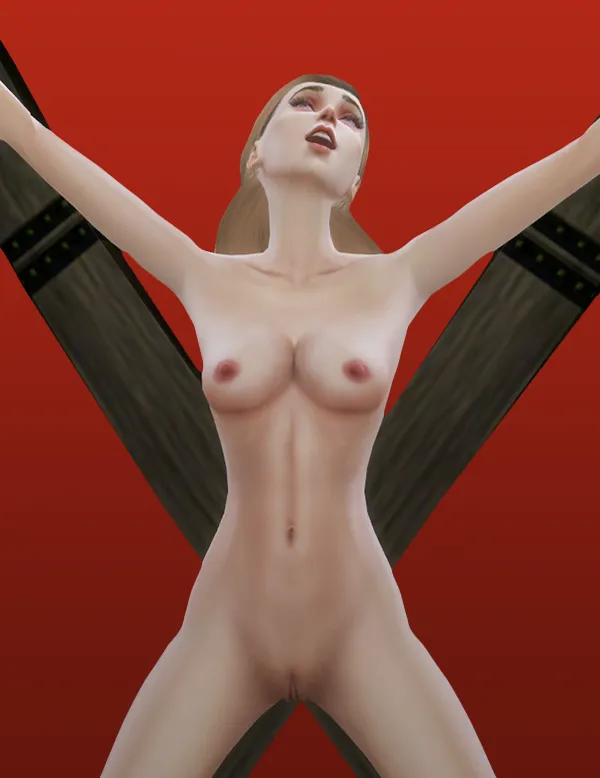
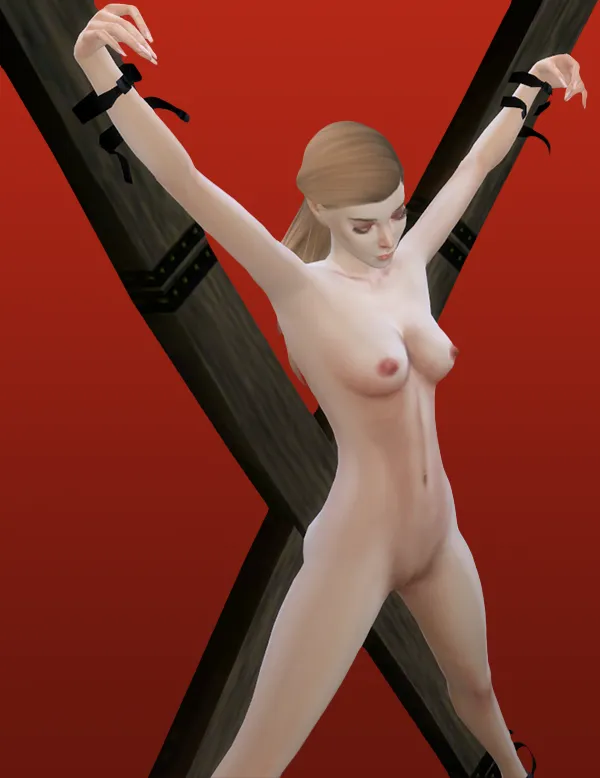
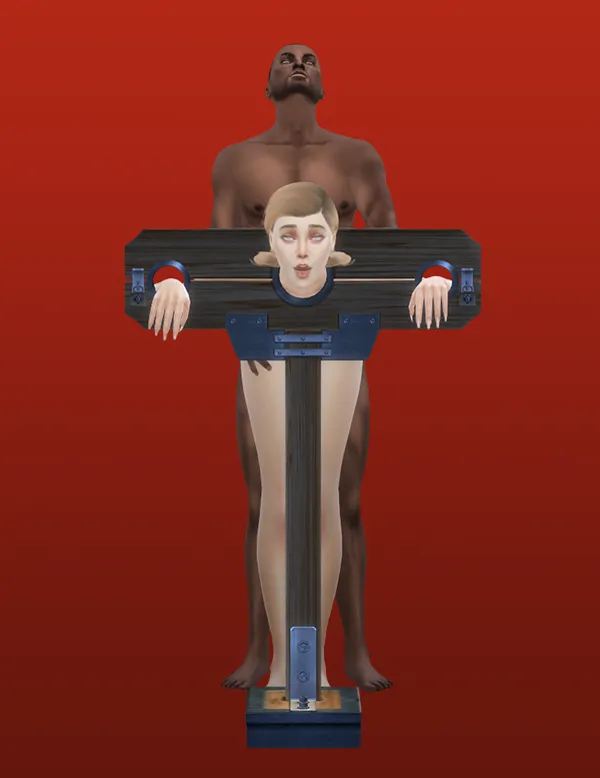

TS4 - Pose Pack: Illusion Room [2024-11-13]
Details:
For Base Game.
No. Poses: 14
Include:
14 Poses.
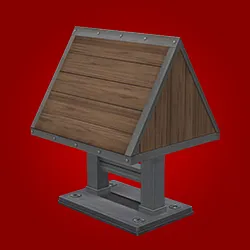
3 Objects.
Thumbnail Files.
Images of reference.
Features of the Update 2024-11-13:
Objects updated for Directx 11.
The name of the files were shortened.
Pose Codes:
Illusion_Room_Pose_AF_01-11.
Illusion_Room_Pose_AM_01-03.
Requirements:
Terms of use:
For personal use only.
No re-upload.
Don't distribute without authorization.
Don't publish on pay sites.
Don't publish direct links to the download.
Don't claim as your work.
Don't convert to another game or software without permission.
Comments (4)
Hello! I'm having trouble figuring out how to use these. I can place them in my house but I can't seem to get my sims to use them for anything. I'm pretty sure I have animations installed that use these, too. I must be missing something
Hi, Fridge! To use the props with the animations, you only need to place them in the lot. Then click over one of them, go to Wicked > Sex > select one of the options. I'm not sure if other animators have made animations for these props, but you will find some that I made here: https://www.patreon.com/posts/ts4-sex-pack-08-21102932 My animations works in that way, but it's possible that other made by other different creators may work differently. I have noticed that a few of them puts automatically the prop in the ground. To make them work, you only need to select the ground, and then select one of the animations that use these objects. Just in case, the poses included in this download, are used differently. To use them, you will need the pose player: https://sims4studio.com/post/43313/thread
My game stucks on saving once I place the X tree cross
Hi Kevin, It's very likely that this is related to the last update of the game for DirectX 11. Let me update the files for it and that should solve the problem.