
UPDATE!!... Sloth's Tree Revised!
Hey Everyone!
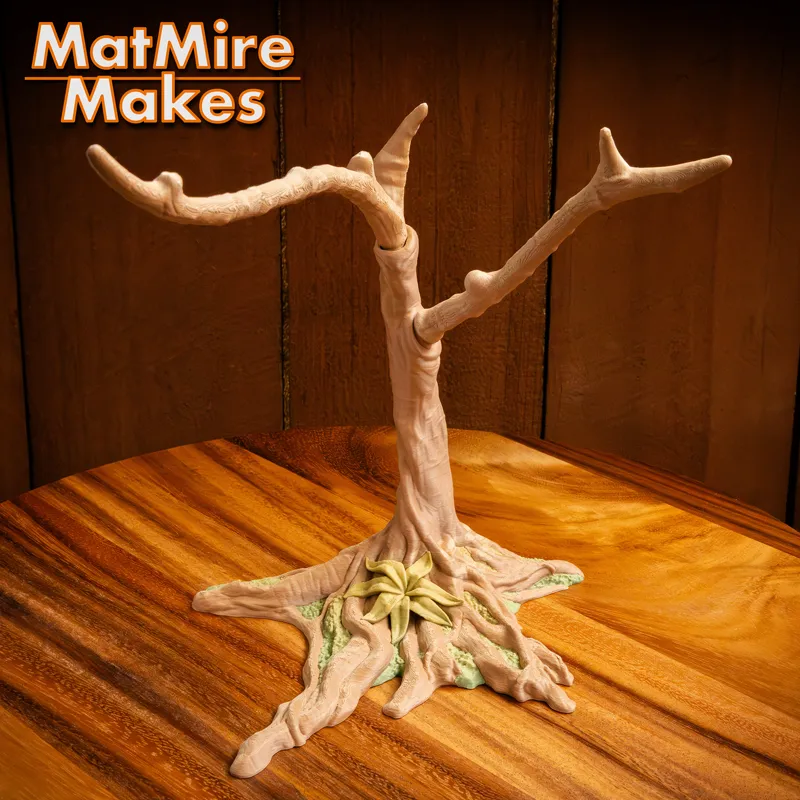
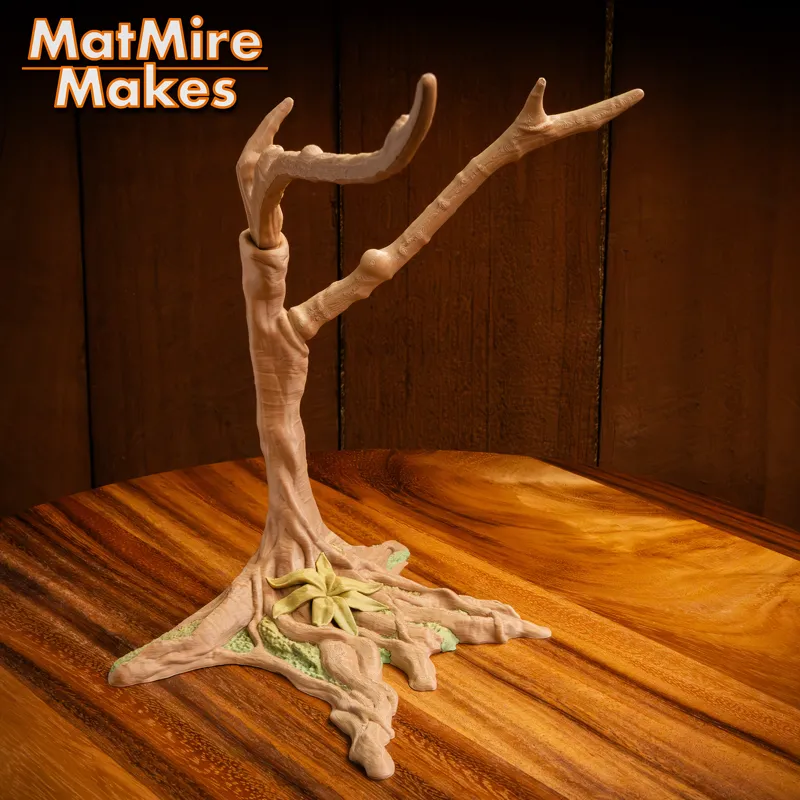
After gathering a bit of feedback and thinking about ways to make it better, I decided to revisit the Sloth's Tree display this weekend. Though I do like the look of the fully print-in-place tree, this new Print-And-Assemble version provides a LOT of benefits. I highly recommend using it instead! (I am still including the old v01 Tree in the download for those who may prefer it)
Benefits of this updated Print-And-Assemble Tree include:
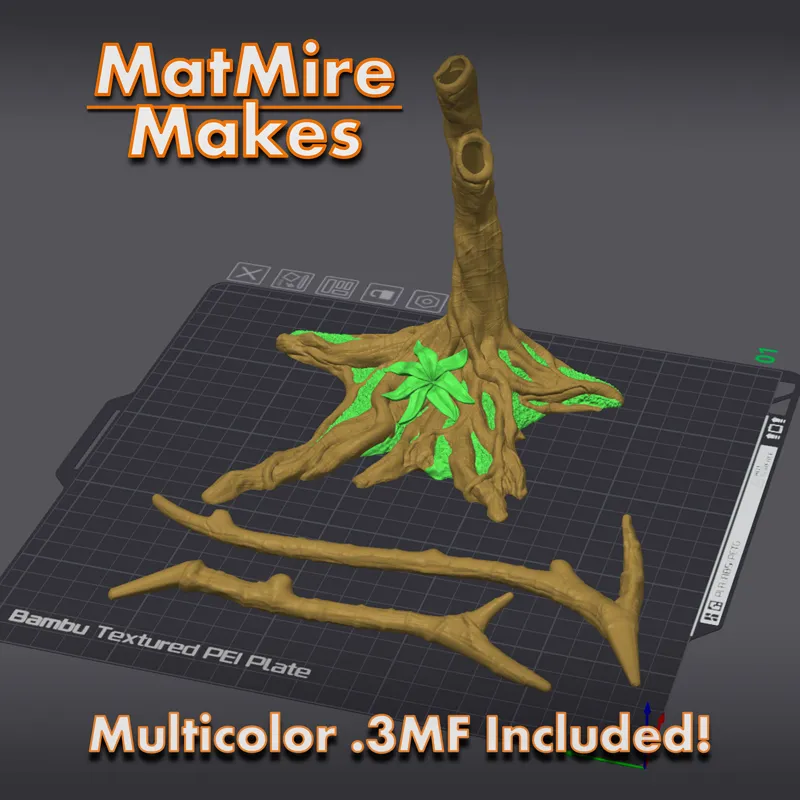
Much more stable during printing. The branches are separated and print flat on the bed, so they won't wobble or break during printing.
The Branches are MUCH stronger when printed in this orientation due to the grain of the print layers moving along the length of the branches.
Easy to disassemble for transport or shipping. The Branches press fit into the Trunk, and hold pretty well without glue (You can certainly glue them in if you want a more permanent assembly).
Much Faster Multicolor Printing, with less purged waste. This version prints with the Trunk upright, so the plant sections do not occupy nearly as many layers. Woo! (it is still flat on the back, so you can rotate it to print the other direction in case you prefer filament gradients to transition in the back-to-front direction. You'll just lose the speed and waste benefits).
No longer need a "Shorter" version of the design in order to fit it on smaller printers (though small printers may require printing the Trunk and Branches separately).
*Go to the Pinned "the Hub - Info and Current Download Links" post to Re-Download the Sloth v02 update!
Hope you like it!
Matt
Comments (21)
Where can I find the code for the 50% off to get the tree? Thank you. I have the sloth on the printer now.
The 50% OFF code is listed in “Past Public Releases” the Hub info post (there’s a link to that post above). The Tree comes as part of the regular Sloth release. I assume you’re printing the MMMini Sloth?
is there a link just for the tree?
Buenos días! Desde Argentina
Yes, much better!
The file in the hub post doesn't seem to be updated? The folder inside the ZIP is called "MMM_Sloth_v01" (not 2) and the files last modified date was 4 days ago.
That's odd. It's definitely updated, and is downloading as v02 for me. It might be a browser cache issue, somehow. Do you have another web browser you could use to try downloading the link, or maybe a private/incognito browser window?
Where can I post my make?
There's not really a place to do that on Patreon. We do have a photos channel in the Discord server to post print pics. I'll also have the file up on Cults3D at the end of the week, and you could post a make there if you like.
Thank you! Is there any way to mod the feet of the bat models or tail of the opposum so they can hang from the tree too?
Thanks for this update, the original printed failed for me when one branch broke off mid print
I knew I should have waited started a tree yesterday and willl be done when I get up soon
I started mine an hour ago and just read this lol.
So I printed the sloth at 70% which is a usual size for matmire makes models but the arms came out super wonky. Do I need to size up? Wondering if anyone had any issues with this size or smaller, thanks.
Wonky how? I printed it at 80% and it all came out fine
Question: I have been printing for awhile, but some designs (such as the polar bear and lighter colors for the sloth) print with a 'striping' in the lighter colors of the model when the blacks of the eyes print. I have tried using purge items to alleviate this, to no avail. What am I missing?
For lighter colour filaments, especially for colour changes between light and dark colours, you may need to increase the purge amount setting. The exact amount needed varies depending on the filament(s). Also be sure to use the tower.
Thank matt - I was literally about to print it.. you’re awesome
Is the tree multicolor painted? I'm the revision
yes, it's in the multicolor folders
Love this as I was having troubles! Also better for markets. Thank you! 🙏🏼