
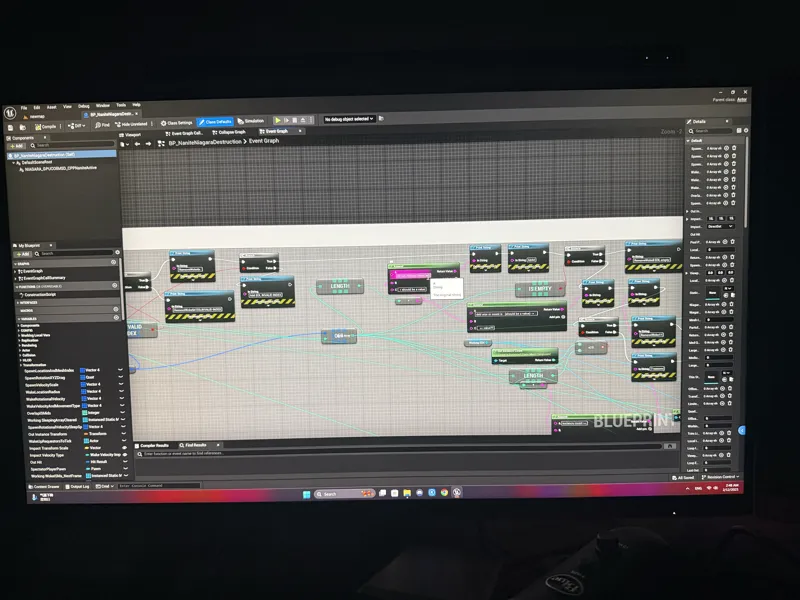

Sorry we are still fixing the bugs
Micah and I have been stuck on the bug for nearly 5 days…. Thanks to the jet lag we’ve been working 24 hours everyday using the same computer, but only good news is we eventually figured out what’s causing the error.
Hopefully we’ll have a fix soon and sorry for letting you all waiting….
Comments (5)
Here's an actual bug I've noticed: The building's roof will teleport to... I guess the origin point of the Small City map. Eventually, if you destroy enough buildings, you'll have a stack of them about as tall as the giantess. And they're just as indestructible, because they can act like platforms. I've also noticed that if the character gets large enough, a failure cascade of growth can happen causing immense frame drops from crushing new objects, even existing rubble. Maximum failure cascade height: 876km.
So yesterday I found out that Unreal Engine likes to use Intel graphics cards over nVidia. I have both in my system, and this game has used my Intel Sparkle ARC 770 as the primary GPU instead of the RTX 4070 on my primary display. To fix this, I simply added the "-prefernvidia" command line in the shortcut link, and all of my OOM (Out of memory GPU crash) issues were resolved with this game. It took a lot of searching to get to this point, and thought I would share this information. Command line arguments for GPU Preferential: -preferAMD Prefer AMD as the RHI adapter vendor. -PreferedHighPerformance Prefer high performance for best D3D device. -PreferedMinimalPower Prefer minimal power for best D3D device. -preferIntel Prefer Intel as the RHI adapter vendor. -preferMS Prefer MS as the RHI adapter vendor. -preferNvidia Prefer Nvidia as the RHI adapter vendor. https://dev.epicgames.com/documentation/en-us/unreal-engine/unreal-engine-command-line-arguments-reference
Well, I guess you can also set that in the nvidia center for using the standalone gpu
No rush mate, I got other games to play, please take your time to fix the game
Looking forward to the next preview-release! ;)