




Photo mode finished
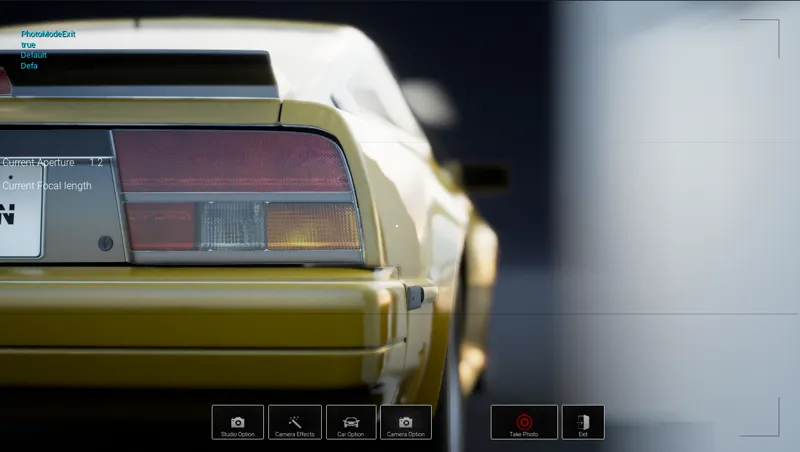
the photo mode is ready, these are excellent news, so here is the list of what you can do in the demo
[ATTENTION, the only thing missing is to finish the makeup work such as vector logos, typical graphic design
-in the Studio modes you can move freely, in the realistic mode you can move but with certain limitations
-manual focus, you can focus any part of the car or the scenery to achieve excellent photos
effects
-vintage effects
-vintage colors
-color tints
-achromatic aberration
-monitor effects
-sharp mode
-color bypass
-Neon effect
-Wired effect
-cinematic effect lens flare
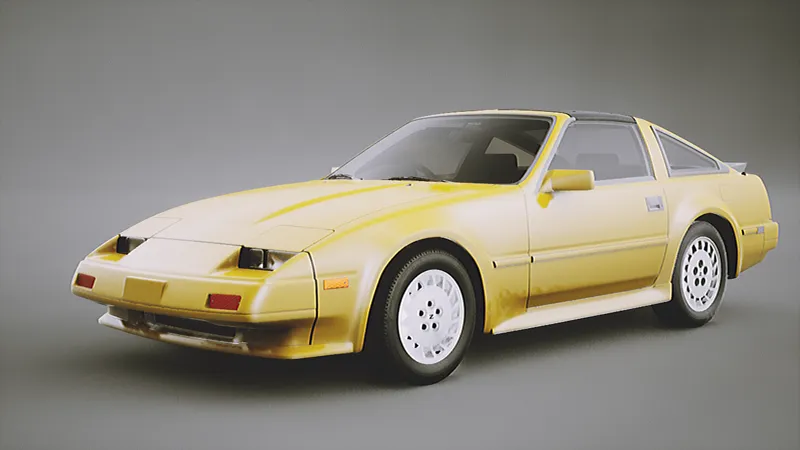
studiomode
-Background [ here you can change the backgound image to achieve more brochure styles
-Reflection [remember that in the brochures they have flat bottoms or backgrounds different from the reflections of the car? well with this way you can achieve it
Car Option
-You can change the car you have in the garage
-you can turn on the car lights
-you can change the rotation of the car
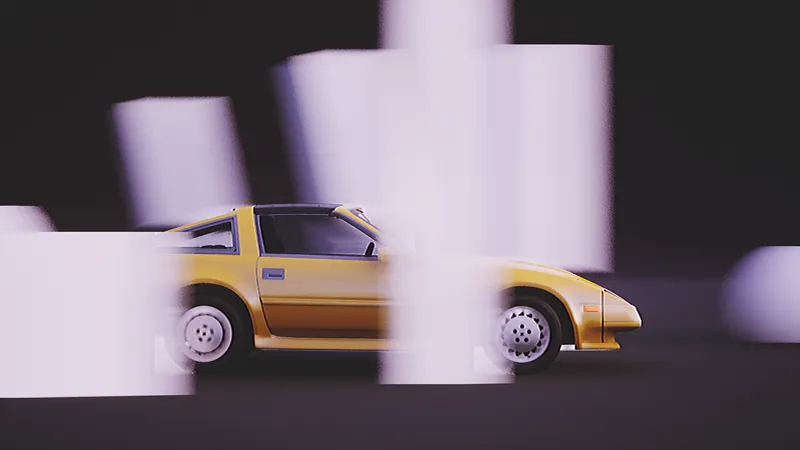
-ACTION MODE! In this mode you will be able to do custom motion blur such as how much blur speed the scenery has or how much you want the tires to have motion blur, so you can do fast action scenes without having to render the image
Camera option
-Here you can select how much resolution you are looking for in the image
as well as its resolution of phones and screens such as televisions
weather
[ATTENTION, this is only in realistic mode in which it is 3d scenarios
studio mode will not have this option
-You can change the time of day or night, any time you like
-You can change the weather like, rain, snow, etc.
Thank you for supporting the project, I am grateful that you continue to support me, I am having difficulties but I will continue to work hard.
Comments (2)
really happy to see the Z31 get so much love in this project
This looks amazing! I really hope your healing as much as possible