
🎉Animated - 'Log' Turtle🎉
Animated 'Log' Turtle - INFO
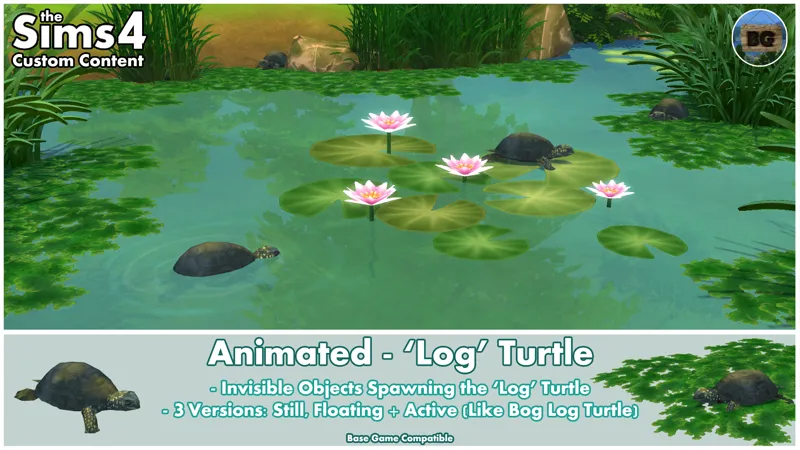
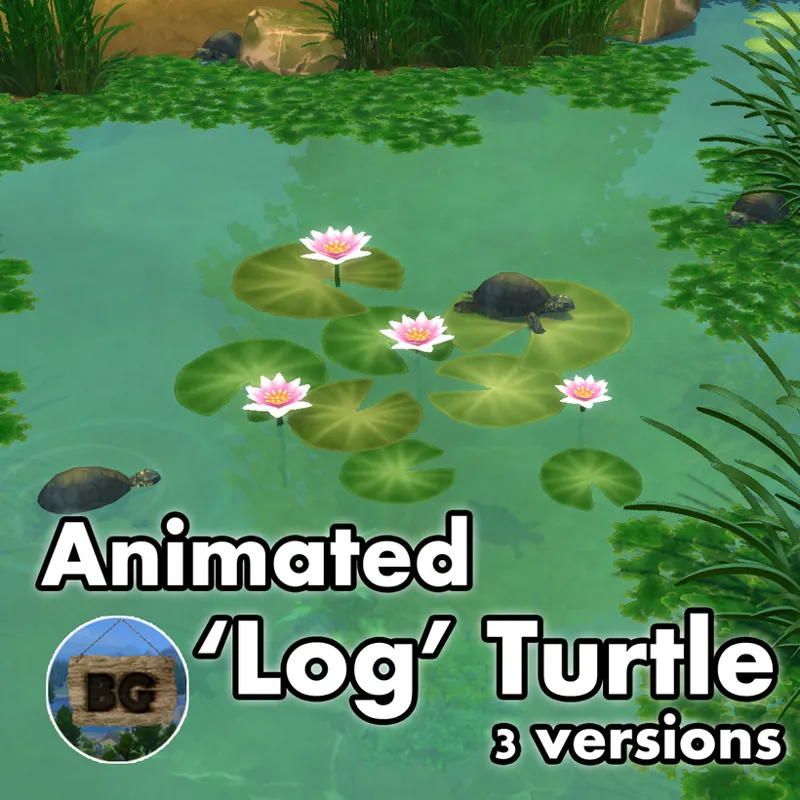
I've made 3 new objects which spawn a turtle to make your ponds to feel more alive. The turtle is the same one as could be seen after activating the 'Log Bog' in game which makes a turtle to climb on top of it before sliding back into the water.
In my case though, the log itself is replaced with an invisible quatre tile object.
My animated turtle comes in the following 3 versions:
====================================
'Log' Turtle - Still:
After placement and going into live mode, a turtle will appear with some water dripping of it's shell for some seconds before doing totally nothing. An extra swatch will make the turtle to be able to be placed into all deco slot sizes. This version can be placed both on terrain as on all water surfaces.
'Log' Turtle - Floating:
After placement and going into live mode, a floating turtle will appear. Only it's eyes, nose and a part of the shell will be above the water surface. Water ripples around it, will make it look like it's alive/moving.
'Log' Turtle - Active:
After placement and going into live mode, a turtle will climb onto the invisible object, sit there for a while and slide back into the water. This will be repeated for an infinite time.
To see an example of how these turtles look in game, be sure to watch the video shared later in this post!
====================================
Placement
The Turtles are placeable very close to or even through other objects. This makes it possible to place it on top of other objects. Think about placing it on top of lily pads or algae for example.
The 'Log' Turtle and 'Log' Turtle - Floating can both only be placed on water surfaces.
The 'Log'Turtle - Still can be placed both on terrain as on water surfaces.
Picking up/grabbing the Turtle object
Grabbing the Turtle (invisible object) while placed on another objects like algae or a lily pad, can be a bit tricky. To handle with this 'problem', use the recolor tool (E-key) in game to find the object by hovering over the water or around the object it's placed on.
So for lily pads hover around the lily pad, while when placed on algae you can also hover your mouse over the small holes in between the algae.
When the name of the object appears, without moving your mouse, press the H-key to switch to the grabbing tool. Now you can easily pick up the object.
This works like this for all my invisible object mods.
Footprint
This object has a Quatre tile footprint, where Sims will swim and walk around.
Be aware though that the 'Log' Turtle - Active not always appears with it's head in the same direction and on the exact same spot. There for it might appears partly outside of it's footprint, which can result in Sims swimming partly through it.
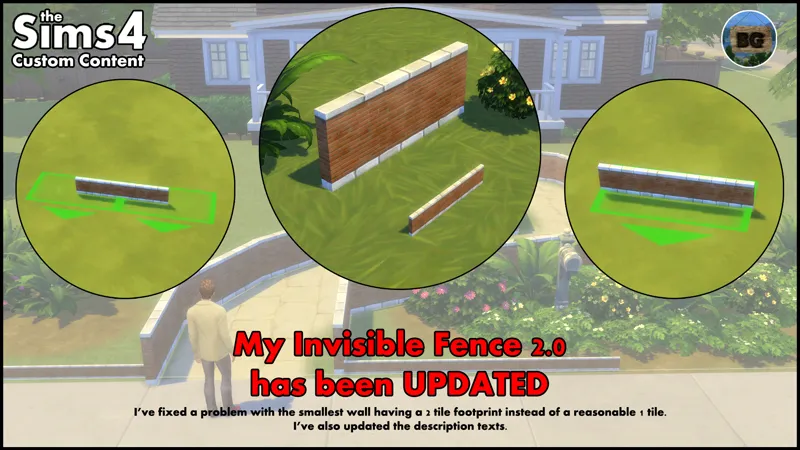
A way to solve this is using my Invisible Fence (which is also placeable on water surfaces) around the area the turtle appears in. Or simply don't use it on spots where Sims swim. :)
Search Tags
The following search tags can be used to find all versions in game:
Bakie, Animated, Turtle, Turtles, Pond and VFX.
====================================
EXTRA INFO
Short notes
• They are Base Game Compatible.
• They're standalone objects, so they won't override any other objects in game.
• They can be found by going to Build Mode > Outdoor Water Décor > Ponds VFX.
• You can also find them by typing "Turtle" into the search bar.
• The object's catalog thumbnails, show a turtle with either the word Still, Floating or Active written above it. All 3 have my "BakieGaming" icon in the lower right corner.
Pack Requirements
Base Game Compatible
Game Version
1.113.277.1030
====================================
YouTube Video
I've made a short video showing how all versions look in game as well as showing two examples of indoor turtle ponds.
To see the video, click the following link:
Animated - 'Log' Turtle - YouTube Video
Download file:
To download the Animated 'Log' Turtle, you can either click the file below this post, or CurseForge link/image down below. Downloading from CurseForge is also a way of supporting me and you don't need an account to do so.
CurseForge Download Link:
Animated 'Log' Turtle - CurseForge Project page
====================================
====================================
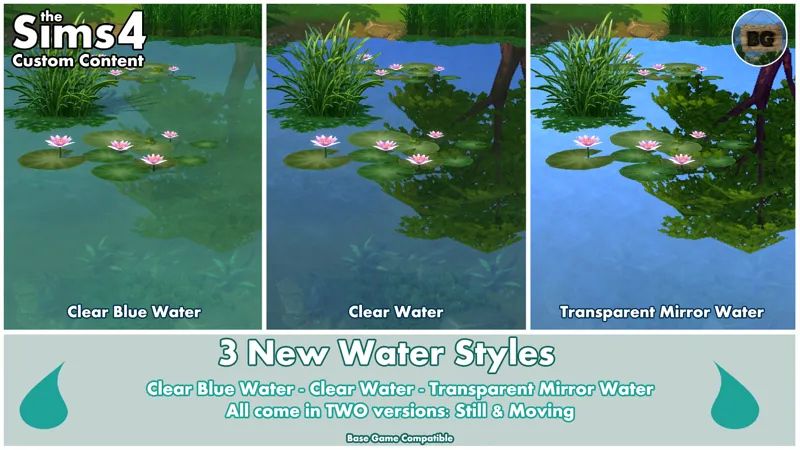
If you want to have the Clear Blue Water Style used in my thumbnails, take a look at my released water styles post right here:
3 New Water Styles
Comments (4)
Hi Bakie! I love your work—I have a lot of it in my Mods folder (if not most of it), and it’s added so much creativity and life to my builds. I have a somewhat specific (and admittedly peculiar) question for you, if you don’t mind? Your “Animated - Placeable Creatures - Specters” mod has been excellent—especially for my battle-RP gameplay—and it actually inspired an idea that may be a bit far-fetched. I’m not directly requesting this from you (unless it happens to interest you!), but rather hoping to get your insight on whether something like this is even theoretically possible. My modding skills are limited for now, but I’m a quick study and eager to learn—even if it means a lot of trial and error. Here’s the idea: Is it possible for objects to override the “Pokémon”-style creature specters from the Paranormal pack—and if so, how might one go about doing that? The key is that I’d want to keep the original glow and floating animations from the specters—just swap out the creature model at the core. The goal is to replace that base specter with large, TTRPG-style enemies, and scale them up 4x using the ] key for dramatic dungeon builds. Ideally, I’d assign one enemy model per specter color. For example, I’d love to convert one of these free Beholder (or “Eye Demon,” for copyright’s sake) 3D models into usable objects [whatever 3d artist consents and doesn't mind having his work screen captured]]: https://www.cgtrader.com/free-3d-print-models/miniatures/figurines/beholder-f19f31e2-6faf-4eae-b75b-7abbd1268030 https://www.cgtrader.com/free-3d-print-models/miniatures/figurines/eyedemon https://www.cgtrader.com/free-3d-print-models/miniatures/figurines/beholder-3d-print-concept My layman’s vision is to convert these models into placeable objects—maybe using something like a yoga ball or this large Overwatch globe as a base: https://modthesims.info/d/669681/overwatch-large-globe-conversion.html From there, the dream would be to turn them into very large, floating, glowing “enemy” VFX objects using the existing Paranormal Pack specter movement and lighting FX, and place them inside cavernous, multi-level dungeon lots for a dramatic visual effect. So, my big question: Is this even possible within the limits of The Sims 4 engine? And if so, do you happen to know what tools, workflow, or modding path might help me begin figuring it out? Thank you so much for any insight or tips you might be able to share. I really appreciate your mods—and the life and imagination your VFX creations bring to the game! P.S. Thank you especially for your incredible Volcano pack and lava pools—they helped me build a beautiful Sims version of Grymforge... Cheers!
Hi NN, To start with your question, editing VFX is still a very difficult thing to do. On MTS there's this little program called VFX TOOL, but adjusting different settings is quite difficult. There's a small tutorial in this thread showing you how to adjust the color of fire (or smoke), but other then that there're not much tutorials about it. I tested a few things myself, but not everything worked out as I wanted it too. Many things just didn't work. So to change the model could maybe be doable, but to let it float around and such is rather difficult I guess.. The VFX I make placeable are all made by EA without any adjustments to them. I do have many ideas for recolors of some of the VFX, but to actually make them to work is a whole different story. ;) So I can't help you with your idea I'm afraid. ============= Thank you for the other kind words, I'm happy you like my mods that much! More will come, but I'm quite busy with other things at the moment too. ;)
thank you
You're welcome! :)