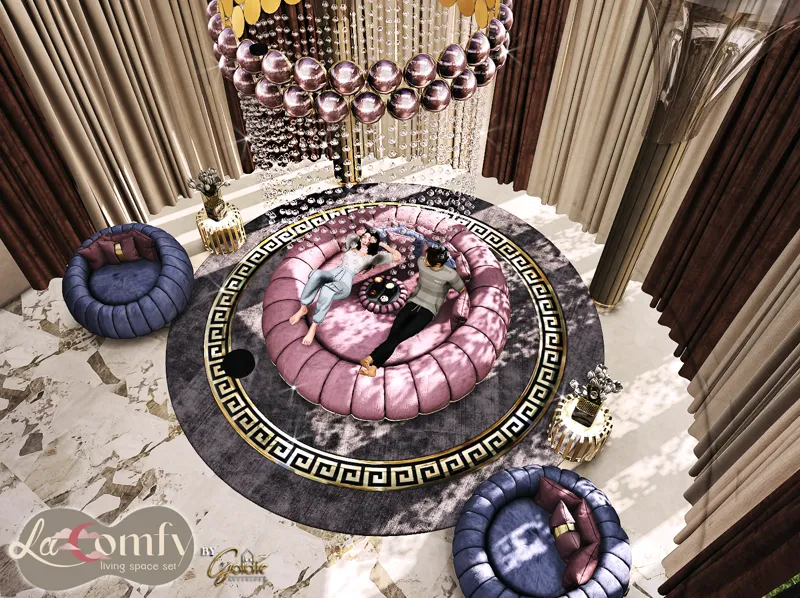
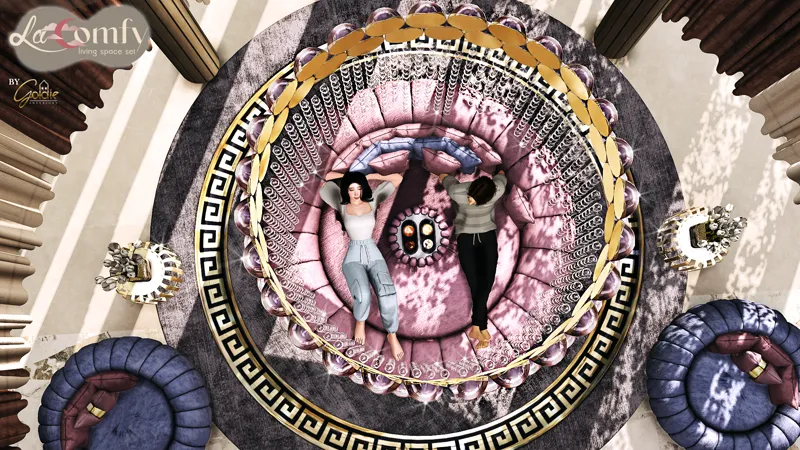
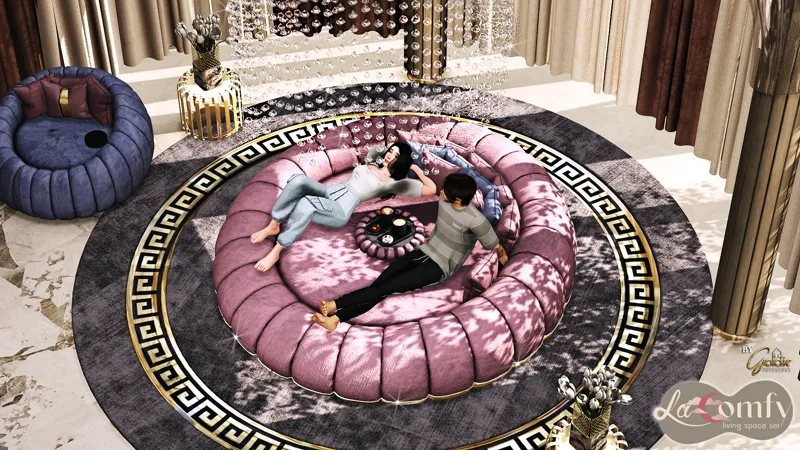
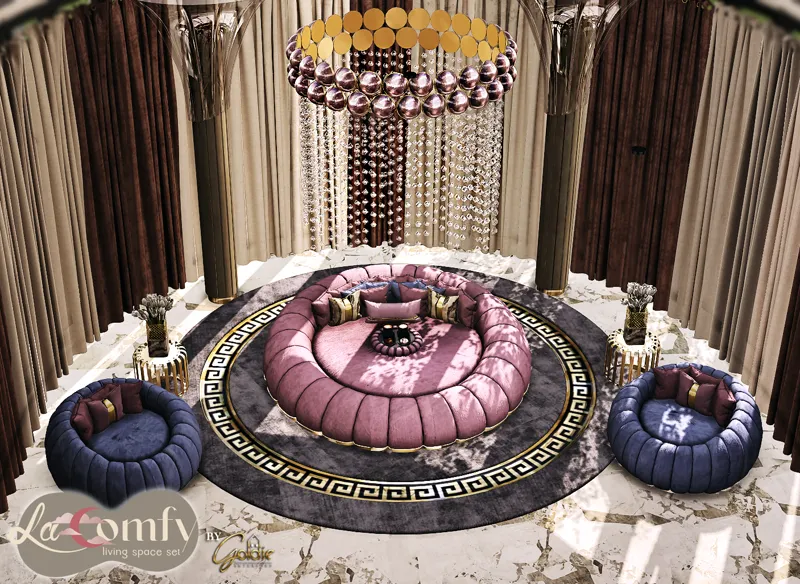
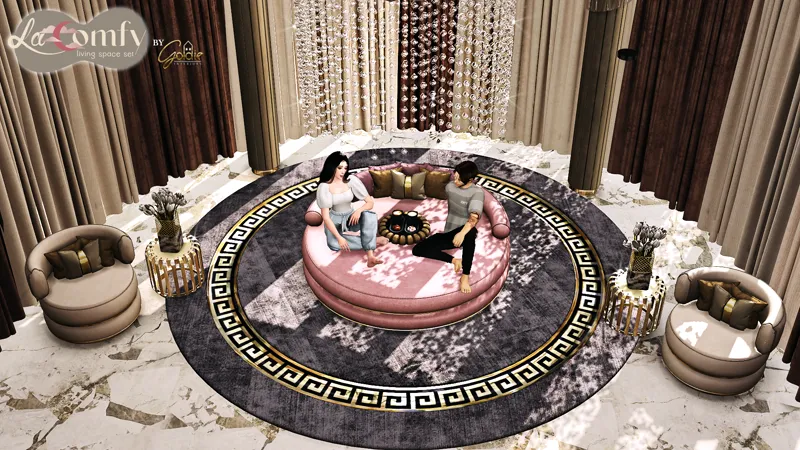
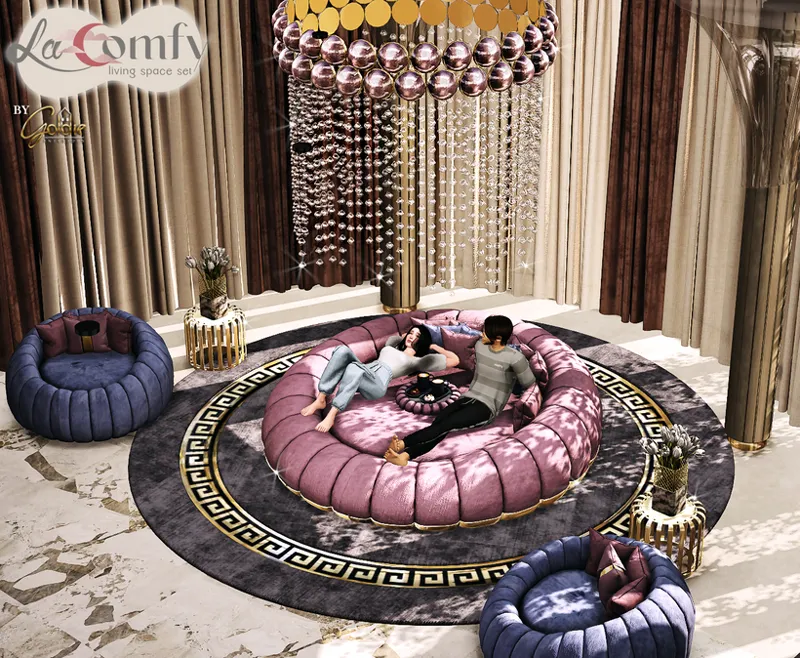
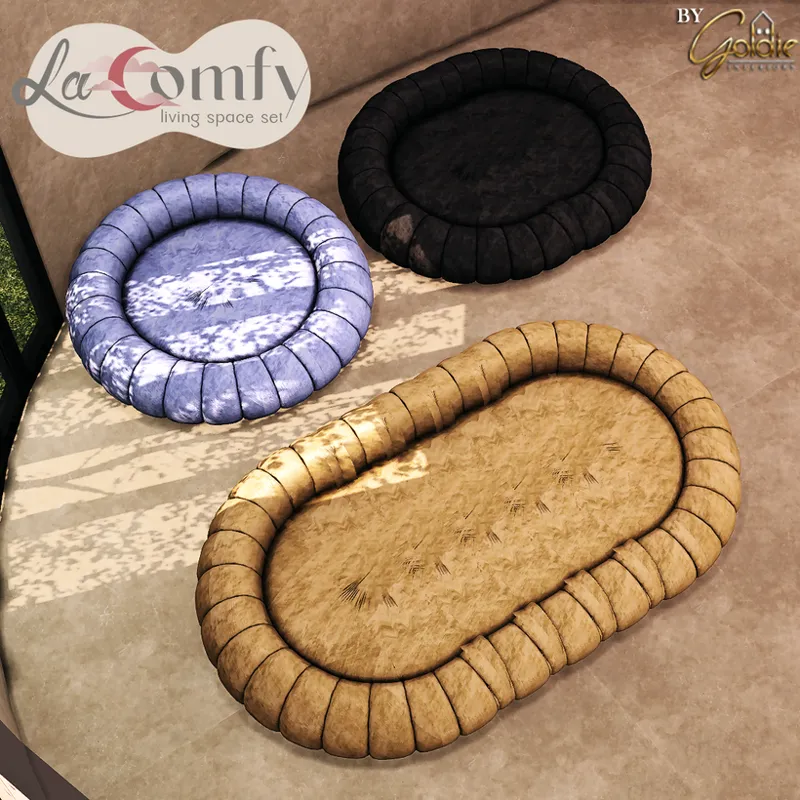
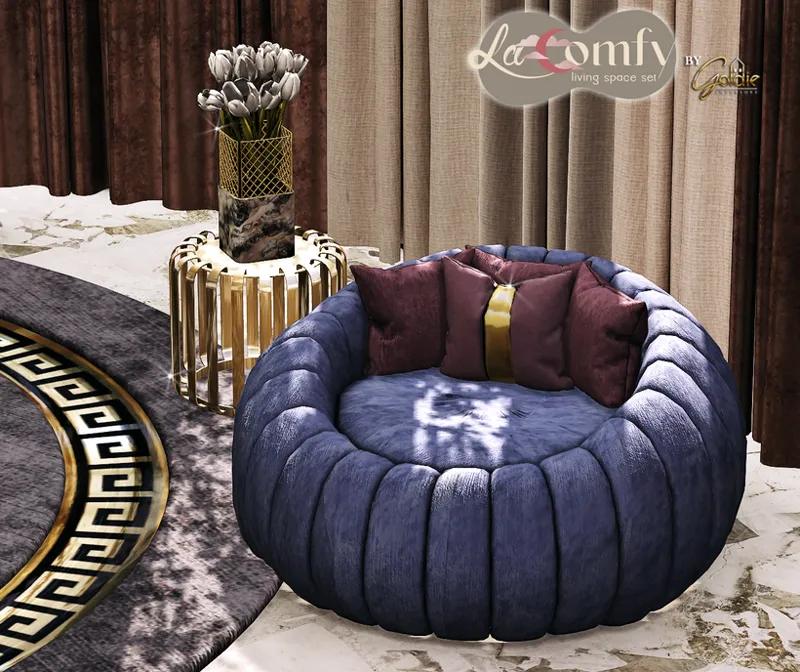
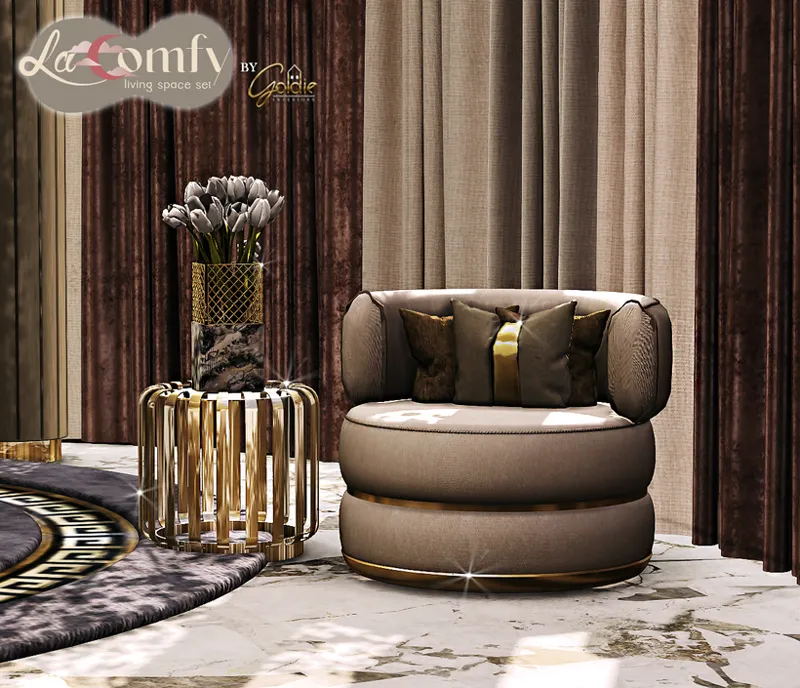
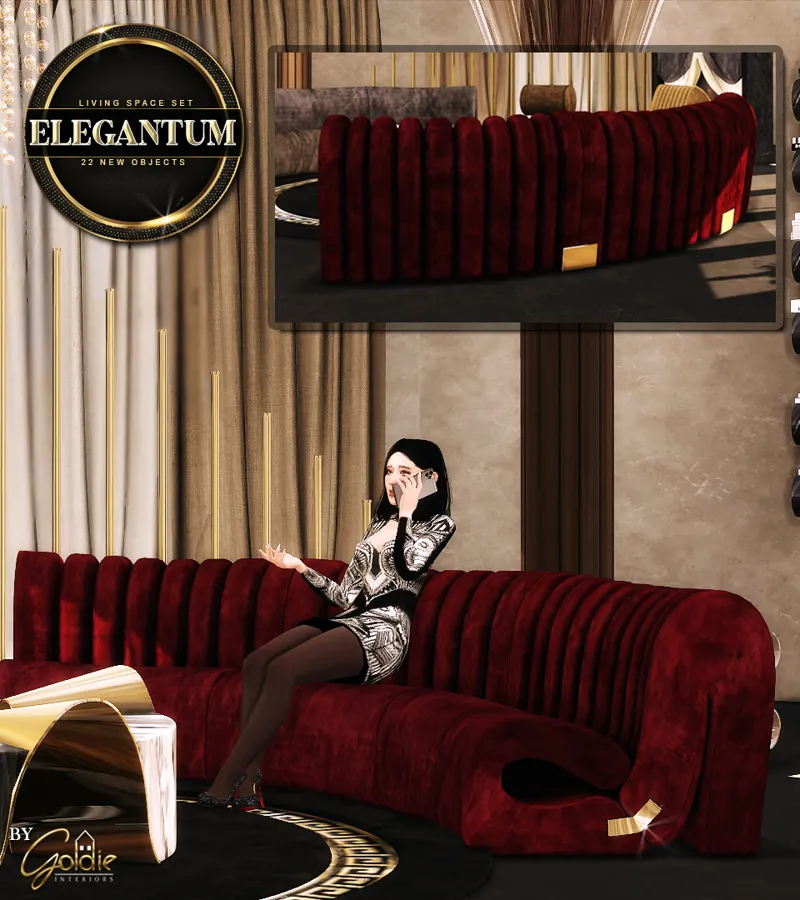
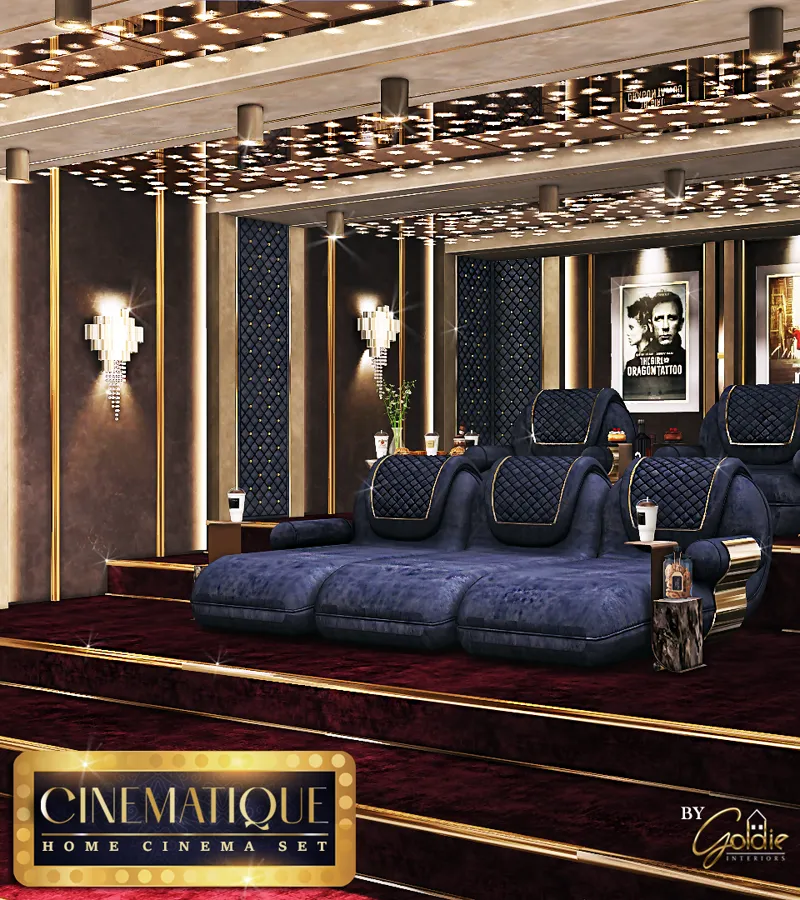
This is the new set for the current month (July 2024) ✨
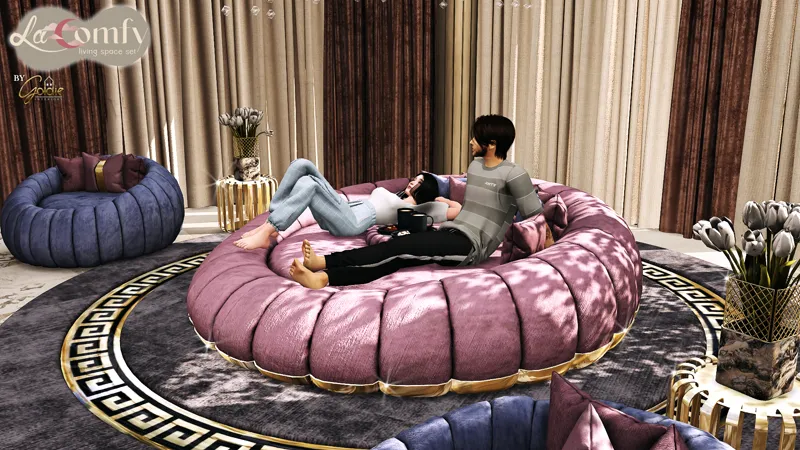
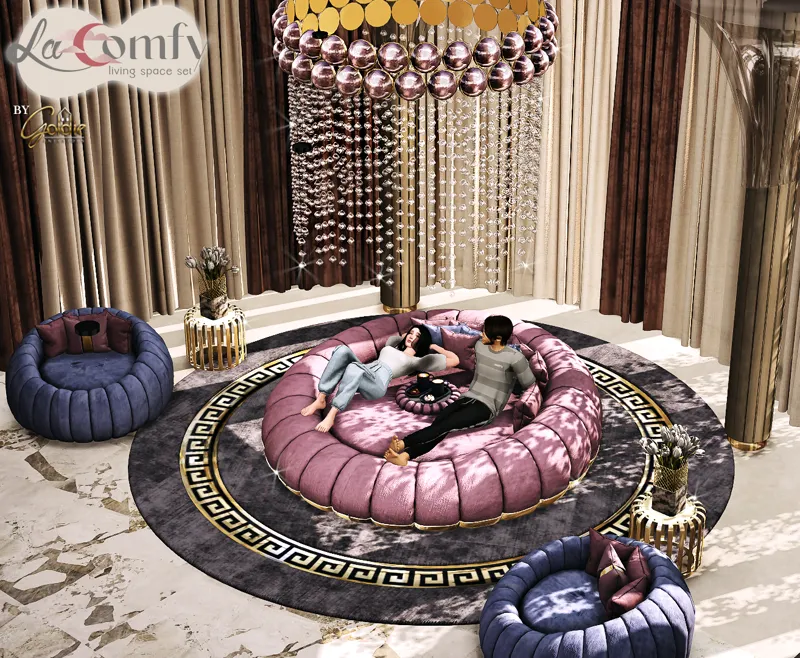
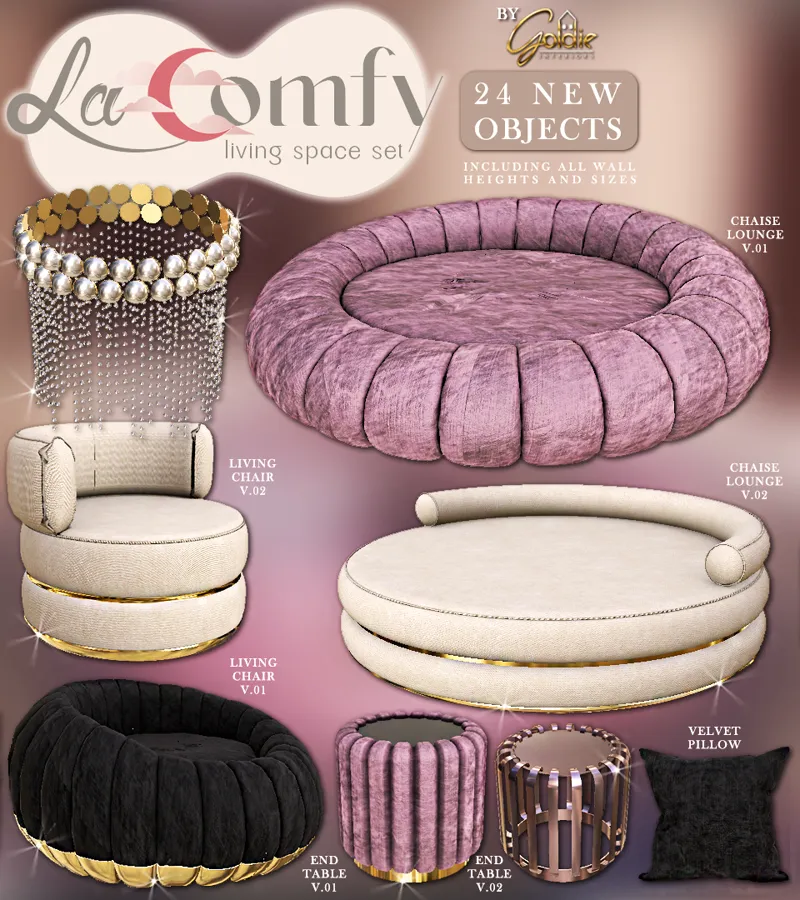
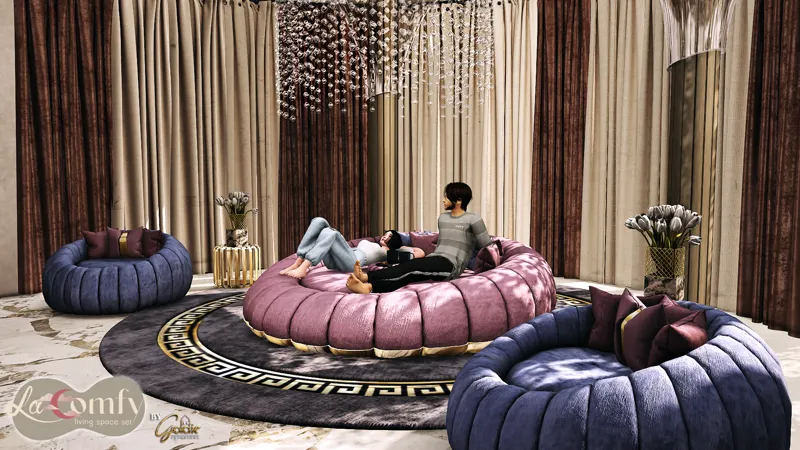
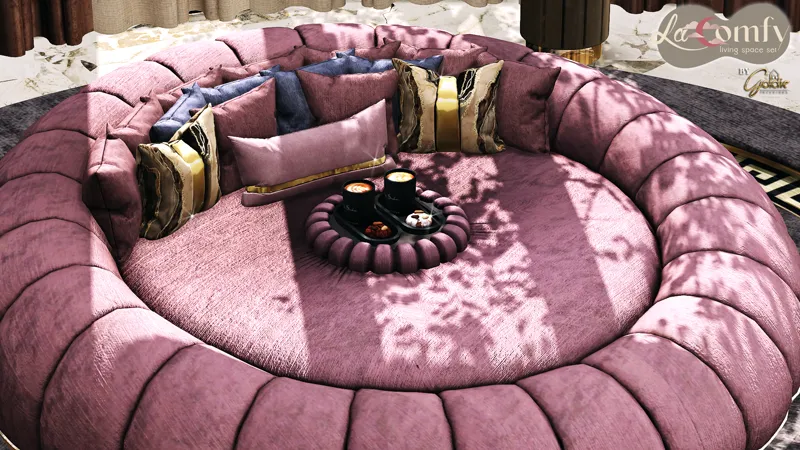
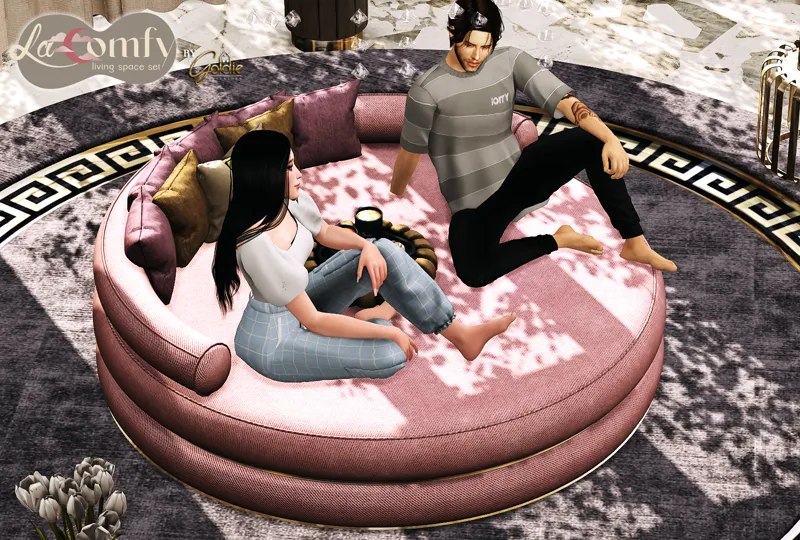
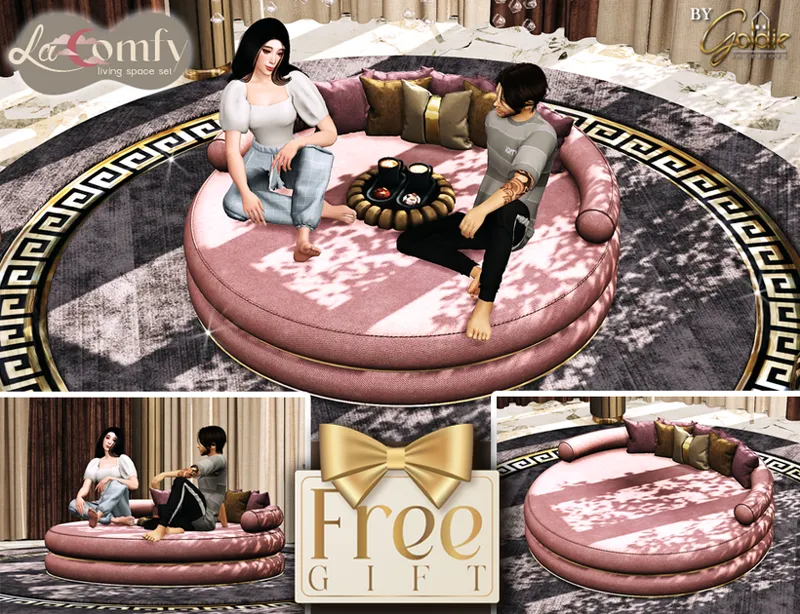
This set is about a new type of living space, it consists of two different seating types for a living space, the first and main type is what you can call a (movie sofa) or a chaise lounge. Two round cozy lounges for your sims to relax on while watching a movie, or just to take a nap. They require (Dream Home Decorator) pack to work.
The set also includes velvet pillows, place them behind the sims' backs because the back of each chaise lounge is a bit far from the sim's back, so place the pillows in that space for the lounges to look more comfortable and cozy.
The lounges are sectional, you can make them as wide as you wish and let as many sims as you want to relax on them!
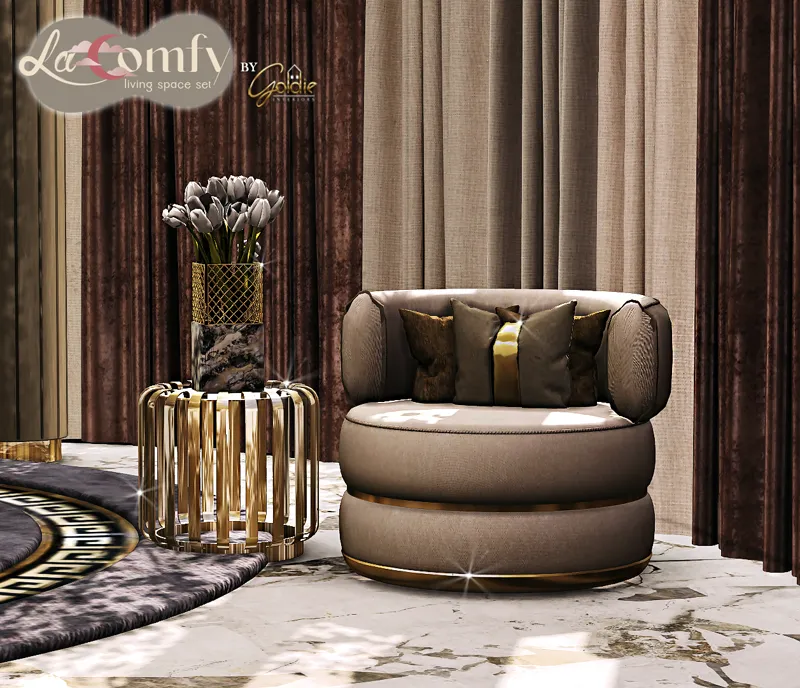
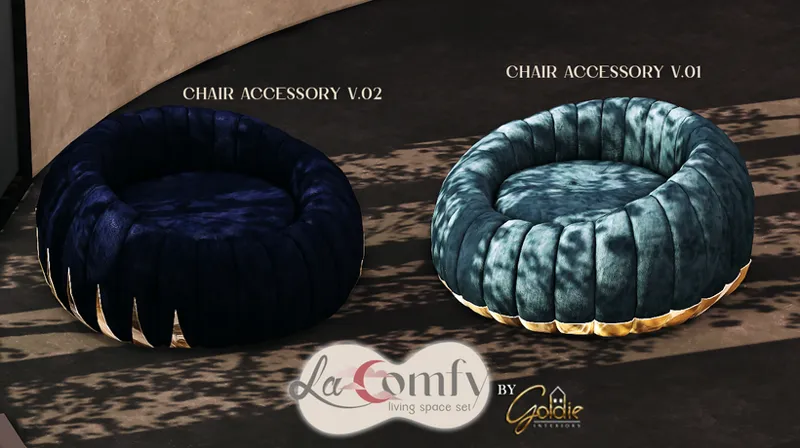
The other type of seating in this set is living chairs that match well with the lounges.
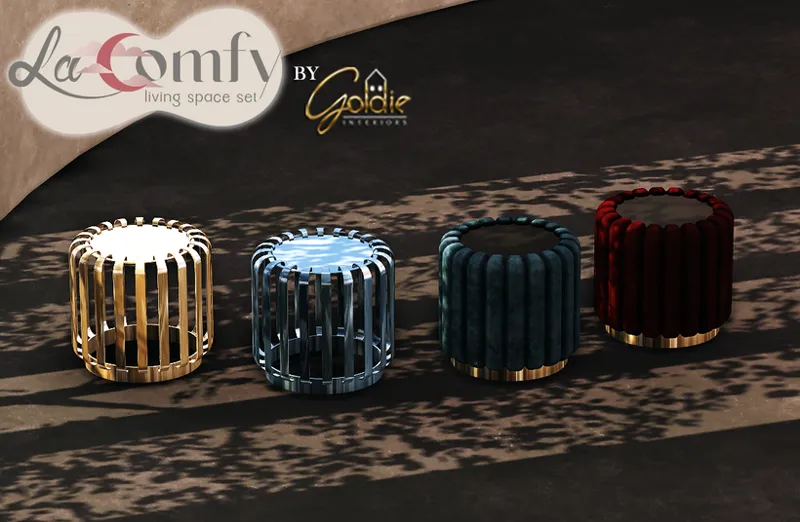
Two end tables come with this set, the first one is all covered with velvet, I made it to serve two purposes, it can be used as an ordinary end table anywhere you want, or you can place in the middle of the lounge to serve as a built-in table for the sims that are relaxing on it. The second end table is an ordinary one made of steel that comes in various colors. For lighting there's a chandelier that is also sectional to fit with whatever width you set for your lounge.Both of the lounges and the living chairs have golden accessories that can be found as separate parts/files, so you can choose whether you want your lounge or chair with golden accessory or not. If you want the accessory then place it in the same spot as the lounge or the chair.More about this set:
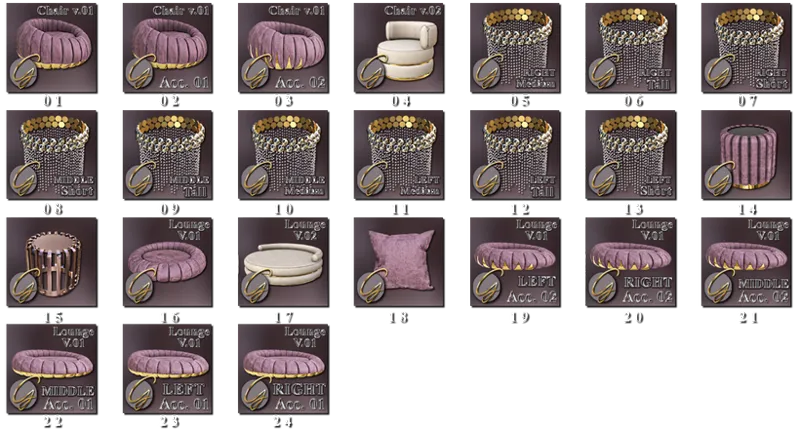
Consists of a total of 24 objects (including all wall heights and sizes).
Every object is meshed by me.
Everything is fully functional.
Everything is base game compatible except: the lounges require (Dream Home Decorator) pack to work.
HQ textures with custom normal and specular maps.
Custom Thumbnails.
You can find the objects in game by typing (Goldie) or (LaComfy) in search.
NOTE: The chandeliers are high poly.
You can find several round/circular luxury objects in the following set that will match well with this set:
(for free if you are a member of the Design Specialist tier).
It contains both a zip file of the set and a text file that has a link to a google drive folder that contains all of the set package files, so if you're having trouble extracting the zip file, you can get the package files from the google drive folder.
Dynamic Designs - Building for Sims 4 · August 24, 2024
This set I purchased and it never shows the actual lounge just the metal things that go around it and the middle what m I doing wrong?
G
G O L D I E · August 25, 2024
Here's how you use the loungers: In the game, when you open the panel to choose the swatches/colors you prefer for the middle part of the lounger, you will find another panel that appears besides it that has the three types of the lounger (left, middle and right) , choose the type you want to place and it will appear for you. Here's a link that explains this further ( https://simscommunity.info/2021/05/31/the-sims-4-dream-home-decorator-all-about-sectional-sofas/ )
D
Dynamic Designs - Building for Sims 4 · August 7, 2024
How do I get this
G
G O L D I E · August 7, 2024
Through this link: ( https://www.patreon.com/goldie_s4/shop/barazza-294695?source=storefront ) It will download a txt file that has the link to the google drive folder that contains the set package files.
M
Mikelet Torres · July 15, 2024
in your content laComfy & Elegantum I've had trouble putting the couches in my lots, they always show up in red like something is getting in the way When you try to put it and click on it, a legend appears that says: the object is crossing the floor or ceiling
G
G O L D I E · July 15, 2024
Hello, have you tried enabling the cheat “bb.moveobjects on” ? I responded to your private message.