
TOOL v2.3.1 - Dream Home Decorator Patch Update
DOWNLOAD REMOVED AS IT IS NOW OUT OF DATE.
FIND THE LATEST USING https://TwistedMexi.com
Patch Fix Update to resolve visual issues with dialogs. Please see below for the original release text and instructions.
====Original Post====
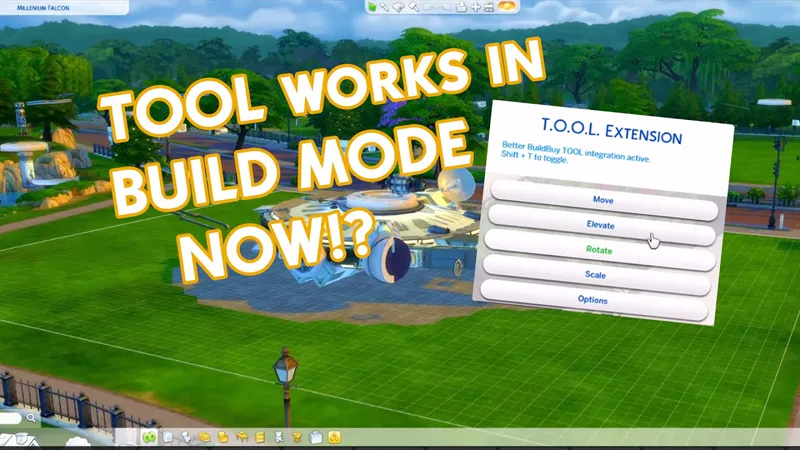
Want TOOL in build mode? Grab Better BuildBuy as well!
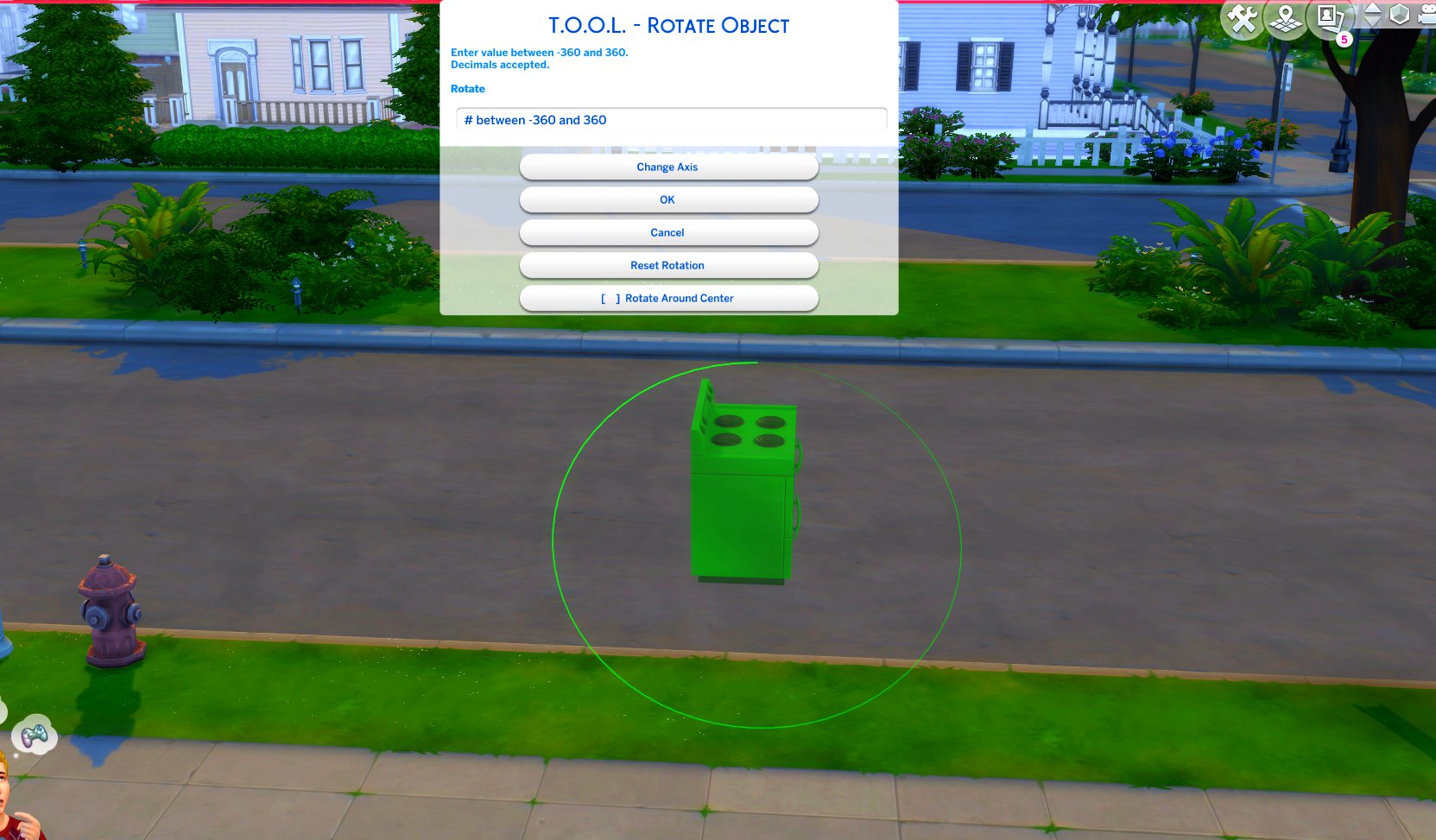
TOOL v2.3 brings a new feature called Rotate Around Center. It's a toggle in the rotate dialog that lets you choose whether group rotation will rotate all objects around their own axis, or around the group's center.
This video demonstrates the difference.
Many players requested this, as it'll allow them to rotate TOOL-only builds after they've finished, instead of having to plan which rotation they want to begin with. I hope everyone enjoys.
Rotation Around Center added to Rotate Dialog
Added an improved rotation indicator. The circle is now a gradient.
Dim = 0. Bright = 360.
Positive rotation amounts will always move dim -> bright.
TOOL Quick-Start
The usage is the same as regular TOOL, except you will automatically be placed in TOOL mode any time the TOOL dialog is open.
Toggle TOOL in build mode by pressing Shift+T
In addition, shift+clicking surfaces will automatically place a group box marker. This can be used in combination with the Toggle Group button to highlight many objects at once.
When the TOOL extension is open, ctrl+z and ctrl+y will handle the TOOL undo/redo instead of the buildbuy undo/redo. Buildbuy undo still works when TOOL is closed.
If you're new to TOOL entirely, refer to my original tutorial.
Install Instructions
⚠ FOLLOW IT WORD FOR WORD. ⚠
1. Delete any existing copies you have for TOOL.
2. Open the "TwistedMexi's TOOL v2.3.1 Official" zip and drag the "Tmex-TOOL" folder inside to your mods root.
3. That's it! Don't restructure or move the files in any way.
Comments (9)
I of course have done something wrong bc I can not get tool to pop up in game. It shows I have the folder added to my mods folder and I have mods turned on in game and I restarted. Please can someone give some pointers or ideas?
You need both TOOL and Better Buildbuy for the shift T menu to work
Shift + T does absolutely nothing on a Mac.
Okay. Apparently "move folder above" means "folder below" or "folder at this level."
Is not working for me ! Don’t appear nothing when I click a object
Thank you for updating so fast!! I went to work on my current build and saw the patch issue. Got so bummed until I saw you released the fix already!! I also just became a patron because your mods have seriously changed my life as a builder in the sims!
Amazingly fast as always -- thank you!
Thank you so much!!!
Thank you!