
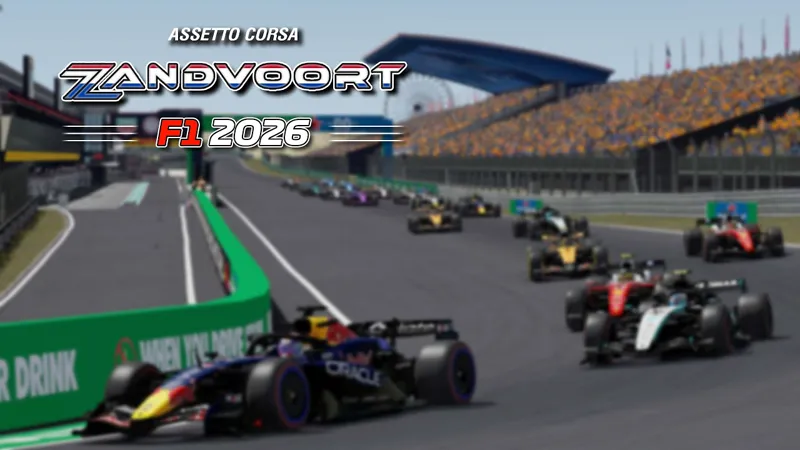
Zandvoort F1 2026 Extension 8.0
The Final Lap. 🇳🇱🧡
After years of orange-filled grandstands, banked corners and unforgettable weekends by the North Sea, Zandvoort hosts its final Dutch Grand Prix this weekend.
The Zandvoort F1 2026 Extension 8.0 brings this last edition to Assetto Corsa. One final race through the dunes, one final dose of Orange Fever... let's make it count! 🏎️🔥🏁
Here are the features:
New layout 2026
2026 billboards
2026 animated boards
2026 fence boards
2026 sideline signs
2026 brake markers
2026 ground sponsors
2026 Pit names
2026 Tag Heuer Clock
2026 podium
2026 Blue lines
Specialized textures
Adjusted signs & markers
Fixed Hotlap start location
Smart helicopters (following layout)
[NOTE ABOUT ORANGE SMOKE]
The smoke appears only at 3PM and disappears progressively after 5 minutes.
For any issue or if you don't like it, don't want it because it consumes too much resources or even always have it, just check the file: [common/help.txt]
_______________________________________
[ HOW TO INSTALL / TROUBLESHOOTING ]
FOR DETAILS ON
HOW TO INSTALL TRACKS/EXTENSIONS
OR IN CASE OF ISSUES
PLEASE READ INSTALL GUIDE/TROUBLESHOOTING POST
https://www.patreon.com/posts/101487267
_______________________________________
1. INSTALL ORIGINAL TRACKS
Track is zandvoort2023 v1.11 and can be found here:
https://www.gtplanet.net/forum/downloads/circuit-zandvoort-2023.6762/
_______________________________________
2. INSTALL EXTENSIONS
Zandvoort F1 2026 Extension
https://drive.google.com/file/d/1dNThJP4A6sy-Z1_t0rk11IhTyTkY9GvZ/
Comments (1)
Despite installing the 2026 version, it doesn't show up in the Content Manager track list. Only Zandvoort F1 2024 and that year's circuit appear, whereas other circuits—like Monaco, for example—display correctly. What am I doing wrong?