
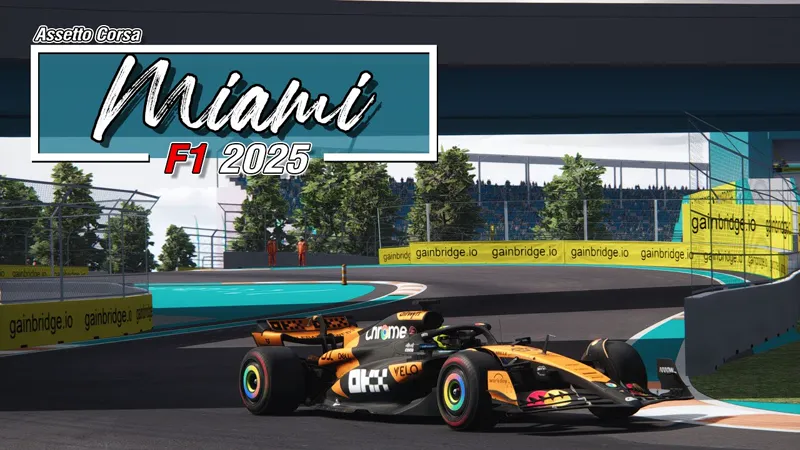
[ARCHIVE] Miami F1 2025 Track 4.6
Here it is! 🌴 The Miami F1 2025 Layout is now available in its final form, fully updated with the 2025 visuals. From the flashy paddock to the roads around Hard Rock Stadium, everything’s in place for this year’s Grand Prix. Time to hit the track and bring the heat to Miami! 🏎️🇺🇸🔥
NOW INCLUDED IN MIAMI F1 CLASSICS PACK
https://www.patreon.com/posts/127278202
___________________________________________________
Here are the features:
Layout F1 2025
Fix some ground issues (all layouts)
CSP versions relative adjustments
Unified environment file
Enjoy and have fun!🙂
Comments (23)
Hi pyyer, thank you for your Miami 2025 update. I noticed that some other users in the comments seem to be reporting similar crashes. I can reproduce the issue on my setup as well, so it may not be limited to a single installation. My environment: Track: miami_f1 / layout_f1_2025 ver 4.6 Car: VRC Formula Alpha 2025 CSP: tested with 0.2.12-preview1 and 0.2.11 Weather style: Pure Gamma The crash only happens on the Miami 2025 layout. Other tracks do not crash with the same car, CSP and apps. After testing the 2025 ext_config includes one by one, the crash seems related to: [INCLUDE: ext_config-pyyer-miami-2025-flags.ini] ACTIVE = 1 If I set the whole flags include to ACTIVE = 0, the track runs without crashing. Then I tested inside ext_config-pyyer-miami-2025-flags.ini and found that the crash can be avoided by disabling only this block: [SHADER_REPLACEMENT_...] ACTIVE = 0 DESCRIPTION = Replace objects textures MESHES = $FlagMeshes SHADER = ksFlagsFX PROP_... = ksAmbient, 0.3 PROP_... = ksDiffuse, 0.3 PROP_... = ksSpecular, 0.1 PROP_... = ksSpecularEXP, 100 PROP_... = frequency, 1.5 PROP_... = distortion, 0.075 With this block disabled, I was able to drive without crashing. With it enabled, Assetto Corsa crashes again. I hope this helps with debugging.
Definitely something broken with what you uploaded here, I'm not even on CSP 3 and had crashes. The file has the UI elements for previous years then you've not included any of the layout .ini for them. I tried to get to the bottom of what was broken by disabling the config elements one at a time, couldn't find a culprit, now I've turned them all back on again the track seems fine? It's really odd, I think you need to reupload the track, there's some sort of corruption going on with it
Thanks for reporting 👍 I've just reuploaded the archive without the UI elements. I'm still working on finding what the random issues are (some users don't have any, some others depending on the cars used, sometimes CSP versions improve things and other versions aggravate them 🤔) Hopefully I will find something before 2026 GP 🤞 Please tell me if you find anything
Same here. CSP 0.2.11
I just downloaded and tried this, it crashes.. happened twice. Sucks
Sorry for that I have indeed noticed some issues with the last CSP versions causing some crashes and I'm investigating on the causes to fix it. What CSP version are you using?
I love the track, but unfortunately I also have to report the track crashing. And it also occurs on CSP latest (0.2.11), so not just CSP 0.30, for all track layouts. Car doesn't matter - an AC vanilla car like Abarth 500 also crashes. I've tried tweaking CSP's settings, turning off ExtraFX, particles, grass textures, even disabling Pure and any game modifying plugins (think VSC), no dice. Even fresh installs of track, CSP, CM and game don't help. The crash is more likely to occur with more cars on track, but it *can* still crash on say 10 cars or less. Even solo Practice can bomb. It's a weird one because I've had a miraculous case or two where I can run an hour long session without anything happening (22 cars). Initially thought that it had to do with me turning off Track improvement for CSP (Grass, Miscellaneous), but that wasn't it. I guess I was just lucky. The "game crash" usually mentions d3d11 (filename not available): CreateDirect3D11SurfaceFromDXGISurface. Running the vanilla track (so without the extension) works fine, although because the extension has overwritten the track buildings the walls are missing there, which is a fun side-effect ;)
The other mention is of: AC\camera.cpp (130): Camera::render AC\cubemaprenderer.cpp (77): CubeMapRenderer::render
25 version just crashes for me, tried different csp version and still nothing works
22, 23 and 24 all crash for me on loading, completely re-installed and always a problem. Track display dynamic texture error, i'm using CSP 0.3.0-preview132. If i select the track option that has no year that loads.
Just tried every layout and everything works fine for me Some users have experienced issues on CSP 0.3.0 depending on which car they use (notably some VRC cars). Have you tried another cars to see if this works?
can you make it compatible with the latest CSP version?
Weird, the track looks gorgeous to me, there is elevation now in the chicane there are audience in race and weekend mode . don’t see black parts in the track CSP 0.2.7
with the 4.5 update i have no audience / stands..a lot of details missing..dont know what im doing wrong..do i need to download another track as always? no i think
Track includes everything so it shouldn't be needed. Please try full uninstall of the track and reinstall
my track tv screens are black at day and cant see anything, but normal at night... can someone help me pls?
Go into tracks folder,select miami_f1 ,Then select Extension (all double click) .Select ext_config-pyyer-miami-displays.Go down to Gamma_day=0.4 Change the number higher.(ive found 0.6 good.Then at the top left file select SAVE ,Then Exit.Hope that helps.
really enjoyed this update... spent all morning in it
Really good - thanks!
in real life there is more elevation change in turn 13,14. just to let you know for the real extension.still a brilliant mod
You are the Best man
Can't wait to get home after work and run this track. Been running all the tracks as you upload them, just trying to get my personal record as close to the pros as I can lol. Always seem to be about a few seconds off pace 🤷♂️. The pro sim drivers have insane lap times though haha. Love the VRC formula alpha 2024... so detailed in tuning.. even has brake shape.. wish it had throttle shape too though
great thx very much