

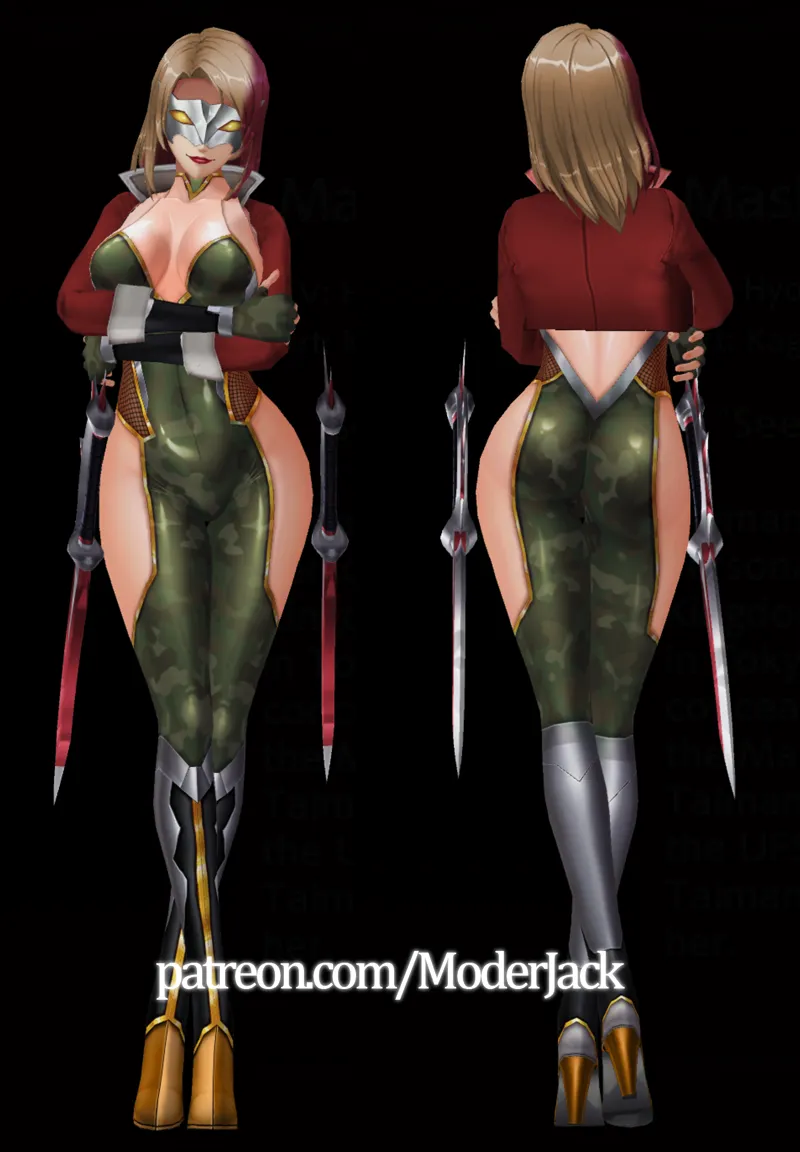
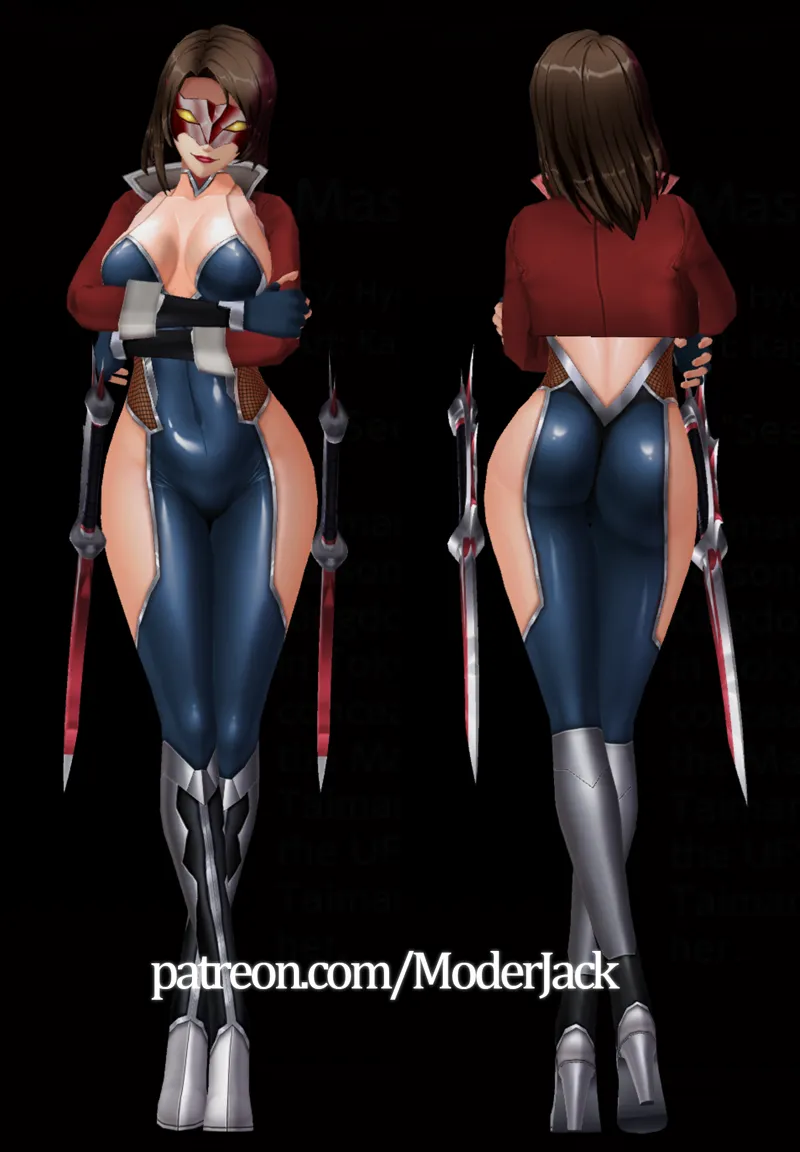
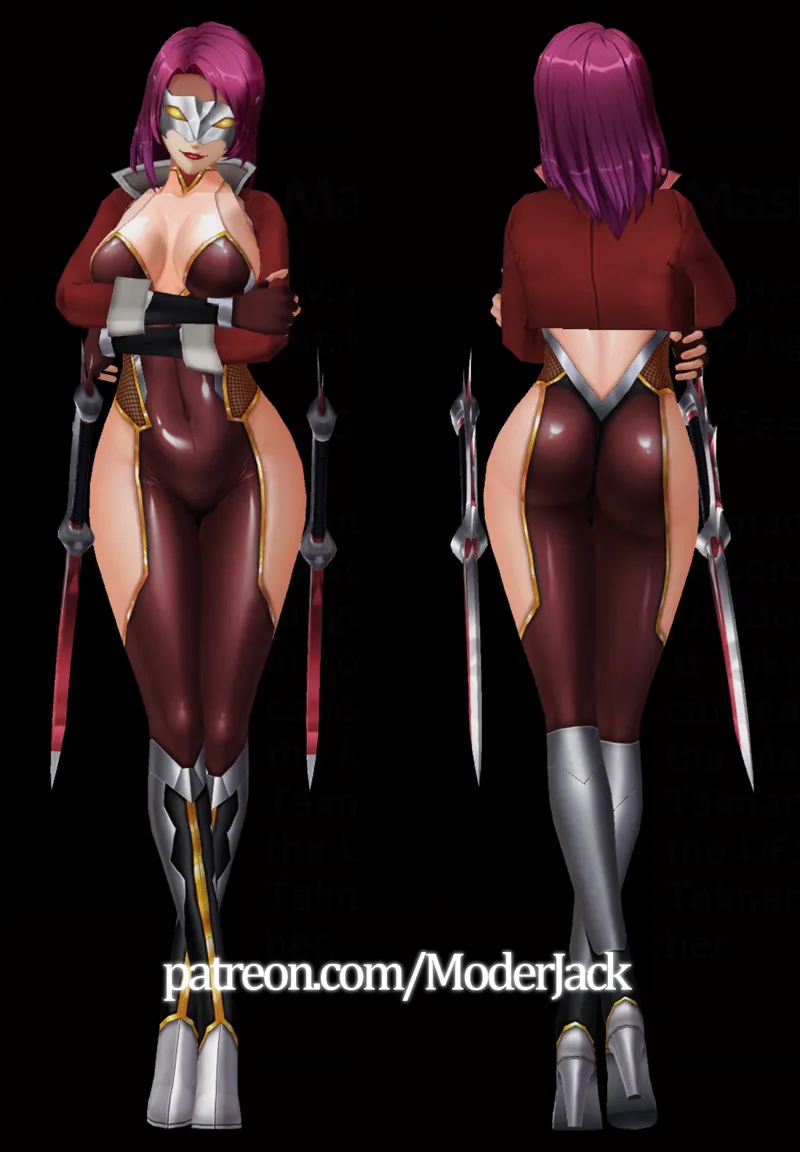
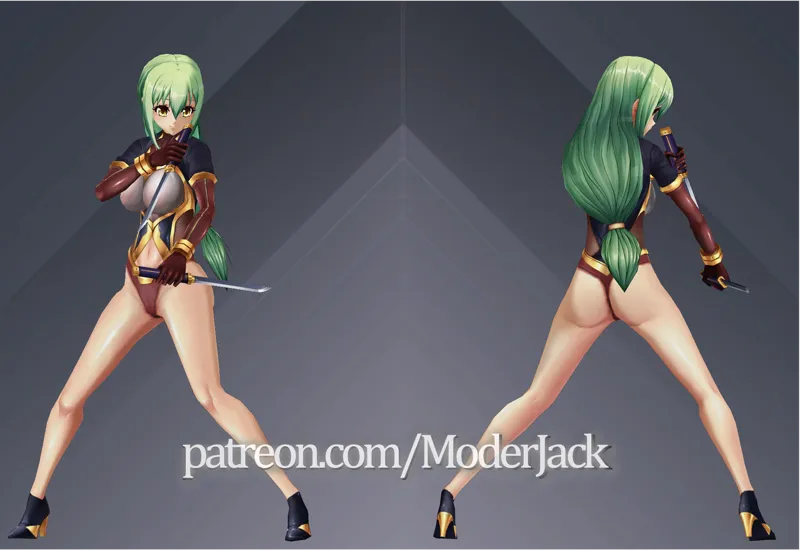
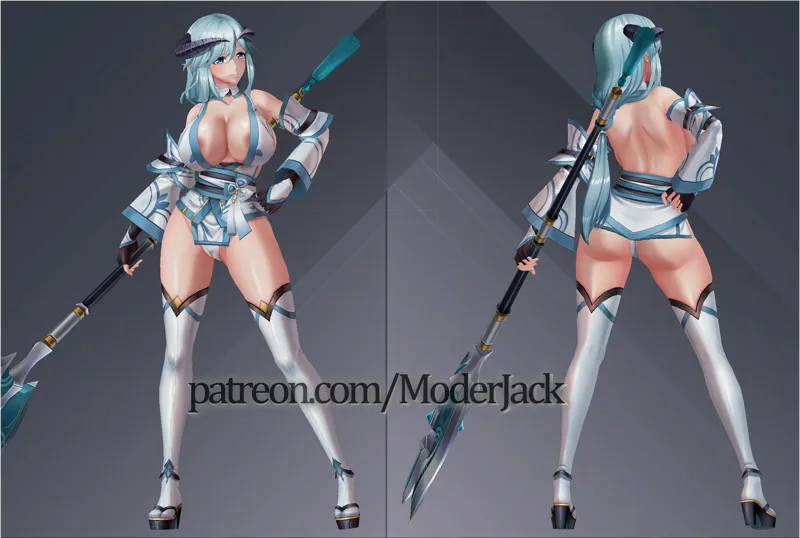


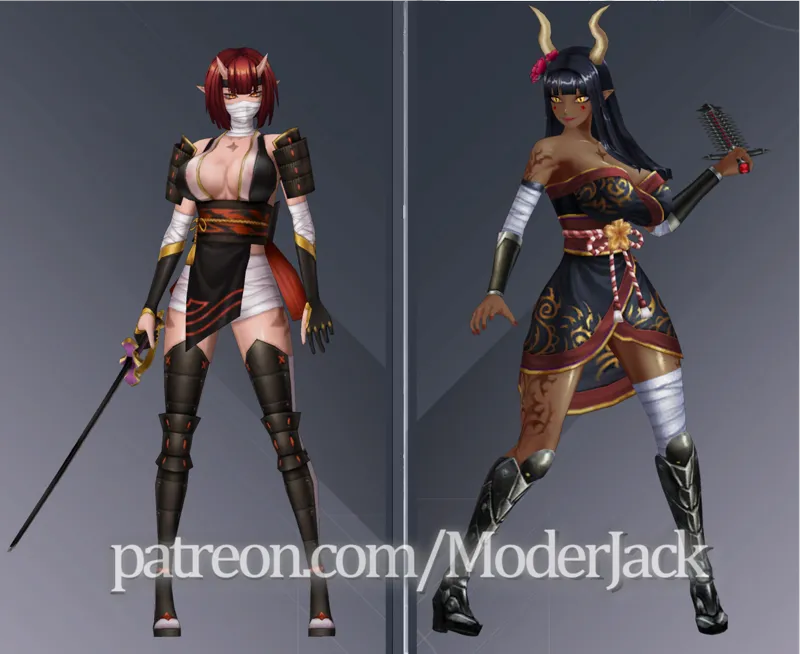
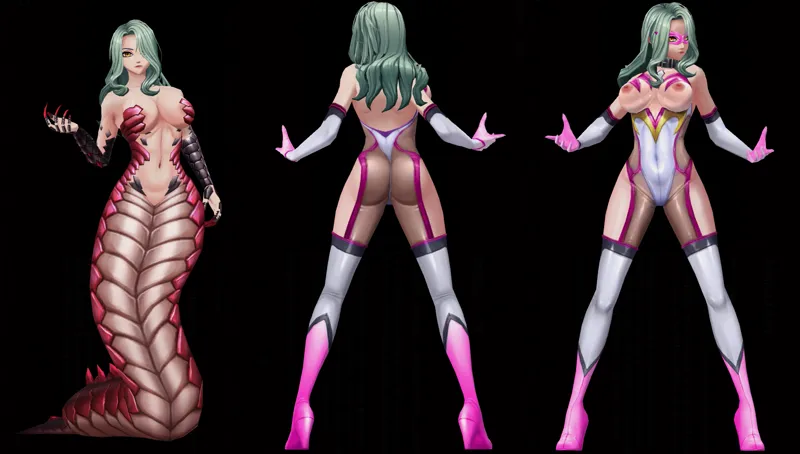

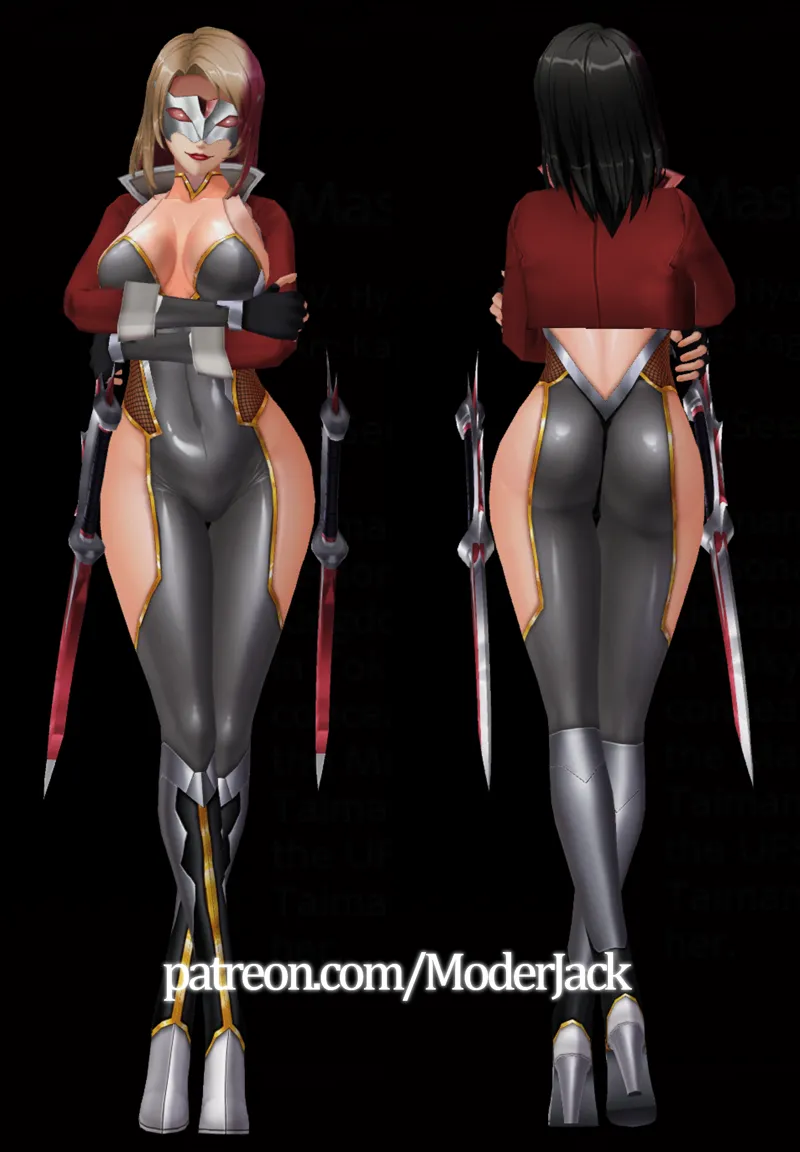


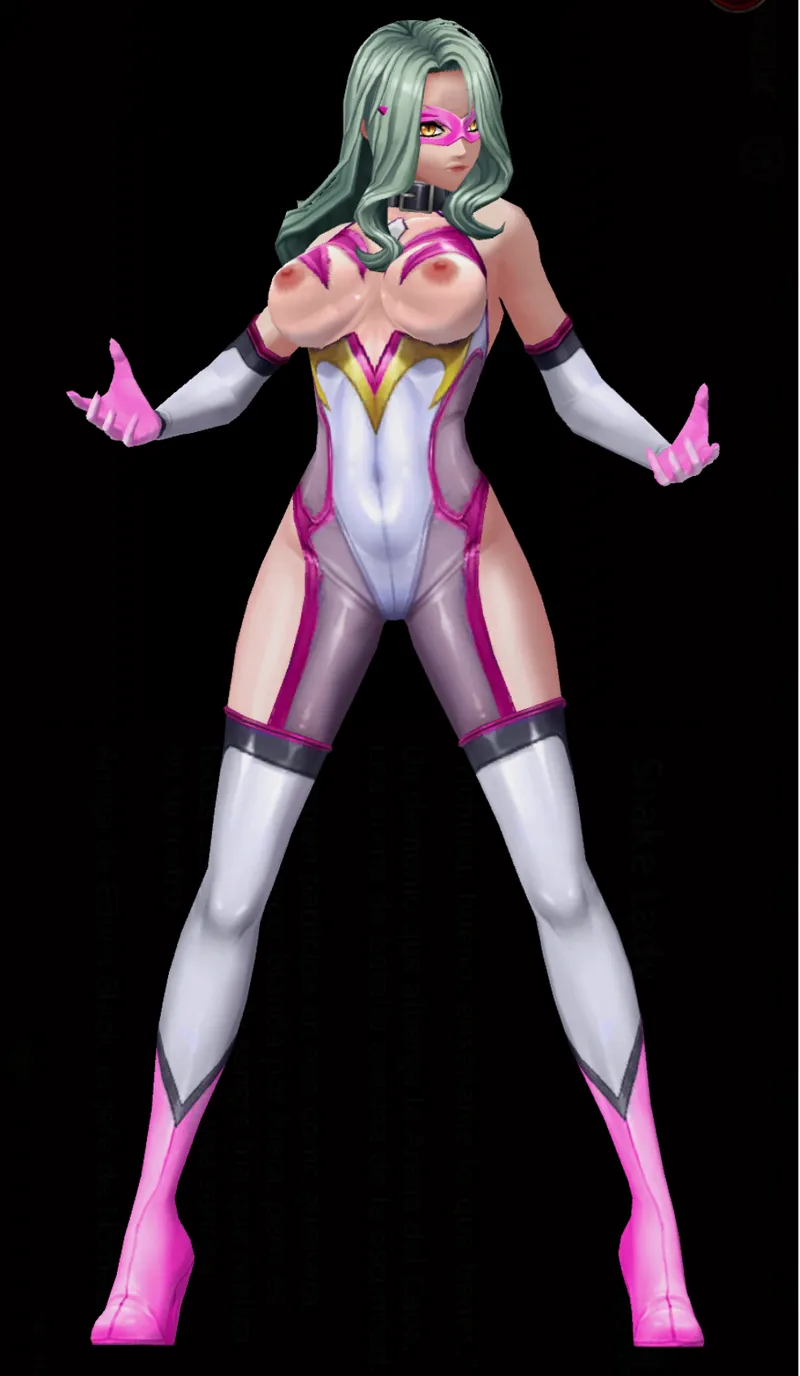
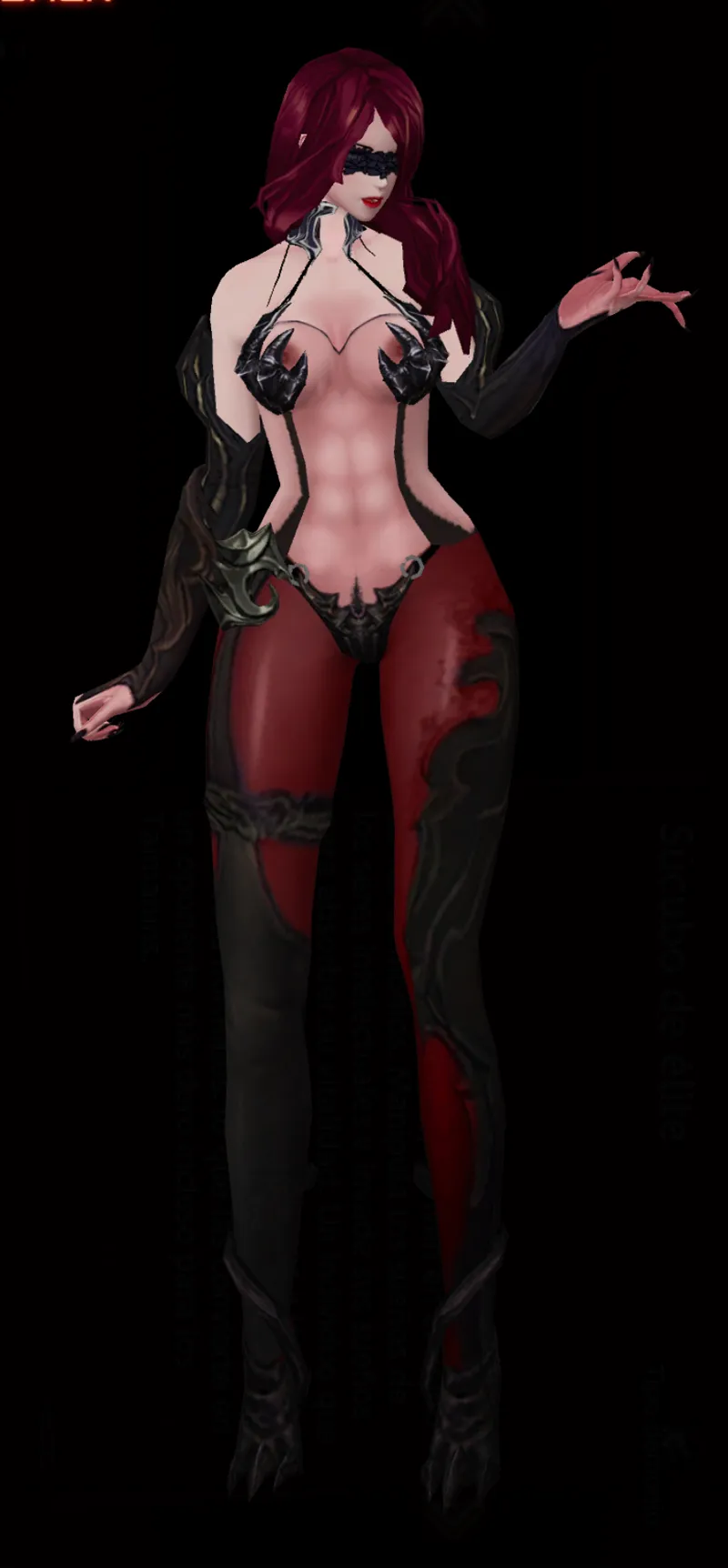
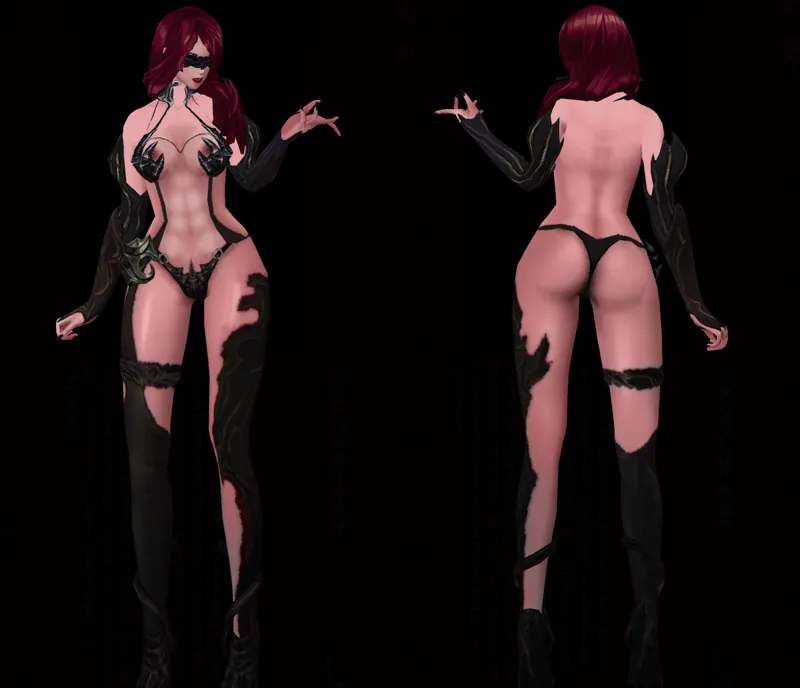
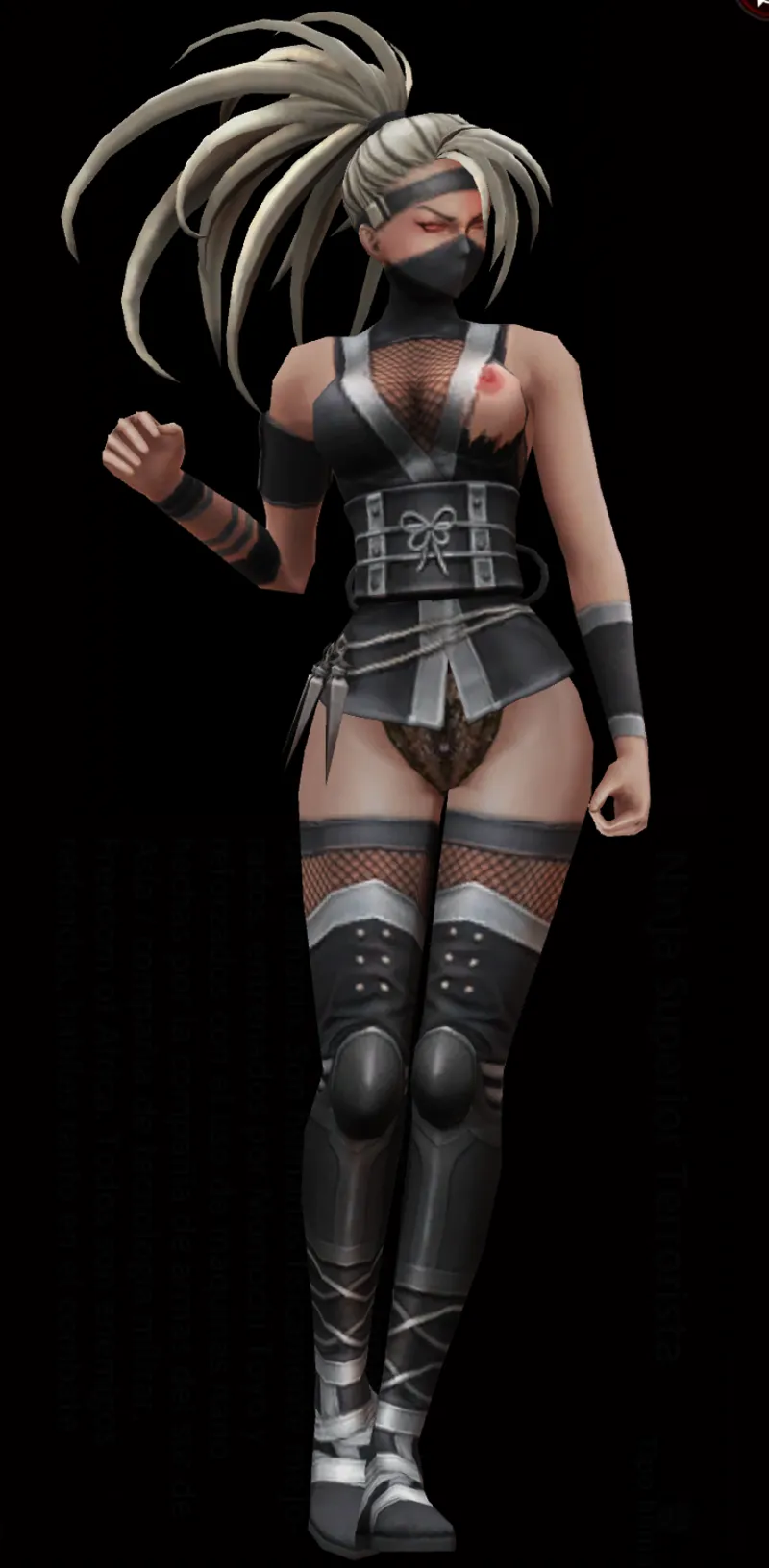
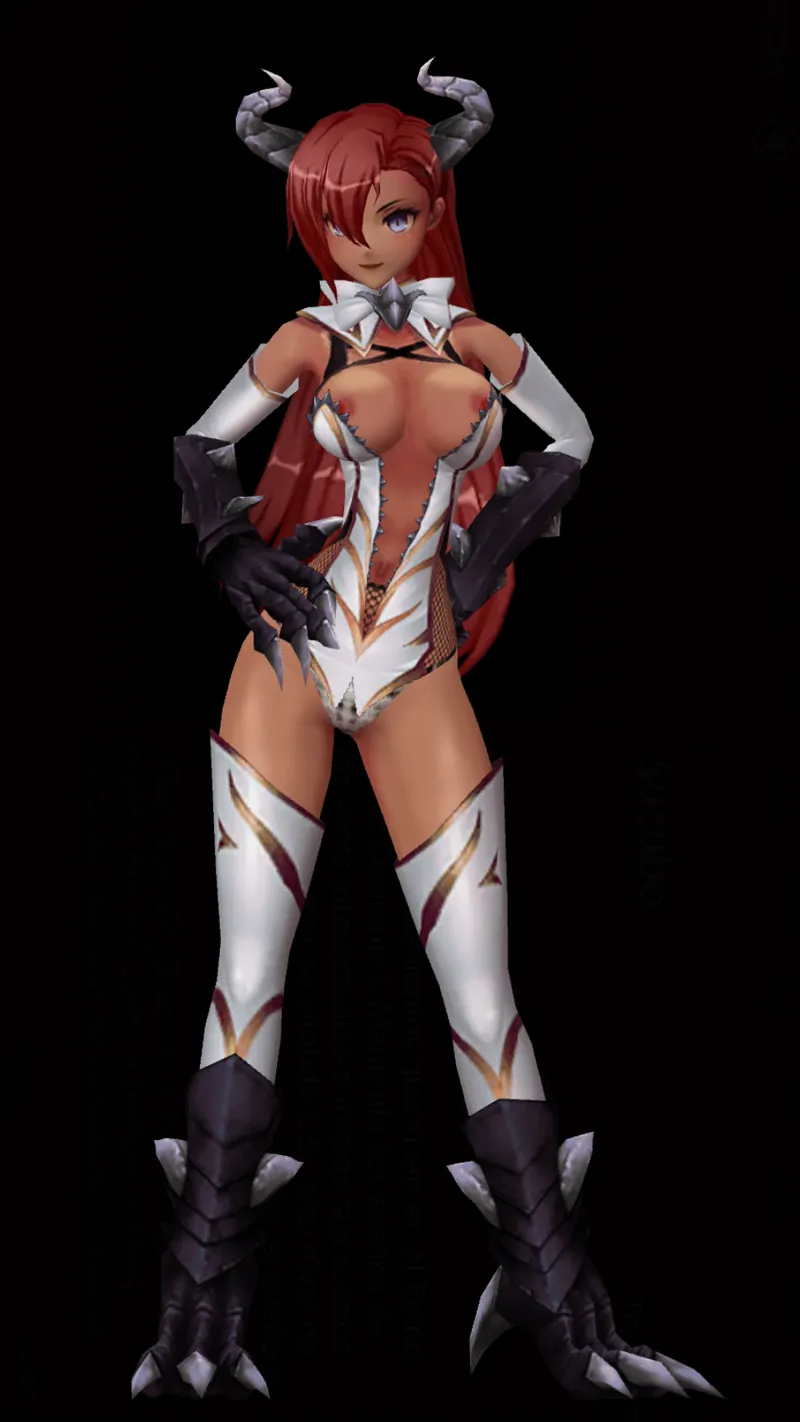


Model_Monster - Fix Color (2026-Jun-2)
Place this file in the game folder located in
Folder:
\steamapps\common\ActionTaimanin\ActionTaimanin_Data\StreamingAssets\AssetBundles\pc
You need to rename the original file (to keep a backup) and then the downloaded file (deleting all the parenthesis)
Colocar este archivo en la carpeta del juego que se ubica en
Carpeta:
\steamapps\common\ActionTaimanin\ActionTaimanin_Data\StreamingAssets\AssetBundles\pc
Necesitas renombrar el archivo original (para conservar un backup) y luego el archivo descargado (borrando todo el paréntesis)
Comments (3)
Most of them cannot be displayed, and even the official source files cannot be displayed now. Is it caused by the model_char on February 10th
you are right bro! tomorrow updated i will fix that!
After installing the version dated February 10th, many monster models are unable to be displayed。For example NO.10 NO.30 NO.31