

Ultimate Engine Tweaks (UET) Mods for Unreal Engine 4/5+ Games
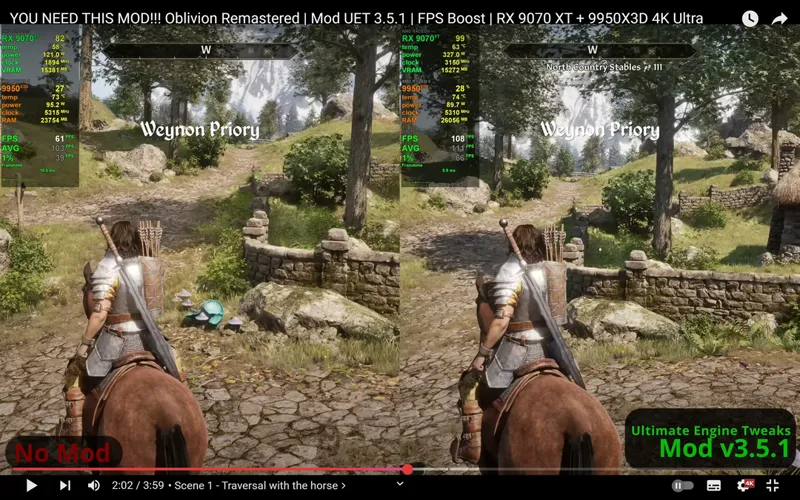
If you followed my PC Gaming: Ultimate Anti-Stutter Guide you know that I worked hard (and for months) to find, test, integrate and improve all available optimization tweaks for Unreal Engine 4 & 5 in order to remove most stutters, increase performance, lower input latency and improve picture clarity, all without any visual/graphical loss.
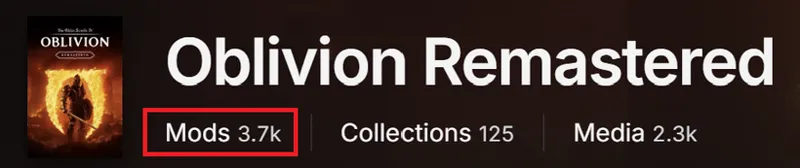
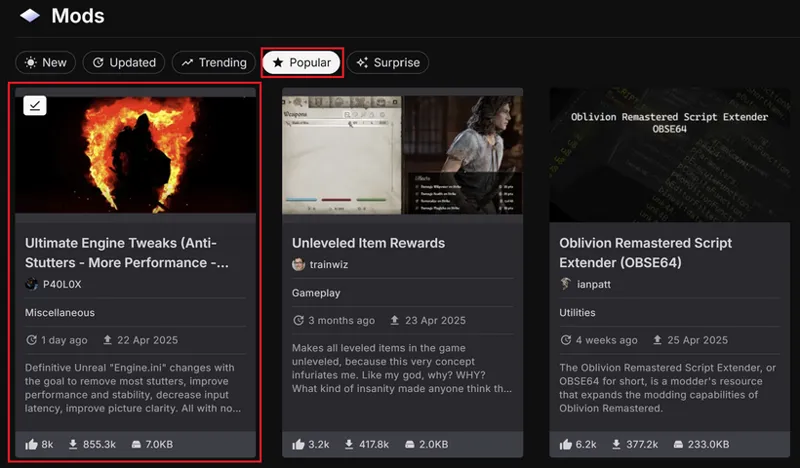
This was mainly possible thanks to the IMMENSE feedback I gather directly from users on Nexusmods for each of the game mod I personally "packaged" using my Ultimate Engine Tweaks, with Oblivion Remastered UET mod being the most successful one with 8.000+ endorsments , 850.000+ downloads and 3.700+ comments!
Out of over 3.700 mods for it, UET was and still is the #1 Most Endorsed & Downloaded Mod of them all (by a wide margin)!
This post is an invite to also have a look at all my UET mods including the ones for:
and more!
A BIG THANKS to who contributed so far by becoming a Patron and/or donated in order to make all of this possible!
Let me know how it goes for you in the comments, share and Enjoy ;)
-P
Comments (7)
Paolo quick question why did wuthering waves always crash when I use engine ini tweaks from is there a fix to this it always says ue4 fatal error crash
Could be many things. Maybe start by changing PoolSizeVRAMPercentage to 60 or just remove this line (and its duplicate in [ConsoleVariables]) Also make sure to use v80 version of UET (I uploaded v90 for a while but I removed it as it was causing issues)
Could you make one for the game called Pax Dei? https://store.steampowered.com/app/1995520/Pax_Dei/
Hi P40L0, I wanted to put your engine.ini in "mafia the old country" but I find only user settings in the localappdata folder. There is the same file for luto as well.
If the game doesn't have an Engine.ini file you need to create one and put my lines from latest version in it, then set it to Read-only and it should work ;)
Is there a major difference between your Uet mods and the stutter guide ue commands?
No, they're the same. With my mods I just used them to "package" each mod for each specific game and published them in 2 versions: one for "VRR" usage and another one for "No VRR" usage ;)