
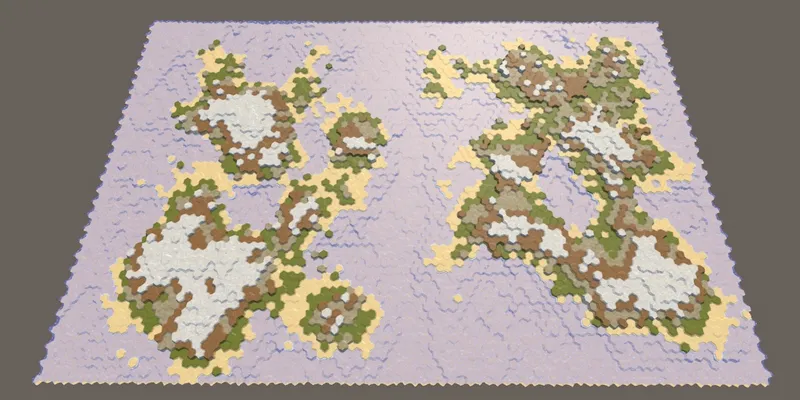
Hex Map 24: Regions and Erosion
In this tutorial we continue with our procedural map generation. We add a water border around the map, cut it into separate regions, and apply a variable amount of erosion.
Hex Map 24, Generating Land, a Unity C# Tutorial (Catlikecoding)
Comments (4)
Got it! Thank you...
In HexMapCamera.cs, I found Input.GetAxis("Rotation") to call AdjustRotation. Could just comment it out! Looked again at the InputManager panel. Clueless!!! Don't see 'Rotation' setting anywhere! Unity doc also does not mention "Rotation" in InputManager. And, Unity Answers are also unhelpful. Any suggestions?
It's for the rotation of the camera, added in Hex Map 5, section 2.3 Rotating. As the aside there mentions: "The input settings are project-wide settings. As such, they are not included in unity packages. Fortunately, it is easy to add it yourself. If you don't, you'll get an exception complaining about a missing input axis."
I wanted to quickly see erosion in action, so... Load UnityPackage in new project. Play. Got error "Input Axis Rotation is not setup" so I could not reposition the map. Went to InputManager panel. Clueless about "axis rotation"! Googled with no helpful results. I am sure you covered InputManager settings for Hex Maps in earlier tutorials. You can point me there (having the std desktop keyboard/mouse with no joystick). However, deeper question is how do you debug errors involving InputAxis settings for random scripts.