
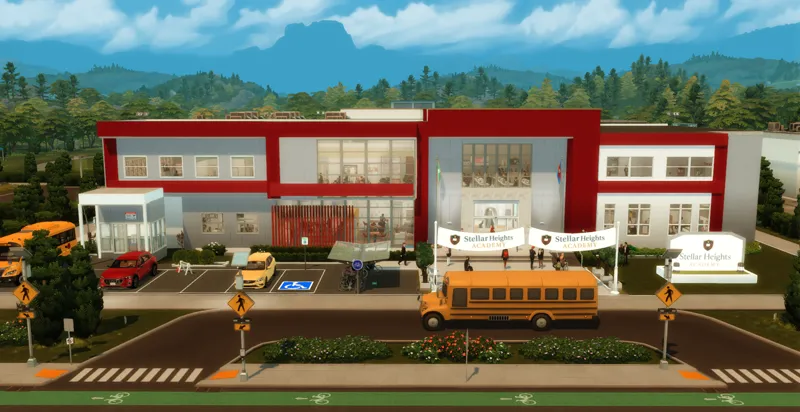
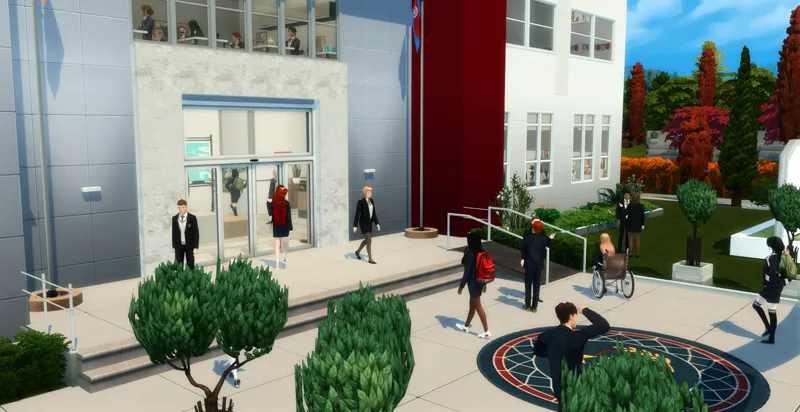
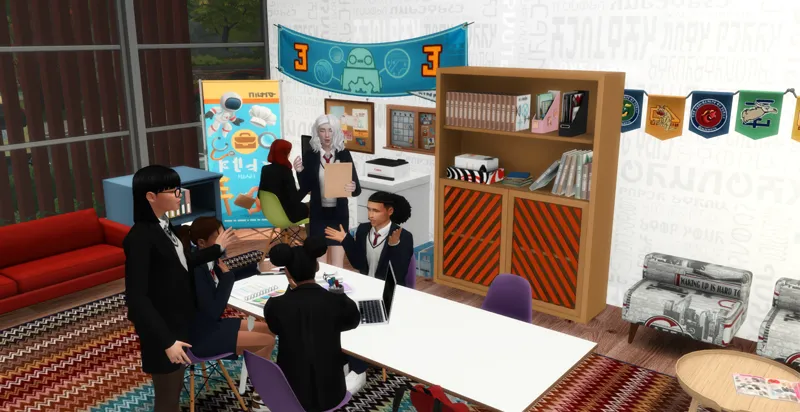
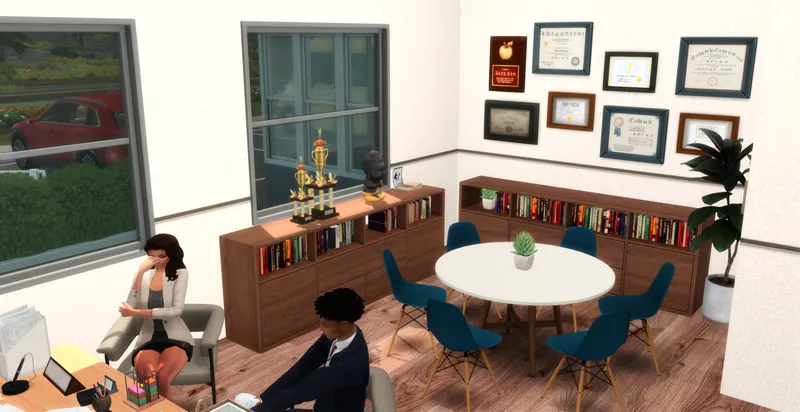
Stellar Heights Academy 🏫🎓
Get ready for a brand new High School, designed to give your Sims the ultimate school experience!
✨ Included:
🏛 Main Floor
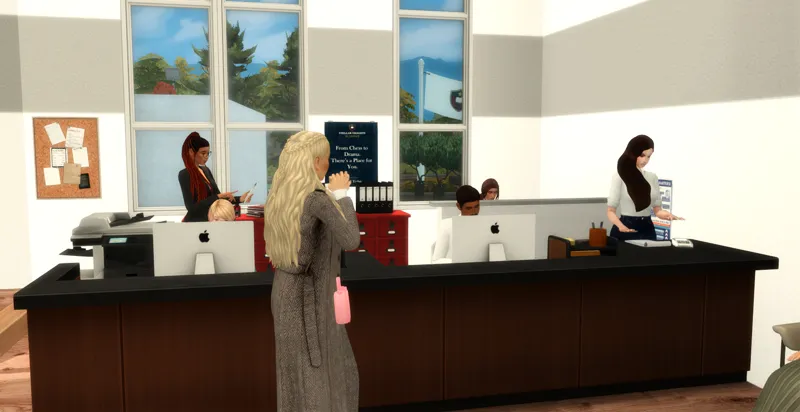
Reception
Principal’s Office
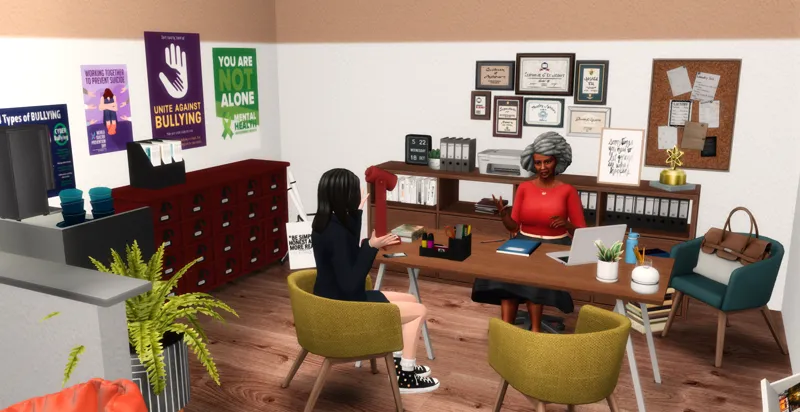
Guidance Counselor’s Office
Nurse’s Office
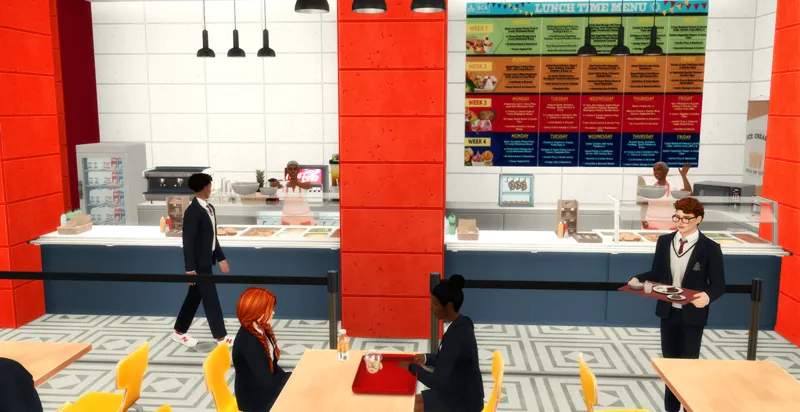
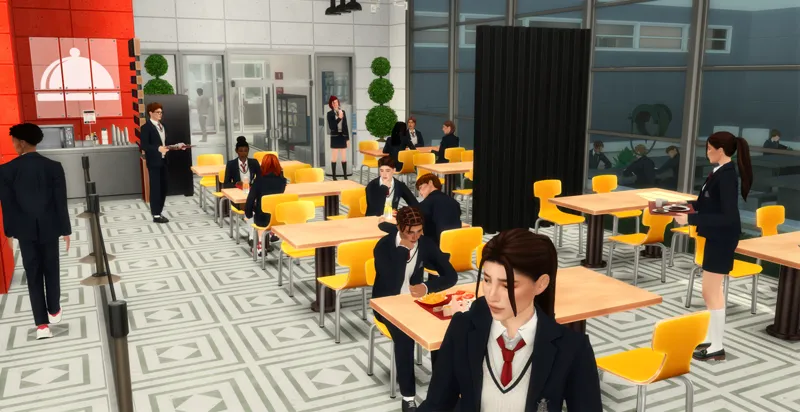
Cafeteria
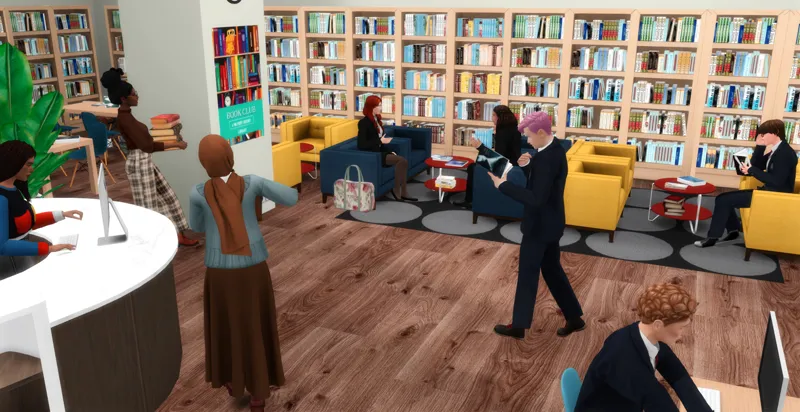
Library
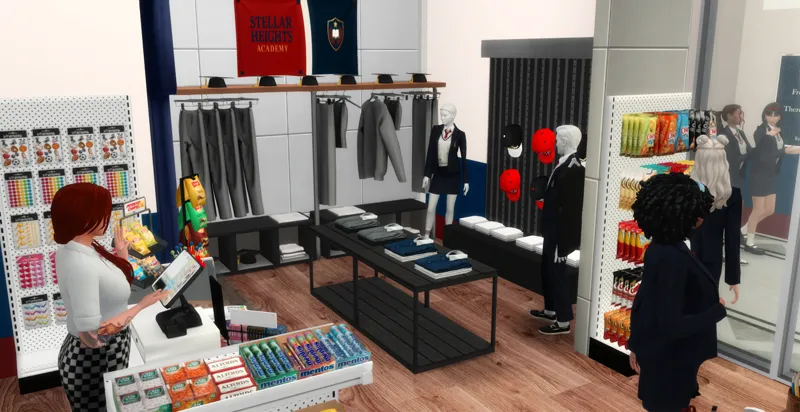
School Store
Student Association Room
Photography Studio
Teachers’ Lounge
Restrooms
📚 First Floor
Library
Classrooms
Science Lab
Student Lounge
Club Room
Computer Lab
Robotics Lab
Art Room
Restrooms
🏋️ Lower Level
Gym
Music Room
Basketball Court
Restrooms
🌳 Outdoor Areas
Tennis Court
Football Field
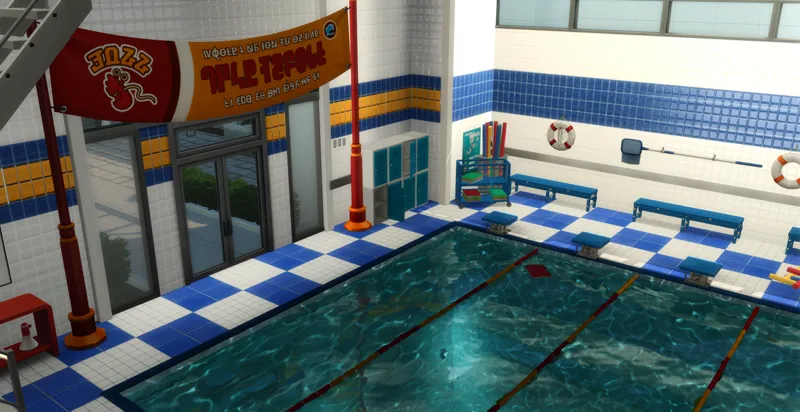
Heated Swimming Pool
Locker Rooms
🎓 Fully compatible with High School Years Expansion Pack.
THANK YOU SO MUCH FOR SUPPORTING ME!! IT MEANS A LOT!
Information about the lot:
Lot size: 64X64
World: Copperdale
Lot Type: special lot assignment
To be FUNCTIONAL you need to own at least:
High School Years
Please do not claim any of my sims or builds as your own.
MAKE SURE 'BB.MOVEOBJECTS' IS ON BEFORE PLACING LOT.
make sure to download both the CC and Tray files for the lot to show up
HOW TO INSTALL CC AND LOTS?
Download the lot (link below).
Unzip the download, if it’s a .rar or .zip file (you will see a folder called Mods and some other files).
Move the files located inside the mods (format .package), to the mods folder of your game. This will typically be in folder in “[DRIVE LETTER]:\Users\[USER NAME]\Documents\Electronic Arts\The Sims 4\Mods.” (Replace your own Windows user name and the letter for your hard drive) If the “Mods” folder doesn’t exist, you can make your own, as long as it’s in the same location. Move the other files (that can be in the following formats .blueprint, .bpi, .trayitem, .room and .householdbinary.) to the Folder Tray “[DRIVE LETTER]:\Users\[USER NAME]\Documents\Electronic Arts\The Sims 4\Tray.”