
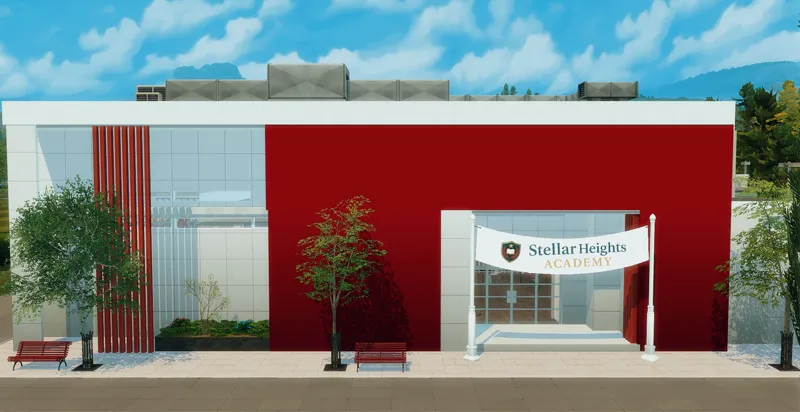
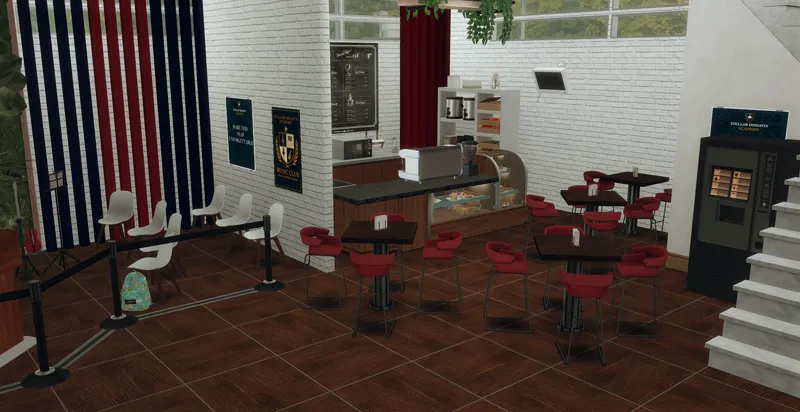
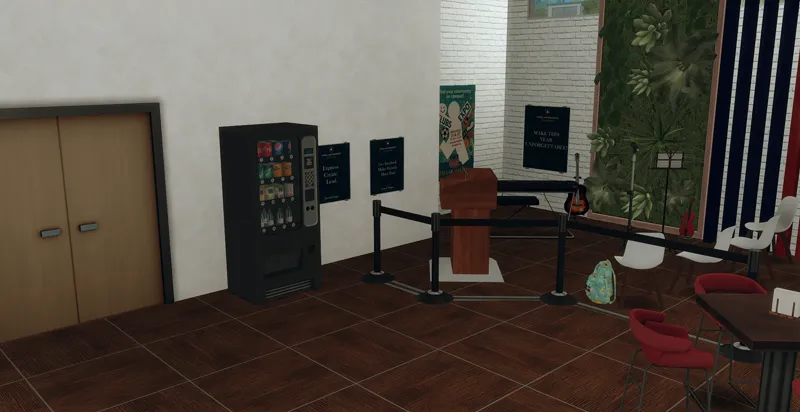
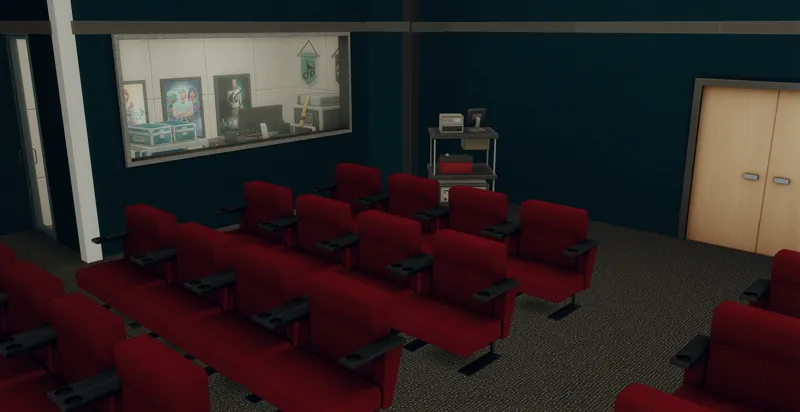
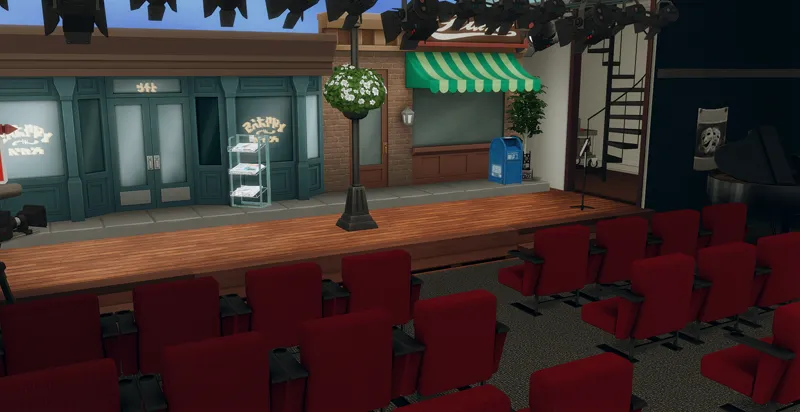
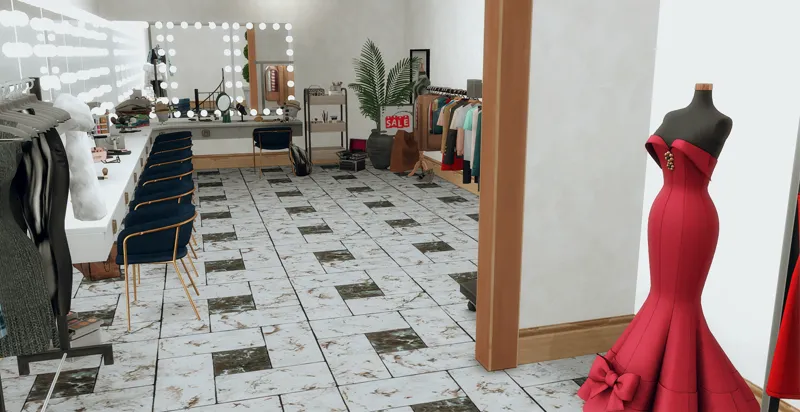
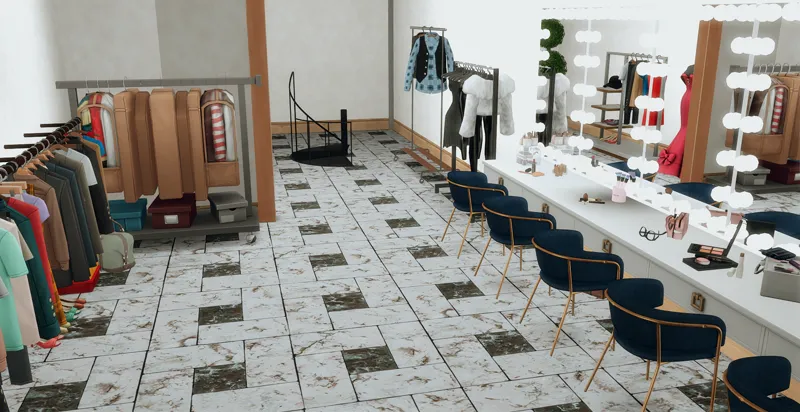
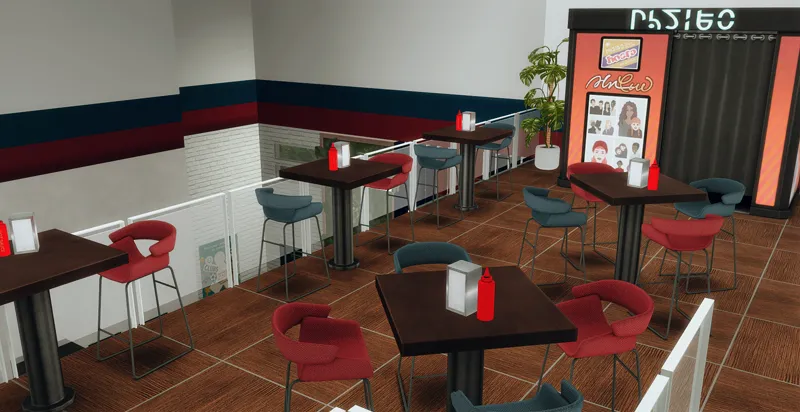
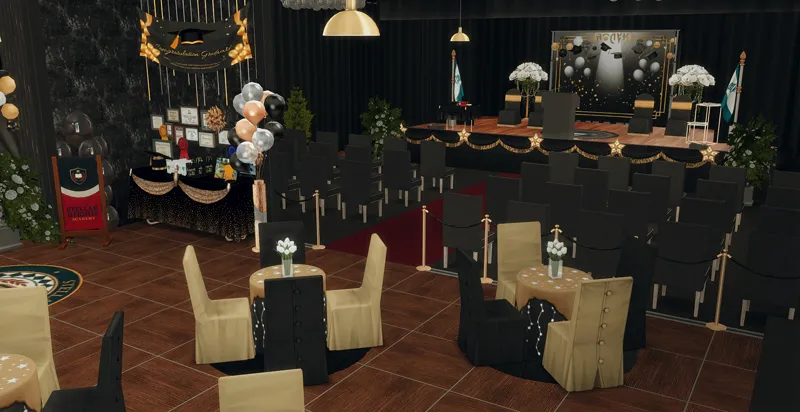
🎓 Auditorium Project — Part 1
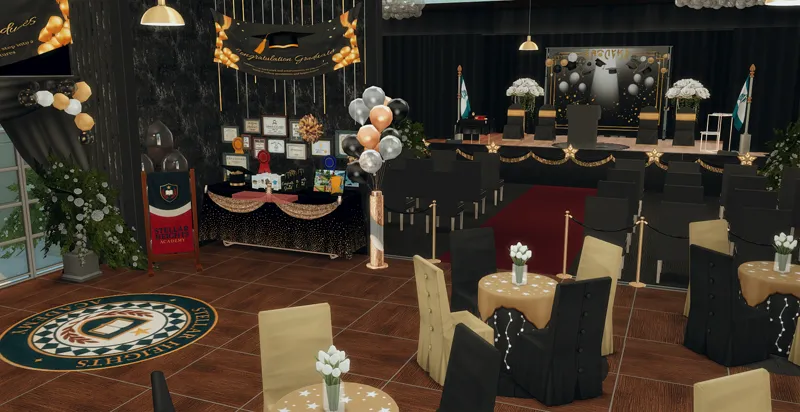
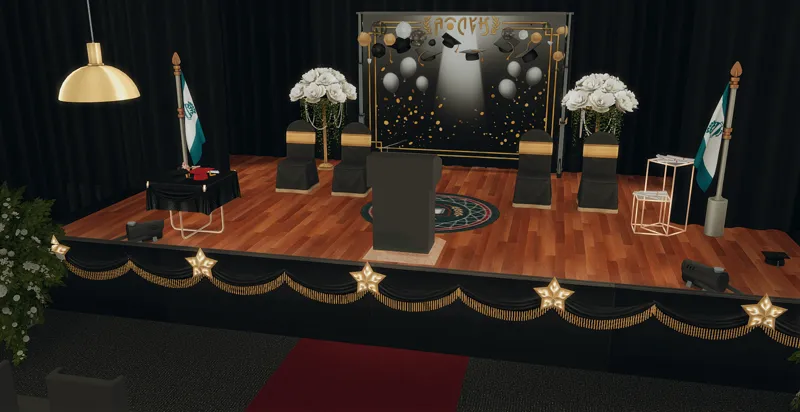
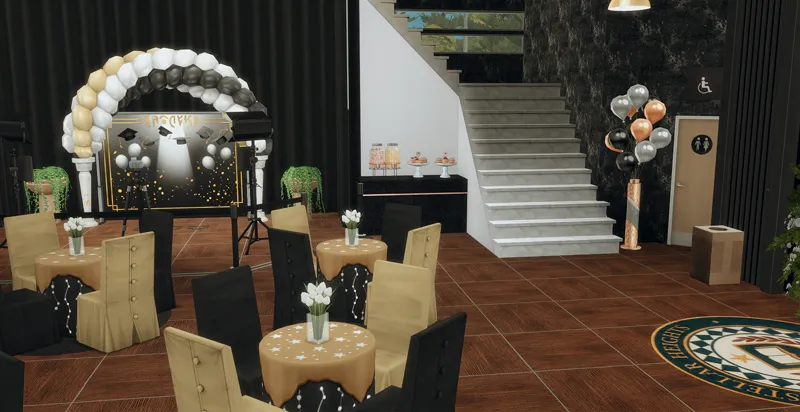
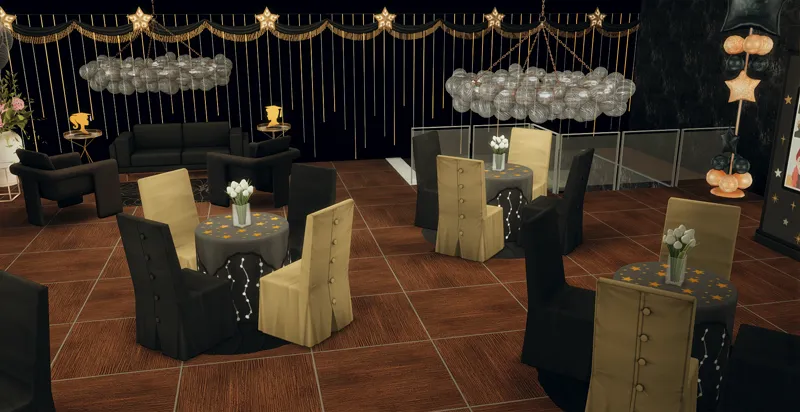
The first part of my Auditorium Project is finally here 🤍
This release includes:
✨ Copperdale Auditorium
✨ The Graduation build
I’m so excited to share this build with you all 🤍 More parts coming soon!
I hope you like it.
THANK YOU SO MUCH FOR SUPPORTING ME!! IT MEANS A LOT!
Information about the lot:
Lot size: 30x20
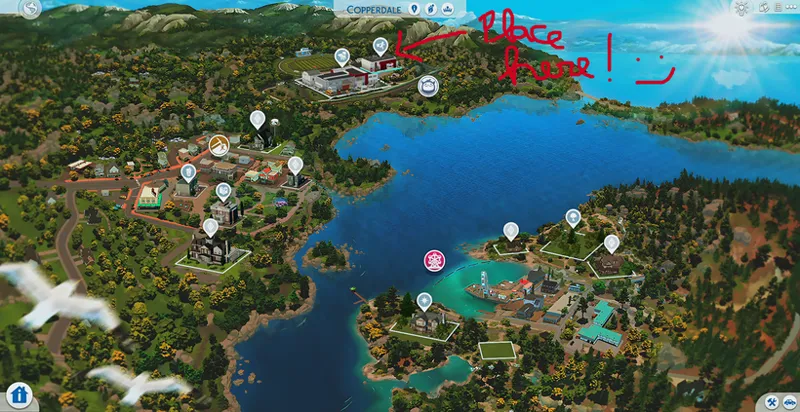
World: Copperdale
Lot Type: special lot assignment
To be FUNCTIONAL you need to own at least:
High School Years
You must place the builds on the lots marked in the photo below.
Please do not claim any of my sims or builds as your own.
MAKE SURE 'BB.MOVEOBJECTS' IS ON BEFORE PLACING LOT.
make sure to download both the CC and Tray files for the lot to show up
HOW TO INSTALL CC AND LOTS?
Download the lot (link below).
Unzip the download, if it’s a .rar or .zip file (you will see a folder called Mods and some other files).
Move the files located inside the mods (format .package), to the mods folder of your game. This will typically be in folder in “[DRIVE LETTER]:\Users\[USER NAME]\Documents\Electronic Arts\The Sims 4\Mods.” (Replace your own Windows user name and the letter for your hard drive) If the “Mods” folder doesn’t exist, you can make your own, as long as it’s in the same location. Move the other files (that can be in the following formats .blueprint, .bpi, .trayitem, .room and .householdbinary.) to the Folder Tray “[DRIVE LETTER]:\Users\[USER NAME]\Documents\Electronic Arts\The Sims 4\Tray.”
💖Thanks to all the creators that made this build possible. 💖
CREDITS: coming soon
My gallery ID is "TotsNChildren"