
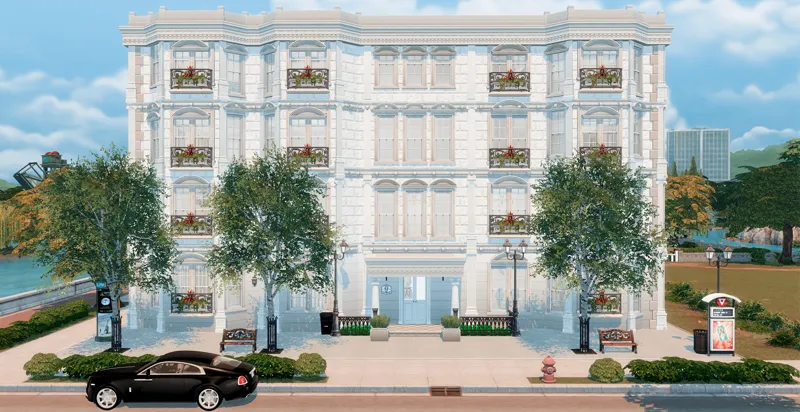
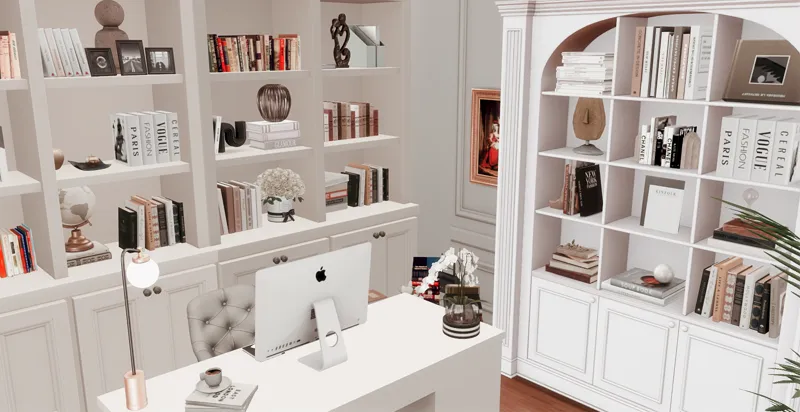
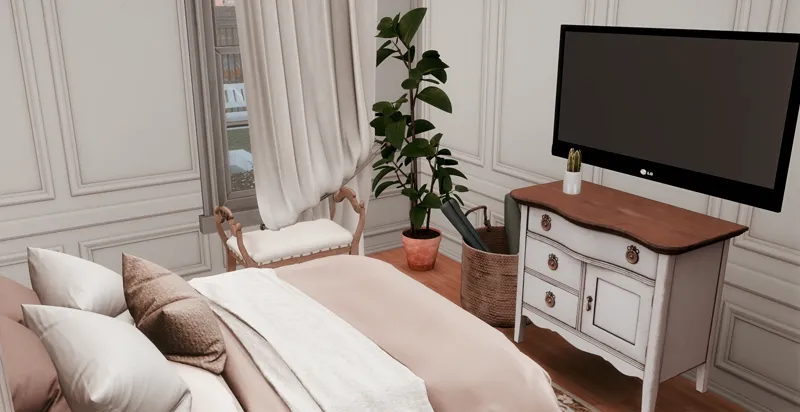
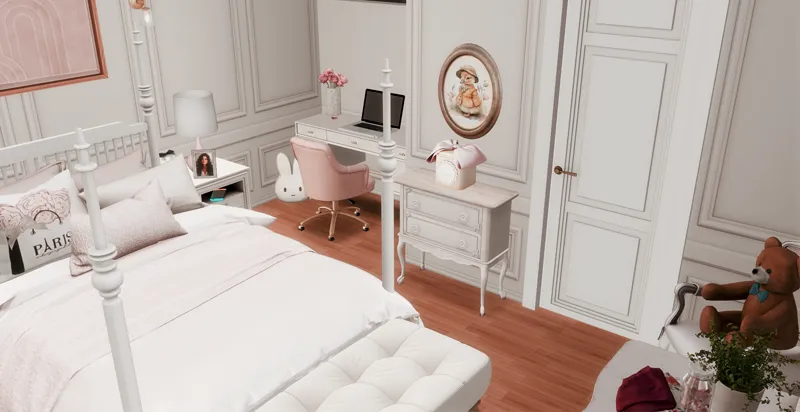
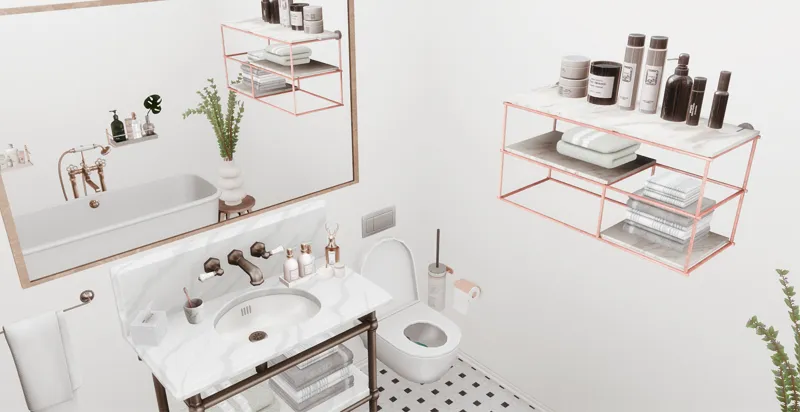
Maison Culpepper | 1 Unit Furnished
Sharing my last building of the year. 😉😅
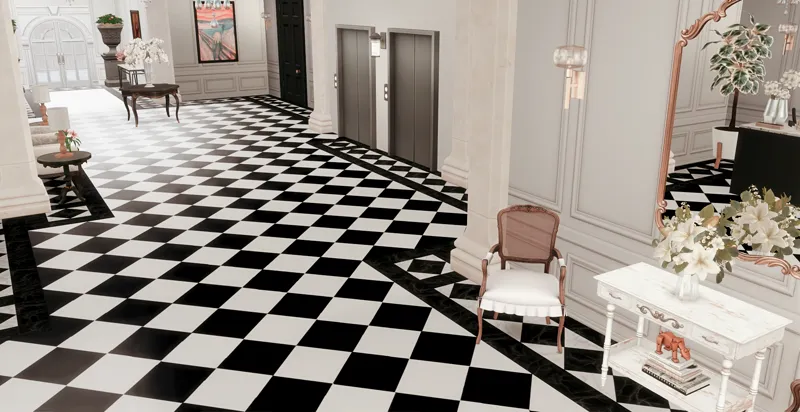
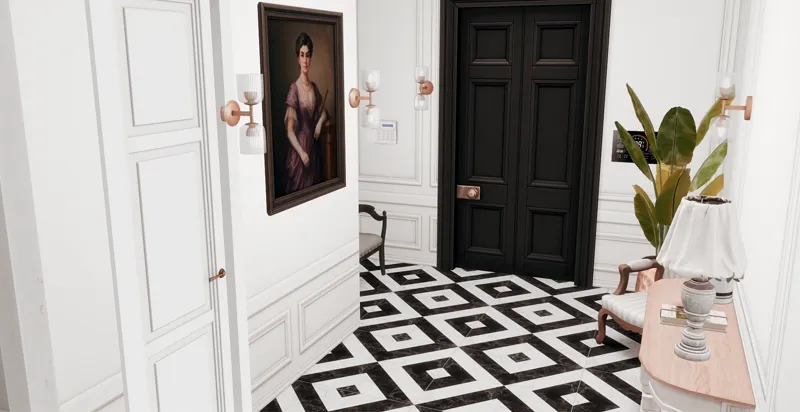
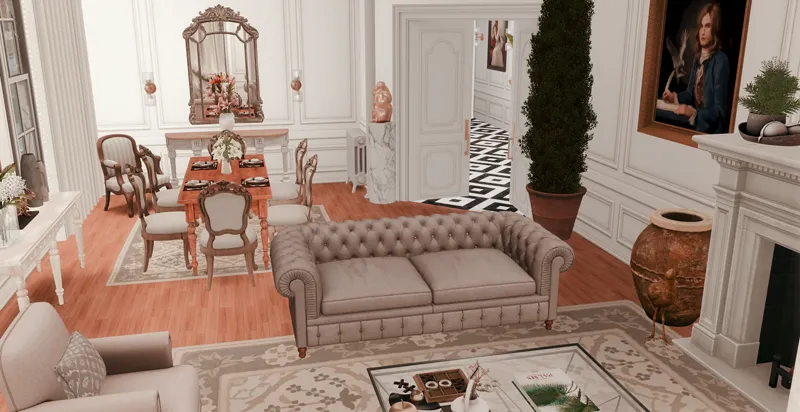
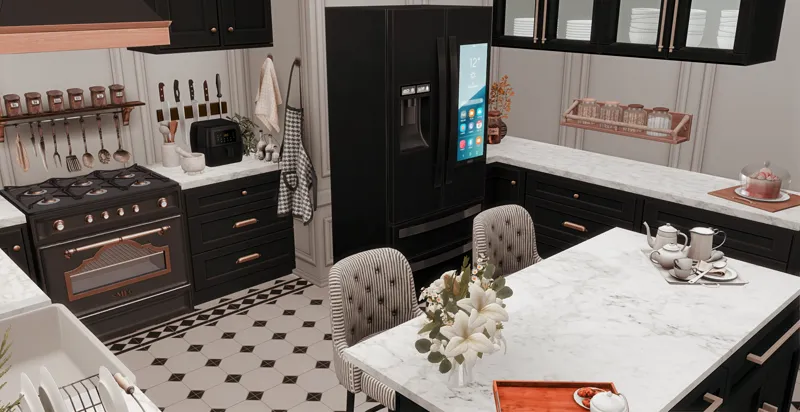
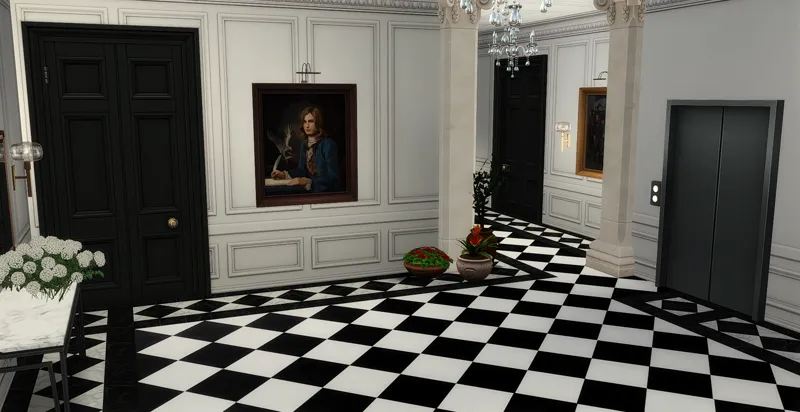
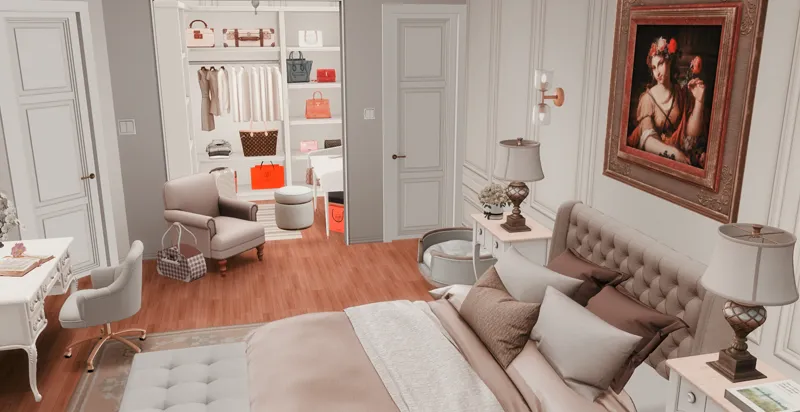
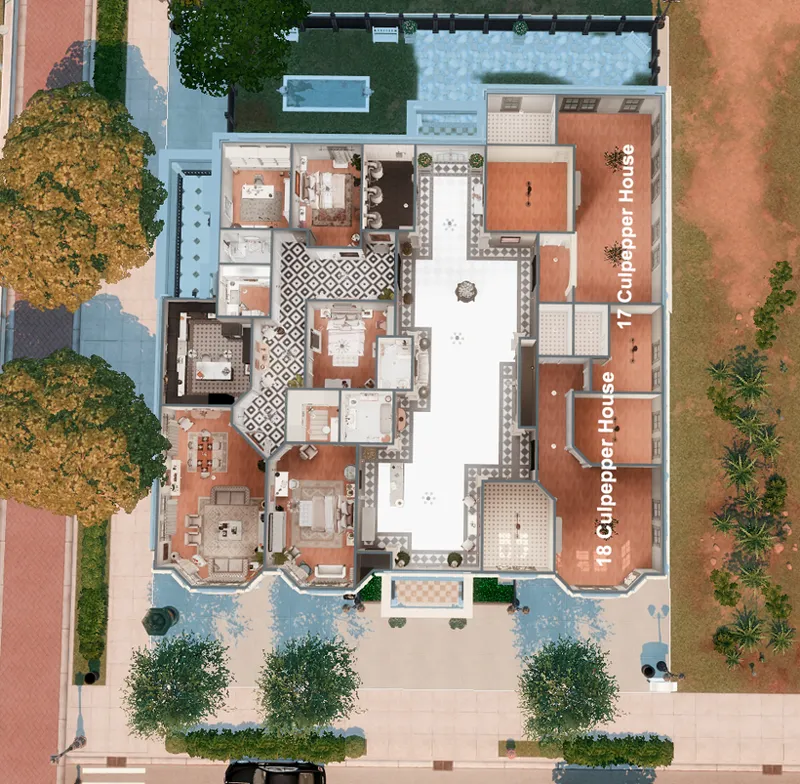
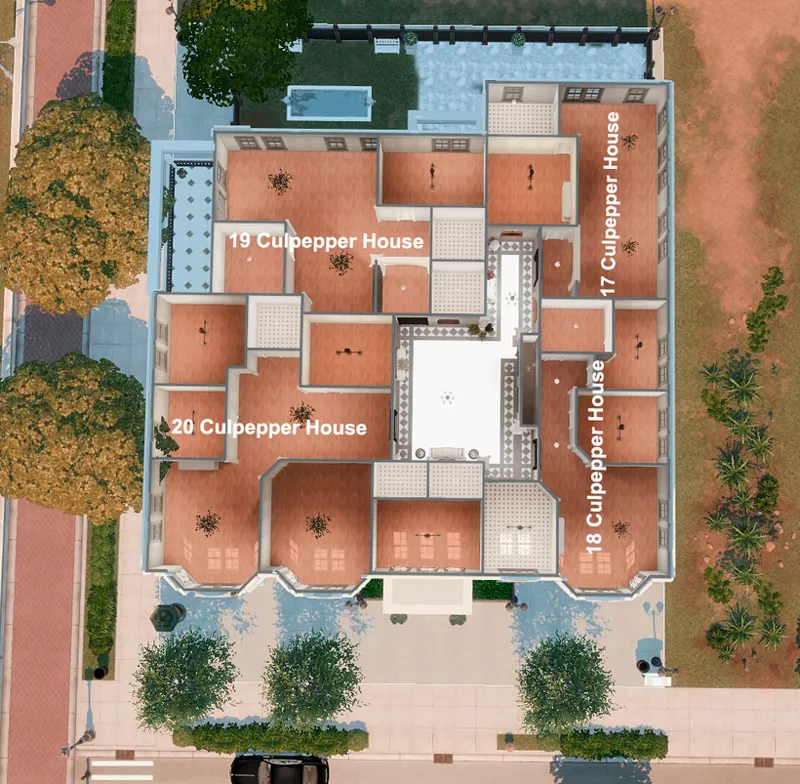
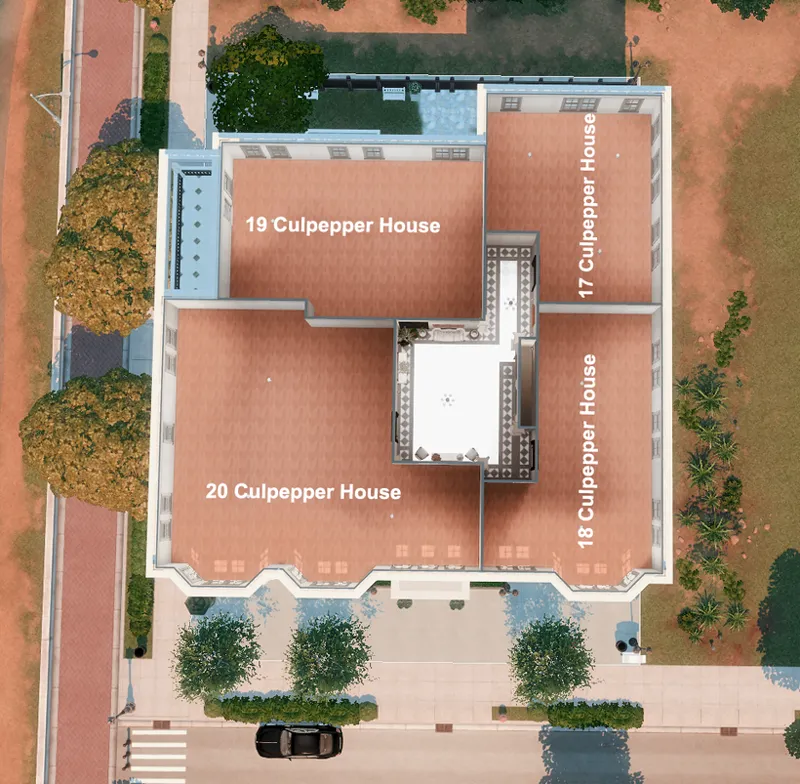
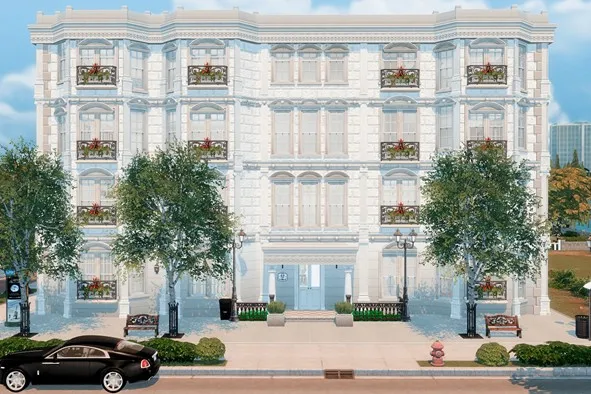
I’ve always loved the Culpepper Apartments, so I decided to create a four-story apartment building, with four apartments on each floor, keeping the exact original room dimensions and reimagining them in a Parisian Townhouse style. The apartments are already divided, and only one unit is furnished.
Floors: Ground Floor · 1st · 2nd · 3rd
Information about the lot:
Lot size: 40x30
World: Newcrest (or other)
Lot Type: Rental/Residential
Ground Floor
Furnished Unit Info:
🛏️ 3 Bedrooms
🚿 3 Bathrooms (1 En-Suite with Walk-In Closet)
🖥️ Office
🍳 Kitchen
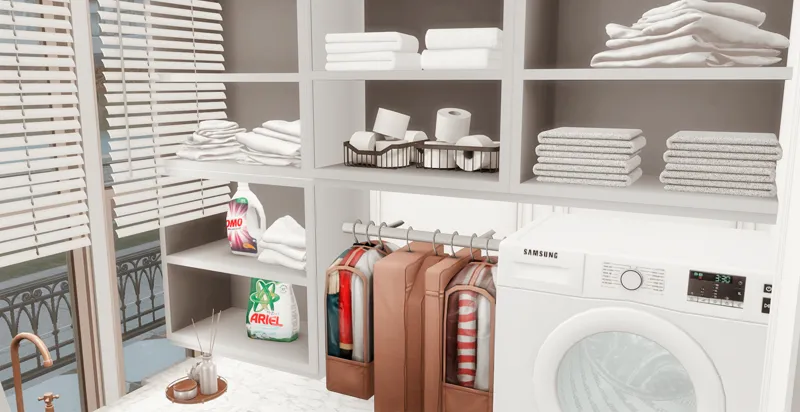
🧺 Laundry Room
🛋️ Living & Dining Area
1st
2nd
3rd
This is how it looks like in your library:
Please do not claim any of my sims or builds as your own.
MAKE SURE 'BB.MOVEOBJECTS' IS ON BEFORE PLACING LOT.
make sure to download both the CC and Tray files for the lot to show up
HOW TO INSTALL CC AND LOTS?
Download the lot (link below).
Unzip the download, if it’s a .rar or .zip file (you will see a folder called Mods and some other files).
Move the files located inside the mods (format .package), to the mods folder of your game. This will typically be in folder in “[DRIVE LETTER]:\Users\[USER NAME]\Documents\Electronic Arts\The Sims 4\Mods.” (Replace your own Windows user name and the letter for your hard drive) If the “Mods” folder doesn’t exist, you can make your own, as long as it’s in the same location. Move the other files (that can be in the following formats .blueprint, .bpi, .trayitem, .room and .householdbinary.) to the Folder Tray “[DRIVE LETTER]:\Users\[USER NAME]\Documents\Electronic Arts\The Sims 4\Tray.”
Thanks to all the creators that made this build possible. 💖
My gallery ID is "TotsNChildren"
💖DOWNLOAD HERE 💖 (3.21 GB)
Comments (2)
This is nice. Love it❤️
downloading on my break