
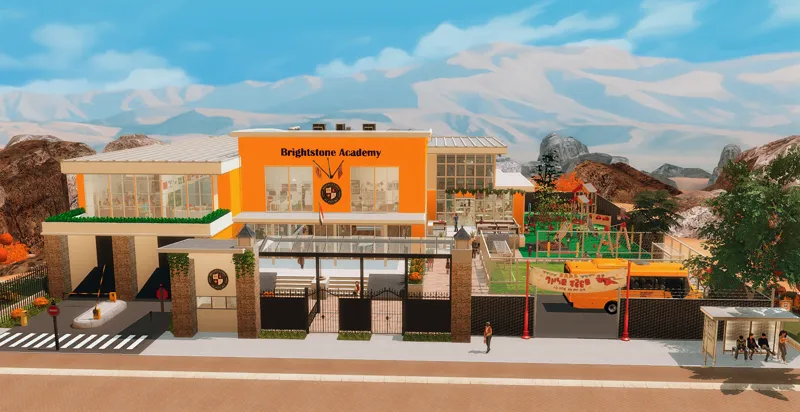
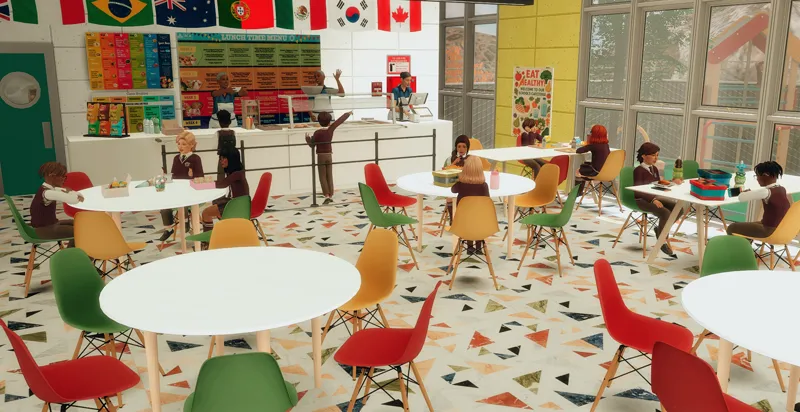
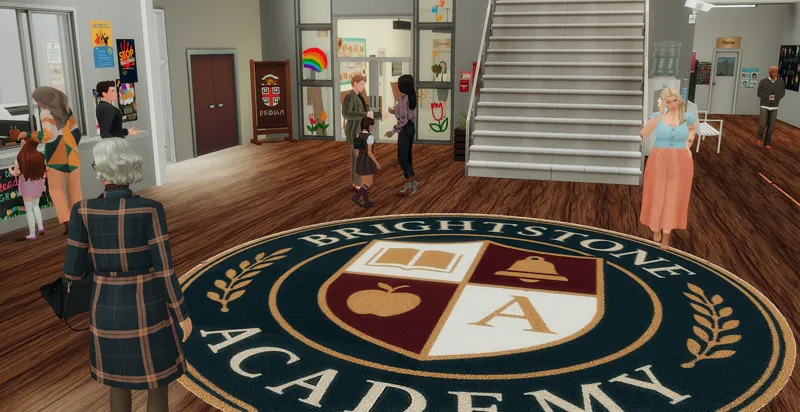
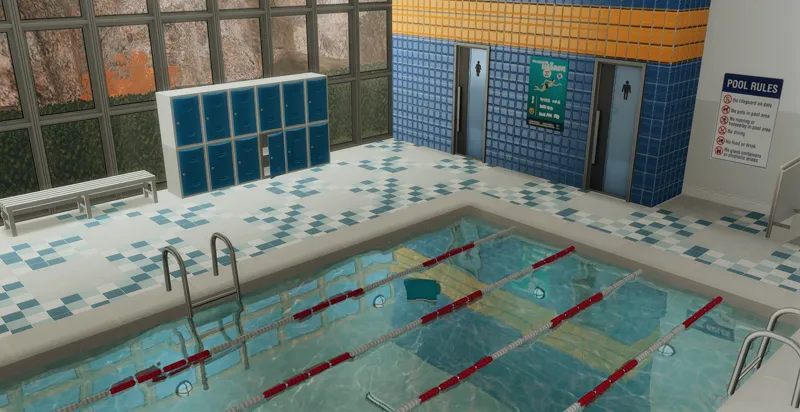
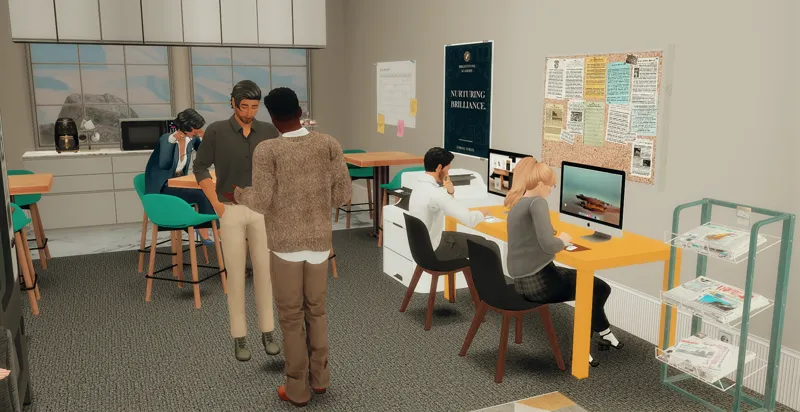
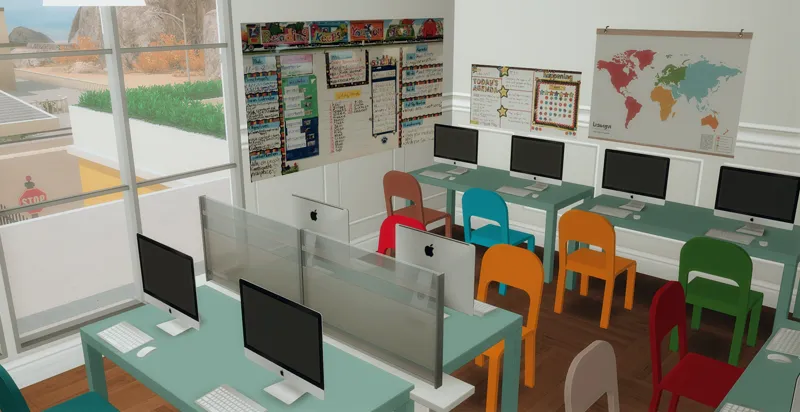
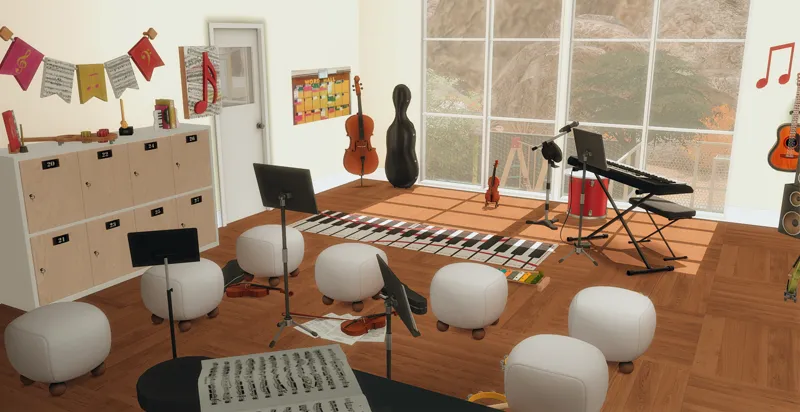
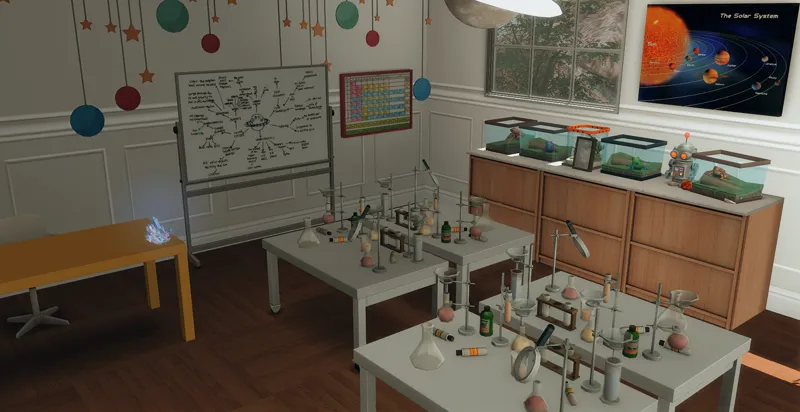
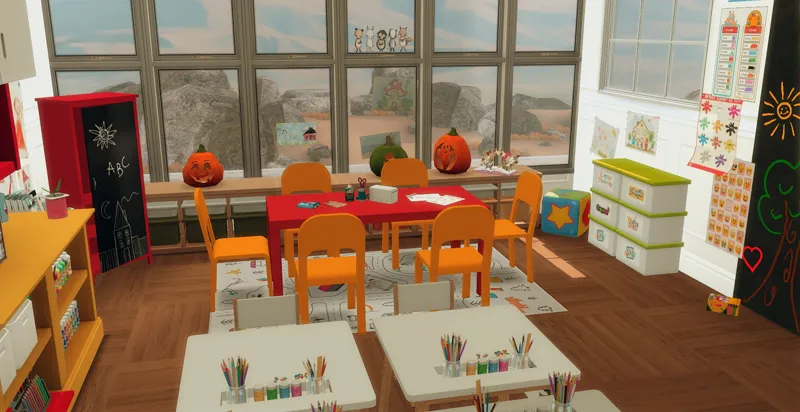
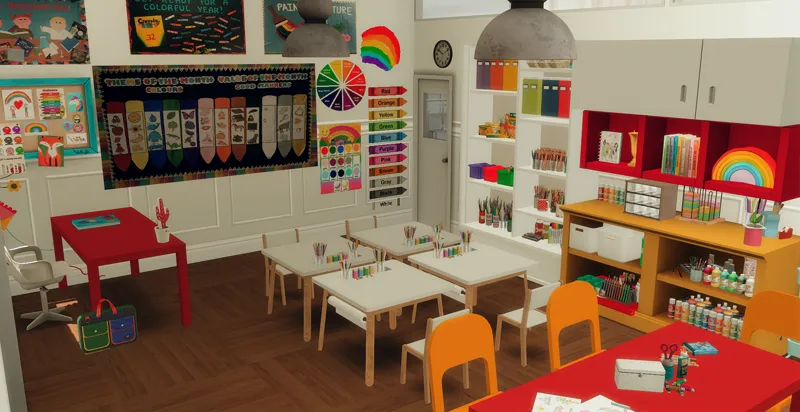
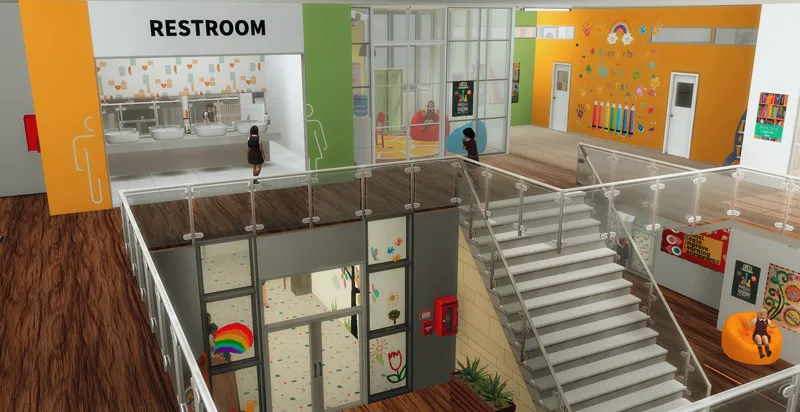
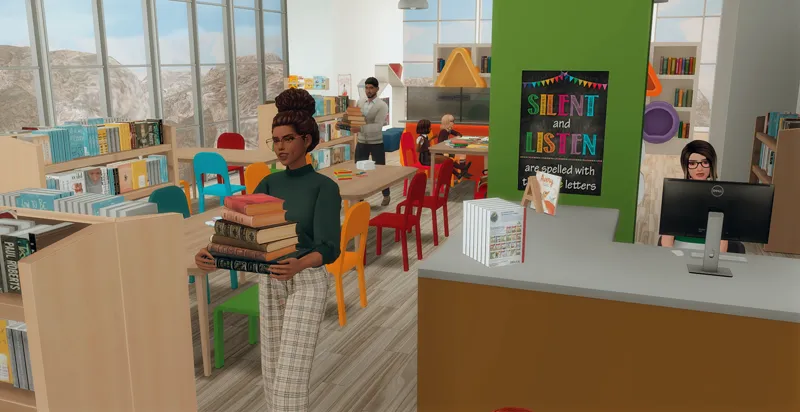
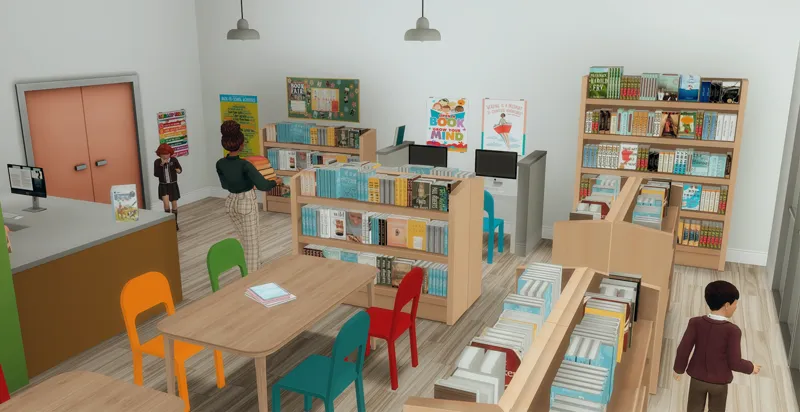
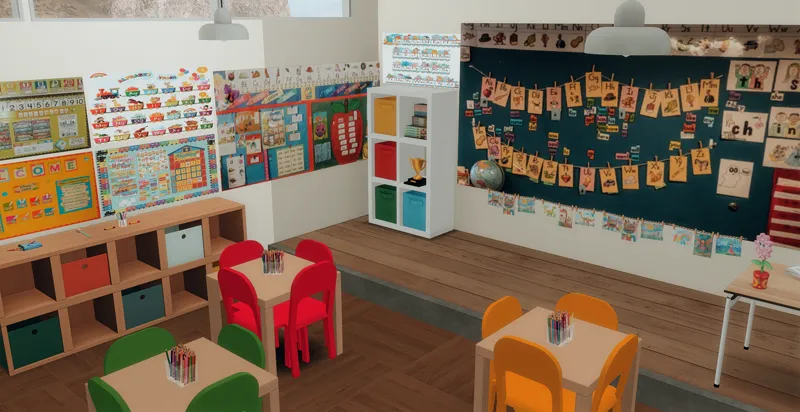
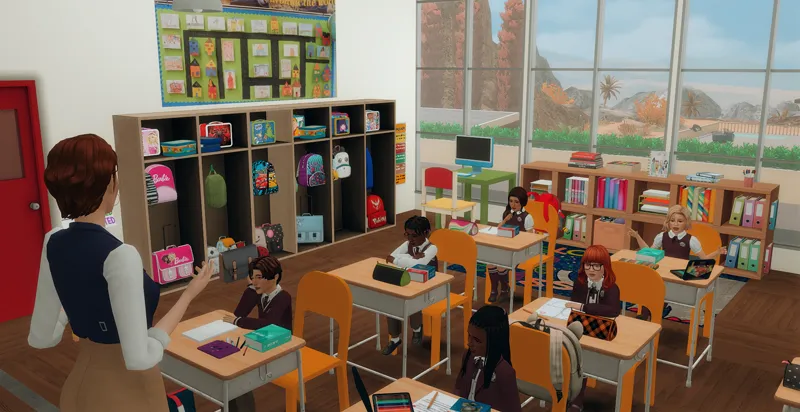
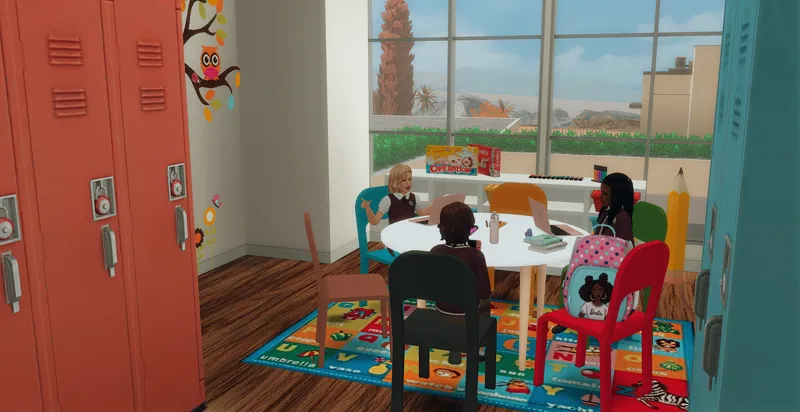

Brightstone Academy (Preview)
The votes are in, and 56% of you chose Brightstone Academy as the next build to share! ✨
⚠️IMPORTANT⚠️This build is from my personal gameplay, so for now I’m sharing it exclusively with my Patreon supporters from the 💕Residential, Stores & Big Builds💕and higher tiers, as well as my long-time supporters' tier (which is currently closed to new members). It’s a limited edition, which means I may delete the post after 2 months. But who knows — maybe one day I’ll make it public! 😊 Thanks so much for understanding and supporting!
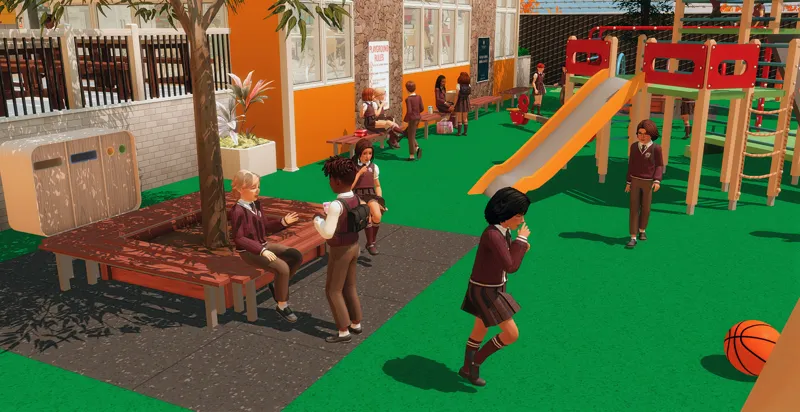
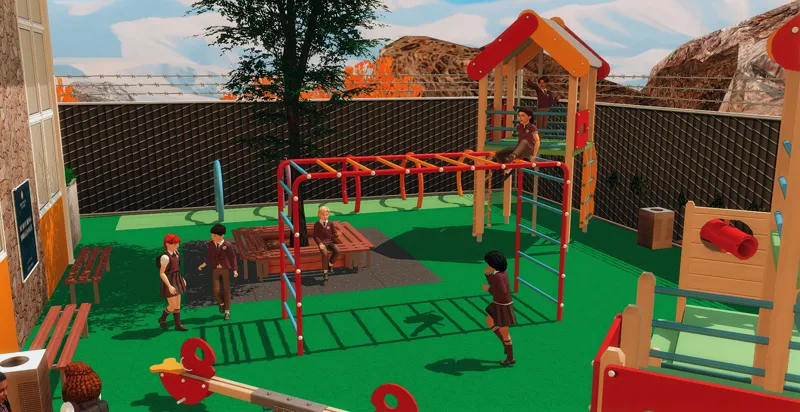
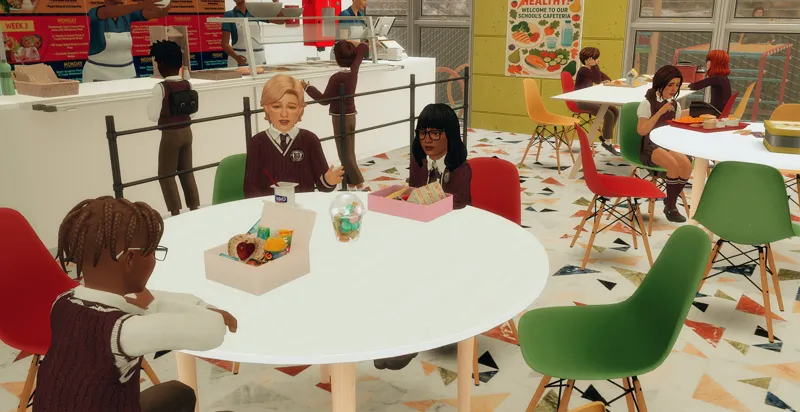
It's a sleek, modern private elementary school perfect for your little Sims to learn, create, and play. Here's everything included in the build:
Lot size: 50x50
World: Oasis Spring
Lot Type: Residential
Exterior:
Playground 🛝
Football field ⚽
Ground Floor:
Cafeteria 🍽️
Nurse’s office 🩺
Teachers’ office 🖊️
Council room 🏛️
Headmaster’s office 🎓
Auditorium 🎤
Pool room 🏊
Bathrooms 🚻
First Floor:
Two classrooms 🏫
Library 📚
Art room 🎨
Music room 🎶
Bathrooms 🚻
Computer room 💻
Common room 🛋️
Science lab 🔬
Important:
This school is designed for children only. If you're looking for a daycare, you can grab the one I made [HERE]! 👶
To make the school fully functional, I highly recommend using the Go to School Mod by Zerbu — this build is already set up to work with it!
Hope your little Sims love it as much as I loved building it! 💛
THANK YOU SO MUCH FOR SUPPORTING ME!! IT MEANS A LOT!
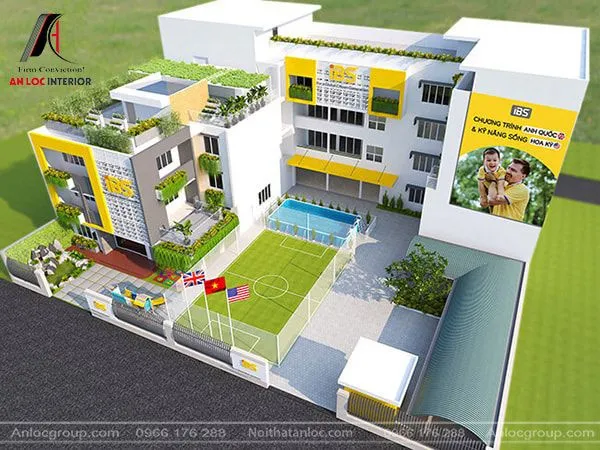
For this creation, I was inspired by Frenzy Simmer’s amazing Private High School and another stunning build you can see below:
Here’s how it looks in your library:
Please do not claim any of my sims or builds as your own.
MAKE SURE 'BB.MOVEOBJECTS' IS ON BEFORE PLACING LOT.
make sure to download both the CC and Tray files for the lot to show up
HOW TO INSTALL CC AND LOTS?
Download the lot (link below).
Unzip the download, if it’s a .rar or .zip file (you will see a folder called Mods and some other files).
Move the files located inside the mods (format .package), to the mods folder of your game. This will typically be in folder in “[DRIVE LETTER]:\Users\[USER NAME]\Documents\Electronic Arts\The Sims 4\Mods.” (Replace your own Windows user name and the letter for your hard drive) If the “Mods” folder doesn’t exist, you can make your own, as long as it’s in the same location. Move the other files (that can be in the following formats .blueprint, .bpi, .trayitem, .room and .householdbinary.) to the Folder Tray “[DRIVE LETTER]:\Users\[USER NAME]\Documents\Electronic Arts\The Sims 4\Tray.”
💖Big thanks to all the amazing creators who made this build possible! 💖
✅ You’ll need to download the Deco Sims used in this build (THEY ARE NOT INCLUDED) — otherwise, you might see a message saying some CC is missing.