
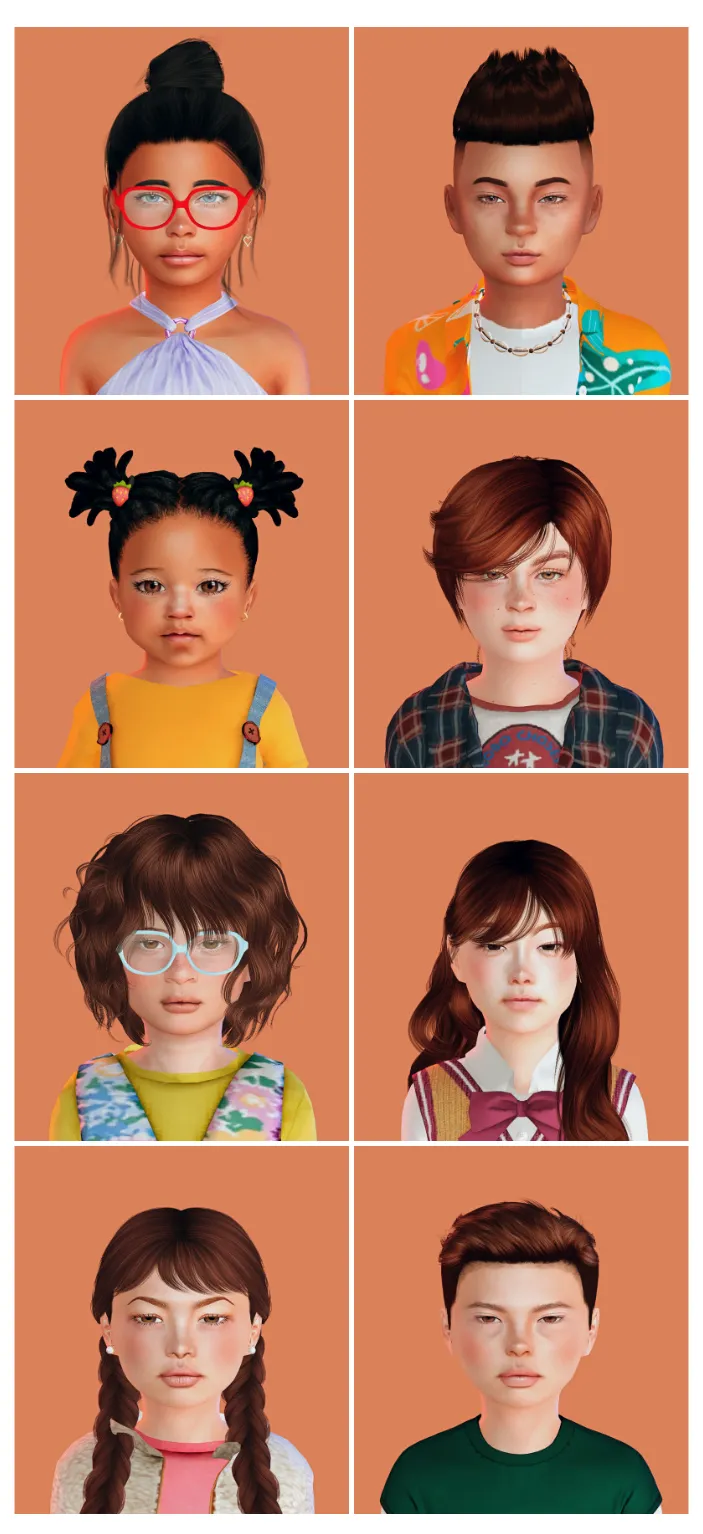
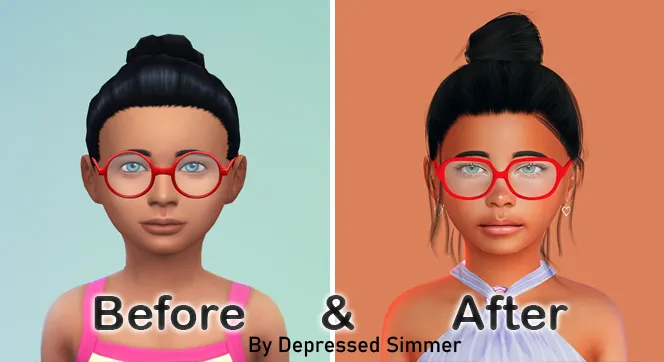
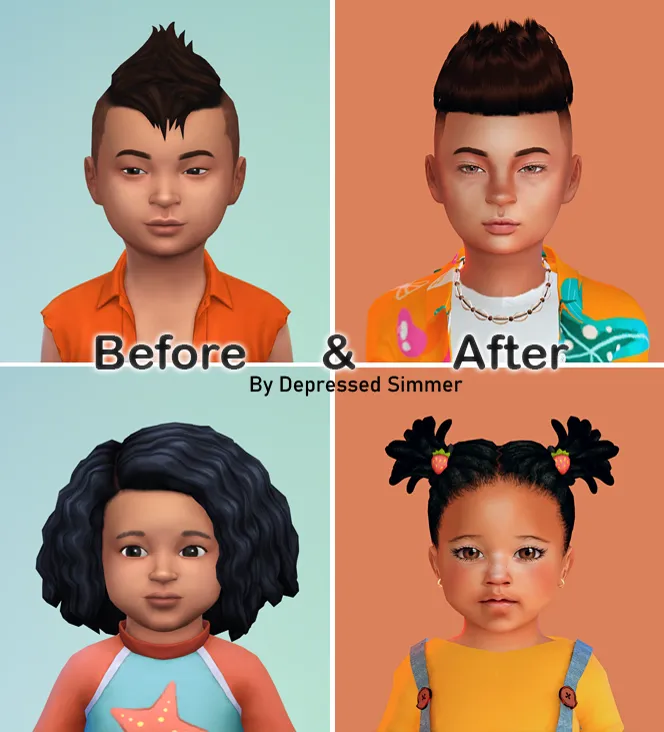
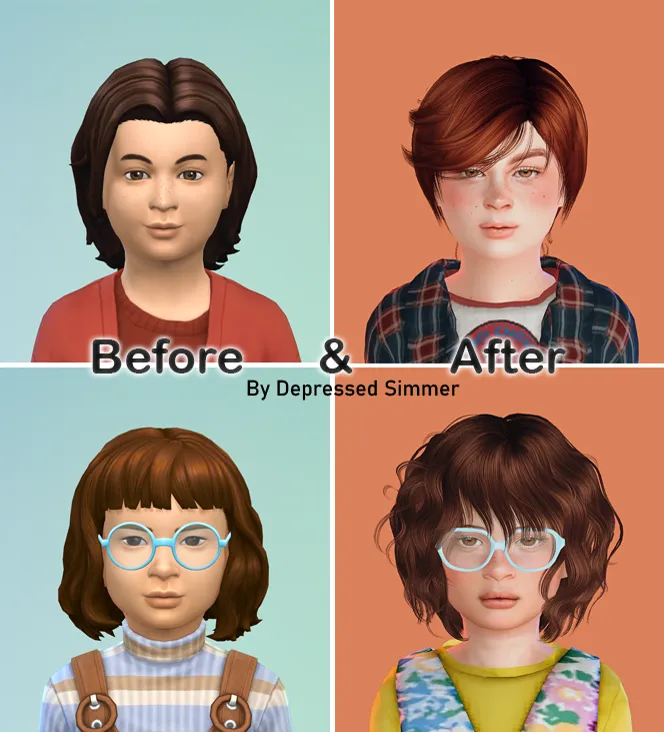
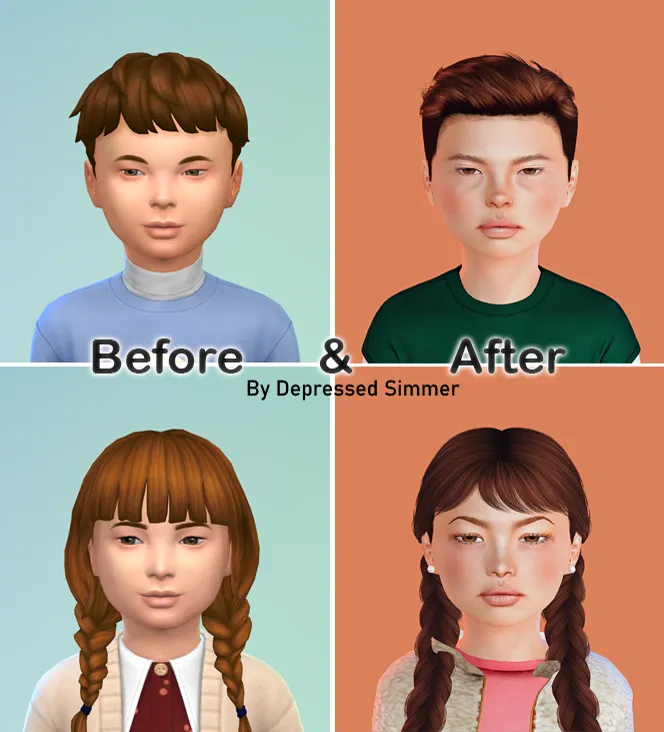
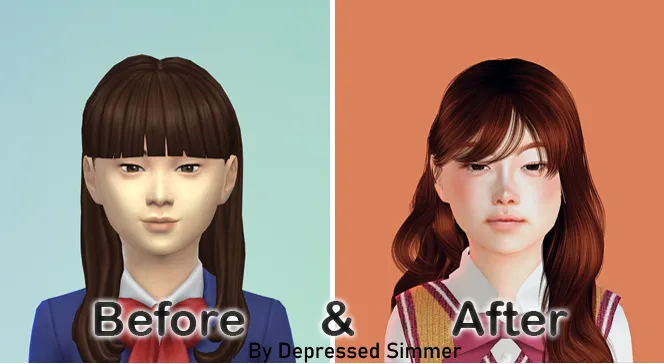
TOWNIE MAKEOVERS - Part 3
Hope you enjoy my remake of the townies from StrangerVille, Sulani, Evergreen Harbor, and Mt. Komorebi.
THANK YOU SO MUCH FOR SUPPORTING ME!! IT MEANS A LOT!
Please do not claim any of my creations as your own.
make sure to download both the CC and Tray files for the Sim to show up
HOW TO INSTALL CC AND SIMS?
Download the Sims (link below).
Unzip the download, if it’s a .rar or .zip file (you will see a folder called Mods and some other files).
Move the files located inside the mods (format .package), to the mods folder of your game. This will typically be in folder in “[DRIVE LETTER]:\Users\[USER NAME]\Documents\Electronic Arts\The Sims 4\Mods.” (Replace your own Windows user name and the letter for your hard drive. ) If the “Mods” folder doesn’t exist, you can make your own, as long as it’s in the same location. Move the other files (that can be in the following formats .blueprint, .bpi, .trayitem, .room and .householdbinary.) to the Folder Tray “[DRIVE LETTER]:\Users\[USER NAME]\Documents\Electronic Arts\The Sims 4\Tray.”
💖 💖 Thanks to all the creators that made this possible.
StrangerVille & Sulani townies:
Christie Sigworth
Tane Ngata
Nani Kealoha
Evergreen Harbor townies:
Gideon Harris
Olive Tinker
Mt. Komorebi townies:
Taku and Miki Akiyama
Nanami Ito