
Round of quick fixes and updates
EmuDeck Desktop EA
Improved app startup times, specially on Windows improving the app startup time from 60 seconds to 10s for the first boot and only 1.5s after that. Expect more Windows improvements soon ( spoiler: bye bye powershell windows )
Fixed language icons not being clickable.
Fixed ARMSX2 appearing in non ARM systems ( it was only showing the icon in one section of the app but it never installed anything )
EmuDeck Android EA
Added DSDS core support for RetroArch.
PS: We are working on adding support for more frontends like Cocoon soon.
Rift EA
Added DSDS core for RetroArch as an alternative emulator for Nintendo DS games so now CloudSync will have compatible saves with EmuDeck Desktop EA for cross saves support. DSDS will be set as the default option in a future update.
Alternative emulator per system fixed, previously it was only working on a game per game basis.
Now you can switch screens position in dual screen devices
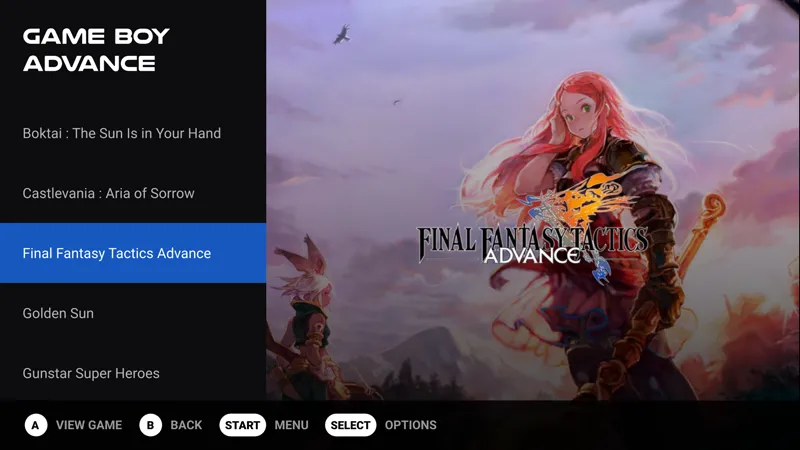
Rift Playground theme
UI and animations improvements.
New list view.
L+R Navigation between platforms.
Now back to work on the Steam Frame! Pretty much is working right now but it needs some polish! You are free to try and send me feedback :)
Comments (9)
successfully installed the update. nowi cant install retroarch emudeck
When you disable Auto map, on SD it doesn’t disable it. It still stays enabled. Even when you click on off, it says enabled saved.
Hi, can you post your issue on Discord? We are gonna need to see your settings files probably
I’m getting my Steam Frame soon, I’m excited to try EmuDeck on it at some point!
Cool, nice updates. stepping away from PowerShell, interesting...
kool
no problems so far on the frame, just miss decky but that's an another story.
we get errors while updating. failed to get URL or something. this is from 0.995 to 0.996
maybe a network error? I just retested and autoupdate is working