






Steam Frame initial caveats
Hi! For those of you that already have the frame, I've found some caveats and I'm working on them but for now keep this in mind:
You access Desktop mode with the [+] button that's in the SteamOS UI.
After installation you can access the emulators / ESDE from the same [+] button but they don't recognize the Steam Frame controllers. You need to access Emulators / ESDE from Steam as you do on a Steam Deck in game mode if you want your controls to work.
Installing ESDE from EmuDeck and / or games from SRM will add them to Steam but you need to manually restart your Steam Frame for them to show in your Steam Library.
I'll be updating this post with new findings if you are interested! I won't be sending a new email with every update so make sure to come back and check later!
Emulators status so far:
Working:
Azahar
Cemu
Dolphin
DuckStation
Flycast
melonDS
ARMSX2
PPSSPP
RetroArch
RPCS3
ScummVM
Xemu
Xenia
Ryujinx - You need to launch games from the emulator.
PrimeHack
Vita3K
Testing / Fixing
Supermodel
Eden - Stuck in loading screen
model2 - Needs FEX + Proton
ShadPS4 - Needs FEX + Proton
Not working
mGBA - Issue opened in their GitHub.
PCSX2 - Devs not planning on making a ARM build so we move to ARMSX2
RMG - No video output. Issue opened in their GitHub.
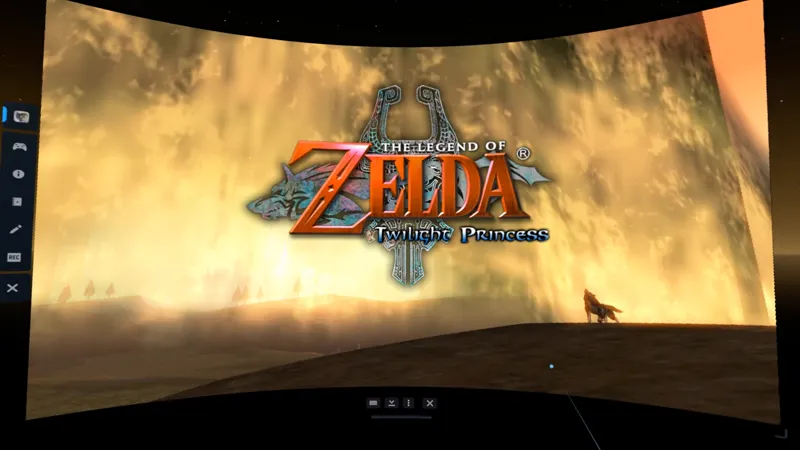
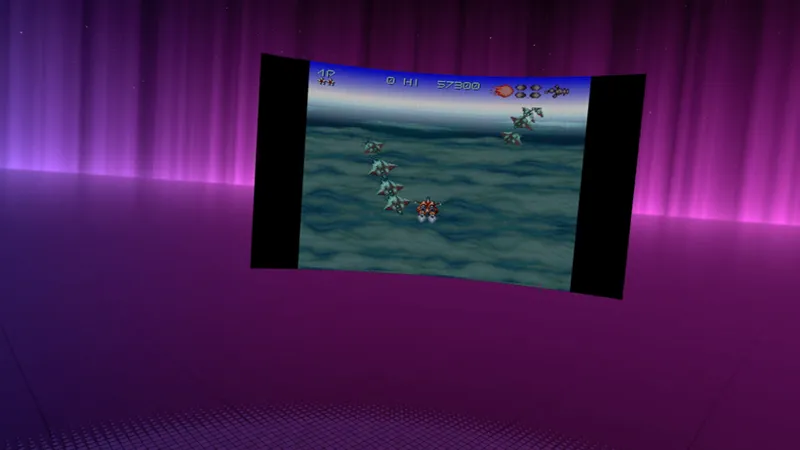
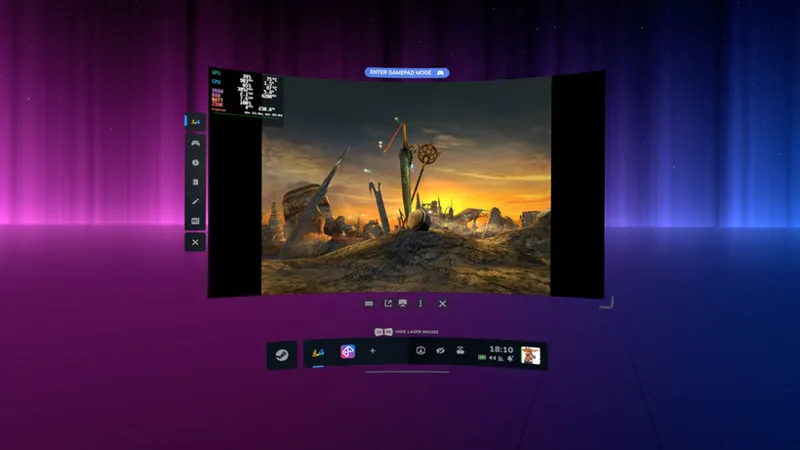
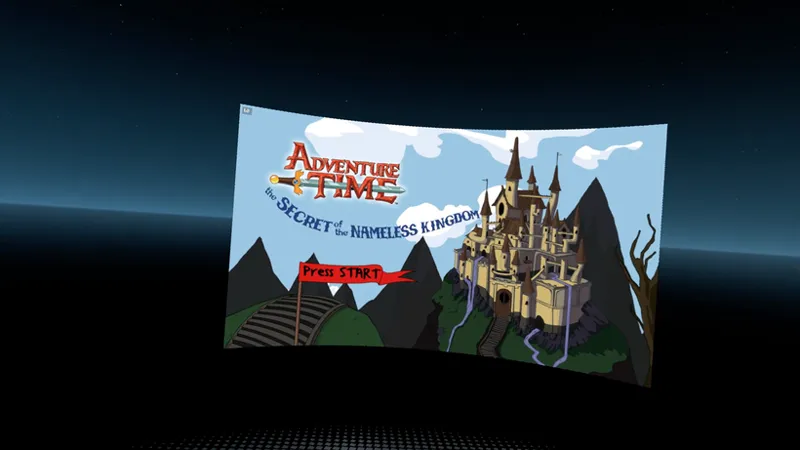
Some pictures I've been taking while testing:
Comments (3)
Im not able to get games to recognize my controls when i boot them up through their steam short cuts. ive tried psone, gc, n64 and none recognize my controls. Even when i open them through the emulator shortcut on steam
this is so damn exciting. thanks so much for the work!
I've uploaded some screenshots if you wanna take a look :)