What I've been working on! (November 2025 Edition Part 2)
Heya everyone! Continuing where I left off the other day, I've been working on the following features and changes to s4animtools.
Event UI Improvements!
If you've used s4animtools, you know that the event panel is quite literally just a field where you input the entire event info as a single string with each parameter separated by commas. This is not optimal. This requires the user to know the parameter name such as a bone name or an actor name. It also requires the user to type it in completely correctly, even though there's Blender tech to make it a dropdown.
Enter the current WIP version of s4animtools and the event widget UI! I've broken out the required parameters for each event into its own separate UI with sliders, fields, and dropdowns.
I'm still working on it, but it has support for pickers now. The current implementation is a bit basic, but it finally lets the user type in the first few letters of what they want and blender will filter out what doesn't fit your search.
The following event types now have new Event Widgets equivalents:
Parent
Sound
Script
Reaction
Play Effect
Visibility
The rest of them haven't been converted over to the new system yet. It's a WIP after all! Note that the Snap Event has a new Event UI widget, but it's not complete yet right now.
Now on to the next thing!
UI Polish!
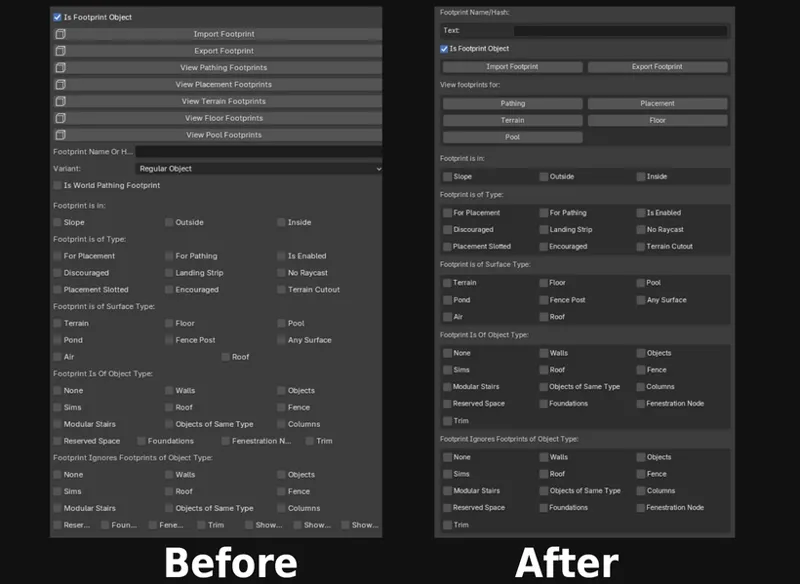
The UI had gotten progressively more clunky the more features I added.
I worked on tidying it up recently, making sure to add boxes to group buttons together. I also made sure that the columns weren't spaced oddly for rows that didn't have many items.
I made sure to move conceptually related items together instead of a pretty random layout.
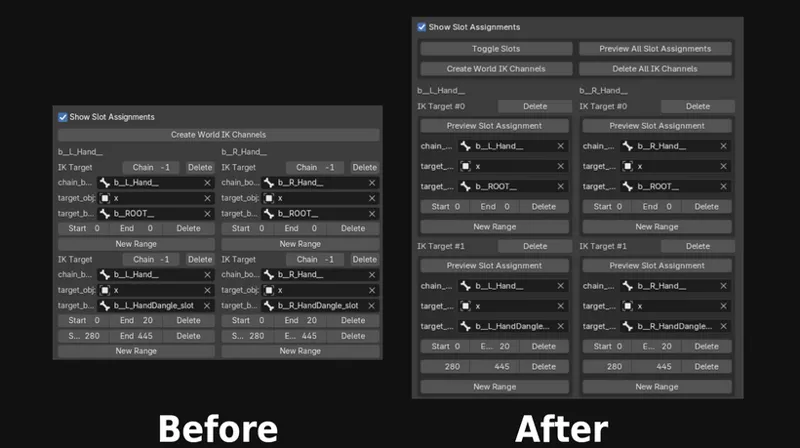
Here's what the Slot Assignments UI looks now! I've moved Toggle Slots and added some new features ;)
One more thing... wait, actually two more things
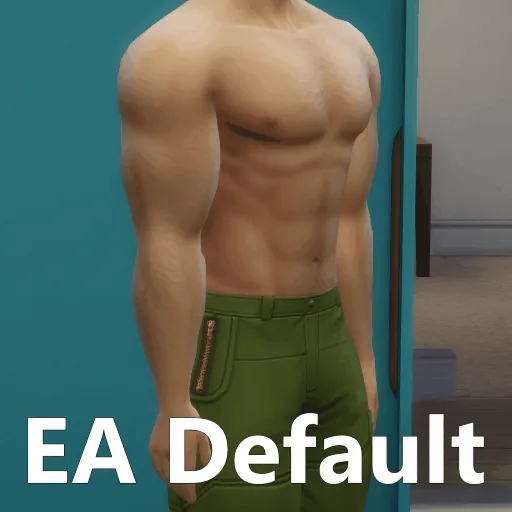
If you've been following along, you may notice that I am spending a rather excessive amount of time on writing a tool for Better Abs just to fix the odd shading issues. That's one of the main reasons I started it, but the second main reason is to provide an IK Slot Assignment Preview to the tool.
You may also notice that s4animtools doesn't support, well, playing animations from the game! I originally wanted to include it when I made this addon years ago, but there were tons of inaccuracies. Let me show you what I mean in a video.
If you export animations with S4S, and play them on your SimRipper ripped sim or just a regular sim with sliders applied, you may notice that the animations have some special stuff that allows them to adapt to sim bodies that just doesn't work in blender.
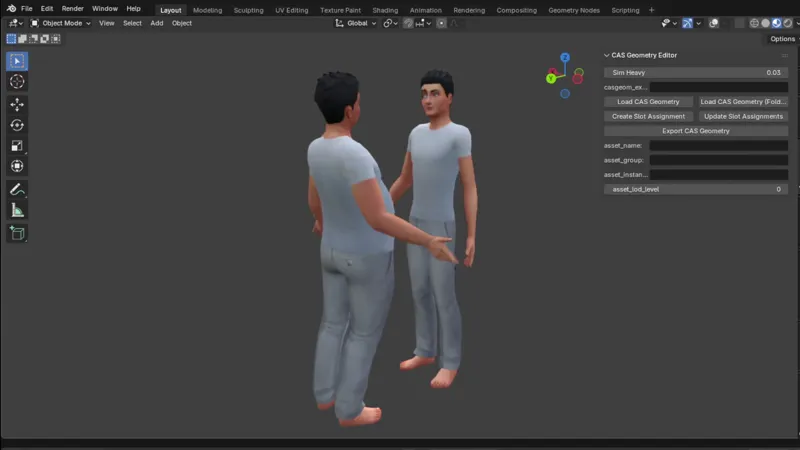
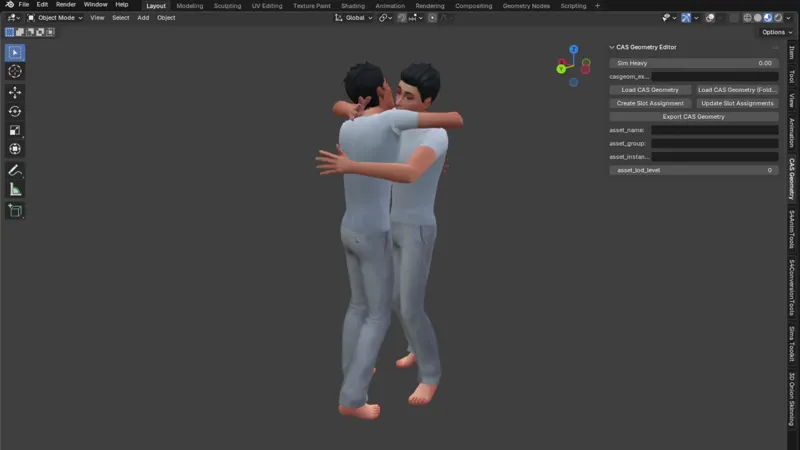
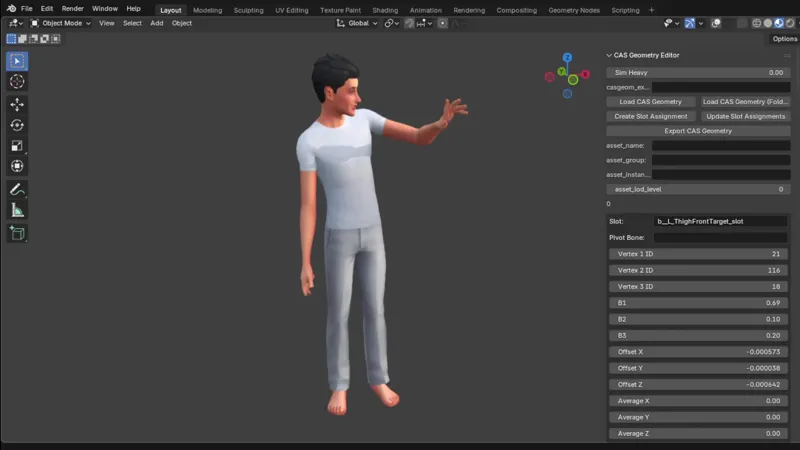
Now, with this super early feature I have been working on, the user can finally view both custom and EA animations in blender that adjust to the sim's physique.
Here's some examples of how the feature looks!
This feature still needs a ton of work before I can confidently include it in s4animtools though, so development on it is currently going mostly in the CAS Geometry Editor for now.
The clip import feature and body-adapting animation preview is not available yet in the "new_clip_splits_ui" branch, but everything else mentioned today is already in there.
That's all for now. I hope the modders and animators that use s4animtools will hopefully find this super helpful when these features eventually make it into a stable release!
Thank you, and especially the patrons, for allowing me to work on these kinds of projects!
See you next time!