Cleaning your mods folder!
Hey, I know this is technically a video I've done before but as I've learned more I want to update my videos with the new knowledge. Anyway, I hope this help with maintaining your mods folder and keeping your game running smoothly. Something I forgot to mention... you should probably put things you want to fix on 1 sim, that way you won't accidentally delete them when you get to s4ti. Just be sure to filter by specific sims. But, Here are the links I mentioned in the video.
Tidy CAS: https://yoruqueenofnightsims.tumblr.com/post/699283073999765504/tidy-cas (I'm currently using this one, missing some separators though)
Plumbaleena - https://www.patreon.com/posts/tidy-cas-black-109150334
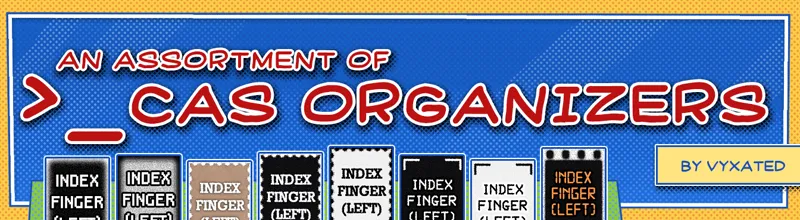
Vyxated - https://www.patreon.com/posts/cas-organizers-1-93257002
Delete Duplicate CC: https://youtu.be/4iBQI75swPQ
Find Corrupt CC: https://youtu.be/OdkeeVEC9fM