
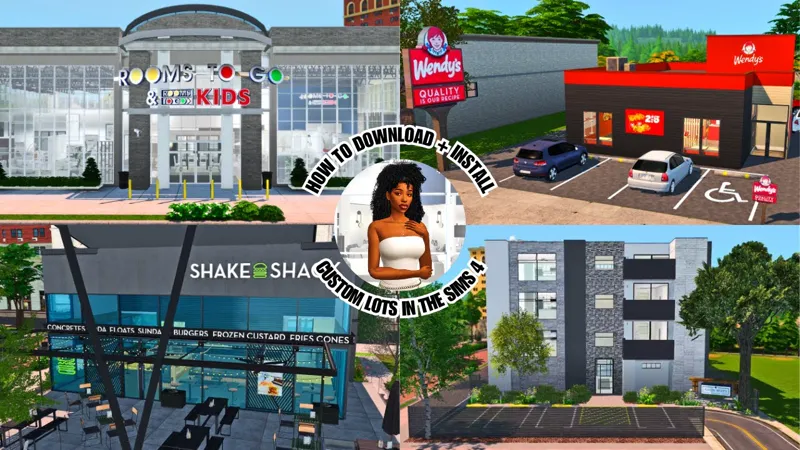

How to Download & Install Custom Lots in The Sims 4 (Step-by-Step Guide) | The Best Custom CC Lots in the Sims 4
I'm showcasing how to download and install custom lots step by step in the Sims 4!
Sims 4 Studio Download (Download the MAC or Windows Version depending on your system)
Here are some additional tips that weren't included in this video:
Things to delete/update for certain builds to work
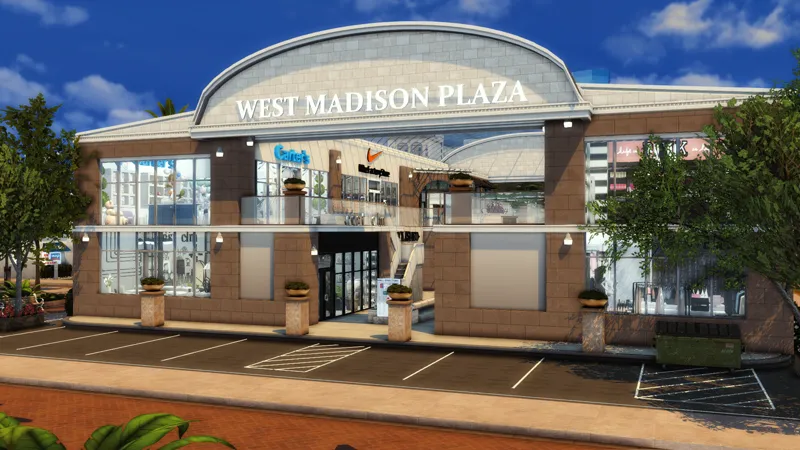
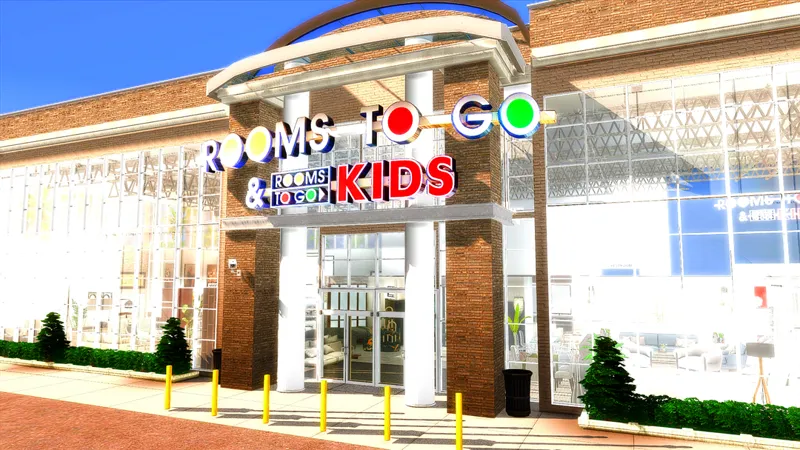
Kikodrawe.package (in the outdoor mall build by AlexisAriel)
SrslySims_CookingOverhaul-SCRIPT.ts4script
MadHoxRepeatPlacementPlantsBaseGame.package
DECOR022 (If you don’t mind merged files, keep it in if you’d like - it won’t break your game... I think?)
DELETE ANY SCOO, SrslySims, and .script FILES YOU SEE, THEY’RE OUTDATED
Examples:
SrslySims_CookingOverhaul-MAINMOD.script
SrslySims_EP files
SrslySims_GoShopping_MAINMOD.package and RabbitHole
SrlsySims_GrocerySubBox packages
SrlsySims_ShoppingObjects-Tuning
SrslySims_SP21_OVERRIDE
RVSN_ShelfControl_Modular_Shelves_1_0_0 (Outdated, updated link below)
Hope y'all enjoy this tutorial and keep an eye out for some more YouTube videos coming this month 🖤


Comments (1)
thank you. you're a doll