
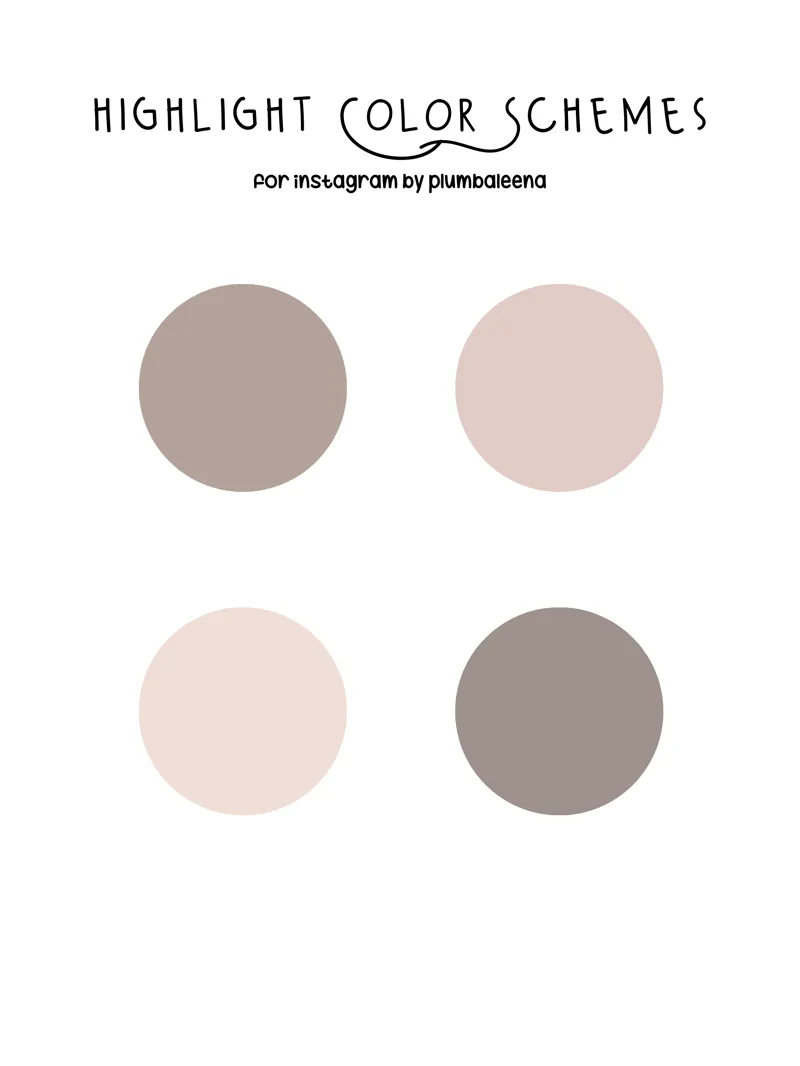
Instagram Highlight Cover Scheme / Stone
I've had a lot of people ask me about my highlight covers and how to do them/what to do etc. So I thought this would be a fun little way to accentuate your highlights with color schemes!
✨ How to edit your story covers /
> By default, Instagram uses the first image you add to the highlight as the cover. However, you have the option to replace it, which is the perfect opportunity to add your branding.
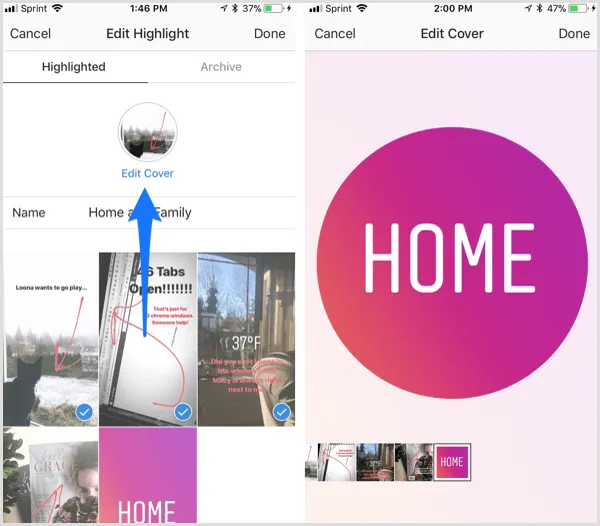
> The next step is to update your highlight cover with your new branding. Tap on your highlight container and click the three dots icon at the bottom-right corner.
> Next, tap Edit Highlight.
> You now see options to edit the cover, change the name of your highlight, or delete highlighted stories you no longer want to use.
> To change the cover, tap Edit Cover and select your new branded highlight. You can drag the image on the screen to reposition it.
> Simply save the .png files to your phone (that are labeled in order for you) to your highlight cover and done!
Creating custom covers for your Instagram Highlight Stories allows your most valuable content to always be available in your Instagram profile. And also, it makes it easier for your followers to navigate through your content and unifies the style of the brand. It gives your highlight section a clean, unified and simple look that is attractive to first time viewers and repeat followers!
This is just a fun little "extra" that I'd love to pass onto you - please let me know if there's a color scheme you'd enjoy and I'd be happy to make one!
Have a great day!
xx
You can find me here - Twitch | Instagram | Youtube | Tumblr |