
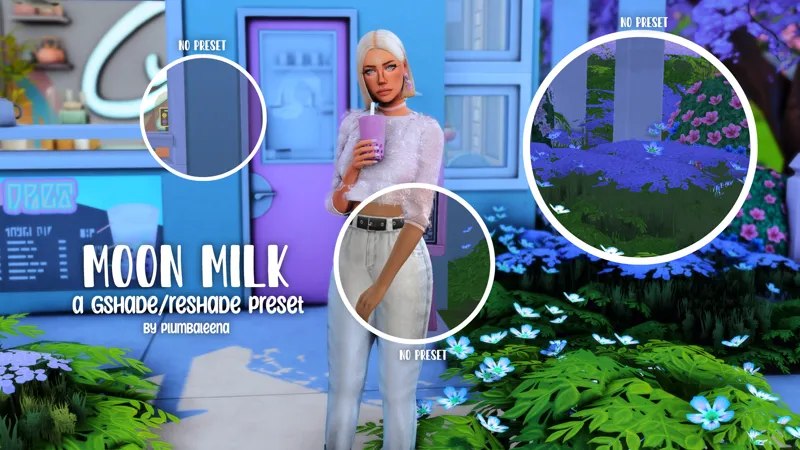
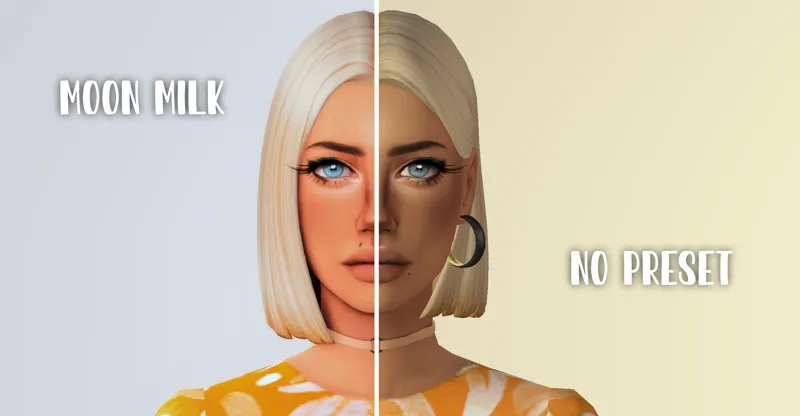
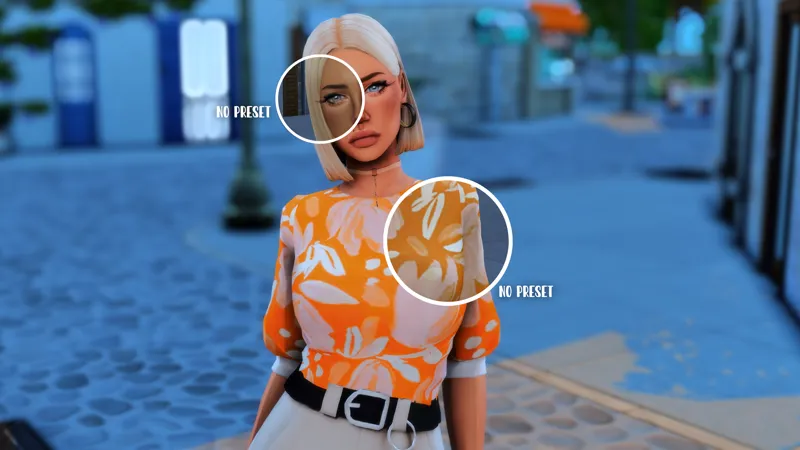
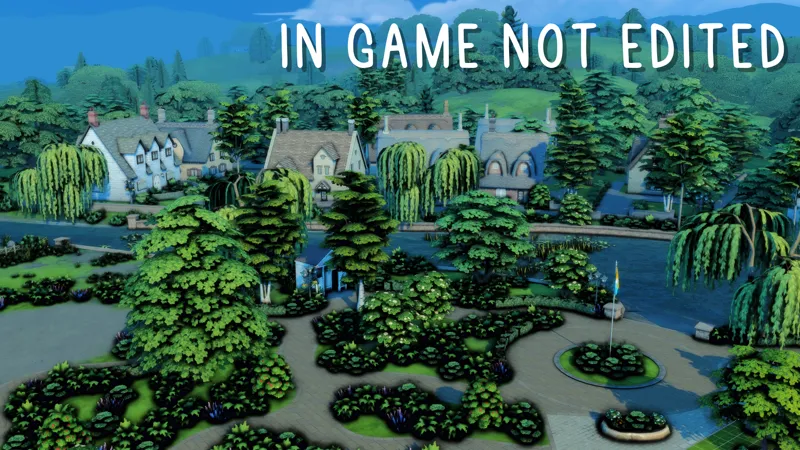
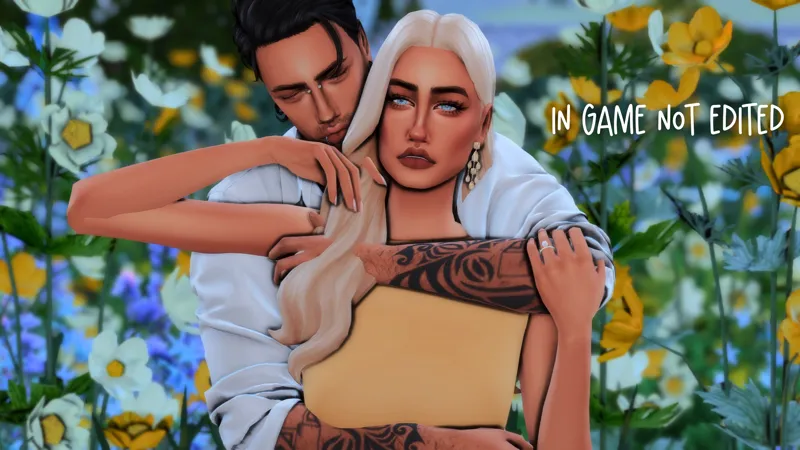
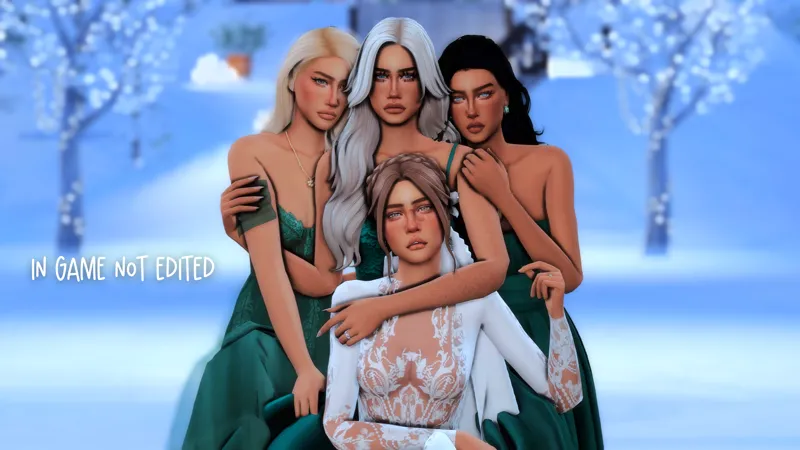
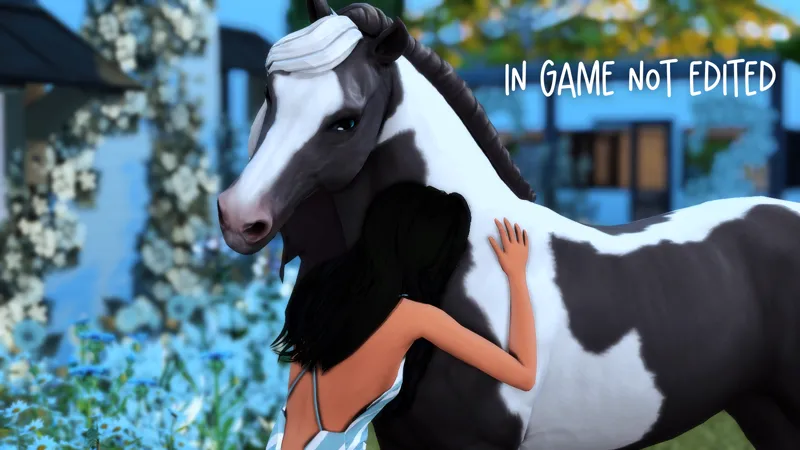
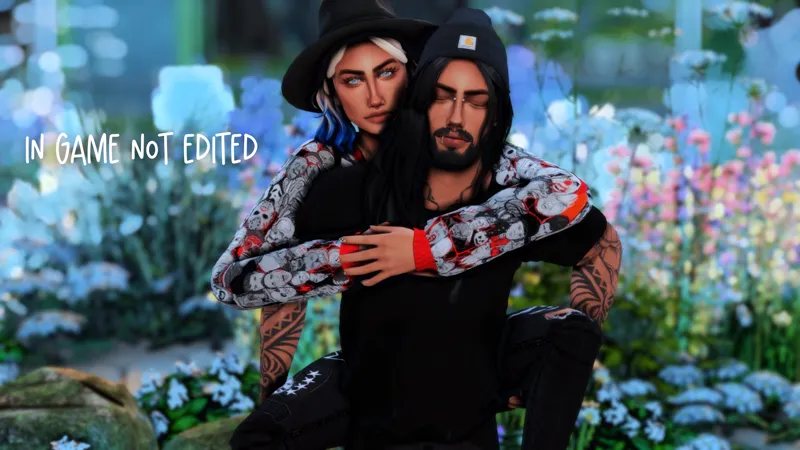
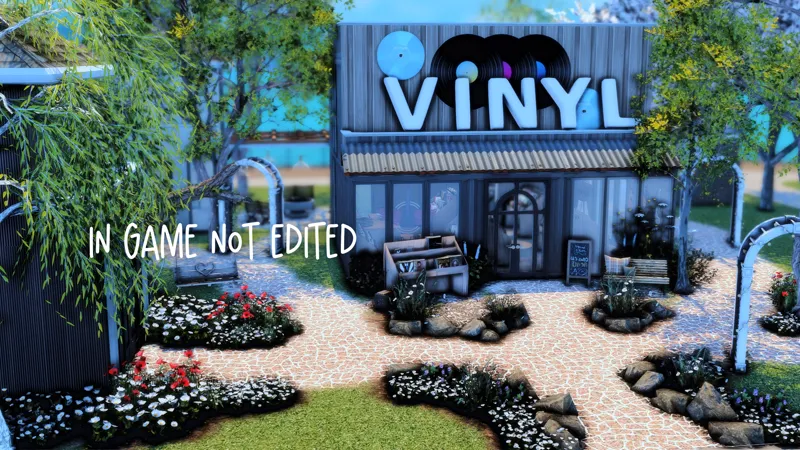
🌙MOON MILK / A GShade and Reshade Compatible Preset
Welcome to my first ever - reshade (5.2.1) /gshade preset!
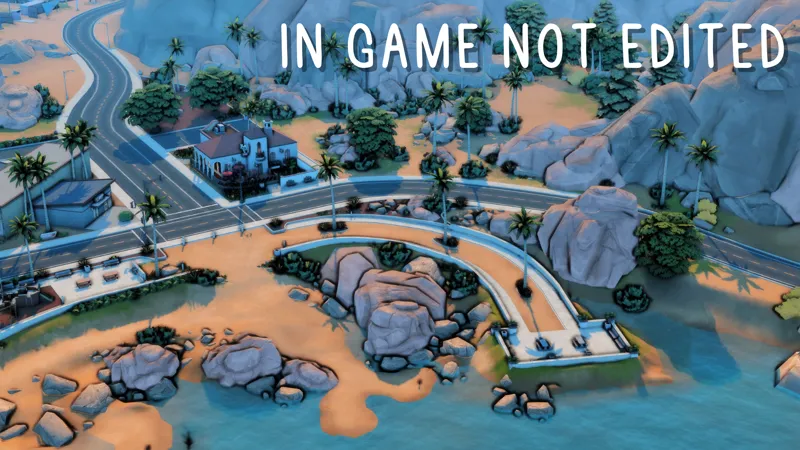
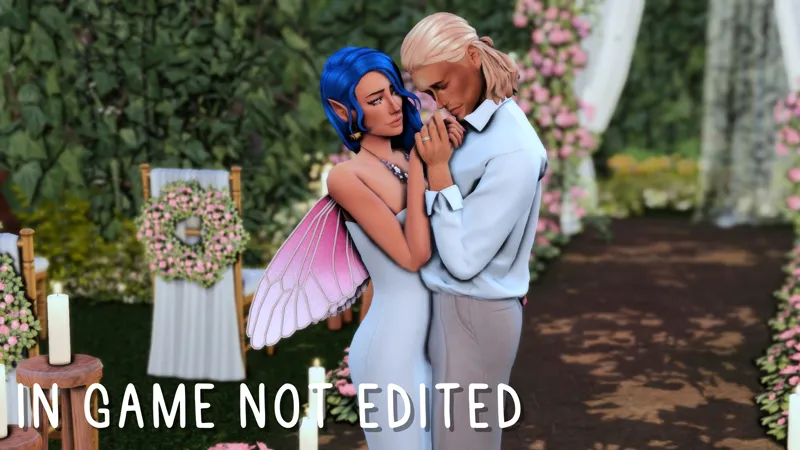
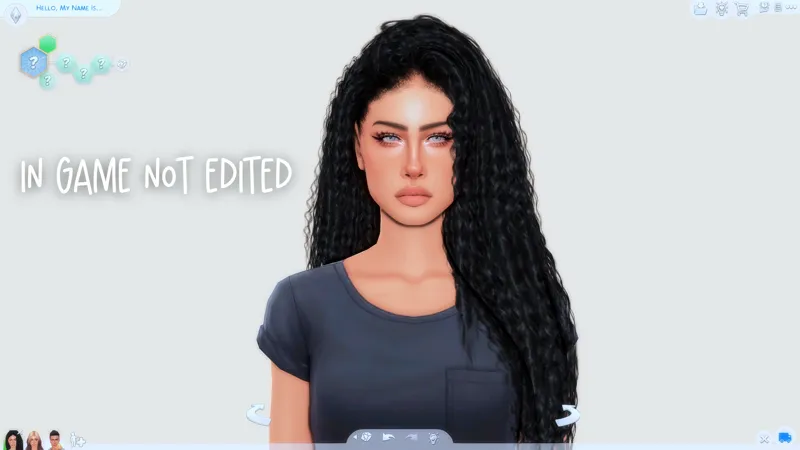
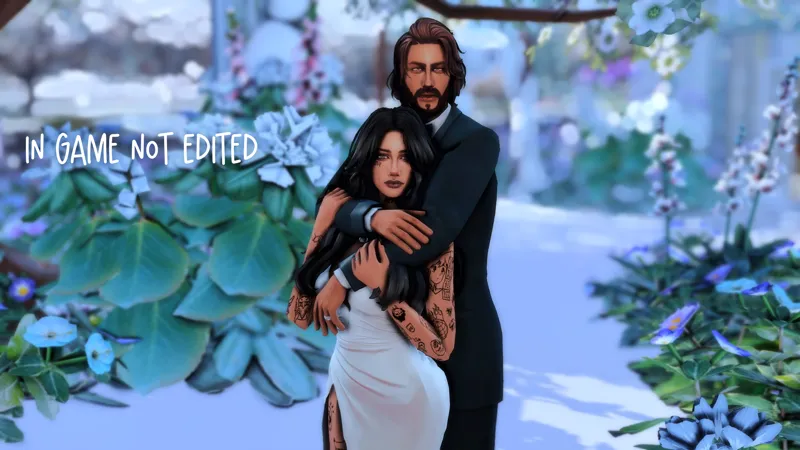
This preset enhances the look of your game with rich shadows and vibrant color and a slight tint but does not take away from any of the natural tones within the game. I wanted to create a preset that showcased the beauty that it naturally holds only, slightly brightened. I hope you absolutely love this preset as much as I did making it.
MAKE SURE YOU DOWNLOAD AND READ THE README FILE TO ENSURE YOUR GAME WILL LOOK LIKE MINE.
DOWNLOAD MY SHADERS AND TEXTURES HERE
UPDATE for Sept. 2024 / If your MXAO 4 does not show up, simply go into the GShade launcher, click ADD then choose The Sims 4 and choose DXVK to enable both DX9/11 shaders.
Make sure when using my preset you download and add my Shaders and Textures as well and put them into your Bin folder. If you have to create the folders yourself, make sure you route the paths to them in settings within the GShade menu in game. Go to SETTINGS > S and T at the bottom, and where there is a plus sign, make sure you add in the pathway you created. For example, I made a brand new Shaders and Textures file within Bin > GShade-addons and then re routed the pathways to there so it picks up the correct S and T.
If you don't want to deal with all of that, and simply want to use my preset with DX9, please download the UPDATED version for the latest GShade update. Basically, the later versions of GShade stopped MXAO 4.0.2 from working, so I tweaked the shadows of the other MXAO's to compensate for that.
The updated version of my preset is set for GShade 5.1.3 and higher
If you use my preset please tag me @plumbaleena on any social media I would LOVE to share you!
And as always, ENJOY!
🛑 DO NOT USE MY PRESET AS A BASE FOR YOUR OWN TO PUT ON PATREON OR OTHER DOWNLOADING SITES - BE ORIGINAL AND STOP STEALING MY CREATIVITY AND ESTHETIC🛑
You can find me here - Twitch | Instagram | Youtube | Tumblr |
Comments (2)
I did everything but why doesn't mine look more realistic and milky like ): like the black outlines and such
If you followed everything and used my shaders etc. then it could be your graphics card. If you don’t have the black shadows that’s due to post processing ON and make sure it’s OFF