
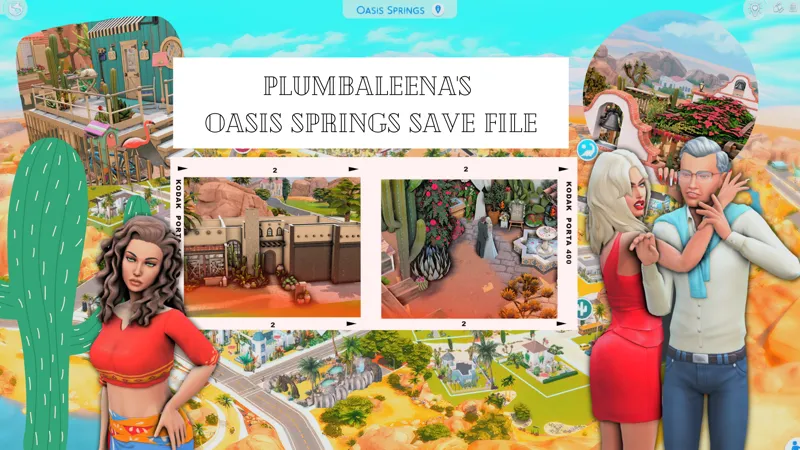
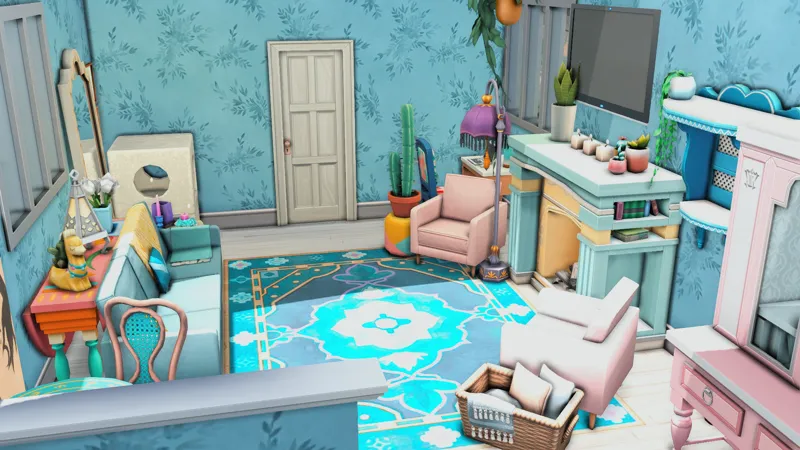
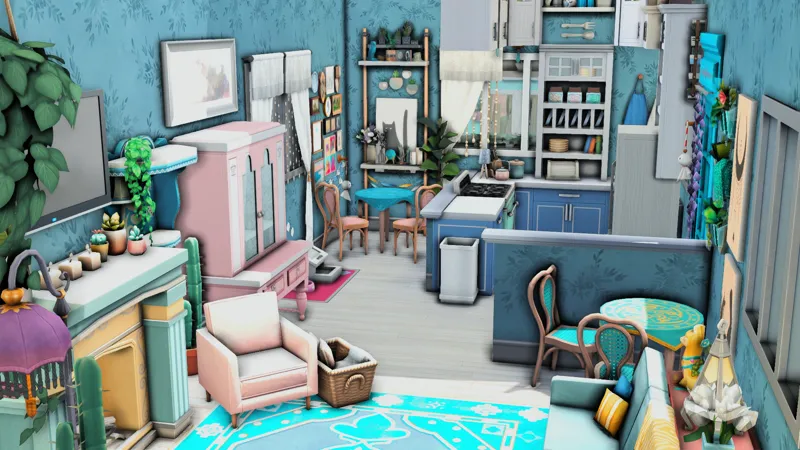
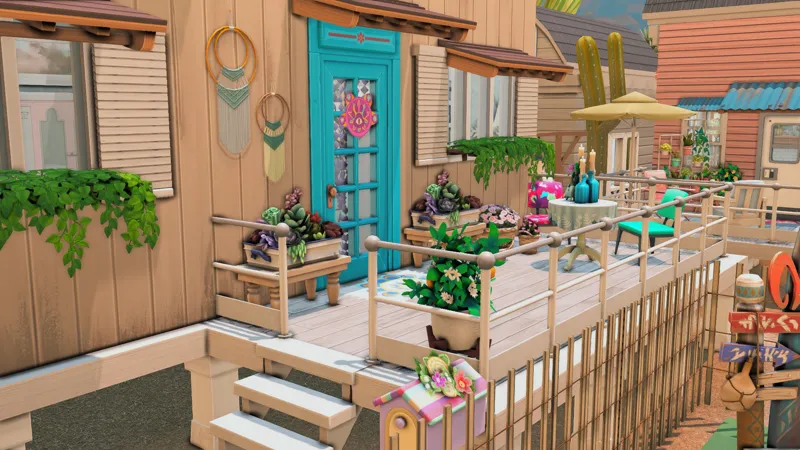
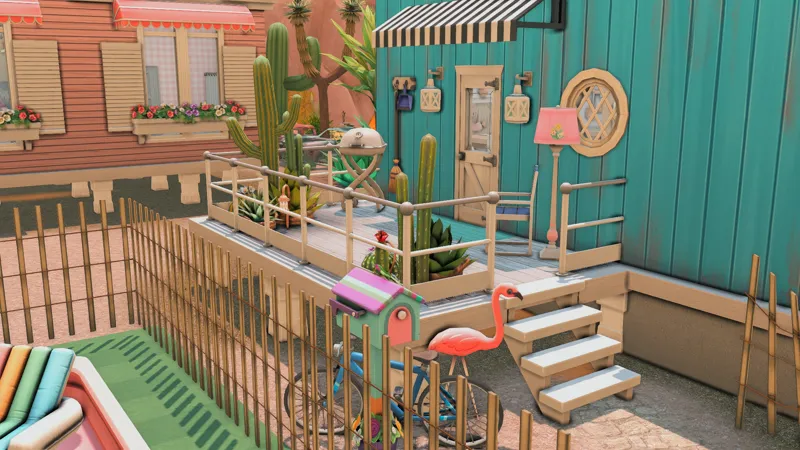
Plumbaleena's Oasis Springs Save File
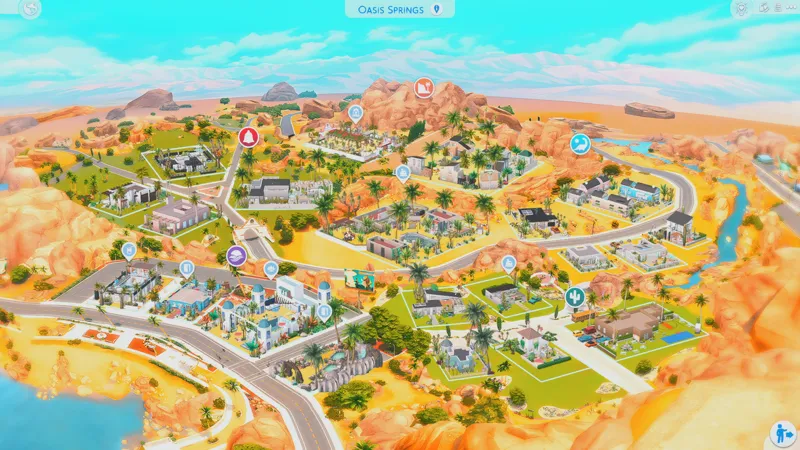
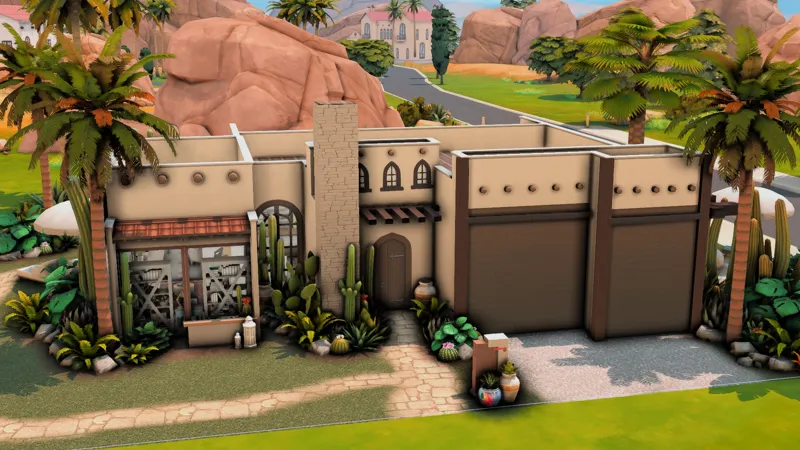
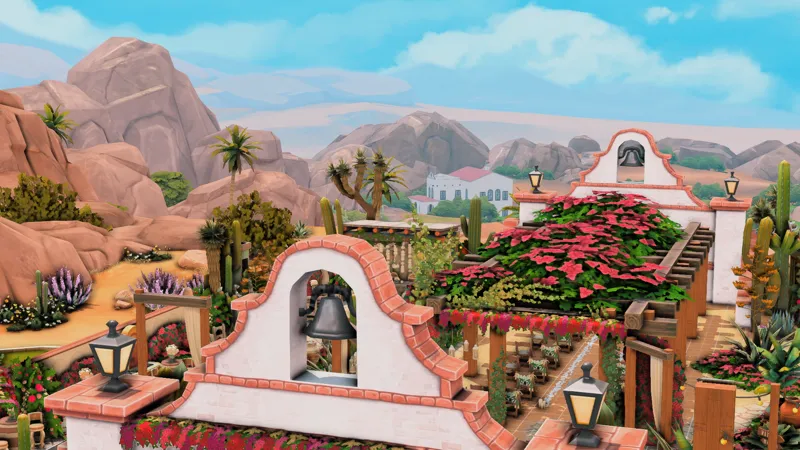
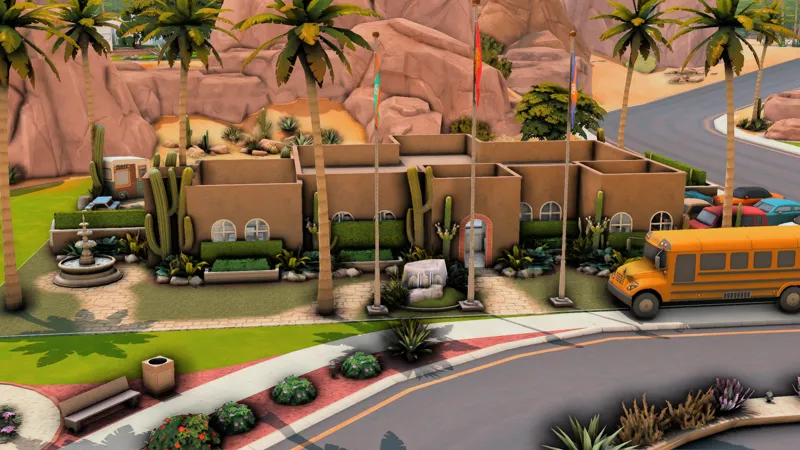
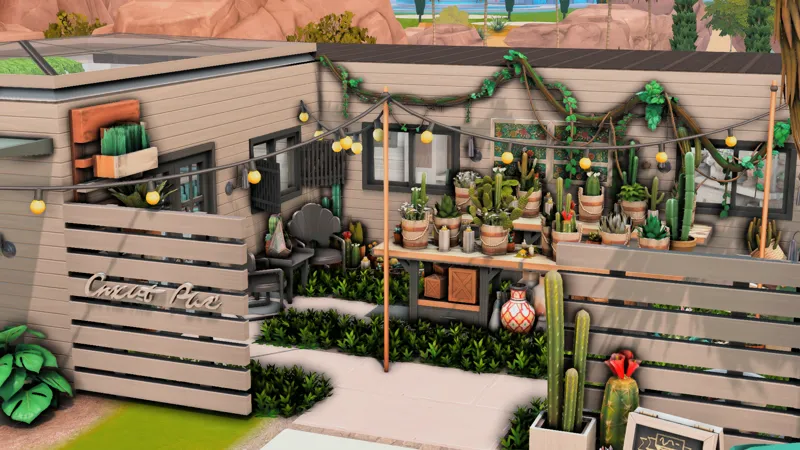
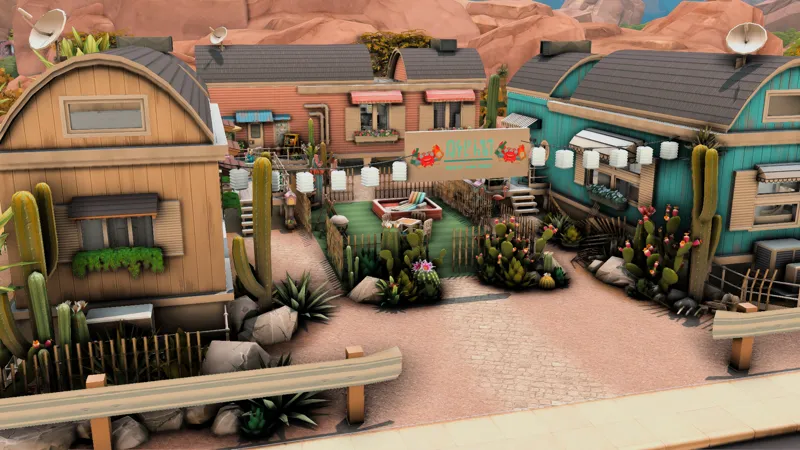
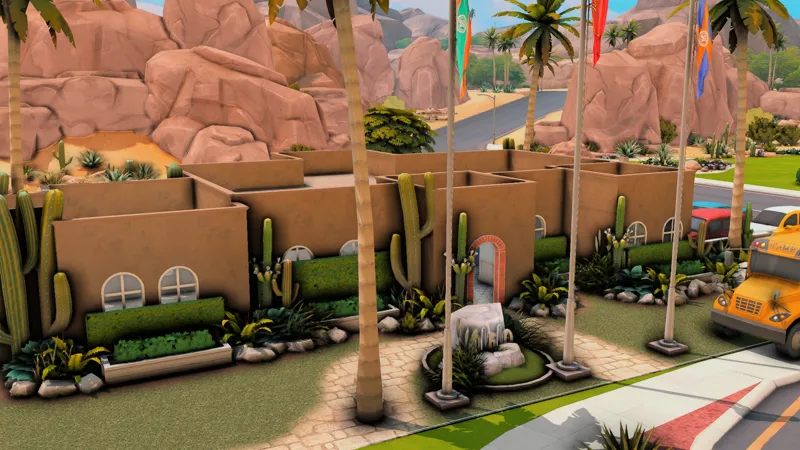
🌵 After nearly HALF A YEAR - yes you heard that correctly - I have FINISHED my rebuild of Oasis Springs. This save file is my biggest, most detailed one yet. You will NOT be disappointed when getting this. I promise. It's filled with families, drama, lore, and so much more.
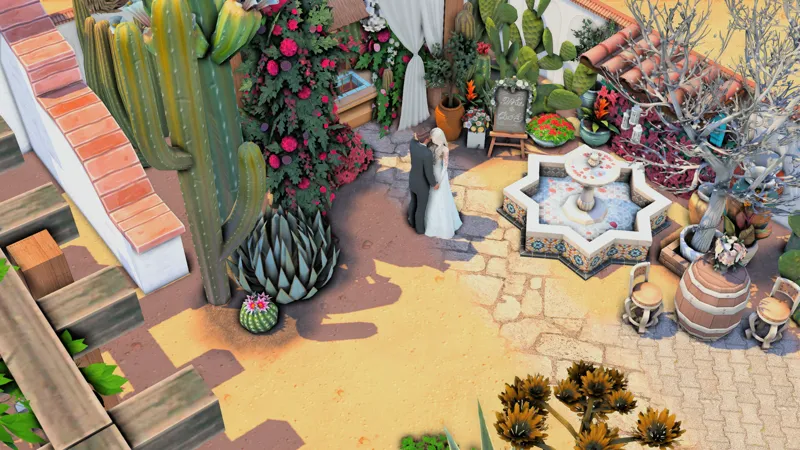
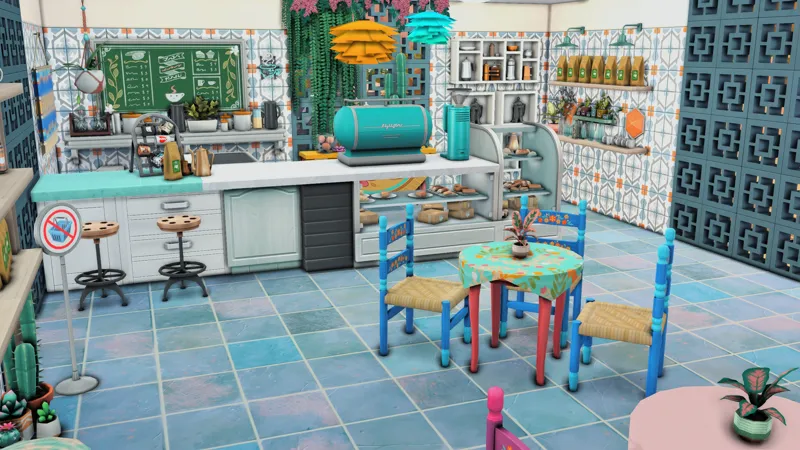
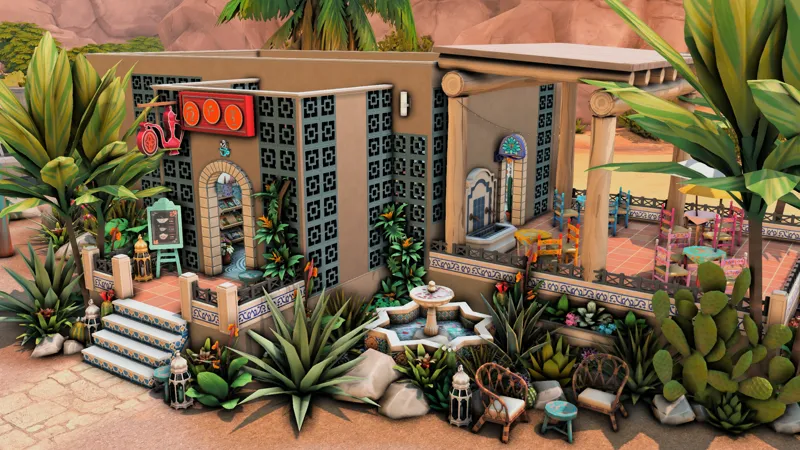
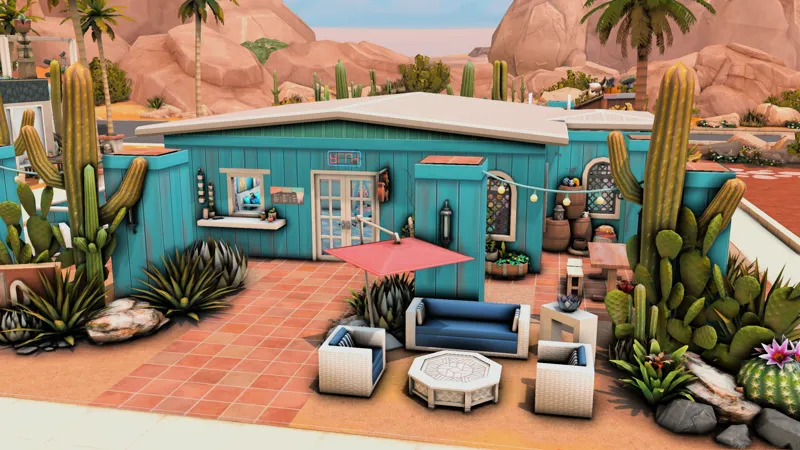
Within the save file, you'll get a gorgeous wedding venue, a day care, bar, tea and thrift shop, retail space with a coffee shop, restaurant and upscale clothing shop, a day spa, hot springs, residential homes and more.
I hope you simply love this save file, as I've put tons of time, patience, and LOVE into it. This has been such a wonderful journey, an absolute labor of love and I am thrilled to FINALLY share it with you!
Find me on Twitter, Instagram and Twitch @plumbaleena
🌵 Steps to install my save
Make a backup of your Electronic Arts/The Sims 4/Saves folder.
Download the file, unzip, and place files in Electronic Arts/The Sims 4/Saves.
If it says you already have a file of that name, change the slot number. You should probably choose something higher. Just make sure you don’t have that slot number already. (Example: change Slot_00000088.save to Slot_00000099.save)
Open your game and enter the save. It is named “Plum's Oasis Springs Save File”. You’ll see it pop up with a preview of the family played.
Once you’ve got the save opened, make sure you “save as” and create a new file for your own gameplay. This way you can use the save again without having to redownload.
Have fun!
Please note, this save file uses all packs and kits - however you do not have to have ALL of them to play in it successfully.