
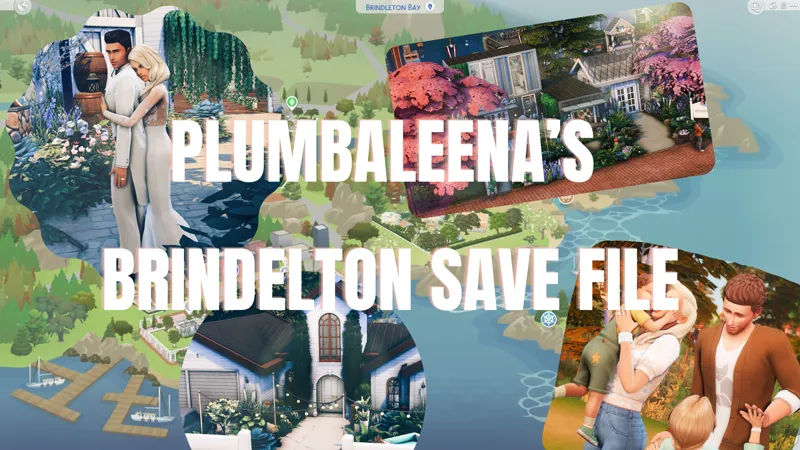
Plumbaleena's Brindelton Bay Save File
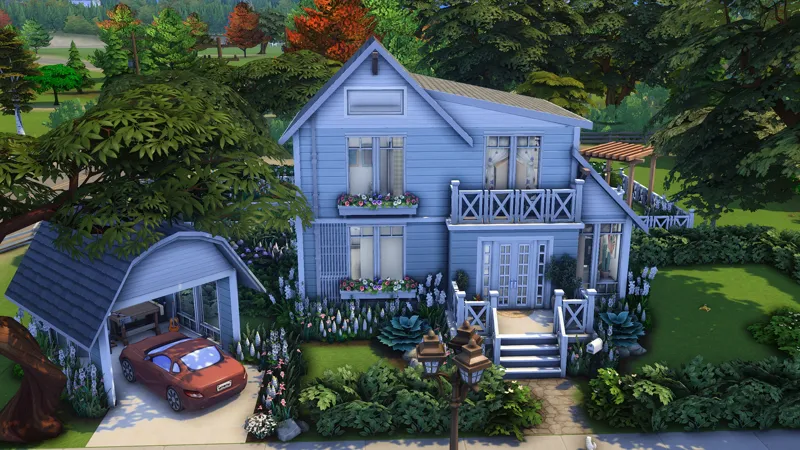
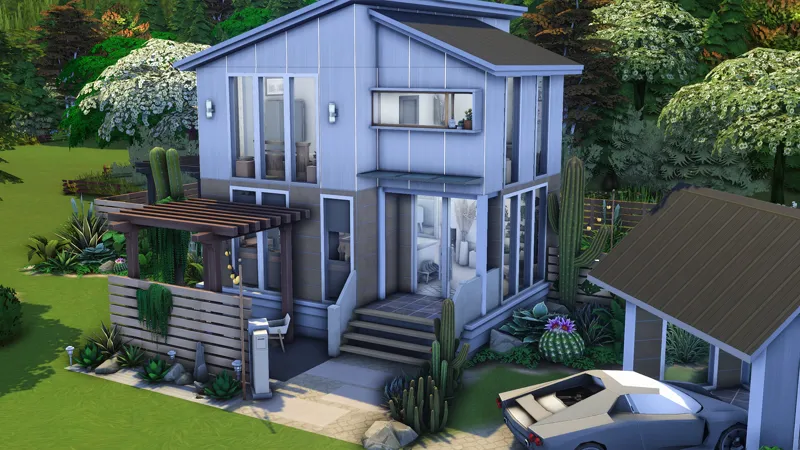
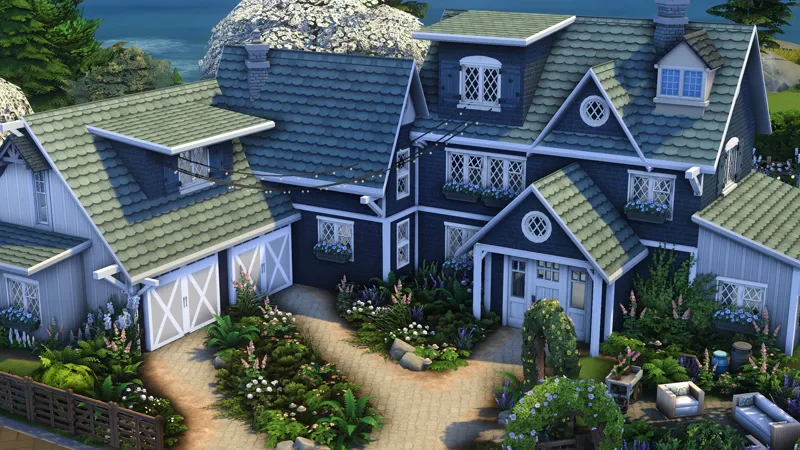
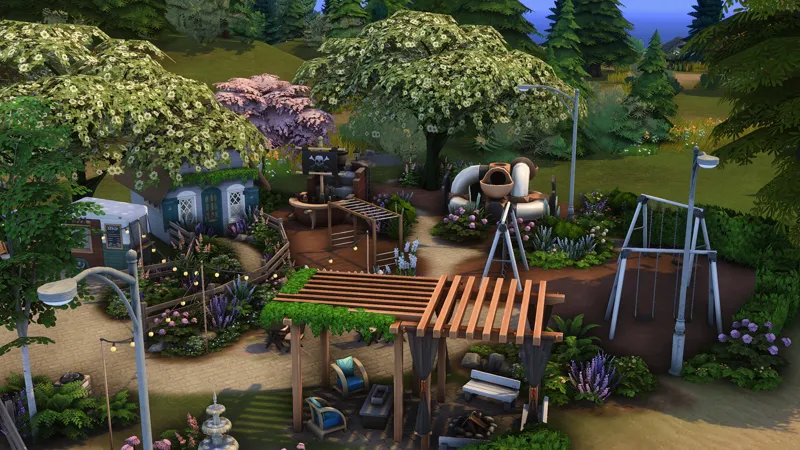
🌙 It's FINALLY arrived! My Brindelton Bay save file! This has been almost four months in the making, where I bulldozed every single lot within the bay, rebuilt it from the ground up, created families (with the help of some incredible friends), added lore and tons of tiny details. Now, this save file can be YOURS - simply download it directly to your saves within your Sims 4 folder (see below for exactly how to) and enjoy everything it has to offer.
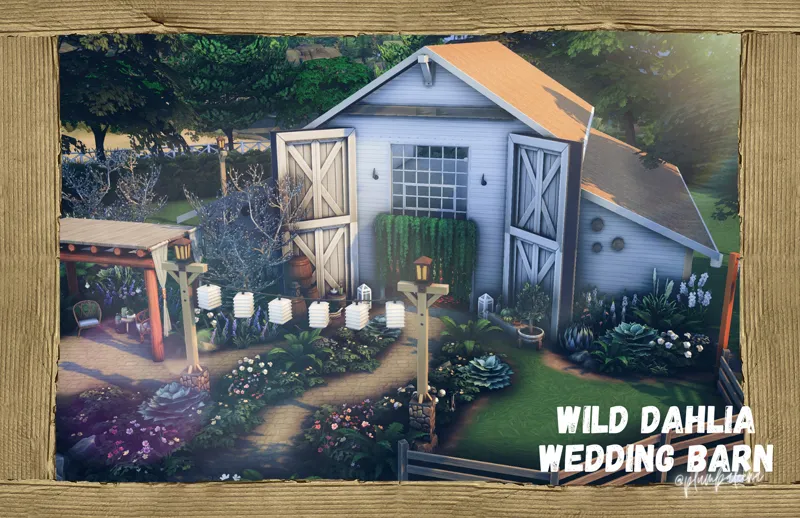
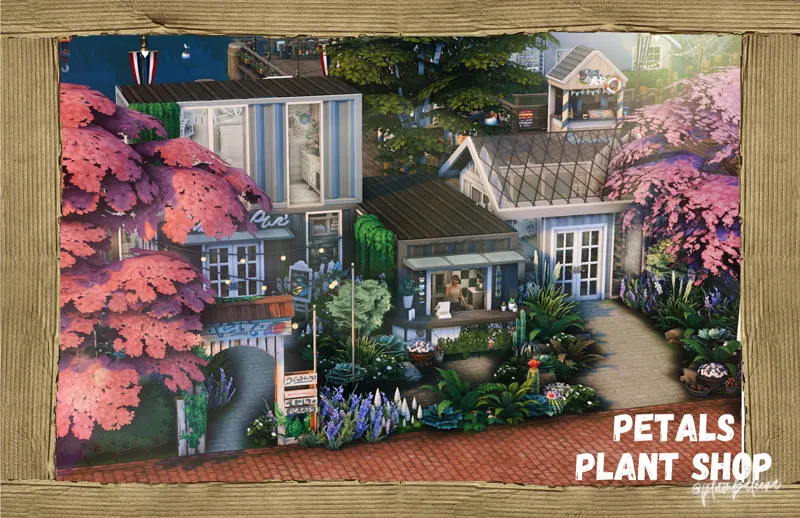
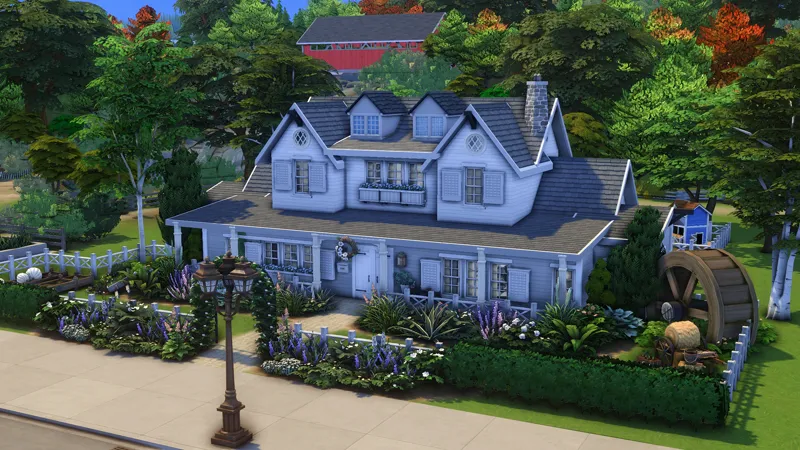
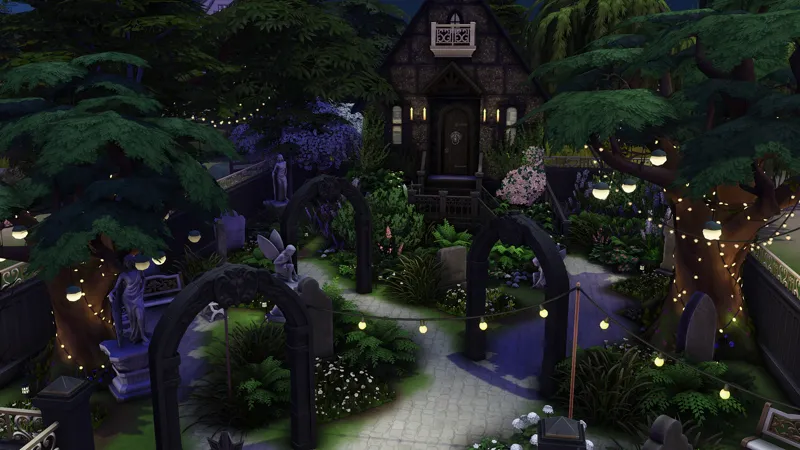
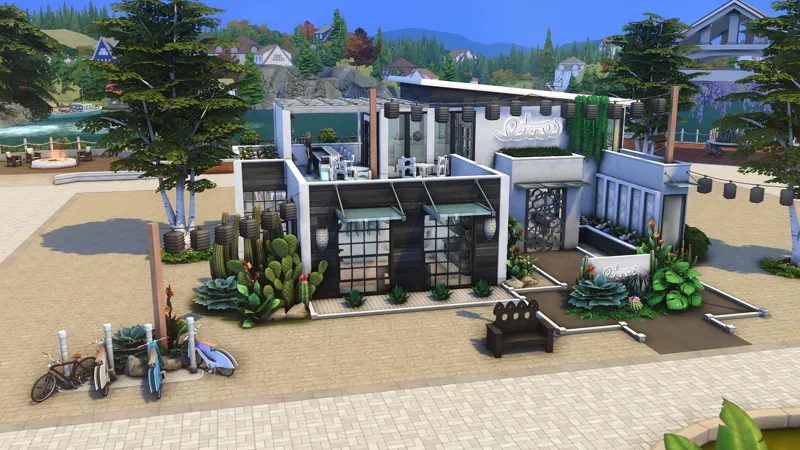
Within the save file, you'll find a huge rustic wedding barn and reception area, a lounge, coffee shop, flower shop, vet hospital, park, graveyard, restaurant, pet café, and tons of residential homes.
I hope you simply love this save file, as I've put tons of time, patience, and LOVE into it. This has been such a wonderful journey, an absolute labor of love and I am thrilled to FINALLY share it with you!
Find me on Twitter, Instagram and Twitch @plumbaleena
🌙 Steps to install my save
Make a backup of your Electronic Arts/The Sims 4/Saves folder.
Download the file, unzip, and place files in Electronic Arts/The Sims 4/Saves.
If it says you already have a file of that name, change the slot number. You should probably choose something higher. Just make sure you don’t have that slot number already. (Example: change Slot_00000088.save to Slot_00000099.save)
Open your game and enter the save. It is named “Plum's BB Save File”. You’ll see it pop up with a preview of the family played.
Once you’ve got the save opened, make sure you “save as” and create a new file for your own gameplay. This way you can use the save again without having to redownload.
Have fun!
Please note, this save file uses all packs and kits - however you do not have to have ALL of them to play in it successfully.