

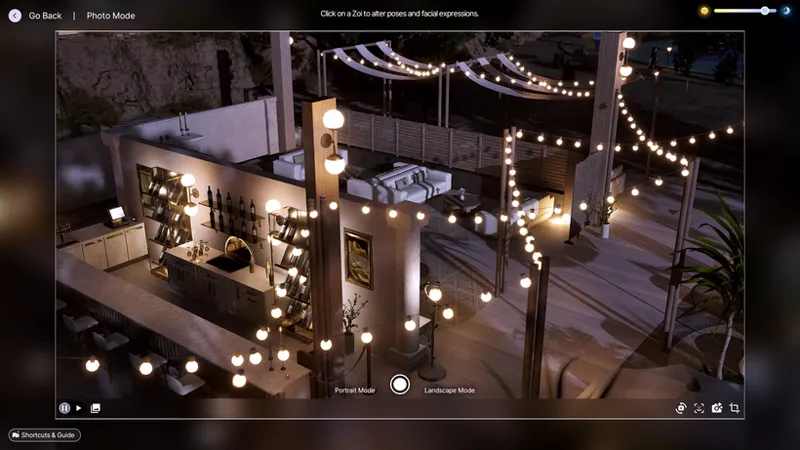
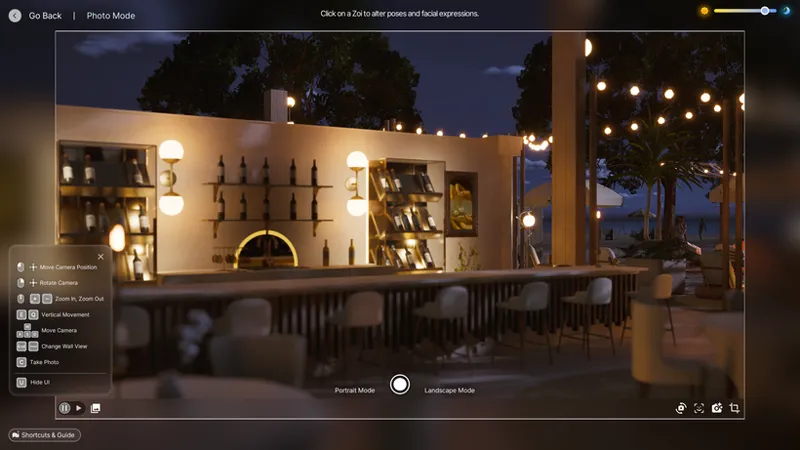
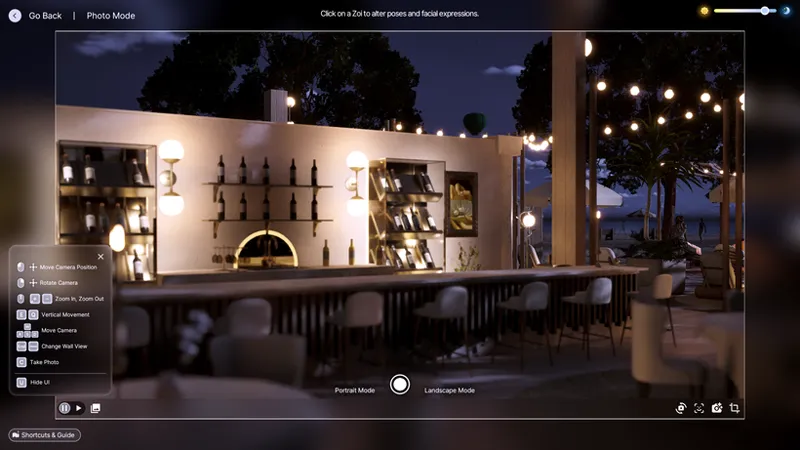
🥥 Coconut Milk Reshade Preset for Inzoi coming 5/22
I don’t know about you, but I’ve been completely obsessed with InZoi again lately. I was honestly feeling so burnt out with The Sims between the buyout drama, the increasingly toxic community, and the constant game-breaking issues, I just needed a break from it all. Then one of my friends started telling me about all the recent InZoi updates, and I figured… why not give it another shot?
I’m so glad I did, because I was genuinely shocked by how GOOD the game has become. It feels so much more alive now there’s actually so much to do. You can run a flower shop, own a hair salon, and create all kinds of immersive stories and businesses that honestly feel like things The Sims always wanted to do successfully… without needing 400 mods to make it work.
The only thing I wasn’t completely in love with was the overall yellow tone during gameplay (CAZ is already gorgeous). Thankfully, my lovely friend Shroomboii (who also helped come up with the name) told me that Reshade works perfectly with the game.
So… Coconut Milk was born. 🤍🥥
🥥 Give your InZoi screenshots a soft, dreamy atmosphere with Coconut Milk a cool-toned Reshade preset designed to create clean highlights, gentle contrast, and a cozy cinematic vibe without making the colors feel overly edited or harsh.
This preset adds:
❄️ Soft cool-toned lighting
✨ Clean, aesthetic contrast
🕯️ Dreamy ambient glow
📸 Beautiful depth for screenshots and storytelling
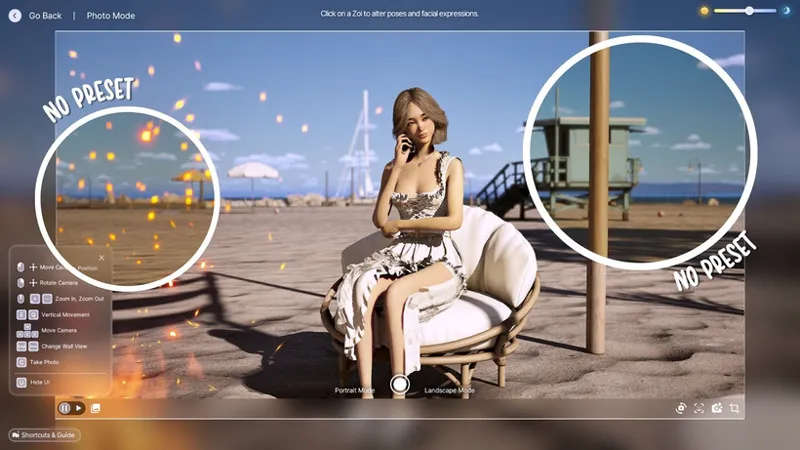
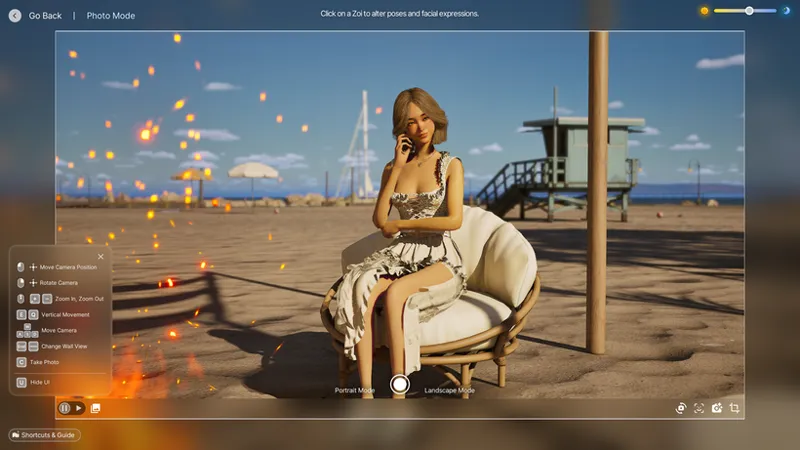
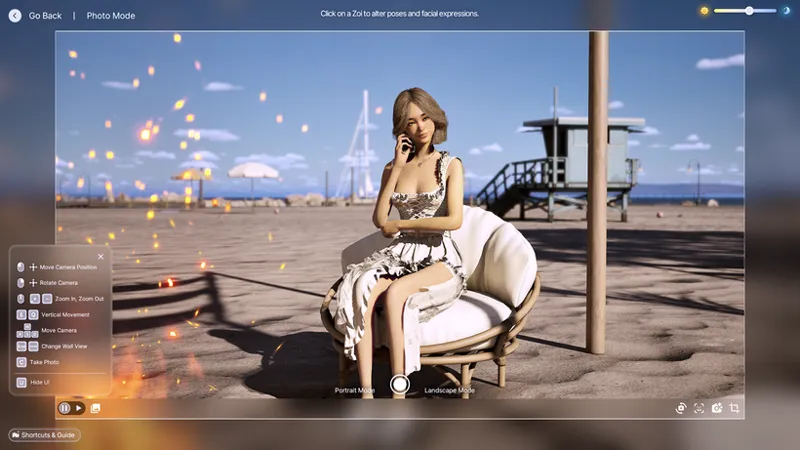
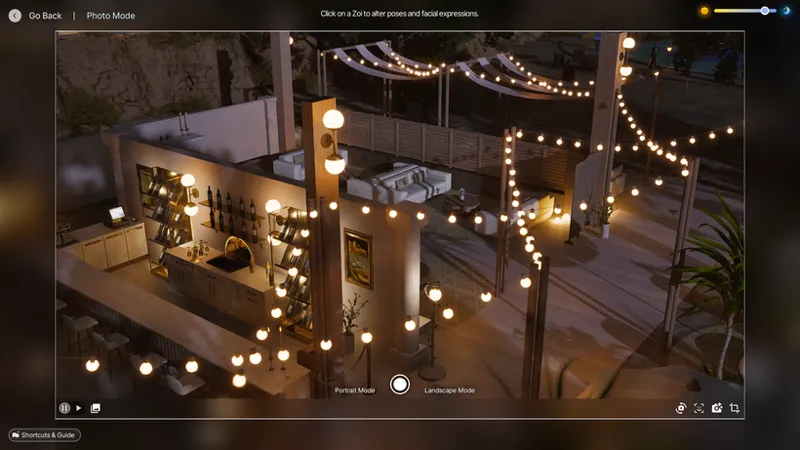
WITHOUT COCONUT MILK
WITH COCONUT MILK
WITHOUT COCONUT MILK
WITH COCONUT MILK
WITHOUT COCONUT MILK
WITH COCONUT MILK
I personally don't suggest using this preset for CAZ only because the lighting is completely different and perfect in my opinion, so you can simply turn off the preset when creating a Zoi, and then turn it back on when you're in gameplay to reduce the yellow undertones.
Early access to this preset comes on 5.22 and free for all on 6.5
Comments (2)
How do you turn off the preset?
You turn it off in Reshade - where you toggle between presets