
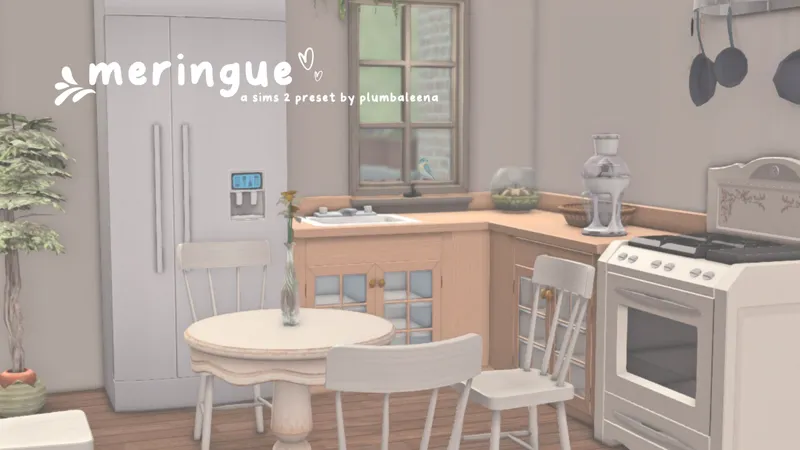
Meringue | A G/Reshade Preset for The Sims 2 by Plumbaleena
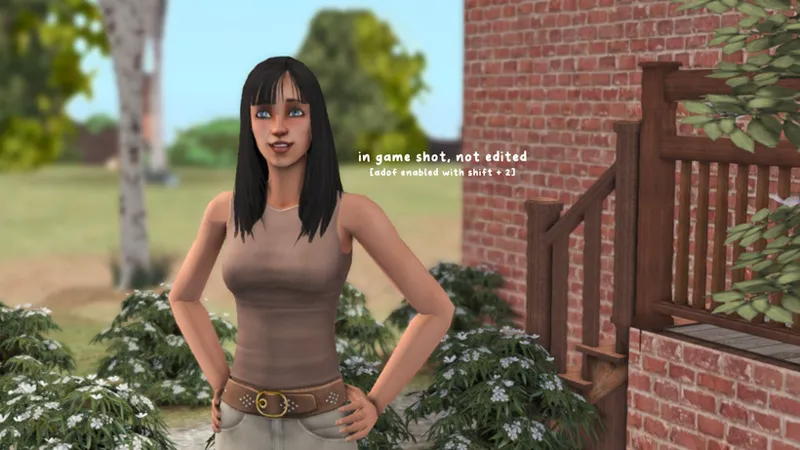
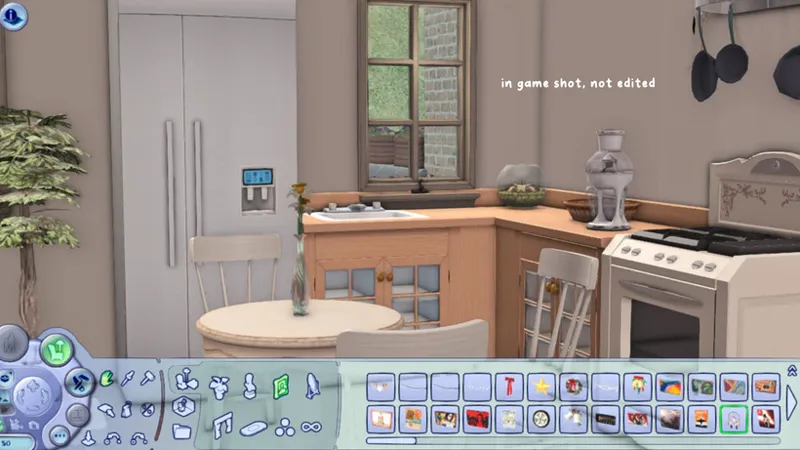
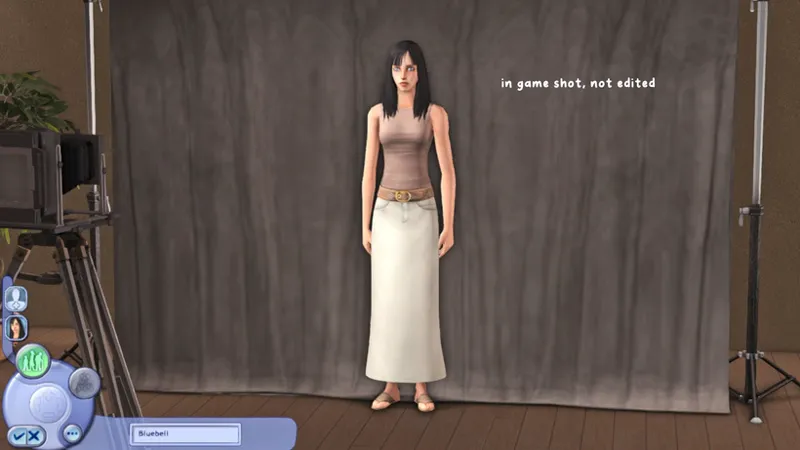
If you're like me and rediscovering the excitement of The Sims 2, then you’re in for a treat! I’ve created my very first G/Reshade preset for The Sims 2—introducing Meringue! This soft and subtle preset enhances the game's visuals, creating a gentle, eye-pleasing effect on both objects and Sims while toning down the game's harshness. I absolutely love The Sims 2, and everything it has to offer and wanted to make a preset that would make me enjoy being in the game more than I already was. If you don't have Gshade installed (which is the program I use for both TS2 and TS4) you can follow this easy tutorial on how to install it onto TS2 HERE
🎥 Watch a preview of the preset in game here
Once Gshade is installed you place the preset in this location : C > Program Files > EA Games > The Sims 2 Legacy > EP9 > TSBin > Gshade-Presets > Custom
To toggle the background blur on and off, it is unique to all my presets and the same combination SHIFT + 2
❥ Here are some in game shots //
🤍 thank you so much for visiting my patreon and supporting me! In line with creator terms of use, I’ll never place my builds or CAS (this means the sims I create) content behind a paywall—even for early access. That said, creating these for you takes a lot of time and effort and can sometimes be quite draining. If you’d like to support my work and the time I put in, you’re welcome to join the lemon seed tier 🍋 or subscribe on twitch [where you will get all of my early access patreon drops via our discord server]. Your support means the world to me—thank you, and happy simming! 🤍
DO NOT USE MY PRESET AS A BASE FOR YOUR OWN [OR MODIFY FOR TS4] BE ORIGINAL AND STOP STEALING MY CREATIVITY AND ESTHETIC
Comments (8)
Took Gshade out of Sims 2 Legacy two months ago as it would just crash in it, is it working yet as I do not want to waste my time again, never was able to even get Reshade to work either.
I have never had a problem with g or reshade so it works fine for me and always has. It could be due to your graphics card
oh it looks beautiful even tho GShade only works for 40 minutes without fail then crashes, but think I am gonna go back to using my Sims2 Starter Pack (osab) on my pc as Gshade is fine on that version of Sims2. What has EA done! Tried ReShade the panel in game does not even come up in my game. I am not having any game related issues like most people , just GShade/ReShade issues which is very frustrating.
Yup. It causes a lot of issues for people unfortunately. I did repair my game and that fixed it and followed the tutorial to a T but for example in TS4, my panel no longer shows up. I have no idea what they did 🤷♂️
can this be used on reshade also?
Yup :) that’s what it says g/reshade preset
hi this looks beautiful, is this ok to use for TS4 as well?
You can yes!