


ED5 Survival Needs Plugin for RPG Maker MZ/MV
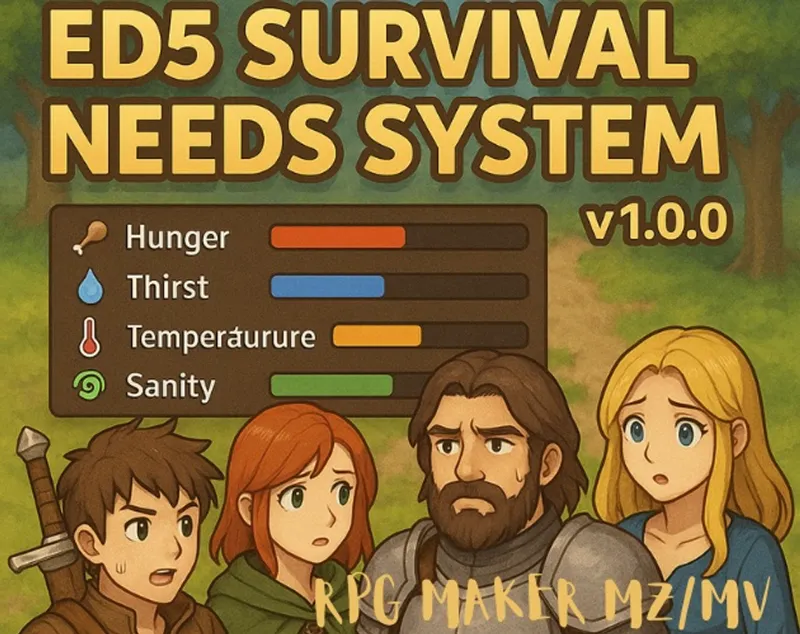
🎮 ED5 Survival Needs System v1.0.0
Transform your RPG Maker MZ/MV game into an immersive survival experience!
Create unlimited custom needs like hunger, thirst, temperature, sanity, and more - all with beautiful UI and deep customization options.
🎯 Core Features
⚡ Unlimited Needs - Create any survival mechanic you can imagine
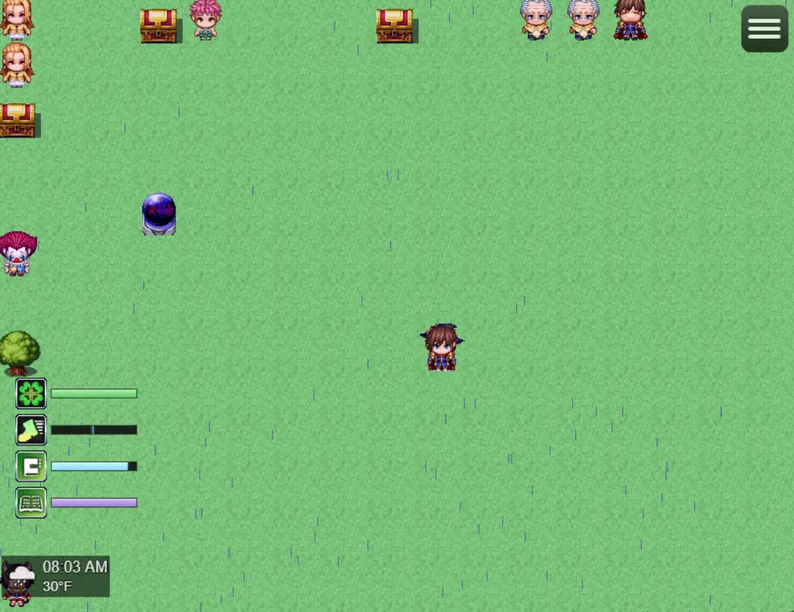
🎨 Modern UI - Sleek HUD with color-coded bars, icons, hover tooltips
🌡️ Time/Weather Integration - Full integration with ED5_TimeSeasonsWeather
⚔️ Skill System - Compatible with ED5_SkyrimSkillLeveling
🔄 Need Relationships - Complex interactions between needs
🎲 Threshold Effects - Trigger states, damage, events at critical levels
📋 Quick Setup
Install ED5_SurvivalNeeds.js in your project's js/plugins folder
Enable in Plugin Manager and configure your needs
Create your survival mechanics using the plugin parameters
Add items with note tags for food, water, and other survival items
🏷️ Note Tag Examples
Items & Consumables
<needRestore:hunger:50> # Restores 50 hunger <needRestore:thirst:30> # Restores 30 thirst <needModify:temperature:10> # Increases temperature by 10 <multiNeed:hunger:25,thirst:25> # Affects multiple needs
Equipment
<tempResist:cold:20> # 20% cold resistance <needDecayRate:hunger:0.8> # Reduces hunger decay to 80% <needBonus:sanity:10> # +10 max sanity while equipped
Maps
<temperature:30> # Fixed temperature for this map <needModifier:hunger:1.5> # 50% faster hunger decay <shelter:true> # Map provides shelter from weather
🎮 Plugin Commands
modifyNeed - Change a need's value (needId, amount)
setNeed - Set a need to specific value (needId, value)
getNeedValue - Store need value in variable (needId, variableId)
toggleNeedUI - Show/hide need in HUD (needId, visible)
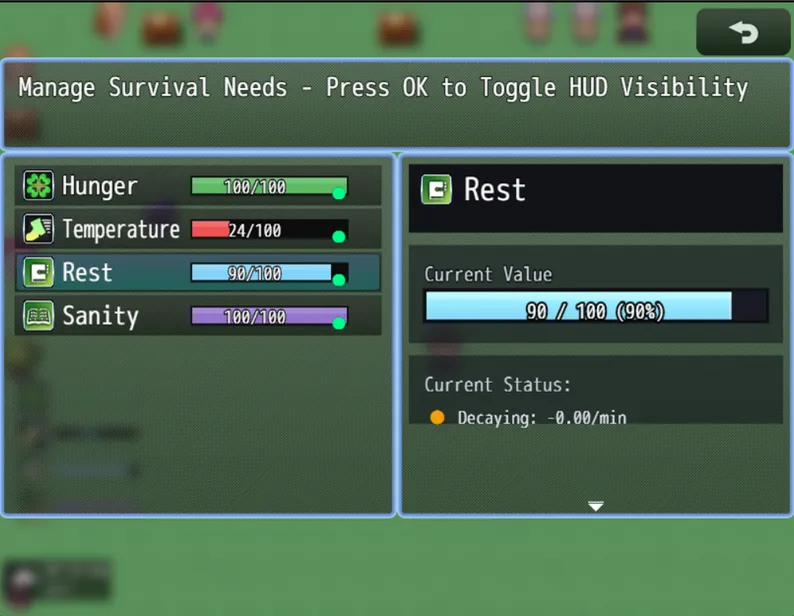
openNeedsMenu - Open survival management menu
⚙️ Configuration Examples
Temperature System
Need: Temperature Type: Center Fill Bar (blue ← → red) Decay: When temp < 35°F (-1/minute) Recovery: When temp > 80°F (+1/minute) Normalize: When 36-79°F (drift to center) Threshold: < 25% → Frozen state + HP drain
Hunger System
Need: Hunger Type: Left to Right Bar Decay: Time-based (-2 every 60 game minutes) Recovery: Use food items Relationships: Low sanity → 1.5x hunger decay Threshold: < 25% → Starvation state, -5 HP/tick
🔥 Advanced Features
Skill Integration: Skills affect decay/recovery rates and maximum values
Time Sync: With TSW installed, needs use in-game time (60 = 1 hour)
Dynamic Icons: Change need icons based on thresholds
Screen Effects: Flash, tint, or shake screen at critical levels
Difficulty Modes: Easy (0.5x), Normal, Hard (1.5x), Extreme (2x)
Modern Menu: Beautiful management interface with all stats
Need Relationships: One need affects another (low sanity → faster hunger)
Equipment Effects: Items can modify decay rates and resistances
📊 Threshold Effect Types
Status Effects: Add State, Remove State, Change Icon
Resource Changes: HP/MP/TP Drain, Max HP/MP Changes
Game Effects: Common Events, Stat Modifiers, Screen Effects, Sound Effects
🎯 Perfect For
✅ Survival horror games
✅ Post-apocalyptic RPGs
✅ Wilderness survival adventures
✅ Realistic life simulations
✅ Hardcore difficulty modes
✅ Any game needing resource management
Comments (4)
is there any way to disable certain needs, like wanting to keep hunger but getting rid of sanity?
Yes it’s fully customizable, you should be able to make any type of need that you want. It’s not pre set needs this is a system to create any type of need in your game. You can even add bladder if you want
just what i needed
and the skill 1 too