
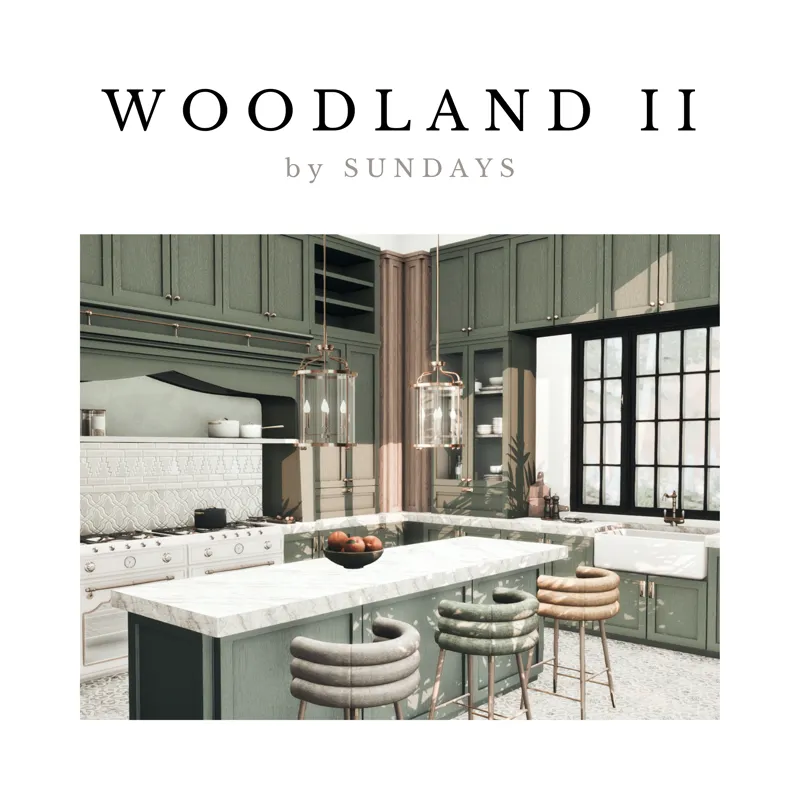
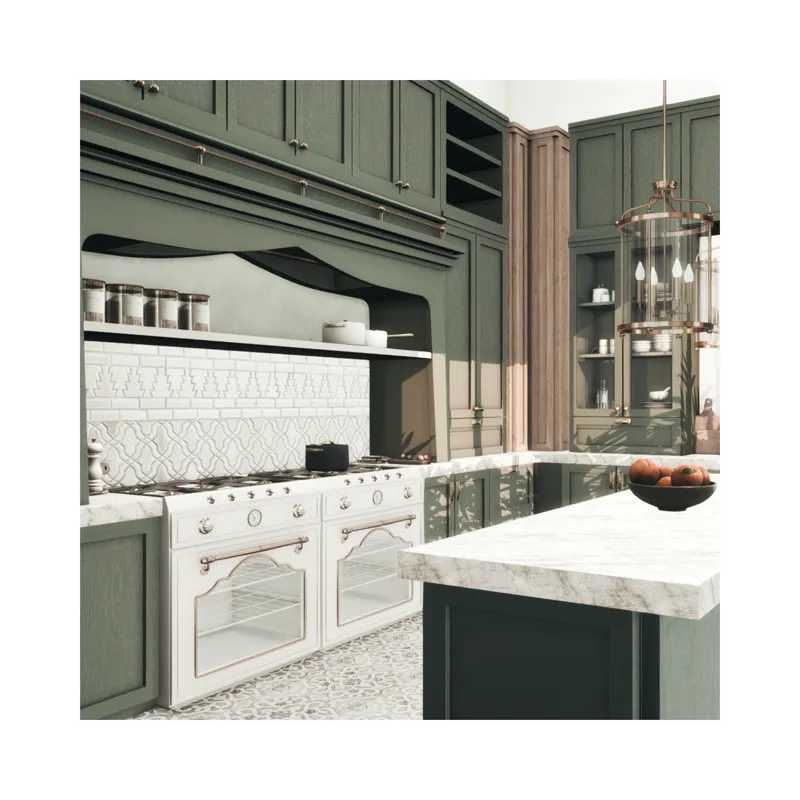
woodland II.
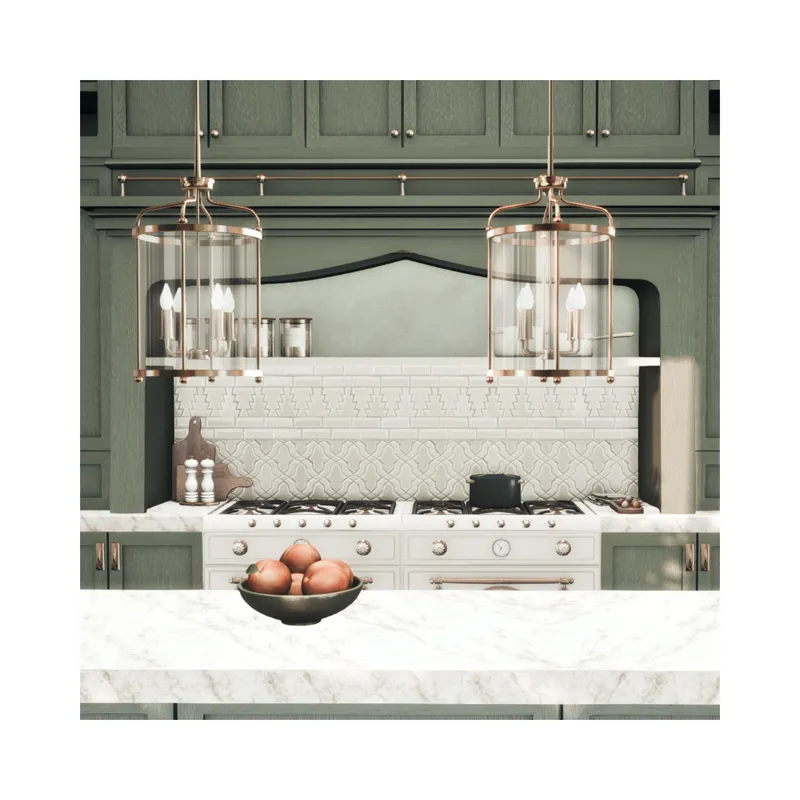
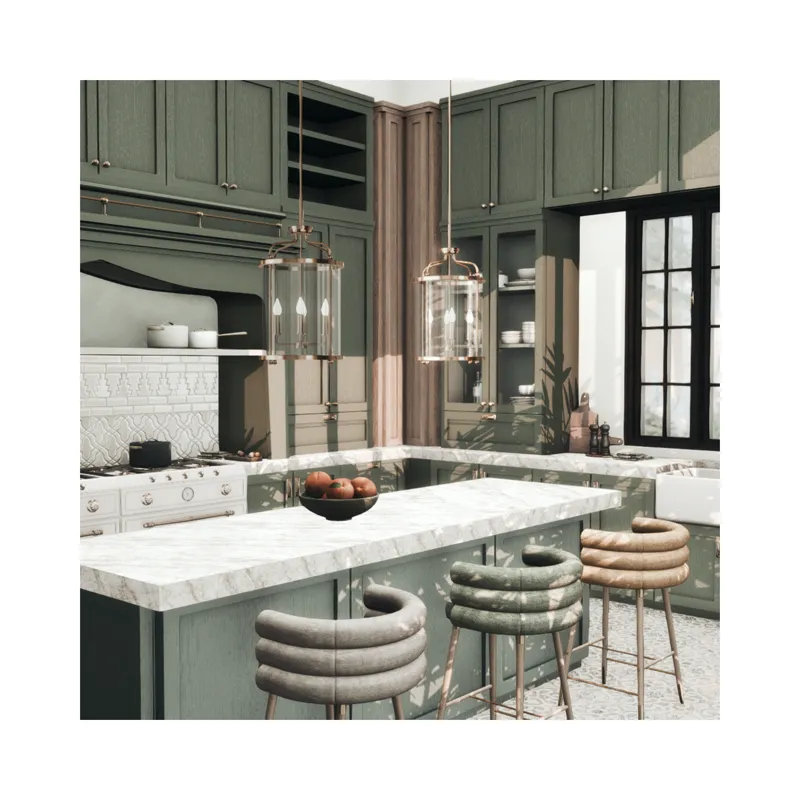
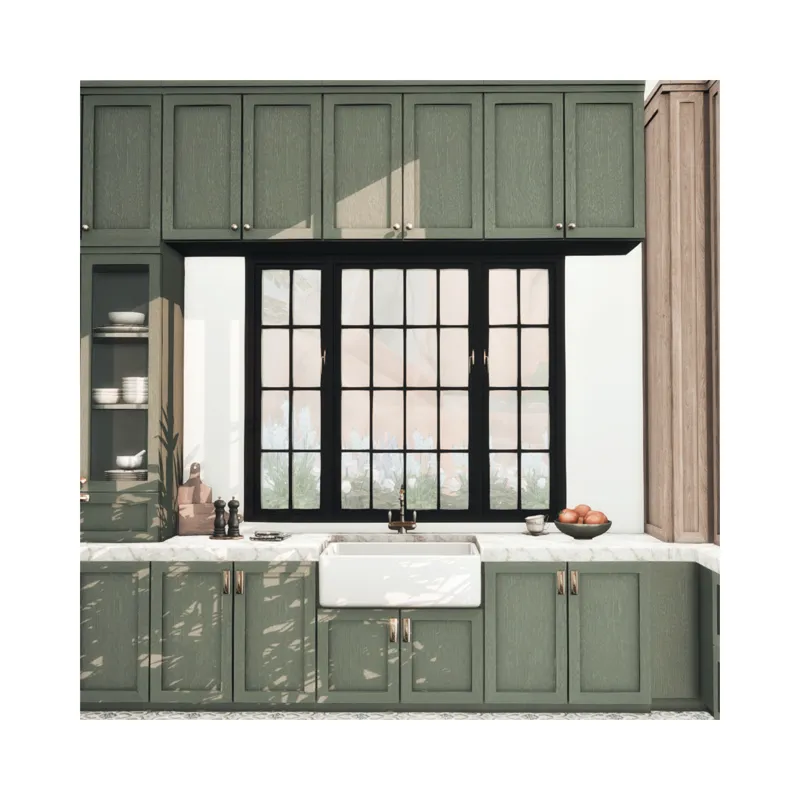
hello friends! here's part II of the woodland kitchen set, I hope you enjoy! I added 13 new meshes, including a functional stove, chandelier (3 heights), stove hood, deco corner cabinet & a tall glass door version as well, cutting boards, a window & some clutter! Happy simming you guys! You can find woodland part I here: [X]
SET DETAILS:
chandelier (3 heights) – 3 swatches
deco corner cabinet (3 heights) – 9 swatches
cutting boards – 5 swatches
peaches & bowl – 7 swatches
salt & pepper mill – 3 swatches
stove hood – 9 swatches
stove – 4 swatches
tall cabinet w. glass doors – 9 swatches
window – 2 swatches
If you have any issues or comments feel free to DM me!
Sundays xx
** WCIF: the clutter that isn't included in the woodland sets are from my Juniper set, the floor is from my Spruce set / the tiled wall used behind the stove hood is the Grove tiled wall, by felixandre**

Comments (13)
You do such beautiful work! It's always elegantly designed and produced. Great talent!!
Where can I find the tiles/backsplash please?
Wow. This is beautiful 😍
can i have the link please
https://www.patreon.com/file?h=125509498&m=444168053
yaay thanks!
stunning as always!
Im in love!! THANKSSSS!
we need a matching refrigerator
I have the same problem. When I place the counters, they are not functional—Sims can't use them for cooking. There's also no option to connect the counters or place corner counters.
I tested them before uploading and it all worked fine. Are you using bb.moveobjects ? If no, you will need this cheat for a lot of cc to work properly. I will check again in my game to make sure. Since we can't answer back and forth in the comments, I won't be able to respond to your next message on here. If the issue persist after using the cheat, send me a DM.
Hi so beautiful! Can I see the other side of the stove? I’m having trouble with the placement of the counters
Hi! I'm not sure what you mean, can you send me a DM, I'll be able to help out more :)