
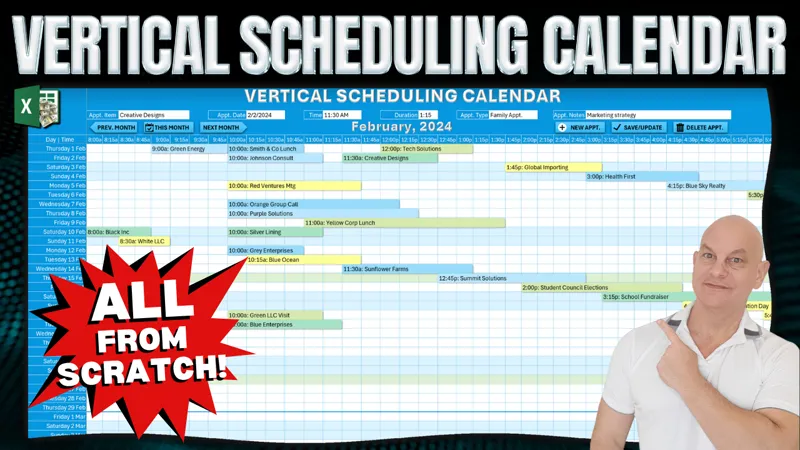

Vertical Scheduling Calendar: Review & Feature, Fix or Focus Request [Gold & Silver]
The training we have for this week that I have shared with you was about the Vertical Scheduling Calendar. If you have not seen it yet, you can view it right here on YouTube.
Now that the training has been released, I am looking for your feedback to make this even better, just for you, our incredible Patreon Members.
So, what Feature can I add for you? Did you find an issue you want me to fix? Or is there a particular area you would like me to focus on?
Please comment your ideas and feedback to any of these below and I will do my best to not only create an updated workbook but release a private training video next Monday, right here on Patreon.
I am looking forward to hearing from you and thanks so much for your support.
Comments (4)
Hi, just a question: when the PopUpCalendar appears, part of it disappears as the panels are fixed! can you advice on how to always view the popupcalendar?
hi Ana, one thing you can add in the code to automatically scroll to the top when the calendar appears is something like ActiveWiindow.ScrollRow = 1 You can also unfreeze the rows if you want however the scrollrow will work. I hope this helps and thanks so much.
Hey Randy thank you again. I have been wanting you to do these Gantt chart styles schedulers Thanks again A question or something which I would like to do will be to have a connection between 2 or more schedules. For example when we complete 1 task, the other task should be next available time. So if I move the first task the other should move automatically I remember you telling me to add a helper columns but not sure. Also, Will it be possible to add connector lines to each connected schedules so at a glance everyone knows that after schedule 1, schedule 2 is here May be this topic is not exactly for this vertical scheduling but if possible please help.
Hi and thanks for your email. Yes for sure it will be possible. You can # your tasks so that there is a priority to them, you can see this video on how I gave a unique # to each https://youtu.be/8YFmeqzmA84 Also for adding connectors, sure you can. I have a video on connectors here: https://youtu.be/zK6oEZ3U0Lw I hope this helps and thanks so much.