

Userform Data Mapping: Review & Feature, Fix or Focus Request [Gold & Silver]
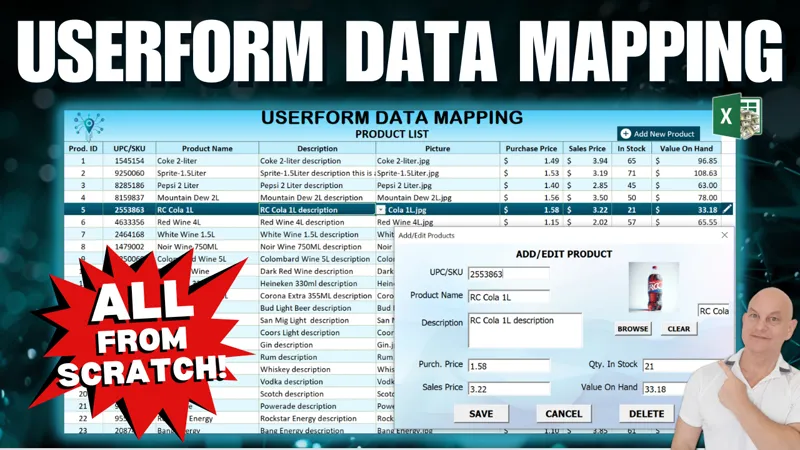
The training we have for this week that I have shared with you was about the Userform Data Mapping. If you have not seen it yet, you can view it right here on YouTube.
Now that the training has been released, I am looking for your feedback to make this even better, just for you, our incredible Patreon Members.
So, what Feature can I add for you? Did you find an issue you want me to fix? Or is there a particular area you would like me to focus on?
Please comment your ideas and feedback to any of these below and I will do my best to not only create an updated workbook but release a private training video next Monday, right here on Patreon.
I am looking forward to hearing from you and thanks so much for your support.
Comments (6)
Hi Randy, Around 38 minutes of the video, you explain how to loop through the fields. And it's a very smart way to write and read the fields. I wonder if there is a similar smart way to apply this to option buttons. Because they have the value TRUE or FALSE. And one of them must be TRUE and the other one FALSE. And when there are three option buttons in one group, you have TRUE and 2 times FALSE. When I now have such a situation, I'm working with the If then construction. Cheers Jan
Hi and thanks very much. You can use the looping feature within option buttons as well as long as they are named in order, however when you get to those options, say fields 6 to 8 you can use an if/then statement witin your loop to check if the current # is within this # and then check the values of the options, whichever is true you can then place the value in the database (if you have a lot of options you can use he Select/Case stateent instead of If/then. I hope this helps and thanks so much.
Hi Randy, Could you please explain How can we handle "=Row() function during share and sync application
Hi and thanks the Row() function is used to extract the original database row. With or without sharing, we can place this in any cell we want using the "=Row()" within a database. I hope this helps and thanks so much.
Hi Randy, Is it possible to add optionbutton to see how that works and a dropdownlist with checkboxes.
HI and thanks for your idea. If it is in a userform, It would be through a listbox. I will have a training in the near future on Listbox features. I hope this helps and thanks so much.