
MULTI-LINGUAL INTEGRATION: EARLY ACCESS & DOWNLOADS [Silver Members]
Hello friends, great to have you here as a Silver Member. This week's training is Multi-Lingual Integration.
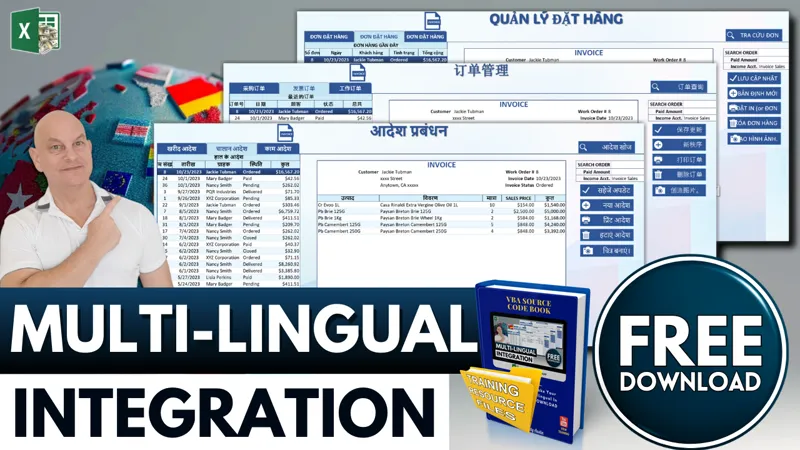
In this training, I show you how you can take ANY Excel-based application and turn it into a complete multi-lingual application in minutes. Complete with a language drop-down menu, I will show you how to take advantage of ChatGPT’s amazing language translator into a custom function and how to quickly convert Worksheet Fields & Labels, button text, and userforms to any language in 1 click.
▶️ Feel free to watch the full training video right here on YouTube when it goes live.
As a Silver Member, you can also participate in our Feature, Fix or Focus Program, in which each week I will add a feature, fix an issue, or focus on a specific part of the current week’s training. This Feature, Fix, or Focus will be entirely based on your requests and ideas in the comments below. Based on those suggestions, I will then create another short video, along with an updated workbook and make them available exclusively to you, right here on Patreon. I look forward to reading your comments below.
👉 Make sure you download the workbook, PDF codebook, and the training resources in the files below.
I would love to hear your feedback, ideas, and suggestions on any upcoming videos as well, so make sure to comment below as I read every comment.
I look forward to hearing from you and I hope you enjoy the training. Thank you.
Comments (3)
thanks so much
on language macros : Set AppUserFrm = ThisWorkbook.VBProject.VBComponents(.Range("BA" & LangRow).Value).Designer 'Set Userform
HI Valdiney, thanks for your message. Please To fix this issue please go into Excel Options > Trust Center > Trust Center Settings > Macro Settings and check the box: Trust access to the VBA project object model