
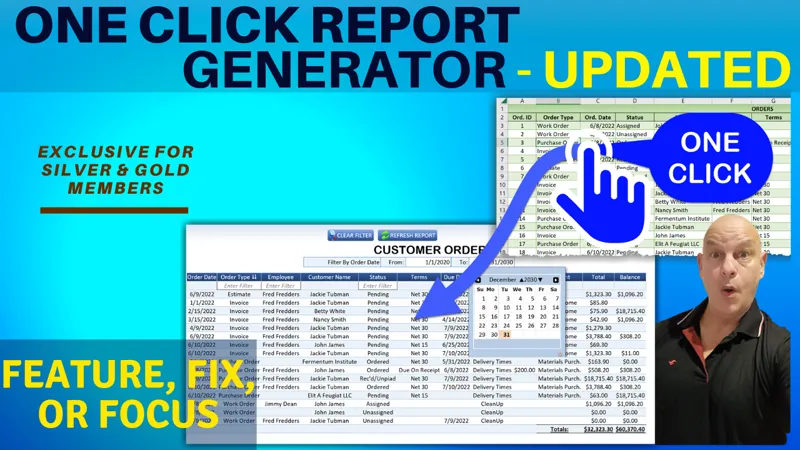

One Click Report Generator Update [Gold & Silver]
Hello Members!
In this week’s Feature, Fix, or Focus, we take last week’s One Click Report Generator training.
Here are the updates I made for this training:
· Color Sorted Columns requested by Sammy
· Right Click In Table requested by David Hughes
· Print Report added by Randy Austin
· Save As PDF added by Randy Austin
· Set Minimum Column Width added by Randy Austin
Please don’t forget to add your requests for your own Feature, Fix or Focus each week when I post a new video, right here on Patreon. Each week I will either add a new feature, fix a bug or an issue, or create another training with a special focus on any part, all based on your feedback and comments.
Comments (11)
I submitted to join the facebook group is pending for approval
How can I lock the header text format it shrinks when the data width is less than header title therefore the header in the report shrinks and is not visible
Hi and thanks can you please post your questions in our Excel for Freelancers group. Make sure to include screenshots, details and any issues you face. This way we can get your questions answered fast: https://www.facebook.com/groups/ExcelFreelancersGroup Thank you
how can i take out the auto fit headers in the Customer_Report i have colums with 1 digit numbers which causing the headers to shrink when creating the report.
Hi and thanks. I completed this template many years ago so I do not remember all of the code, however just search inside the code for autofit and remove it, or if there is no autofit, locate the original column and make sure it is wider, so that when it is copied over the same column width is used. Please make sure to watch the full training since i go over it in the video. I hope this helps and thanks so much.
How can I change the format to left instead of center. YOu have it center but I need for the data to display to the left not center this is when refresing the data some colums are in the center
Hi and thanks very much. If you format the original, source data, to where you want it,t hen the destination data will be formatted correctly as well. I hope this helps and thanks so much.
Thank you Randy. This is got to be in the all time top ten list. One minor suggestion: get the columns to adopt the vertical and horizontal alignment properties of the default field types in the admin sheet, so that cols in report look neater. Best regards & Happy New Year!!
Hi and thanks so much. So glad you enjoy it. Regarding the columns in the reports, I have already added autofit function so that the column widths will adjust automatically based on the contents. Thanks so much and Happy New Year to you too.
Nice!
Thank you so very much, I really appreciate that Sammy