
Mobile Scanning Point Of Sale Update [Gold & Silver]
Hello Members!
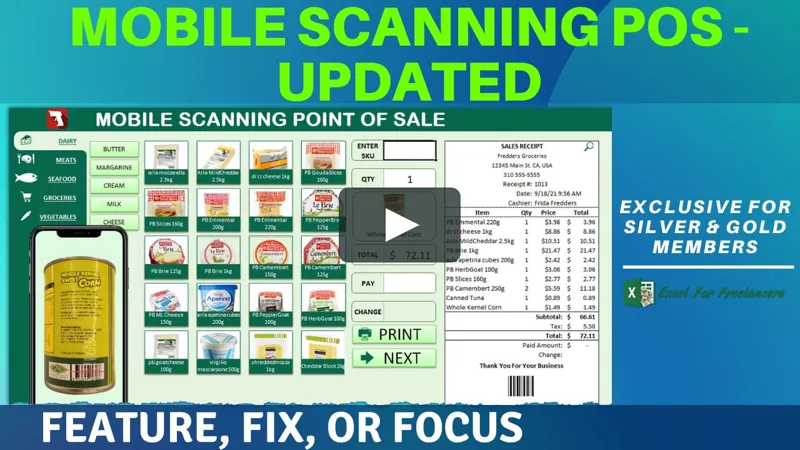
In this week’s Feature, Fix or Focus we take last week's Mobile Scanning POS training and added Print Receipt Functionality, fixed a barcode issue, and put a focus on database rows as requested by Robert Burton.
I am sure you will really enjoy this. Please don’t forget to add your requests for your own Feature, Fix or Focus each week when I post a new video, right here on Patreon. Each week I will either add a new feature, fix a bug or an issue, or create another training with a special focus on any part, all based on your feedback and comments.
Make sure to view the brand new and updated training below and download the updated workbook in the attachments below.
As always, great to have you here, and thanks so much for your support.
Randy
Comments (10)
Hello Randy, a great update will be if the stock of a product has been sold out to remove them from the POS sheet and reorder the remaining products on the POS sheet. ;) Thanks
Hi Ian, that is a great idea and suggestion. Thanks so much. While I have already completed the Feature, Fix or Focus on this video, I will try to add in that functionality in a future training. Much appreciated.
Hello Randy, one more question, from admin tab where row B8 to B17 these are changed. how can we in tab products the row C category change these all immediately by the current admin tab row B when they are changed
HI Ian thanks for your great question. You can add code under worksheet change event so that when a user makes a change from any cell in the admin from B8 to B17, this will fire the macro that updates all of the categories.
Thanks so much Randy ;)
For sure, you are very welcome
Hi Randy, I love this application, but it seems that if I want to change the size of the ProdSampleGrp, they stay together? how can i have spaces between them please. I even tried on this line: if prodcol =9 to change some parts but didn't work.Thank you
Hi Ian, thanks for your question. If you increase the same group and also increment the rows at the end of the macro more than the current 5 rows this will allow for larger pictures and space them accordingly. I hope this helps and thanks so much.
Thanks for the focus on the ROW() function Randy. Makes much more since now seeing that the user will be able to make changes and having the ROW # will make it much easier to locate that in the DB. Thansk again!
Hello Robert, you are very welcome and happy to help. Thanks for the great suggestion and I am glad it is now clearer for you. Much appreciated.