
QUEUE MANAGER: EARLY ACCESS & DOWNLOADS [Silver Members]
Hello, my friends, great to have you here as a Silver Member. This week's training is on the Queue Manager.
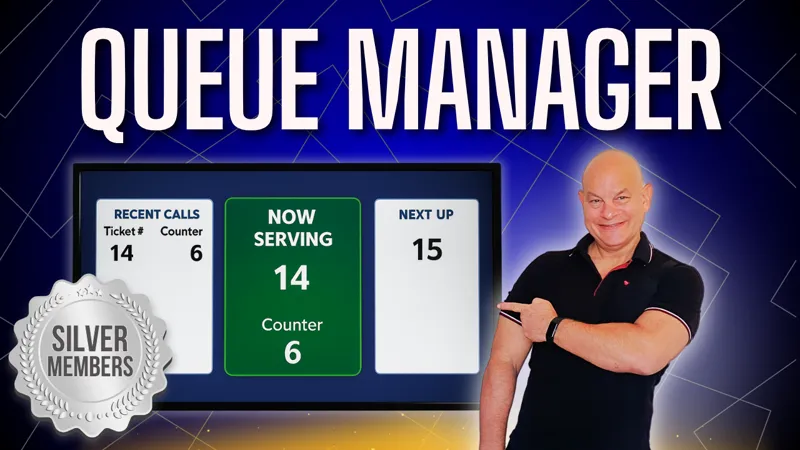
In this VBA Basic Training, you’ll Learn how to build a complete Excel VBA Queuing System from scratch, featuring a ticket dispenser, staff console controls, and a professional “Now Serving” display board. This powerful system tracks issued, called, and completed tickets while automatically calculating waiting and service times. You’ll also set up “Next Up” and ticket history views, plus enable multi-user functionality with seamless Share & Sync—perfect for offices, clinics, and service centers looking for an efficient, professional queue management solution.
▶️ Feel free to watch the full training video when it goes live on YouTube here.
As a Silver Member, you can also participate in our Feature, Fix or Focus Program, in which each week I will add a feature, fix an issue, or focus on a specific part of the current week’s training. This Feature, Fix, or Focus will be entirely based on your requests and ideas in the comments below. Based on those suggestions, I will then create another short video, along with an updated workbook, and make them available exclusively to you, right here on Patreon. I look forward to reading your comments below.
👉 Make sure you download the workbook, PDF codebook, and the training resources in the files below.
I would love to hear your feedback, ideas, and suggestions on any upcoming videos as well, so make sure to comment below as I read every comment.
I look forward to hearing from you, and I hope you enjoy the training. Thank you.
Comments (2)
Hi, thanks for this amazing application!! How about adding; 1. A tts saying the number currently serving (maybe via api?) 2. Names instead of numbers. thanks again!!
Hi Mayer, thanks so much for your message. I will be adding an alert message and also you can already use names instead of #'s, when a user logs in they can write anything they want such as "Desk 1" etc. I hope this helps and thanks so much.