
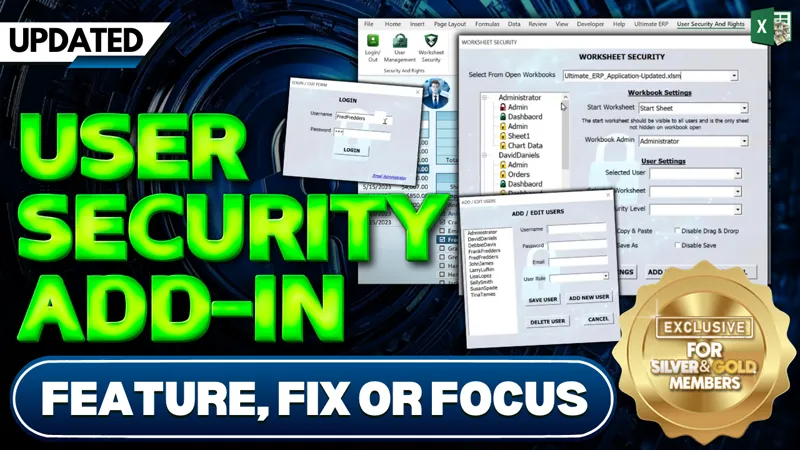

User Security Add-in Update [Gold & Silver]
In this week’s Feature, Fix, or Focus, we take last week’s User Security Add-in training.
Here's the list of updates I made for this training:
⭐️ Administrator Access Request via Email - Wim / Hendrik
⭐️ User Role Management
⭐️ Display Active User Information - @billgyrotech
⭐️ Login Requirement On Start - @billgyrotech
⭐️ Automatic Sheet Security On Close - @HendrikBez
⭐️ Enhanced Security Options - Dawn Peppard
⭐️ OneDrive Compatibility for User Access Levels - Dawn Peppard
⭐️ Per-Workbook User Role Defaults - Peter McCallum
⭐️ Prevent Workbook Closure When User Is Active - @AmandaJohnson
Please don’t forget to add your requests for your own Feature, Fix or Focus each week when I post a new video, right here on Patreon. Each week I will either add a new feature, fix a bug or an issue, or create another training with a special focus on any part, all based on your feedback and comments.
Comments (8)
Hi Randy Thanks for your awesome work! I have "re-discovered" your fantastic work and use your Excel-AI-AddIn. Great! Is there any chance to merge the two Add-Ins "Share & Sync" with "User Security"? I think you mentioned it in a video that this would be a challenge and an awesome feature. Any hints how to do it? Thank you very much in advance!
Hi Tomex, Thanks for your message. You are right, these two belong together. A few people have requested it so this is something i am certainly considering. I have added it to my list and will try to get to it in the near future. Thanks again for your continued support.
Thank you for this add in! I subscribed because this is somewhat what I was looking for. But I do have a question: Is there a way to just set a target folder and then every file that is saved on that folder will automatically save the user access and restrictions, given that the excel files have the same amount of sheets (and names)? Just a way to automate manually adding workbooks to the Worksheet Security. I hope you get what I mean
Hi Norven, if all of your users want to use their individual folders to save the main Excel file, then you can then update this file at any time. Meaning, that if your users keep the main file inside their shared folder (the same folder in which the data gets stored) If you add/update a user and you don't want to update the user security table, but instead replace their actual excel file with a new one, this can be done as well. You would want to make sure they are all logged out and nobody has the workbook open. Then you can run a loop through all users, copy the existing workbook and use a 'Save As' into their individual folder (just make sure that their folder name is exactly their username) I am not sure if this answers your question question. I hope this helps and thanks so much.
Randy, I love the add-in. The Add-in is working good except when I click the Worksheet Security Button I get an error... ' Add Images To Image List With MyImgList.ListImages Dim ImageNumb As Long ImageNumb = 1 .Add Key:="Unlocked", Picture:=Users.Unlocked.Picture .Add Key:="LockedVisible", Picture:=Users.LockedVisible.Picture .Add Key:="LockedHidden", Picture:=Users.LockedHidden.Picture End With The top Add Key line .Unlocked is highlighted as an error. Can you please help me?
HI and thanks very much. This probably means you have a missing reference in your library. In the VBA Editor go to Tools > References and check for anything MISSING if you find something, scroll down and look for a comparable library. I hope this helps and thanks so much.
Hey Randy, so great to see the updates you made! One tiny thing... I had already made the change to the prevent closing when logged in feature that you suggested and when I switch to the new add in, my program is now having a fit. Also, I had figured out how to do the opening sheet with the others hidden and that is in a panic now and I dont know where to look to see what I need to change so they dont clash. Any suggestions?
HI Amanda, For sure, you are very welcome. In the developer's Tab you want to go to Add-ins, then Excel Add-ins and make sure only the updated add-in is selected and unselect the older add-in. This will ensure that you have just one add-in working at a time. I hope this helps and thanks so much.