

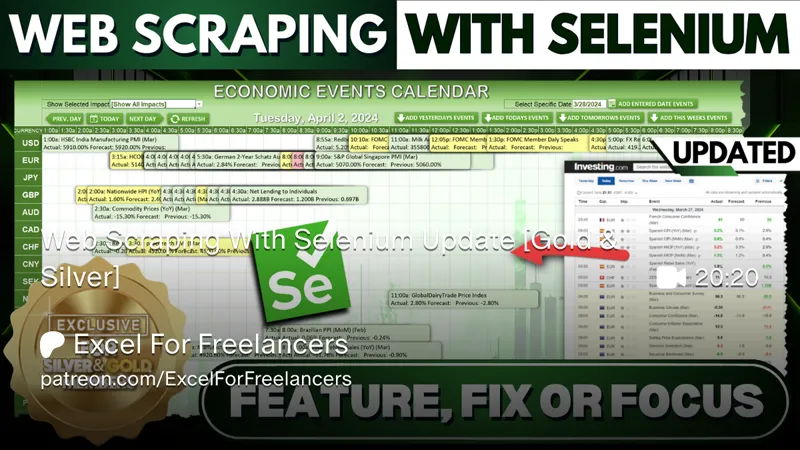
Web Scraping With Selenium Update [Gold & Silver]
In this week’s Feature, Fix, or Focus, we take last week’s Web Scraping With Selenium training.
Here's the list of updates I made for this training:
· Add Selected Date w/ Date Picker added by Randy Austin
· Filter By Imact Type added by Randy Austin
· Add Entire Weeks Data added by Randy Austin
Please don’t forget to add your requests for your own Feature, Fix or Focus each week when I post a new video, right here on Patreon. Each week I will either add a new feature, fix a bug or an issue, or create another training with a special focus on any part, all based on your feedback and comments.
Comments (4)
Another question. I am usually pretty good at tracing code but I cannot find where in the Calendar Popup code you place the date from a selected cell into the cell that called the popup. In this application the selDate in AI2 triggers the popup but can't find how it gets refreshed. Checked old tutorials but while you show how the calendar is built, I didn't see code explained on retrieval of dates.
Maybe I found it. Syntax fooled me. There was an onaction assignment for !SelectDay which I was reading as ISelectDay and not the exclamation point. Never saw the use of the ! in that way. How do you use that to reference a macro name? The code makes sence but I was looking for a sub name that had a leading I not just the following code.
Hi Randy.. Just downloaded the Selenium Updates on Patreon and tried the calendar feature that runs with Add Entred Date button and get a chrome driver version error. My chrome browser is up to date and I have no way to add a picture to this thread. The error occurs with Chrm.start or something similar in the Get Economic Events routine linked to the button. It says only works with driver version 107. But the message also says my chrome driver is 107.0.5304.62 so I would expect consistent version. Chrome browser itself is version 123..
Hi and thanks for your message. You will want to make sure you have both the most updated version of Chrome (123) i believe and also the most updated Chrome Driver which can be found here. https://googlechromelabs.github.io/chrome-for-testing/ Make sure to remove your current driver before adding the new one. I hope this helps and thanks so much.