




🎮 MAME v0.287 Update – Project Arcade i-RETROPLAY
📢 Partial Build Update
+++++++++++++++++++++++++++++++++++++++++++++++++++++++++++++++
🔥 Greetings everyone!
Thank you for your patience and continued support.
We’re excited to bring you the latest update:
🚀 MAME v0.287 Update for Project Arcade i-RETROPLAY
This update includes a new MAME core upgrade, replacing the previous version for improved compatibility and performance.
⚠️ IMPORTANT NOTE
📁 Media files are currently 90%+ complete
👉 Additional refinements and updates will follow soon
⚙️ FEATURES
✔️ Supports Non-Merged ROM Sets Only
✔️ 4000+ Playable Titles
✔️ Full 4K Bezel Support
✔️ Updated Playlists & Logos
✔️ Improved Compatibility & Stability
🆕 WHAT’S NEW
✨ Newly Updated Playlists
✨ Media Files Updated
✨ NVRAM, Database, and CFG Support
✨ Ongoing Playlist Artwork Enhancements
🛠️ INSTALLATION NOTES
📌 Your previous MAME version will NOT be deleted
👉 It will be automatically move or renamed to:
MAMEOLD284BACKUP (for backup purposes)
📦 HOW TO INSTALL
1️⃣ Download the update files
2️⃣ Place them anywhere (no fixed directory required)
3️⃣ Run the batch installer
4️⃣ Follow the on-screen instructions
5️⃣ Done ✅
⚠️ Make sure all files remain intact before running
⏳ COMING SOON
🚧 A more refined and complete build update will be released next week, including:
Finalized media files
Additional artwork improvements
Further optimizations
Project I-ARCADE Standalone 287 Update almost up.
🙏 Thank you again for your continued support!
🎮 Stay tuned and keep the arcade spirit alive! 🔥
LINK INSTALLER:
https://mega.nz/folder/mxhDzBqR
Key
Xm4KZjkP8shh5ZpOZcZ-dg
FILE ARCHIVES:
Additional Note:
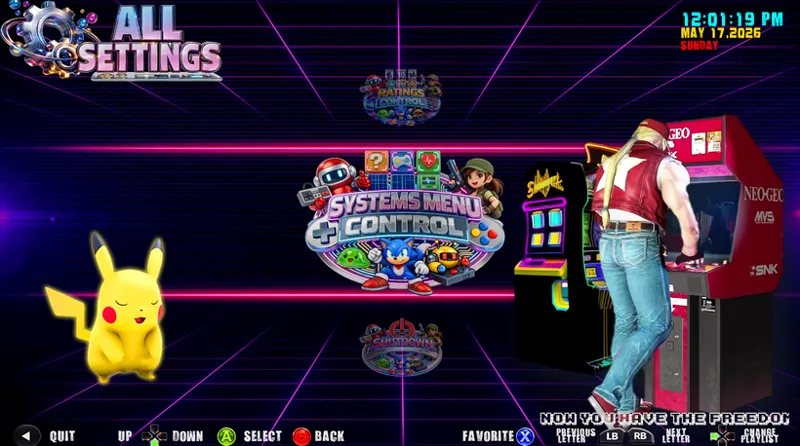
You can enable missing arcade system via the Settings Menu - SystemsMenu options.
Just enable the arcade systems until the round marker on the left turns green. Repeat unstill it shows green then restart Project Arcade. Hit "Q" to Quit the build.