










TeknoParrot Ultimate Installer Update April 12, 2026 - REVISED
TeknoParrot Ultimate Installer Beta
APRIL 12, 2026 – NEW COMPLETE SET WITH AUTO CONFIGURATION
CLEAN FILES and REMOVED ALL OLD UPDATES in the installation folders.
Updated Configurations and Profiles
Supported Titles as of APRIL 12, 2026
+++++++++++++++++++++++++++++++++++++++++++++++++++++++++++++++
Greetings!
First of all, we would like to sincerely thank everyone for supporting the channel.
We are proud to present the latest TeknoParrot Complete Set Version 13.
This release is something special.
Requirements:
Project Arcade i-RETROPLAY Build
Project Arcade i-TEKNOPARROT Build Standalone
https://mega.nz/folder/exhWBarL#d8_ckch4mmXkAFYnUTVnDA
No other updates needed.
+++++++++++++++++++++++++++++++++++++++++++++++++++++++++++++++
Added Features:
Added a separate Selective Game Installer batch file.
The installer will now stop at the specific game selected, unless that game is already installed.You can now install games to any drive, regardless of where your Project Arcade Base File is located.
Supported titles updated as of APRIL 12, 2026
Added updated media artwork files
Features:
For both i-RETROPLAY and i-TEKNOPARROT Builds
TeknoParrot profile-ready installation
Beta Installer Release Version Update – APRIL 12, 2026
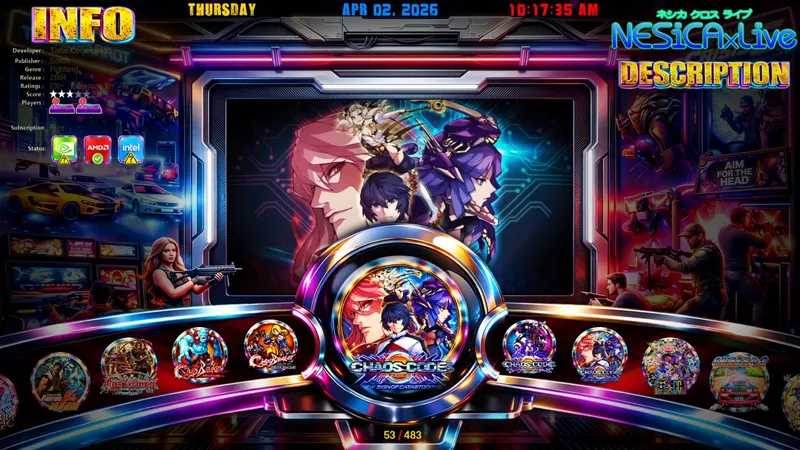
Custom theme updated, running on RetroFE
Interchangeable themes via the Settings Menu
Supports all titles as of APRIL 12, 2026
Supports single and dual monitor setups
Optional animated marquee and non-animated marquee for the secondary monitor
Supports thin monitor resolution: 1920 x 586 pixels
Metadata information updated to the latest version
Updated and optimized media artworks
1920 x 1080 HD video snaps
Supports artwork such as:
logos
fan art
character art
marquee art
box art
Updated Settings Menu
If you like the video, please consider leaving a like or subscribing to the channel.
Feel free to leave a comment, share your ideas, or suggest improvements.
You can also support us by joining our Patreon page.
Please enjoy the demo.
Thank you!
Install Note:
Simply download and run the batch file on any drive of your choice.
The installer will run properly regardless of where it is placed.
Please take note of the Code Master List for all games:
CODE MASTER LIST_4-12-2026.txt
If You’re Updating Only:
Download only the latest files from the subfolders on Mega to avoid longer installation times.
Latest RFILES:
Archives 540-546
Latest Support Files are located in:
TEKNOFILES:
· IMAGEFILES_TEKNO_APRIL122026.7z
· VIDEOFILES_TEKNO_APRIL2026.7z
· TEKNOSUBFILE_APRIL2026.zip
· meta_APRIL2026.7z
· MISC_ITEKNO_APRIL2026.7z
· LAYOUTS_I-TEKNO_APRIL2026.7z
TEKNORFILES RECENTLY SUPPORTED:
APRIL 2026 RECENT
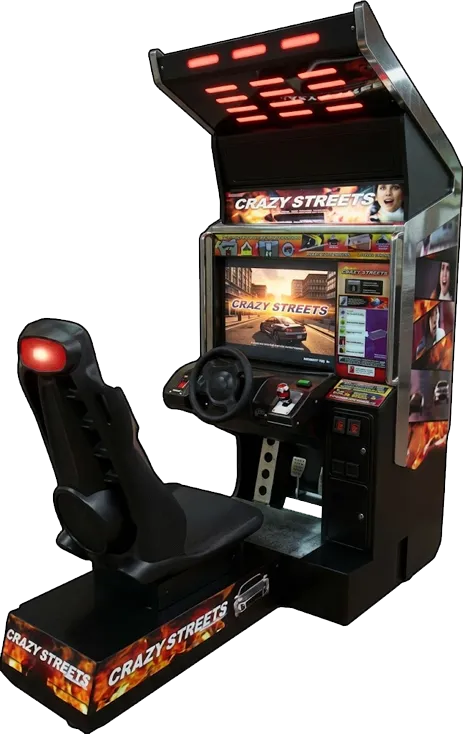
539 - Crazy Streets Thrill Drive 4
540-Escape from Monster Manor 01
541-Escape from Monster Manor 085
542-HELLO! Pop'n Music
543-Road Fighters 3D ENGLISH RC1
544-Road Fighters 3D ENGLISH RC3
545-The House of the Dead III 1004
546-Virtua Cop 3 V3
Use the batch installer to process all of these files.
Make sure all files are placed in the correct folder locations before running the installation.
+++++++++++++++++++++++++++++++++++++++++++++++++++++++++++++++++++++++++++
+++++++++++++++++++++++++++++++++++++++++++++++++++++++++++++++++++++++++++
LINK BASE FILES UPDATES APRIL 12, 2026:
https://mega.nz/folder/70xkwRyI
KEY
QREW_Fk4WhTo7Gdhm0T9ig
+++++++++++++++++++++++++++++++++++++++++++++++++++++++++++++++++++++++++++
Project Arcade I-TEKNO - PA THEME MODE Update
https://www.patreon.com/posts/project-arcade-i-154835306
+++++++++++++++++++++++++++++++++++++++++++++++++++++++++++++++++++++++++++
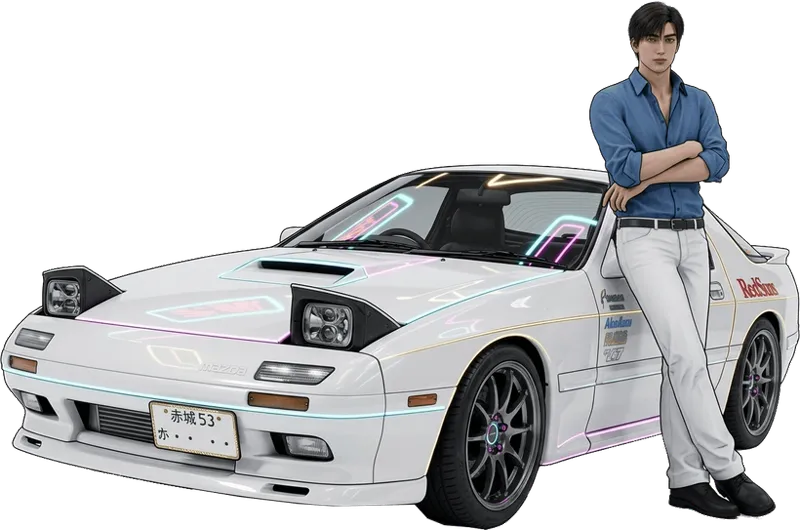
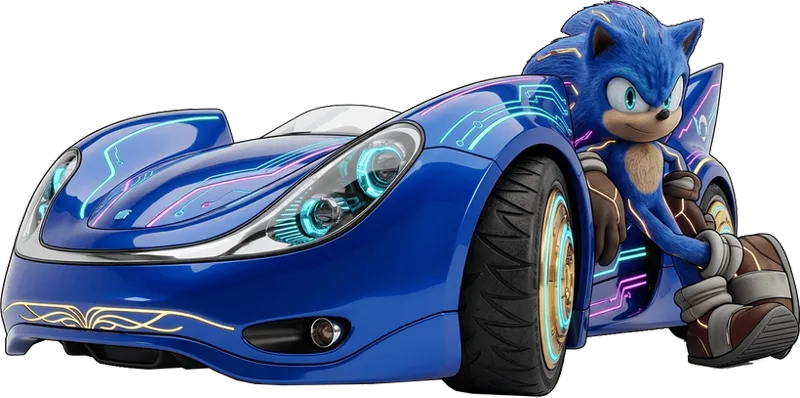
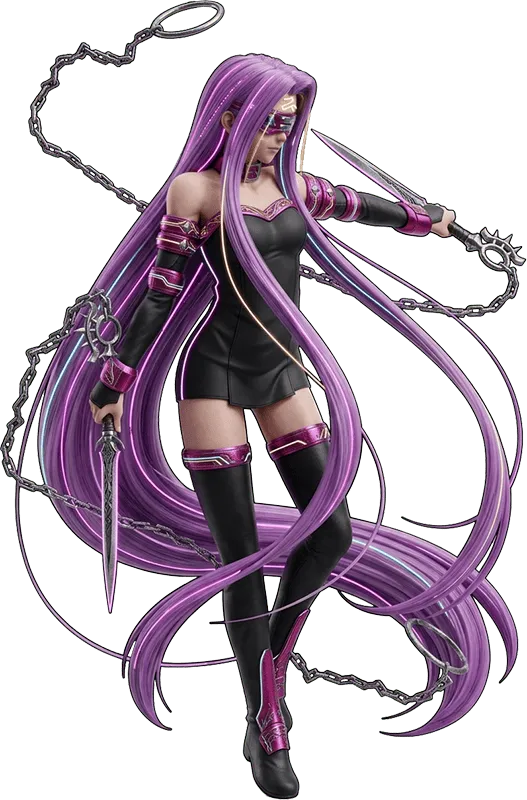
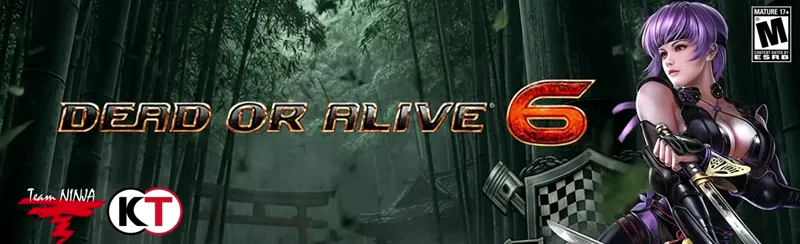
TEKNOPARROT ARTWORK SAMPLE:
WE HAVE NEW WIP FOR ANIMATED MARQUEE SOME SAMPLES BELOW:
https://www.patreon.com/posts/animated-marquee-141205672
INSTALL NOTE
You need the base files first to make this work.
https://www.patreon.com/posts/teknoparrot-beta-144793533
Update Information
This package serves as an update for the base build.
Supported base versions:
Project Arcade i-RETROPLAY
Project Arcade i-TEKNOPARROT Standalone Build
No files need to be copied directly into your base build folder.
The installer batch file can be run from any location, provided that it is placed together with the MASTERTEKNOPATCHER folder and all required files included with it.
For a full demonstration, please watch the video demo.
Important:
The ROM files must remain outside the MASTERTEKNOPATCHER folder.
Use the MASTER CODE LIST to install specific handpicked games.
Alternatively, you may place only the ROM files you wish to install in the same folder where the batch file is located.
Installation Note
Run this update only after installing Ultimate Installer 1 or the base standalone files.
During installation, make sure to select the same working directory used by your existing setup.
+++++++++++++++++++++++++++++++++++++++++++++++++++++++++++++++++++++++++++++++++++++++++++++
OPTIONAL FILES:
PNG Custom Round Logos for TeknoParrot ADDON
OPTIONAL_TEKNOROUNDLOGOS_OPTIMIZED 8BIT.7z
https://mega.nz/file/7Zh3QKRD#g1l79WFPH9FCCKXjZvyACqybyENvnxknWcGR3uxqtI4
OPTIONAL_TEKNOROUNDLOGOS_OPTIMIZED 16BIT.7z
https://mega.nz/file/PchT2baR#6GIqYSLPBsK3-QVeYzyJCFwae1tLuXw8AhpXYQ7kOfk
OPTIONAL_TEKNOROUNDLOGOSV2_ 1000PX.7z
https://mega.nz/file/zVhx0DYA#Ib_mH_CXDkw3KwRmfvSsw6HtdrVo2ikEsQ0DEdqOXKs
INSTALL DIRECTORY:
EXAMPLE
I-TEKNO BUILD:
M:\PROJECT i-TEKNOPARROT\collections\0 TEKNOPARROT\medium_artwork\teknoparrotlogo
D:\PROJECT i-TEKNOPARROT\collections\0 TEKNOPARROT\medium_artwork\teknoparrotlogo
I-RETROPLAY BUILD:
M:\ProJectArcadeBitsBits\collections\5 TeknoParrot Collection\medium_artwork\teknoparrotlogo
D:\ProJectArcadeBitsBits\collections\5 TeknoParrot Collection\medium_artwork\teknoparrotlogo
NOTE:
All updated base build and TeknoParrot Build are sent to your registered email on Patreon upon joining or every first week of the month. Thanks...
OPTIONAL ARTWORKS:
Optimized 8 Bit Versions. If you experience slowdowns when browsing on the main menu.
Smaller and lighter.
LINK:
https://mega.nz/file/6kJChRKY
KEY
3w96I-Wm-P5CdaCMj1p9eK3RfY03f_jjAhTQIeyR4tc
++++++++++++++++++++++++++++++++++++++++++++++++++++
Install Note:
Copy to similar folder locations.
I-TEKNO EXAMPLE:
D:\PROJECT i-TEKNOPARROT\collections\0 TEKNOPARROT\medium_artwork
I-RETRO
D:\ProJectArcadeBitsBits\collections\5 TeknoParrot Collection\medium_artwork